Models
Images*
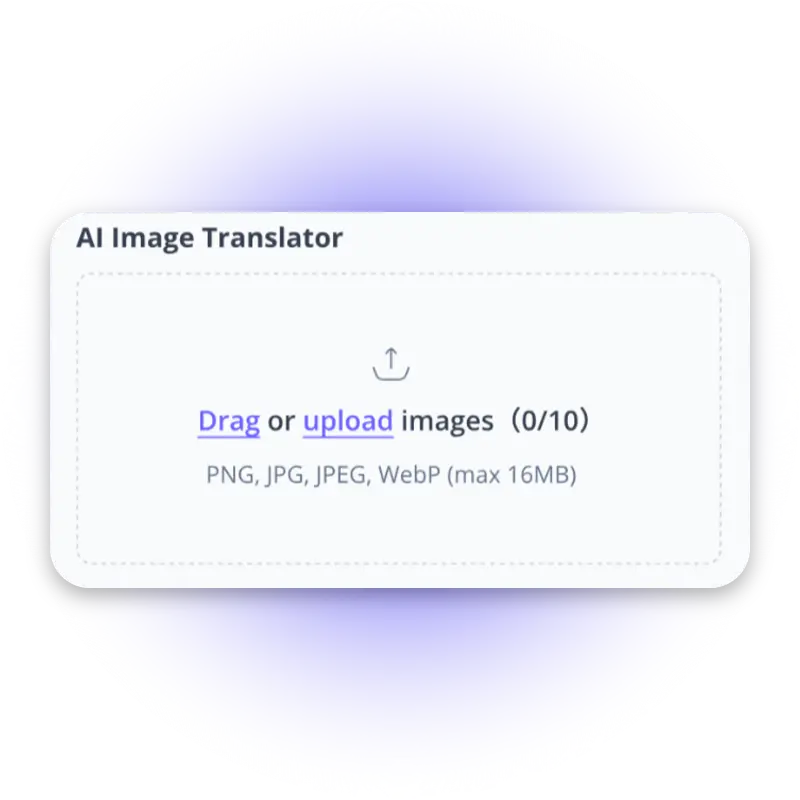
Drag or upload images (0/10)
PNG, JPG, JPEG, WebP (max 16MB)
Target Language
Login for 10 free credits daily, then 4 credit / image
AI Image Translator
Translate image text into multiple languages while preserving original layouts and fonts for global markets.
AI Image Translator

AI Image Translator – Translate Text in Image Free, No Login

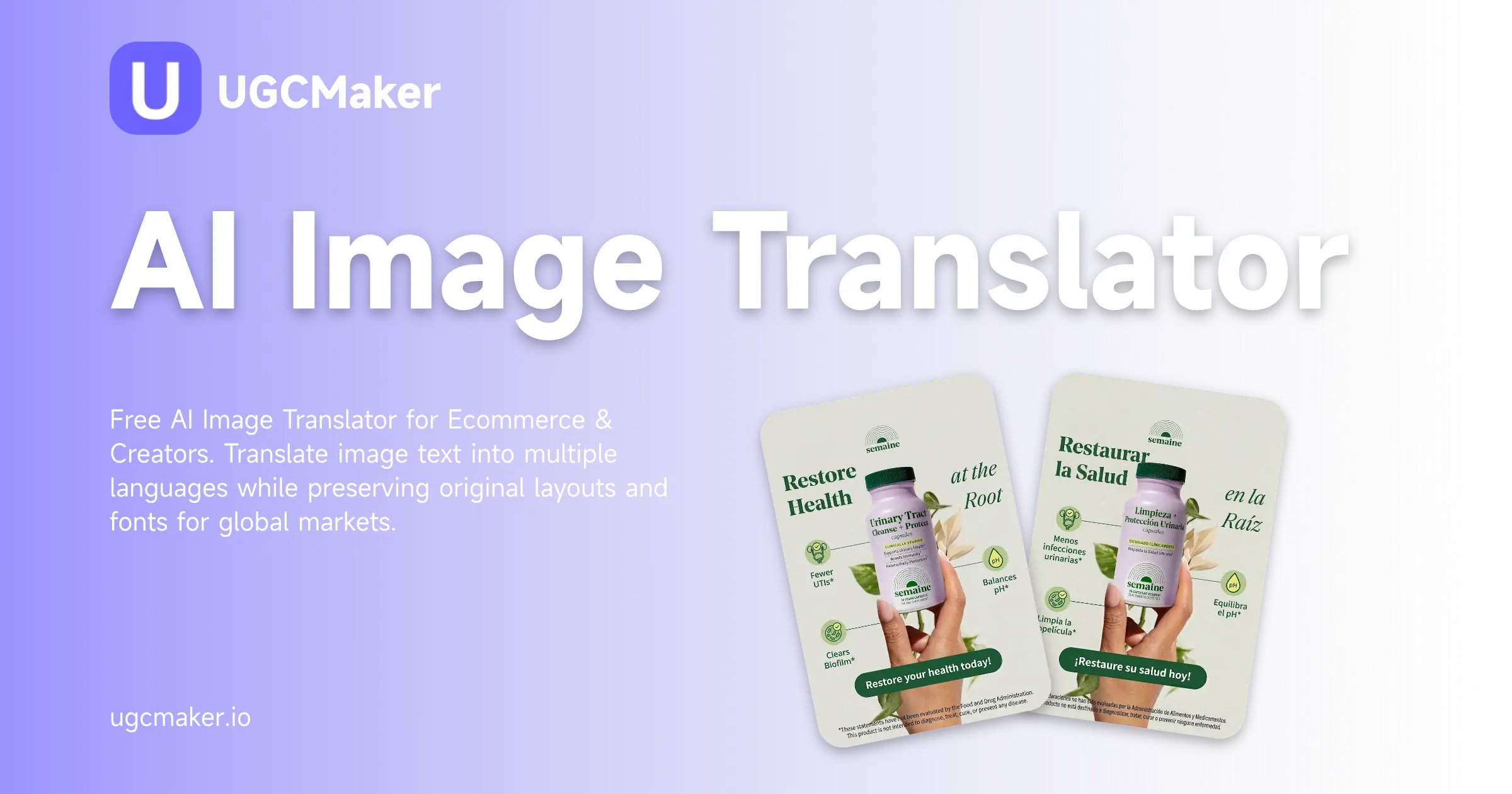
Free AI Image Translator for Ecommerce & Creators. Translate image text into multiple languages while preserving original layouts and fonts for global markets.

Try AI Image Translator
AI Image Translator – Translate Text in Image Free, No Login

What is AI Image Translator?

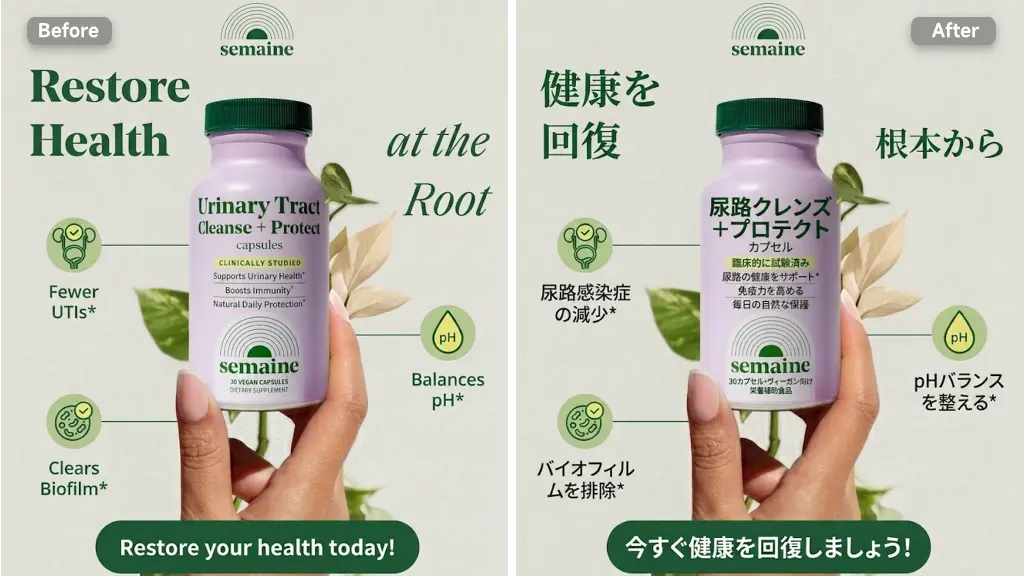
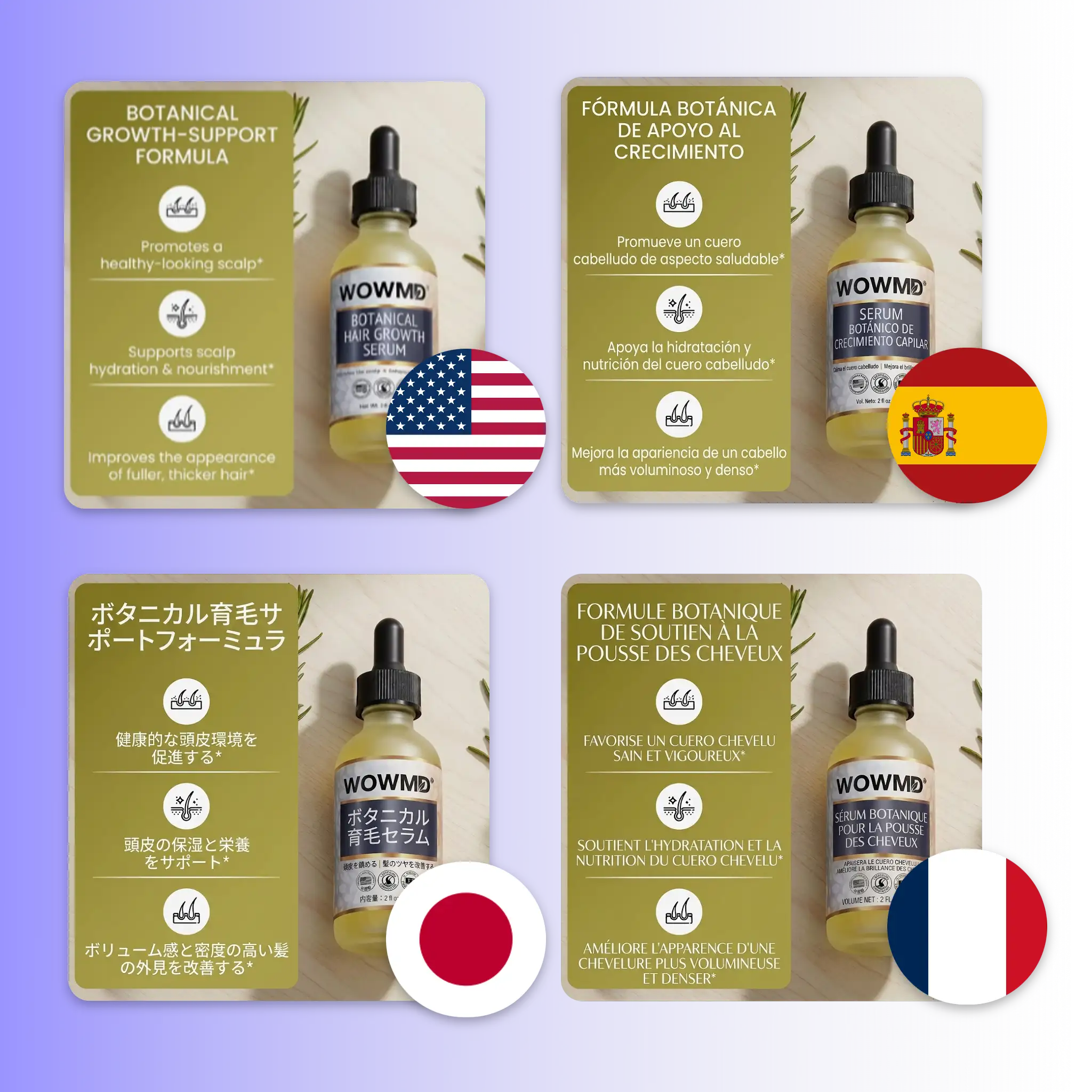
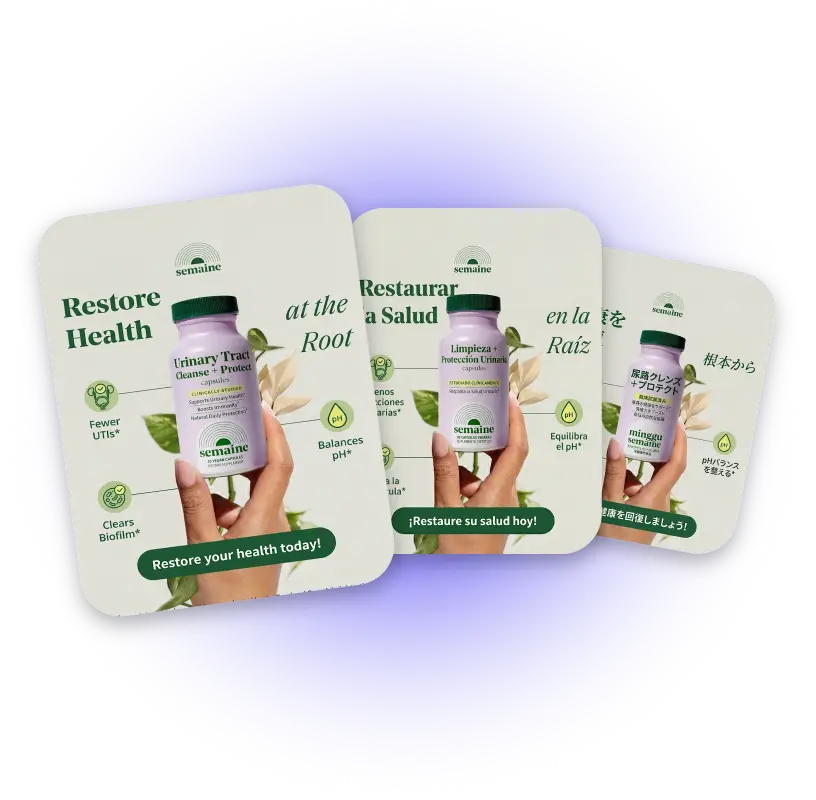
AI Image Translator is an online tool that reads text embedded in any image and replaces it with an accurate translation, while keeping every visual element exactly where it was. Standard translation tools extract text and hand you a plain list of words. AI Image Translator detects the text, removes the original characters, reconstructs the background pixels behind them, and renders the translated content in the same font style, color, and position as the source.

AI Image Translator – Translate Text in Image Free, No Login

Why Use AI Image Translator?

Most teams going global still handle image localization the slow way, export the text, translate it manually, brief a designer, wait for revisions, check again. Every market multiplies that cycle. AI image translator cuts the entire middle step. You keep the original asset, select the target language, and receive a finished image that matches your brand's visual standard in every market you serve. For e-commerce sellers managing listings across Amazon, TikTok Shop, and Shopee simultaneously, the difference between re-designing every image and translating it directly is measured in hours per week.

AI Image Translator – Translate Text in Image Free, No Login

Your Designer Shouldn't Be Retranslating Product Images

You have listings going live in three markets this week. Sending image localization back to design every time a market goes live isn't a workflow problem, it's a structural one. It slows down every product launch and ties skilled designers to repetitive text-swap tasks. AI Image Translator removes that bottleneck entirely. Upload your existing asset to AI Image Translator, select the target language, and receive a translated image with the original layout intact, no design brief, no waiting, no back-and-forth.

AI Image Translator – Translate Text in Image Free, No Login

What Makes AI Image Translator Stand Out

From a single product image to a full market rollout — AI image translator is built for sellers and creators who need translated assets that look professional without extra production work.

Precise Text Recognition on Complex Backgrounds

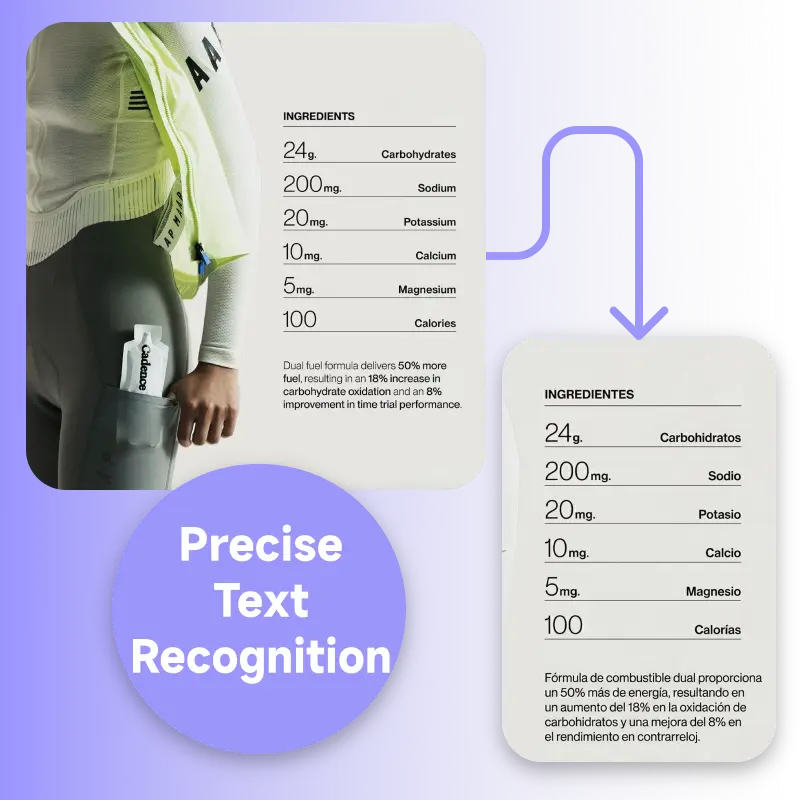
Precise Text Recognition on Complex Backgrounds

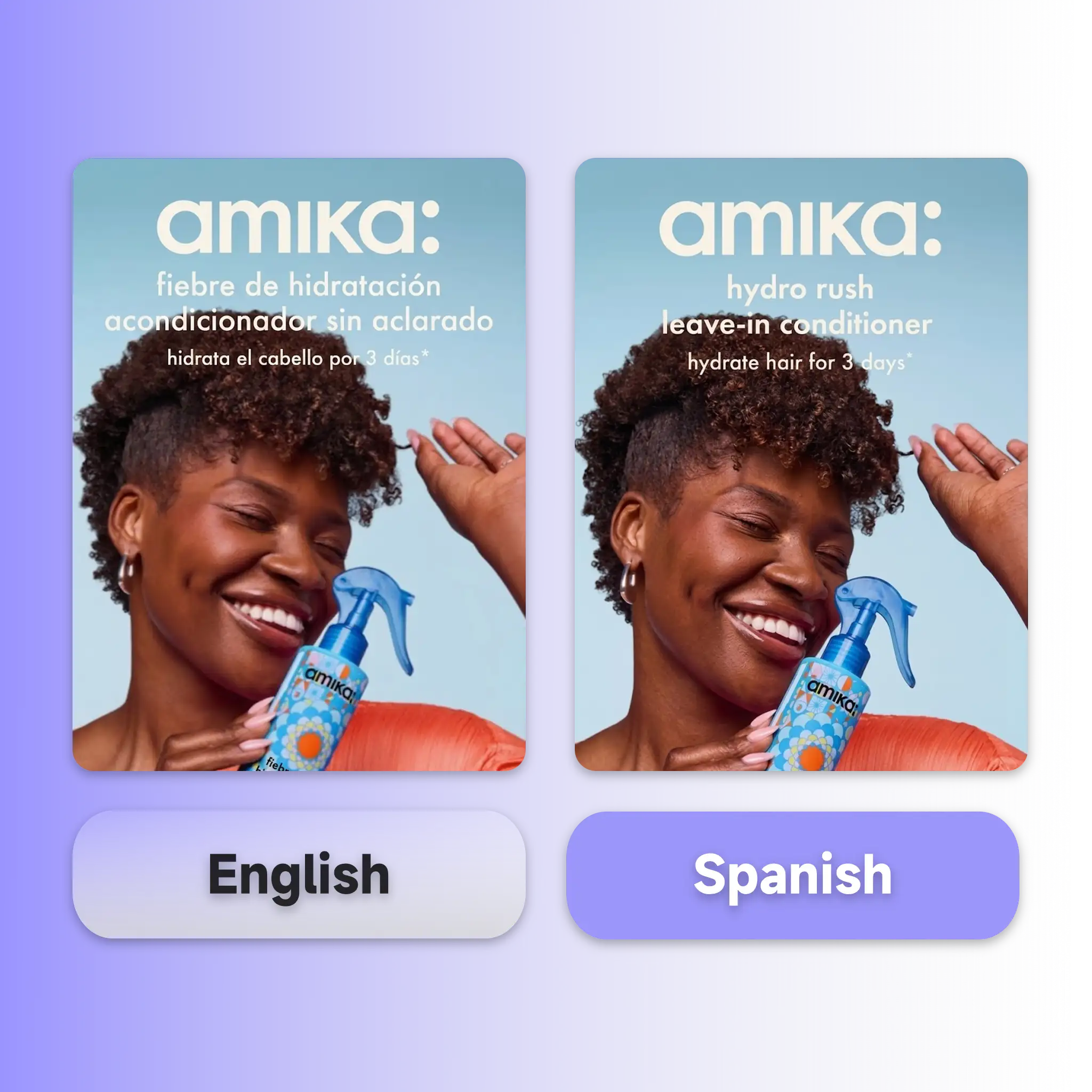
Most images aren't clean white backgrounds. Text appears over gradients, product photography, overlapping graphic elements, and textured surfaces. AI image translator detects characters accurately across these conditions, angled text, stylized fonts, layered color, then erases the original and restores the background.

One Image, Every Market

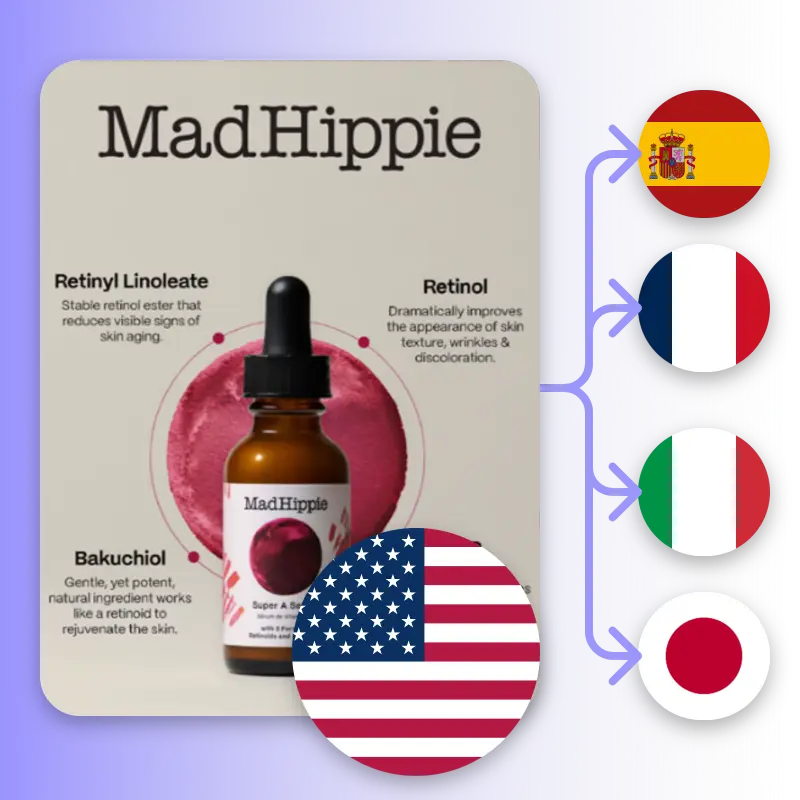
One Image, Every Market

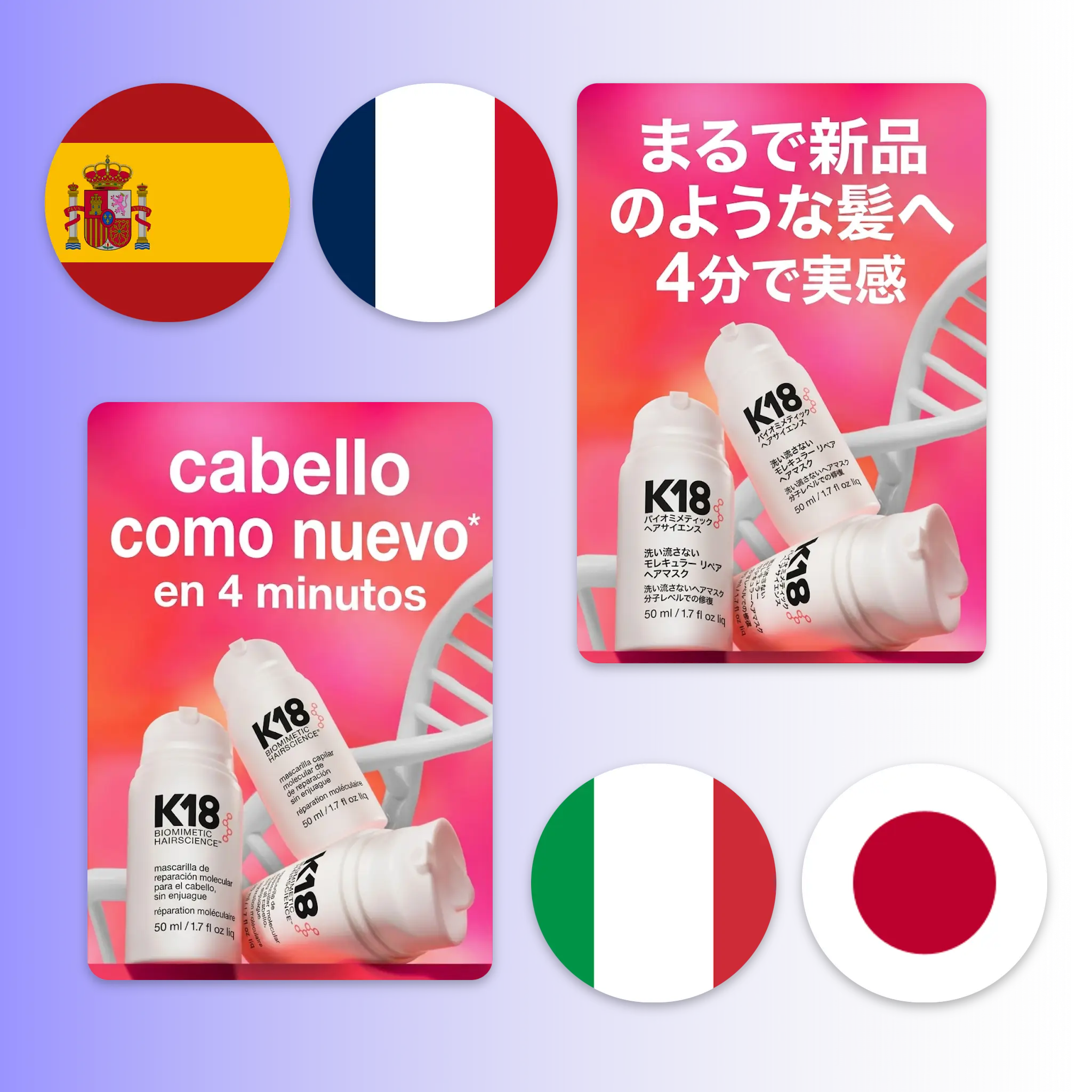
Use AI Image Translator to upload a single source image and translate it into the languages your markets require. Each output preserves the same layout and brand presentation as the source. For teams running the same SKU across multiple platforms and regions, this replaces the per-market design cycle with a single upload session.

Brand Visual Consistency Across Languages

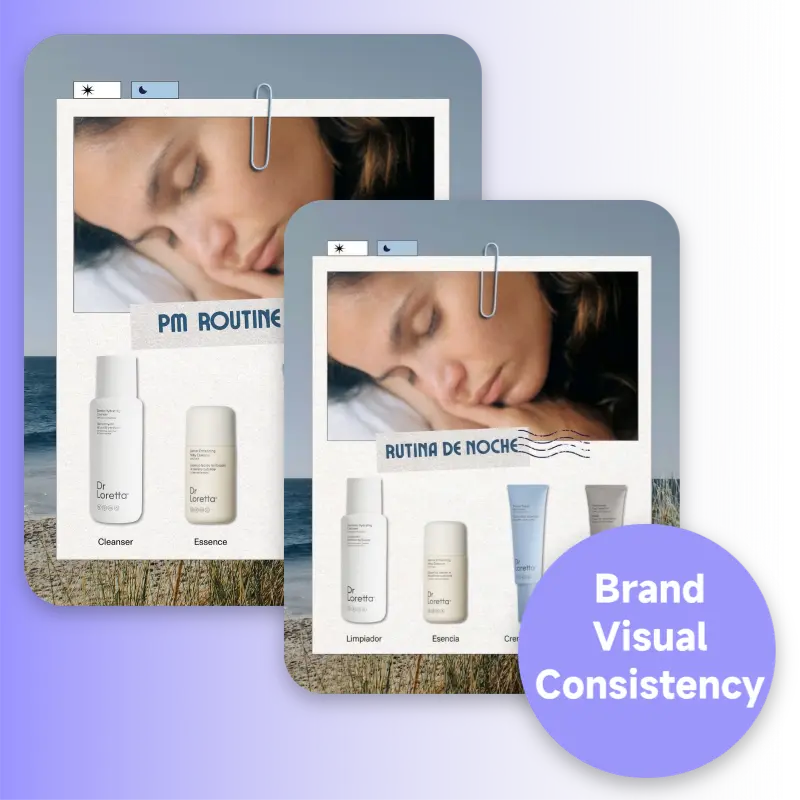
Brand Visual Consistency Across Languages

Translated images shouldn't look like translated images. AI image translator maintains the original font style, color palette, and visual hierarchy through every language output. The finished image carries the same brand presence as the source, consistent enough that a viewer in any market would assume it was designed locally from the start.

How to Use AI Image Translator

No design software, no sign-up, no technical setup. Upload your image to AI Image Translator, choose your language, and download a translated version with the original layout preserved — in under a minute.

Upload Your Images

Step 1: Upload Your Images

Click to upload or drag and drop your image file directly into the AI Image Translator. Supported formats include JPG, PNG, and WEBP, up to 16MB.

Select Your Target Language

Step 2: Select Your Target Language

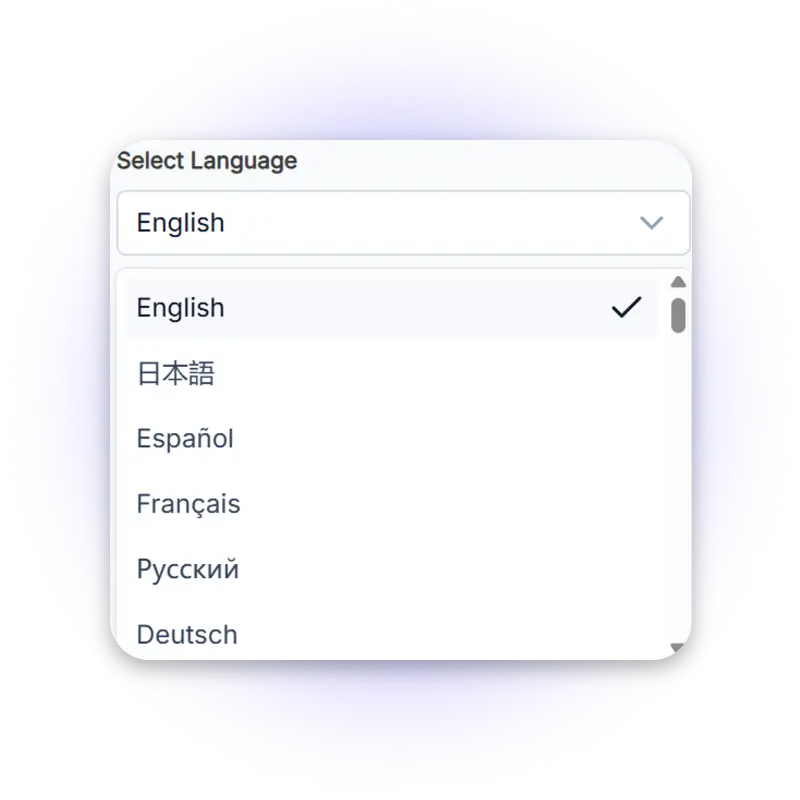
Choose the language you want to translate into from the dropdown. The AI Image Translator detects the source language, so you don't need to specify it manually. Select from a wide range of supported languages covering major global e-commerce and social media markets.

Download Your Translated Image

Step 3: Download Your Translated Image

The AI Image Translator processes your image and delivers a translated version with the original fonts, colors, and layout preserved. Preview the before-and-after comparison, then download the result.

Start Translating Your Images With AI Image Translator Now

Upload any product image to AI Image Translator, pick your target market language, and get a translated version with the original layout intact, free, no sign-up, no design skills needed. Built for sellers and creators expanding into new markets.

Try AI Image Translator Free

What Users Are Saying About AI Image Translator

Sarah M. avatar

Sarah M.

Cross-Border E-Commerce Seller

"We sell across Amazon US, JP, and KR. Getting translated product images used to take 2–3 days per market through our design team. With AI Image Translator, the same job takes about 15 minutes. The layout holds perfectly every time."
James T. avatar

James T.

Social Media Matrix Manager

"I manage social content for 6 regional accounts. Our brand visuals need to stay consistent even when the text changes language. AI Image Translator translates the image text and keeps the font style and colors exactly as they were. It's become a weekly part of our workflow."
Mei L. avatar

Mei L.

E-Commerce Operations Lead

"We were spending designer hours on text swaps for every product launch in a new market. AI Image Translator cut that entirely. The translated images come out clean enough to upload directly — no retouching needed."
Daniel K. avatar

Daniel K.

Product Import Manager

"I was skeptical that any tool could handle our label images — small text, dark background, Japanese characters. The AI Image Translator read everything correctly and delivered an English version that matched the original layout. Saved us an entire revision round."
Priya R. avatar

Priya R.

Performance Marketing Manager

"We run A/B tests across multilingual markets and need the same creative in multiple languages quickly. AI Image Translator lets us translate image text in one pass and keeps the visual consistent across all variants. Our test cycle went from 3 days to a few hours."
Lucas B. avatar

Lucas B.

Creative Director, Digital Agency

"The brand visual consistency is what won us over. When you translate a banner into Arabic, everything flips and shifts. With AI Image Translator, the output actually looks like it was designed for that market. It respects the layout in a way other tools don't."

AI Image Translator — Frequently Asked Questions