




ByteDanceFlash SaleVideo Models Up to 60% OFF
0
d
00
:
00
:
00
Unlock Now
Models
Image*
Drag or uploadimages(0/12)
PNG, JPG, JPEG, WebP (max 16MB)
Login for 10 free credits daily, then 4 credit / image
AI Text Remover
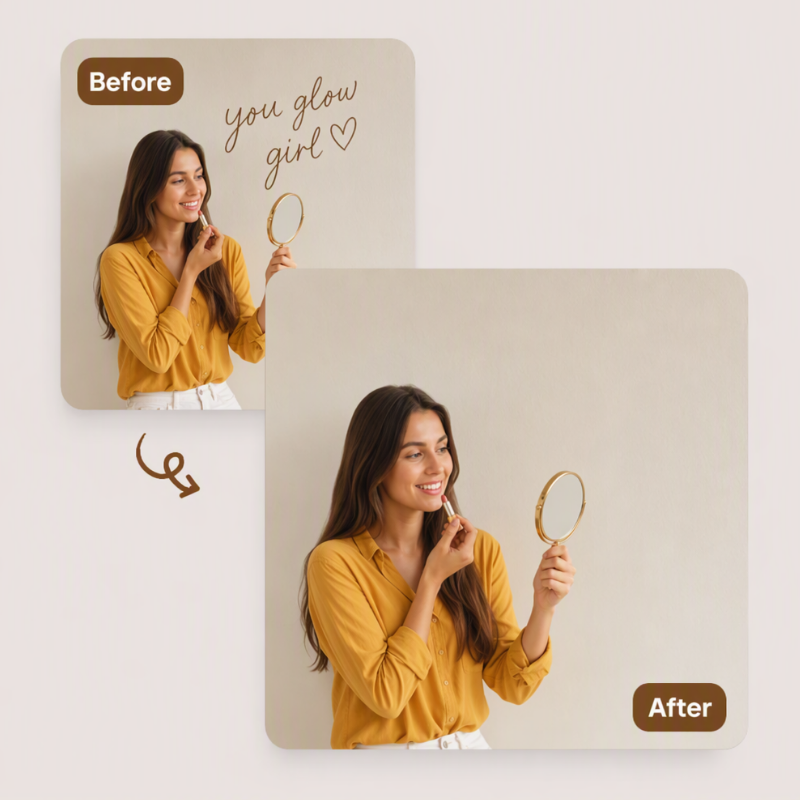
UGC Maker lets you remove text from images and photos online free, erasing captions, watermarks, and logos in seconds.
AI Text Remover

AI Text Remover - Remove Text from Images Online Free

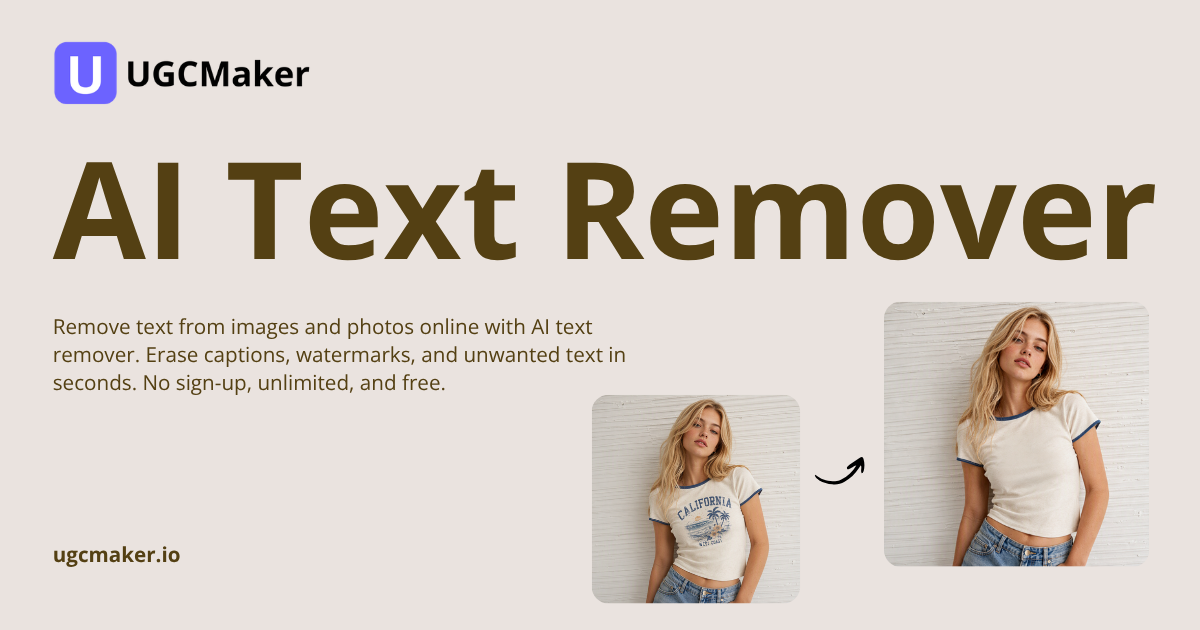
Remove text from images and photos online with AI text remover. Erase captions, watermarks, and unwanted text in seconds. No sign-up, unlimited, and free.

Remove Text Free
AI Text Remover — remove text from images and photos online free

What Is AI Text Remover?

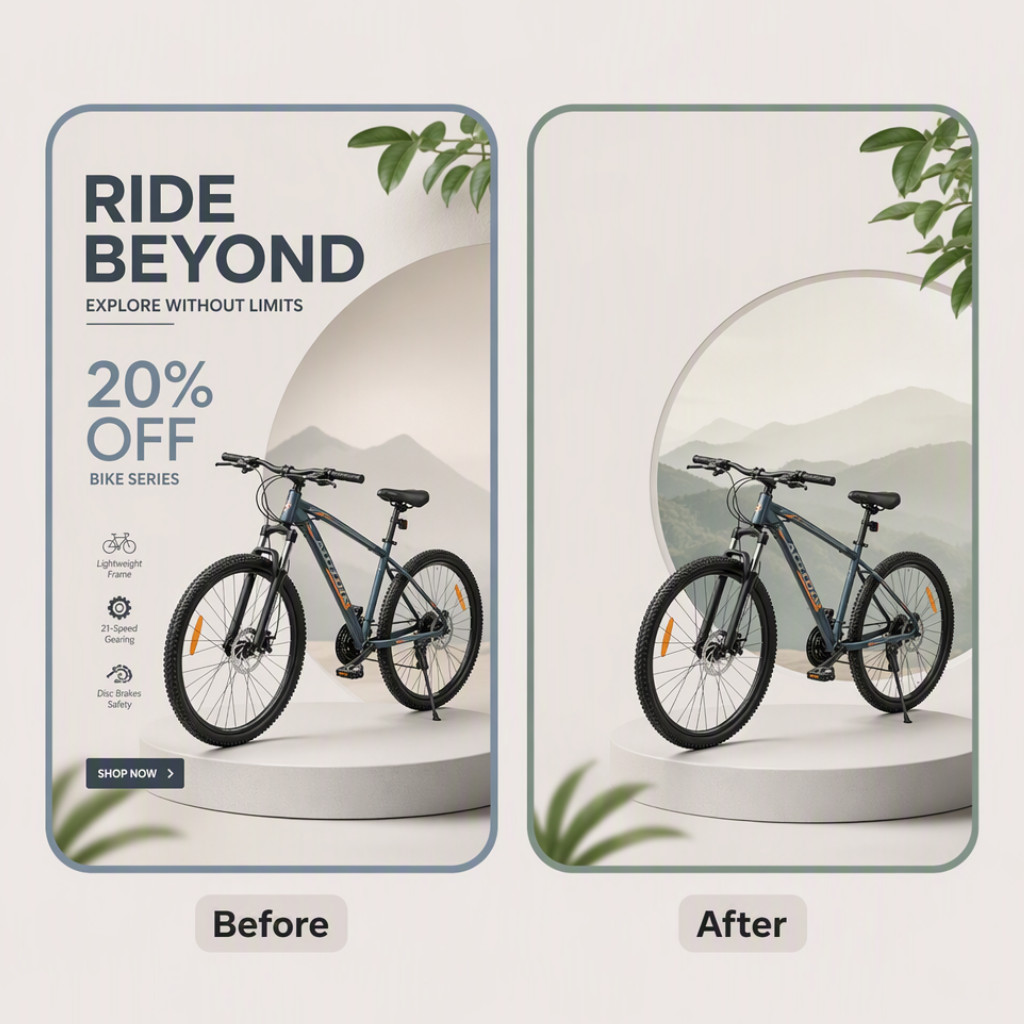
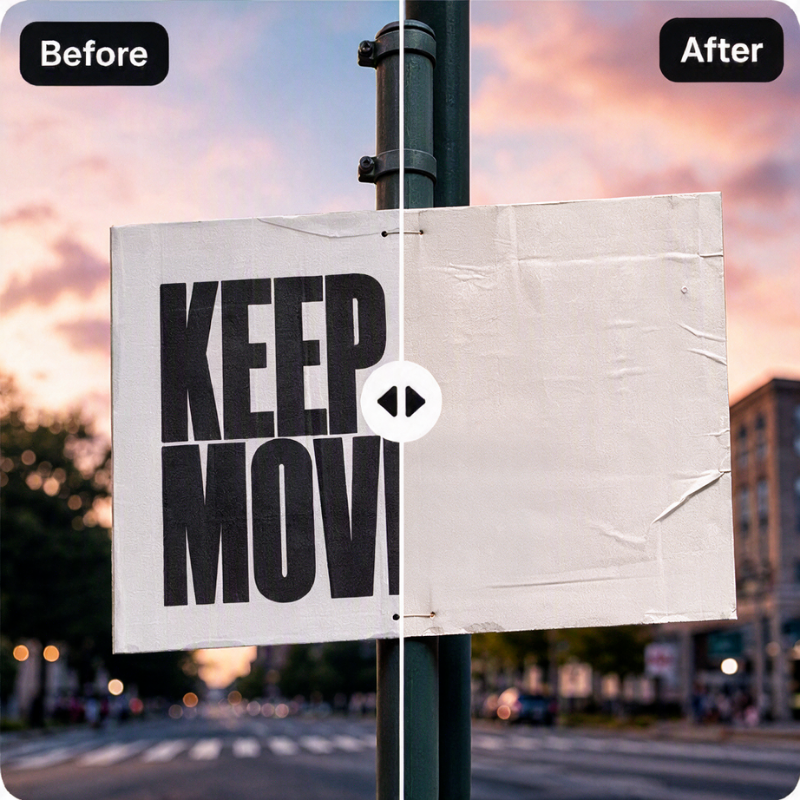
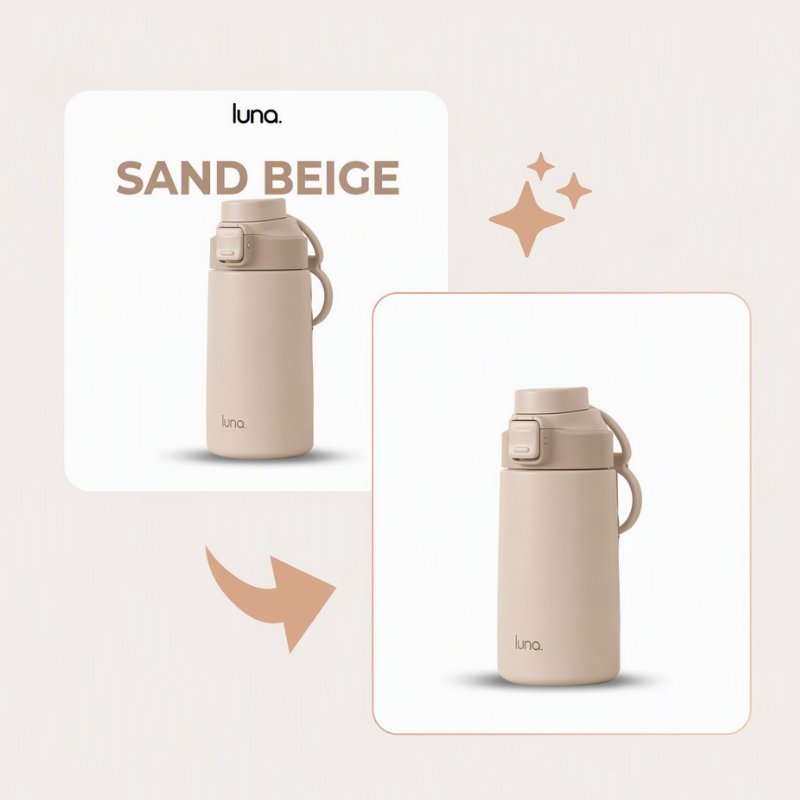
AI Text Remover erases unwanted text from photos. Brush over captions, watermarks, or logos and it rebuilds the pixels behind them. Remove Text from Image keeps full resolution for sharp listings and posts. UGC Maker's AI Text Remover pairs with AI Photo Editor and AI Relight Photo.

What Is AI Text Remover? — erase unwanted text from photos with AI inpainting

Why Choose AI Text Remover?

Most free tools cap resolution, add watermarks, or demand a sign-up. Remove Text from Image skips all three, so you can erase captions, watermarks, and logos. The AI rebuilds textures naturally in seconds, right in your browser. UGC Maker built it for creators and sellers who need cleanup daily.

Why Choose AI Text Remover? — free text removal without watermarks or sign-up

Tired of Unwanted Text Ruining Your Images?

Manual removal leaves smudges, and editors take hours to learn. Paid tools watermark downloads or lock HD exports behind subscriptions. A date stamp ruins a perfect photo. UGC Maker offers a free path: AI Text Remover lets you Remove Text from Image in seconds, keeping the background natural.

Real Challenges — clean up watermarks, captions, and date stamps without leaving smudges

Highlights of AI Text Remover

UGC Maker packed AI Text Remover with three features that make Remove Text from Image fast, clean, and unlimited.

One-Click Text Removal

One-Click Text Removal

Brush over any caption, watermark, or logo and AI Text Remover erases it fast. No healing, no layers, no skills needed, just clean results.

Natural Background Rebuild

Natural Background Rebuild

AI Text Remover studies the pixels around removed text and rebuilds colors, textures, and patterns so the cleaned area blends in naturally.

Free Unlimited Use

Free Unlimited Use

Remove text from as many images as you need with no sign-up and no watermark on downloads. Full resolution stays intact for every picture.

How to Use AI Text Remover

Three simple steps turn a cluttered image into a clean one with UGC Maker's AI Text Remover.

Upload Your Image

Step 1: Upload Your Image

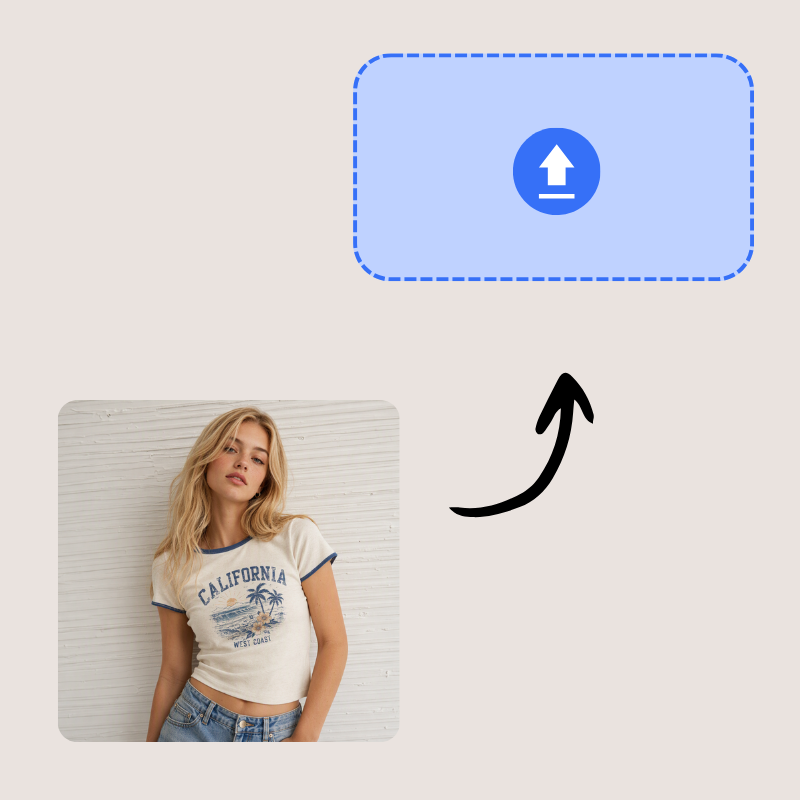
Open AI Text Remover in your browser and upload the photo with unwanted text. Drag and drop a file or pick one from your device right now.

Brush Over the Text

Step 2: Brush Over the Text

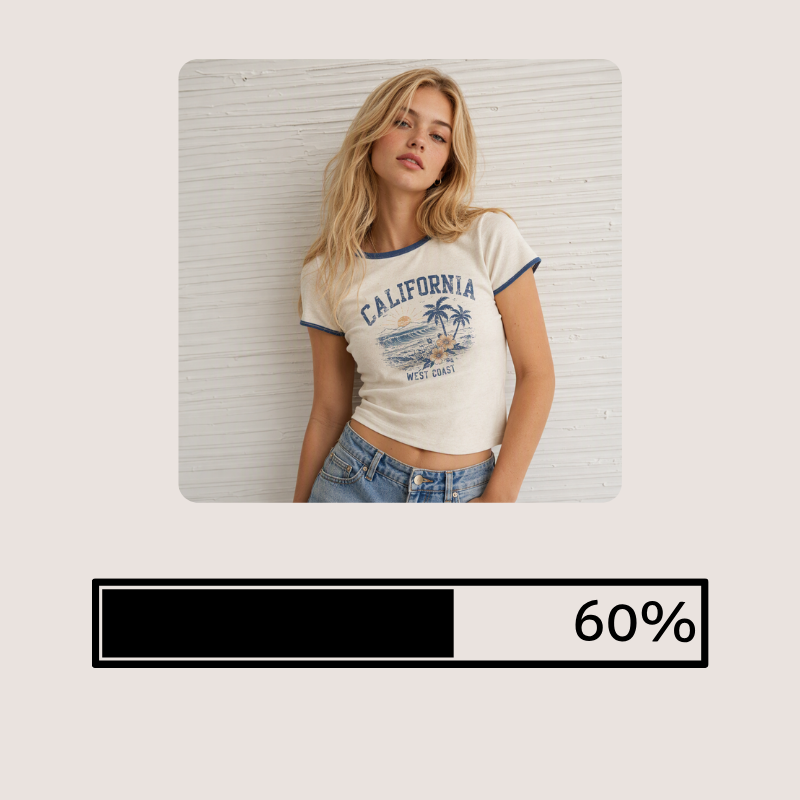
Use the brush to highlight captions, watermarks, or labels. The tool detects marked text and removes it without touching the background.

Download Clean Image

Step 3: Download Clean Image

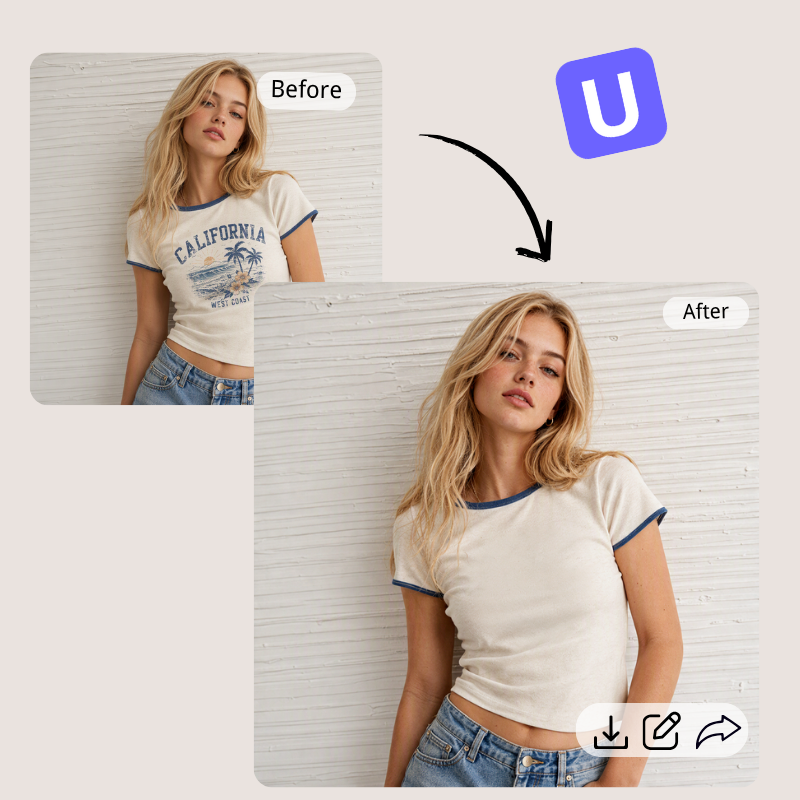
Preview the result, zoom in to check the rebuild, then download your cleaned image at full resolution, ready for listings, posts, or print.

Ready to Remove Text from Your Images?

Clean up product photos, screenshots, and old graphics in seconds with UGC Maker's AI Text Remover. Remove Text from Image to erase watermarks and captions free at full quality. No account needed.

Remove Text Free Now

What Users Say About AI Text Remover

Sarah Mitchell avatar

Sarah Mitchell

E-commerce Seller

AI Text Remover cleaned price tags and outdated promo text from my product photos in seconds. I reused old campaign images without a reshoot and listings looked fresh again. The background rebuild is seamless and downloads keep full resolution. It saved my team hours every week, and it handles cleanup jobs without slowing down my workflow.

James Carter avatar

James Carter

Social Media Manager

I clean screenshots and meme templates daily before posting, and AI Text Remover handles every job fast. Captions, timestamps, and handles disappear without smudges. The free access from UGC Maker with no sign-up is a big win, and the browser tool works from any device without installing anything. It has become part of my daily content pipeline.
Emily Zhang avatar

Emily Zhang

Freelance Designer

AI Text Remover removed placeholder text and old client logos from mockups before presentations. The results are natural and clients never spot the edit. It replaced manual Photoshop cleanup for most of my quick tasks, and handles several mockups a day without quality loss. It also cleans watermarked files clients send for reuse.
Michael Torres avatar

Michael Torres

Photographer

Date stamps on old scanned photos finally disappeared thanks to UGC Maker's AI Text Remover. It rebuilds textures impressively and keeps resolution sharp. I recommend it to anyone restoring personal archives, and it handles watermarked client scans and old negatives without drama. It is the fastest cleanup tool I have used for restoration work.
Anna Kowalski avatar

Anna Kowalski

Marketing Specialist

AI Text Remover lets me Remove Text from Image on campaign graphics in minutes. The brush is easy to control and the rebuilt background blends perfectly. It is now a permanent part of my asset cleanup routine, and I remove old contact details from banners before every new campaign. Our campaign assets stay reusable season after season.
David Lee avatar

David Lee

Small Business Owner

I update product images for my store weekly, and AI Text Remover makes the job painless. Watermarks and labels vanish quickly, downloads stay high quality, and I never worry about hidden fees. The tool keeps listings consistent and lets me reuse older photos after seasonal text is removed. New product lines get clean images without a designer.

AI Text Remover FAQs