

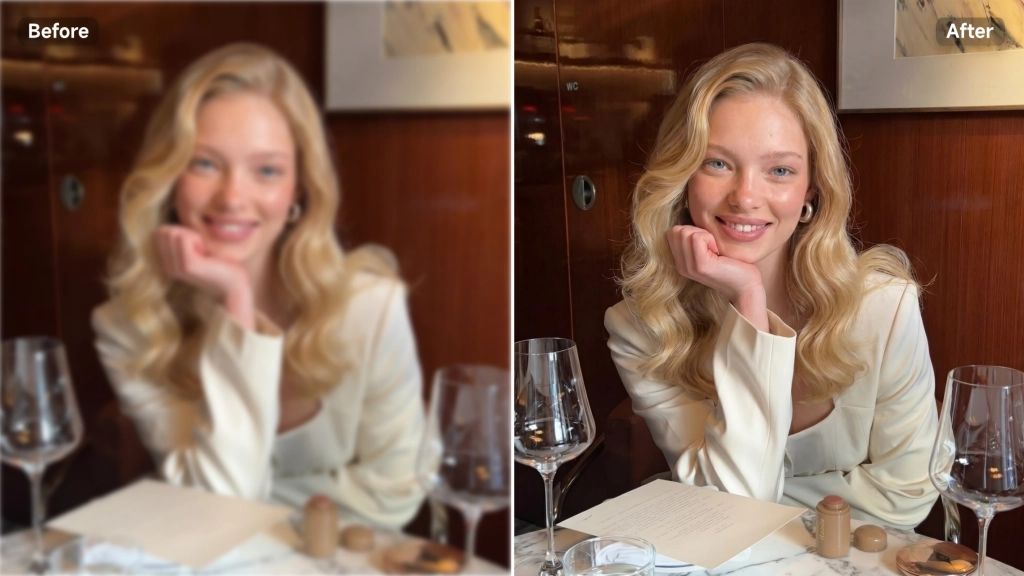
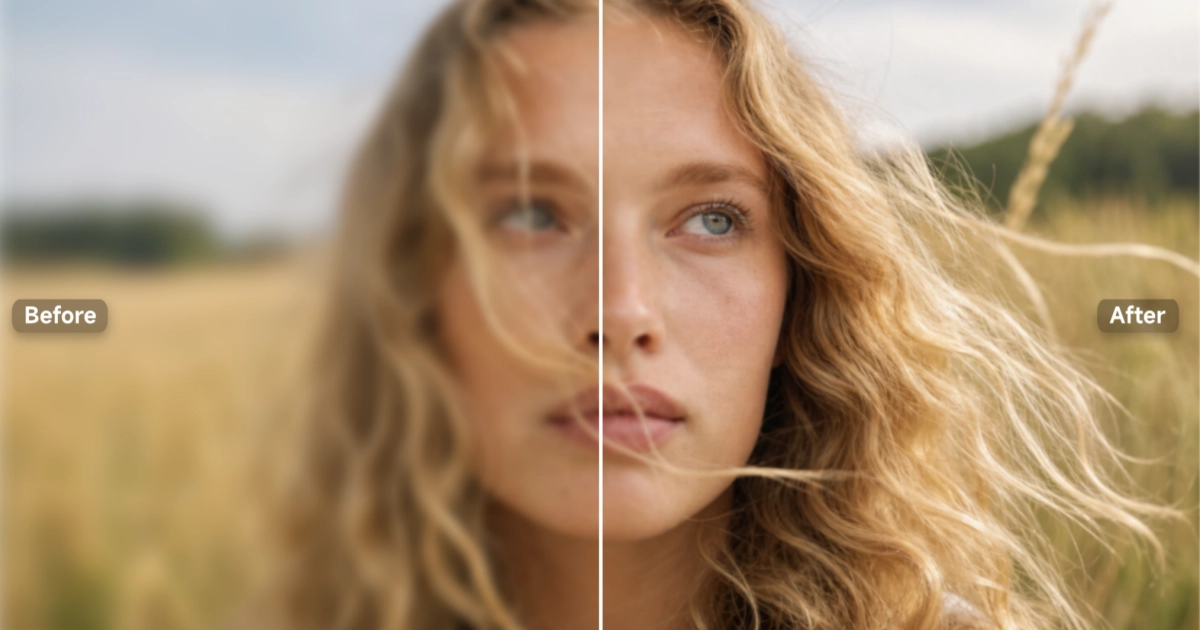
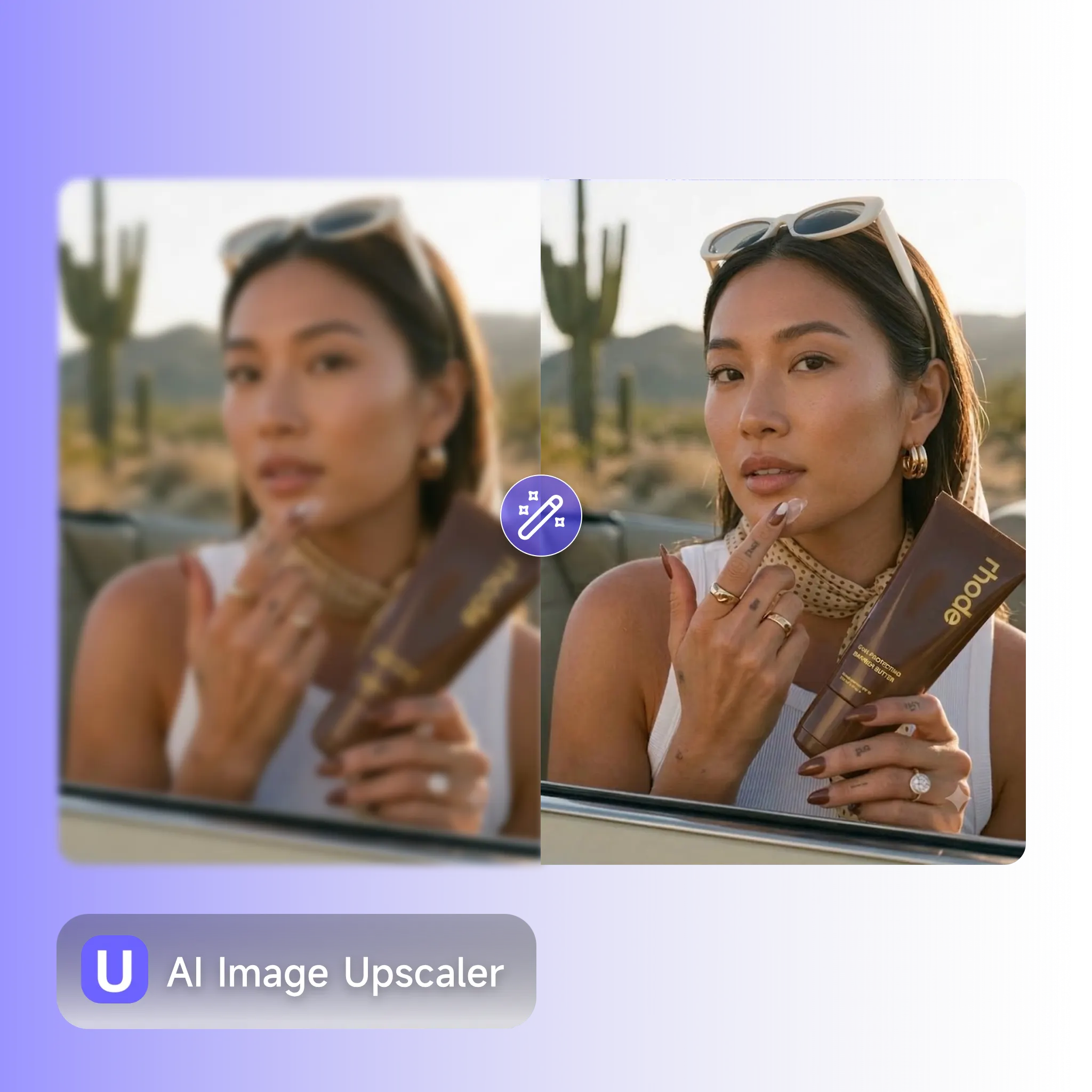
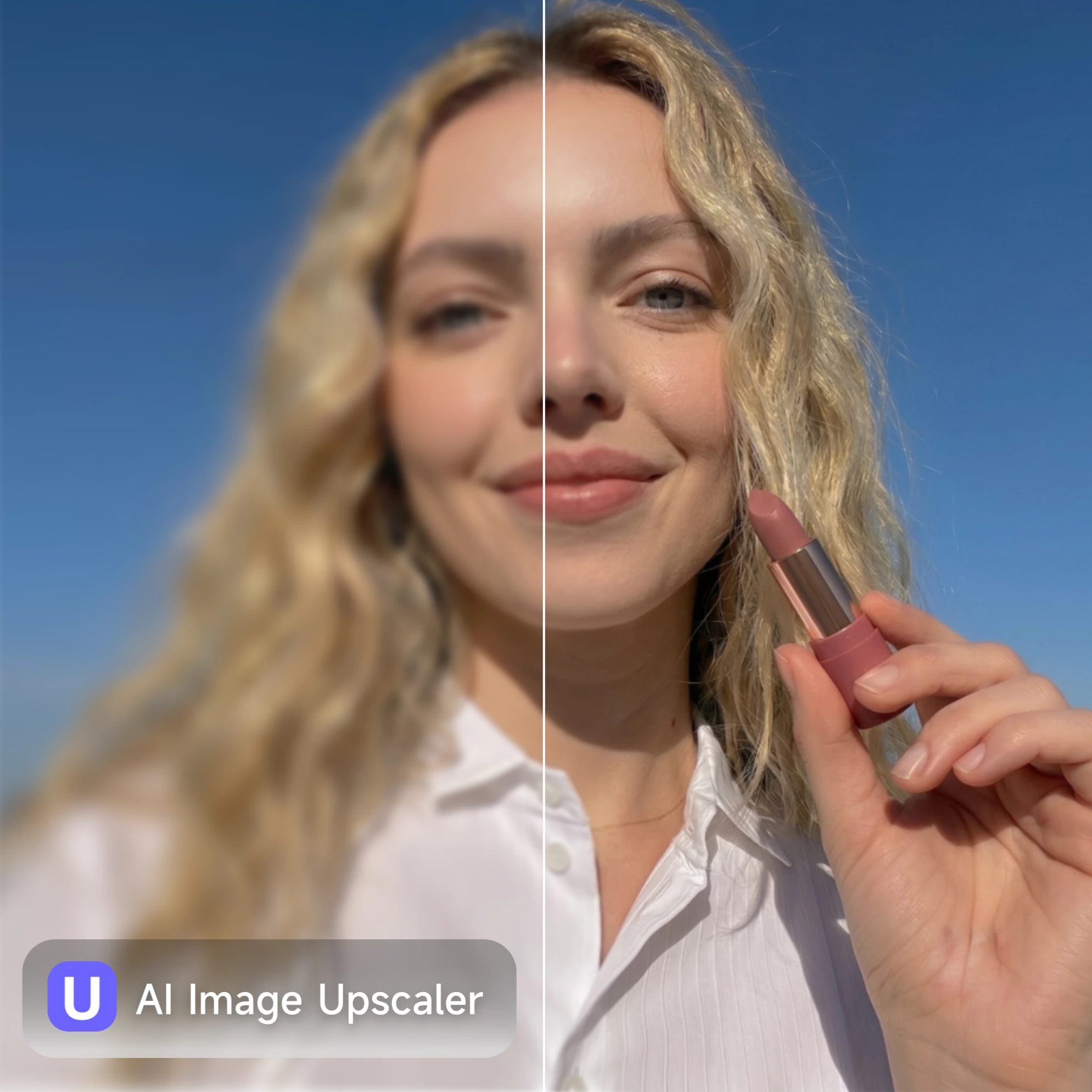




Images*
Drag or upload  images(0/10)
PNG, JPG, JPEG, WebP (max 16MB)
Upscale To
Login for 10 free credits daily, then 2 credit / image
AI Image Upscaler
Upscale your images up to 2K, 4K, 8K, 16K instantly. Enhance resolution, sharpness, and details without quality loss.
AI Image Upscaler

AI Image Upscaler - Upscale Ad Image to 2K, 4K, 8K, 16K for Free

Use AI Image Upscaler to enlarge photos up to 16K. Enhance resolution, sharpness, and details without quality loss. Perfect for ads, designs, and creatives.

Try AI Image Upscaler Free
AI Image Upscaler — before and after product photo enhancement

What Is an AI Image Upscaler?

An AI Image Upscaler is a tool that uses deep-learning super-resolution models to enlarge a low-resolution image while rebuilding the detail that standard resizing destroys. Instead of stretching pixels, which creates blur and pixelation, the AI analyzes existing visual patterns, predicts missing information, and generates a sharper, larger version that looks naturally high-resolution. UGC Maker's AI Image Upscaler is trained specifically on commercial and e-commerce imagery, so it handles product textures, packaging typography, fabric grain, and model skin tones with precision.

What is AI Image Upscaler — resolution enhancement for e-commerce sellers

Why Use AI Image Upscaler?

Most teams don't need a retouching team or Photoshop license for every product image they process. They need a tool that takes a blurry supplier photo and makes it ad-ready in seconds, at a cost that works for a daily workflow. One-click 4K, 8K, 16K output, batch processing, built-in ad platform specs, and direct integration into your UGC video workflow, all in one place.

Why use AI Image Upscaler — workflow diagram for ad teams and e-commerce operators

Your Ad Budget Shouldn't Die on Bad Source Images

You have 40 product images to process before the campaign goes live tomorrow. Half of them came from the supplier at 480px. The other half are screenshots from an old listing page. Opening each one in Photoshop, running a smart upscale, exporting, renaming, and re-uploading takes an afternoon — an afternoon your team doesn't have. UGC Maker's AI Image Upscaler is built around this workflow: batch-upload your entire folder, run the upscale in one click, and collect high quality exports that hold their quality at every zoom level and on every platform. The whole run takes minutes, not hours.

Low-resolution product photography pain points solved by AI Image Upscaler

What Makes AI Image Upscaler Stand Out

From daily product shots to full campaign batches — UGC Maker AI Image Upscaler gives ad teams and e-commerce operators a fast, affordable path to 4K-ready images. No design background, no Photoshop subscription, no compromises on quality.

Ultimate Clarity Upscale to 4K, 8K, and 16K

Ultimate Clarity Upscale to 4K, 8K, and 16K

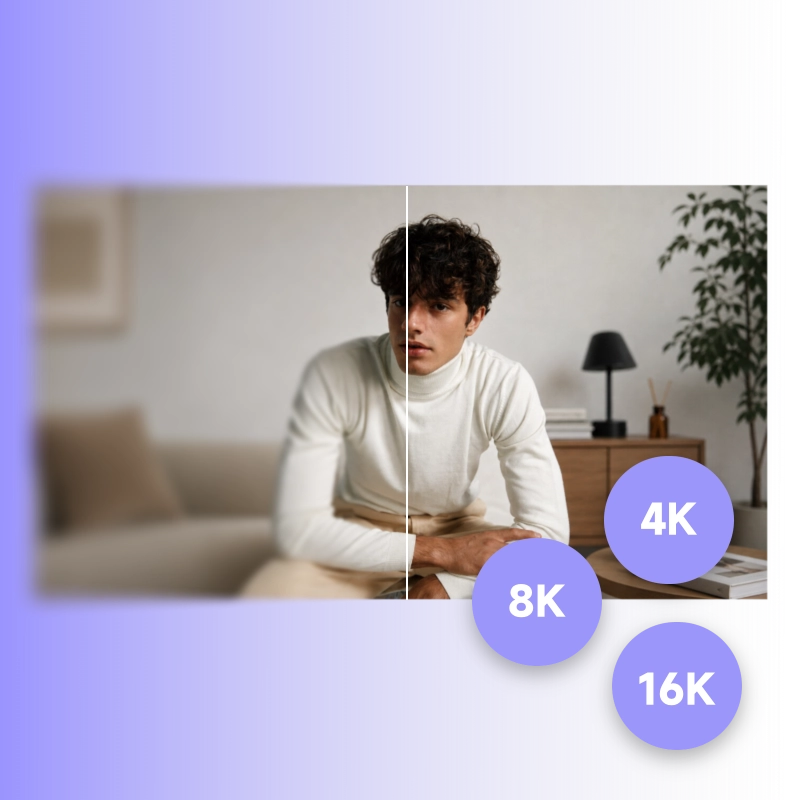
The AI Image Upscaler delivers uncompromising clarity for all your commercial needs by supporting massive 4K, 8K, and 16K resolutions. When you upscale your product imagery, our AI reconstructs razor-sharp edges and pristine textures at any scale. Whether you need assets for digital feeds or large-format displays, you get crystal-clear, high-fidelity results without pixelation or typical AI artifacts.

Batch Upscaling That Keeps Pace With Daily Production

Batch Upscaling That Keeps Pace With Daily Production

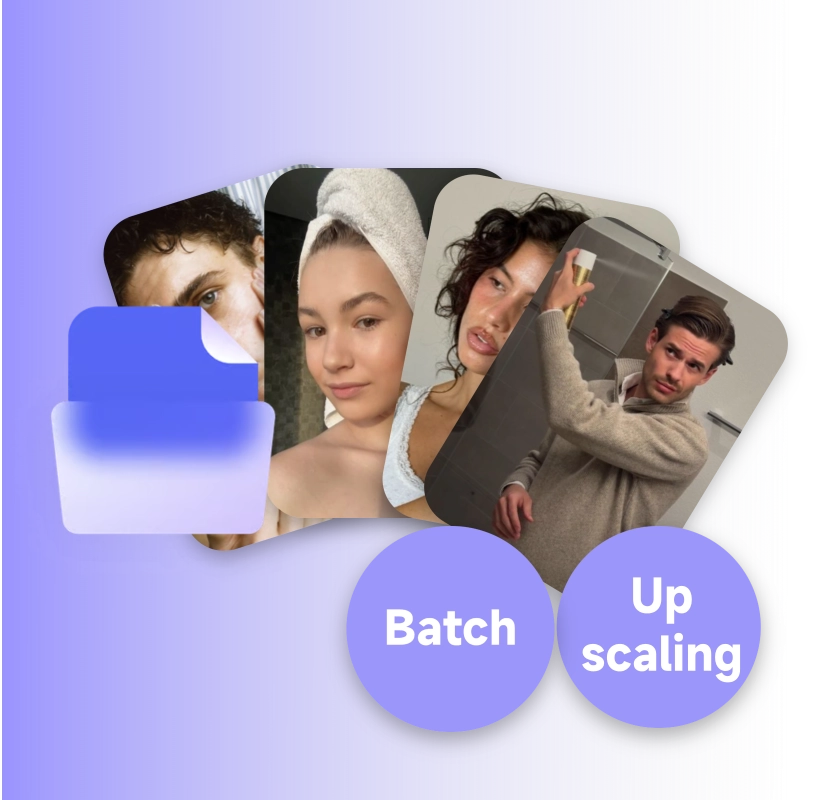
Upload an entire product folder at once. UGC Maker processes every image in a single run and delivers consistent 4K exports across the whole batch. Quality doesn't vary from image 1 to image 50. No image looks different from the rest. For teams managing large SKU catalogs or running daily ad refreshes, that consistency is the difference between a two-hour workflow and a two-minute one.

Authentic Details Zero AI Plastic

Authentic Details Zero AI Plastic

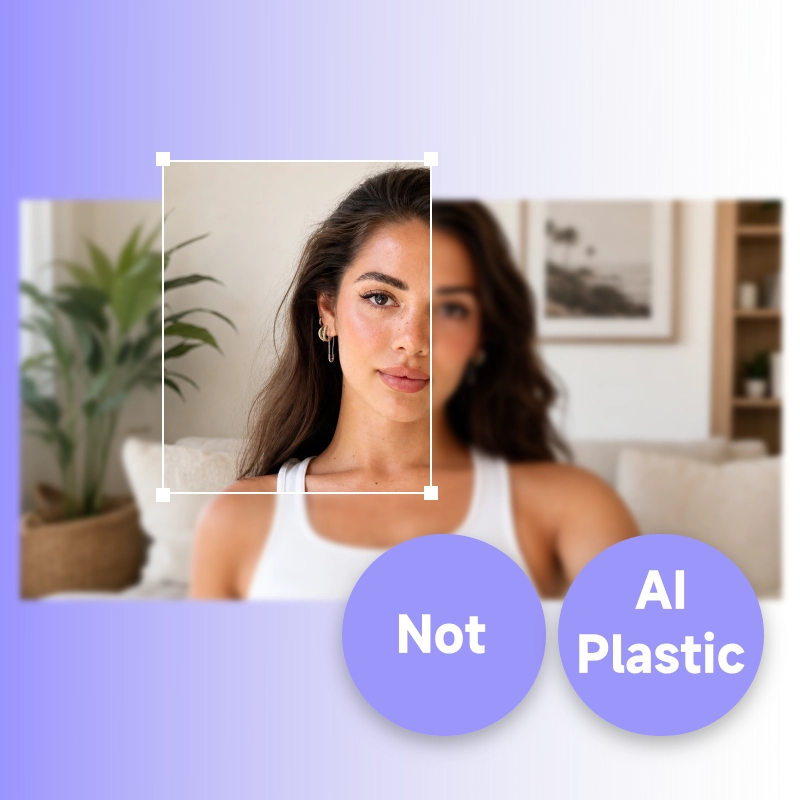
UGC Maker uses super-resolution models trained on e-commerce and product imagery. When you upscale a product image, the AI reconstructs real texture, embossed logos stay legible, fabric grain stays tactile, model skin stays natural. You won't get the over-smoothed, plasticky output that generic upscalers produce on complex commercial imagery.

How to Use AI Image Upscaler

No editing software, no technical knowledge, no complicated setup. Upload your image, pick a scale, and the AI Image Upscaler delivers a 4K-ready export in under five seconds.

Upload Your Product Image or Ad Creative

Step 1: Upload Your Product Image or Ad Creative

Drag and drop any JPG, PNG, WebP directly into the AI Image Upscaler. Works with product photos, web screenshots, supplier images, old ad creatives, or anything else that needs a resolution boost. For batch runs, upload all of your photos at once, no repetitive uploads.

Choose Your Upscale Factor

Step 2: Choose Your Upscale Factor

Define your image size based on where it will be published. Choose optimized dimensions for quick social media placements, ultra-high definition for rigorous e-commerce zoom features, or maximum resolution for print and large-scale campaigns.

Download Your Image

Step 3: Download Your Image

Your upscaled image is ready in seconds. Download it for direct upload to TikTok Ads, Meta, Amazon, or Shopify. Or pull it straight into UGC Maker's video and ad tools to turn a polished product image into a finished campaign creative without leaving the platform.

Start Upscaling Your Ad Images to 16K

No production team, no Photoshop license, no long processing queues. Upload your product image, pick a scale factor, and UGC Maker's AI delivers a 16K-ready asset in seconds, ready for TikTok, Meta, or your next UGC video ad. Built for independent sellers, e-commerce operators, and ad teams that produce content daily and need a tool that keeps up.

Try AI Image Upscaler Free

What Users Are Saying About AI Image Upscaler

Sarah W. avatar

Sarah W.

E-commerce Operations Lead, DTC Apparel Brand

"I manage product listings for 3 Shopify stores. We get supplier images at 500px and they're unusable for Meta ads without cleanup. UGC Maker's AI Image Upscaler takes our whole weekly batch to 4K in about 4 minutes. The texture on our apparel products is actually sharper than our own studio shots."

Marcus H. avatar

Marcus H.

TikTok Ads Specialist, Performance Marketing Agency

"I run TikTok ads for 8 small brands. Before this I was paying a freelancer $300/month just to clean up product images. Now I batch-upscale everything myself in one click with the AI Image Upscaler. The AI doesn't create that plastic skin or blurry logo look, the output genuinely looks like it came from a proper photo shoot."
Leo T. avatar

Leo T.

Co-founder, Skincare DTC Brand

"We pulled three years of catalog images out of storage, all under 600px. The AI Image Upscaler brought every single one to 4K without introducing any artifacts or color shifts. We ran a full product line relaunch using old assets, and our CTR beat the original campaign that used fresh studio photos."
Amanda R. avatar

Amanda R.

Creative Director, Supplement Brands Agency

"What I needed was an AI image upscaler that doesn't produce that over-sharpened 'plastic' look on product packaging. This is the first tool where the label text stays readable and the foil texture stays metallic. I use it for all our supplement brand clients now, results hold up at full zoom on Amazon."
Diego R. avatar

Diego R.

Content Lead, Direct-to-Consumer Electronics Brand

"We post 20 product videos a week across TikTok and Instagram. Being able to upscale the product stills to 4K and feed them directly into UGC Maker's video tool is the part no other upscaler does. We cut our creative prep time from half a day to about 30 minutes. That's a real difference when you're producing at this pace."
Jordan B. avatar

Jordan B.

Freelance UGC Creator

"I'm a freelance UGC creator. I often get product images from clients that are too low-res to use in a video. The AI Image Upscaler saves the job every time, I upscale the image, drop it into the UGC video, and the client doesn't even know the source was a blurry 400px thumbnail. The whole process takes less than a minute."

AI Image Upscaler — Frequently Asked Questions