Video*
Drag or uploadvideo
PNG, JPG, JPEG, WebP (max 500MB)
Resolution
FPS
1 credits / second
AI Video Enhancer
Turn blurry clips into stunning 4K videos. Our free AI enhancer boosts clarity, sharpness, and details for UGC ads.

AI Video Enhancer - Enhance Video Quality to 4K Free Online

AI Video Enhancer improves video quality to 1K, 2K, 4K. Fix low-quality clips, enhancing clarity, sharpness and details for stunning UGC ads. No sign-up.

Try AI Video Enhancer Free
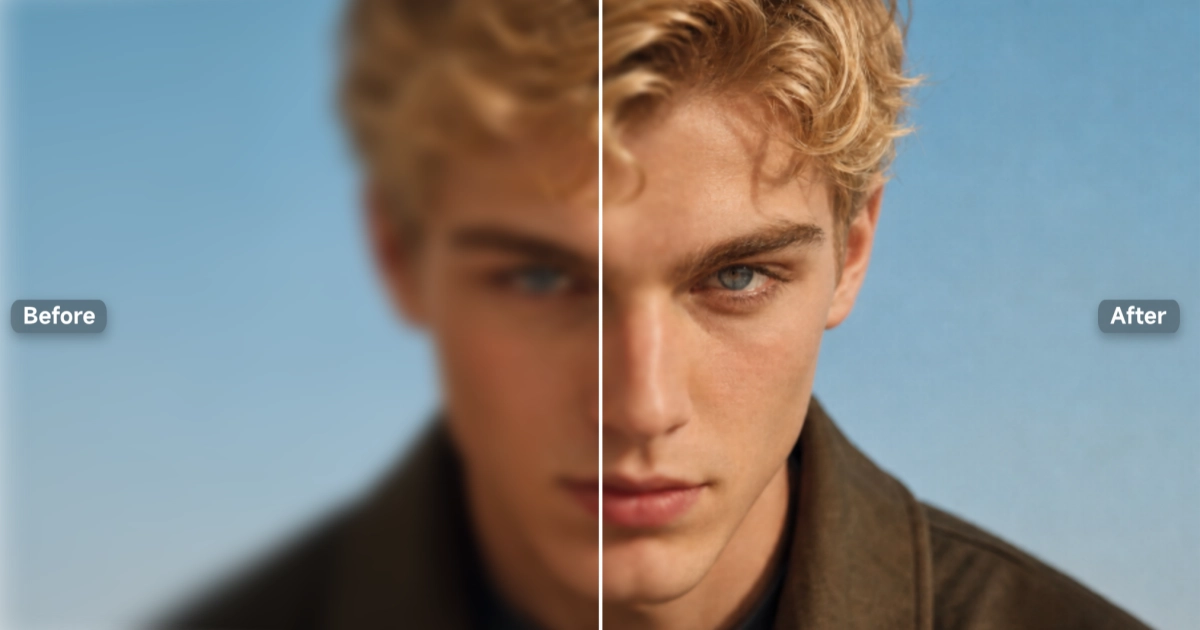
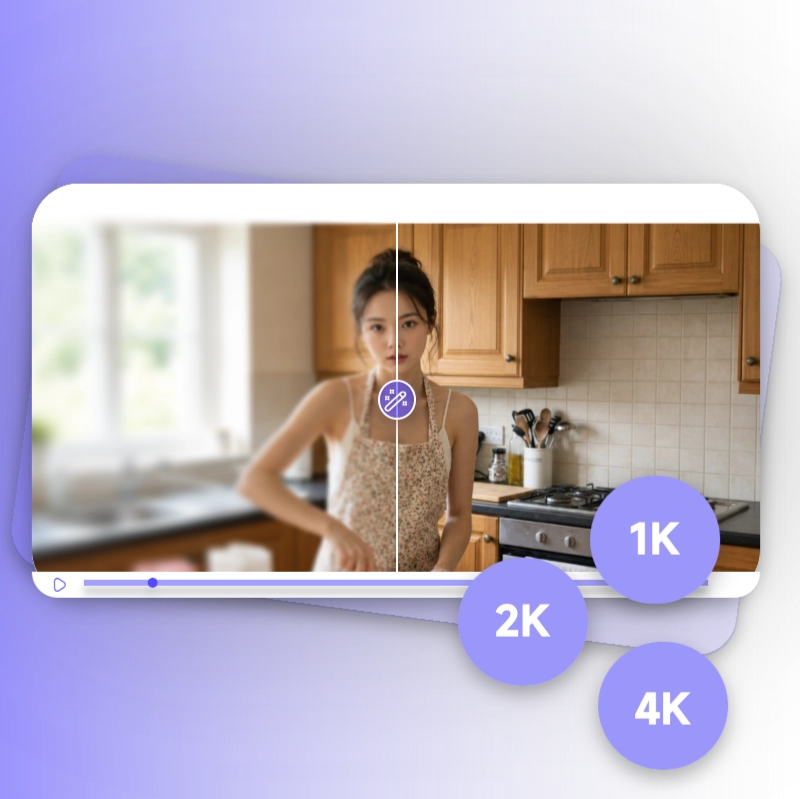
AI Video Enhancer — before and after video quality enhancement

What is AI Video Enhancer?

AI Video Enhancer is an online tool that fixes blurry, noisy, or low-resolution video by analyzing each frame and rebuilding detail that compression or poor lighting stripped away. Instead of just stretching the image larger, the AI studies edges, texture, and motion across the footage, then reconstructs a sharper version at up to 4K. Drop in a clip from an old shoot, a phone recording, or a heavily compressed export, and AI Video Enhancer returns a cleaner result, no editing software, no manual sliders, no technical background required.


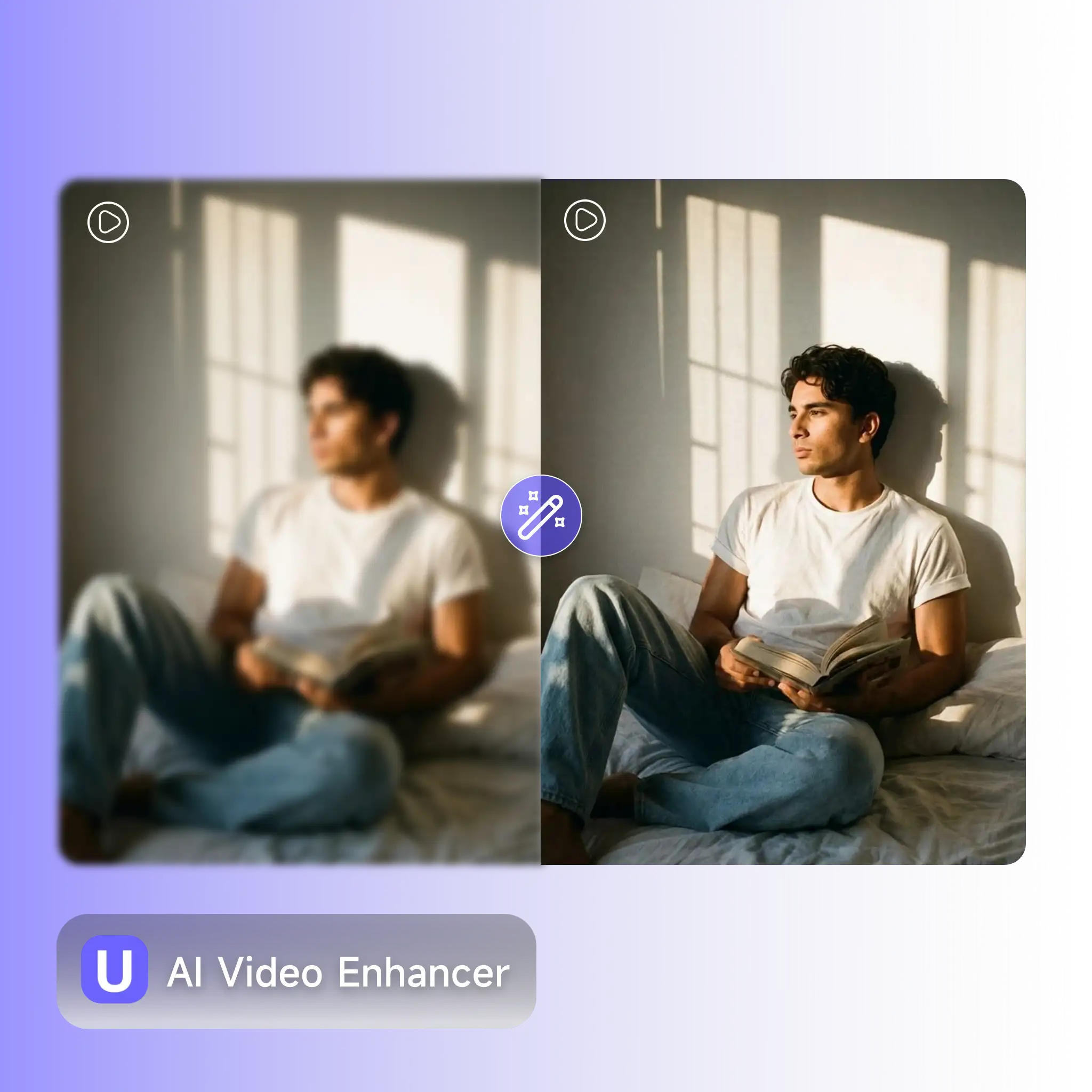
What is AI Video Enhancer — frame-by-frame detail reconstruction up to 4K

Why Use AI Video Enhancer?

Reshooting a video because the lighting was off or the export got compressed isn't always possible, and basic upscaling just makes a blurry clip look like a bigger blurry clip. AI Video Enhancer rebuilds the missing detail instead of guessing at it, so faces, product textures, and on-screen text come back sharp without that flat, artificial look. For sellers prepping product clips, creators repurposing old footage, or anyone whose video got chewed up by platform compression, AI Video Enhancer turns a clip you'd otherwise scrap into one that's ready to publish.

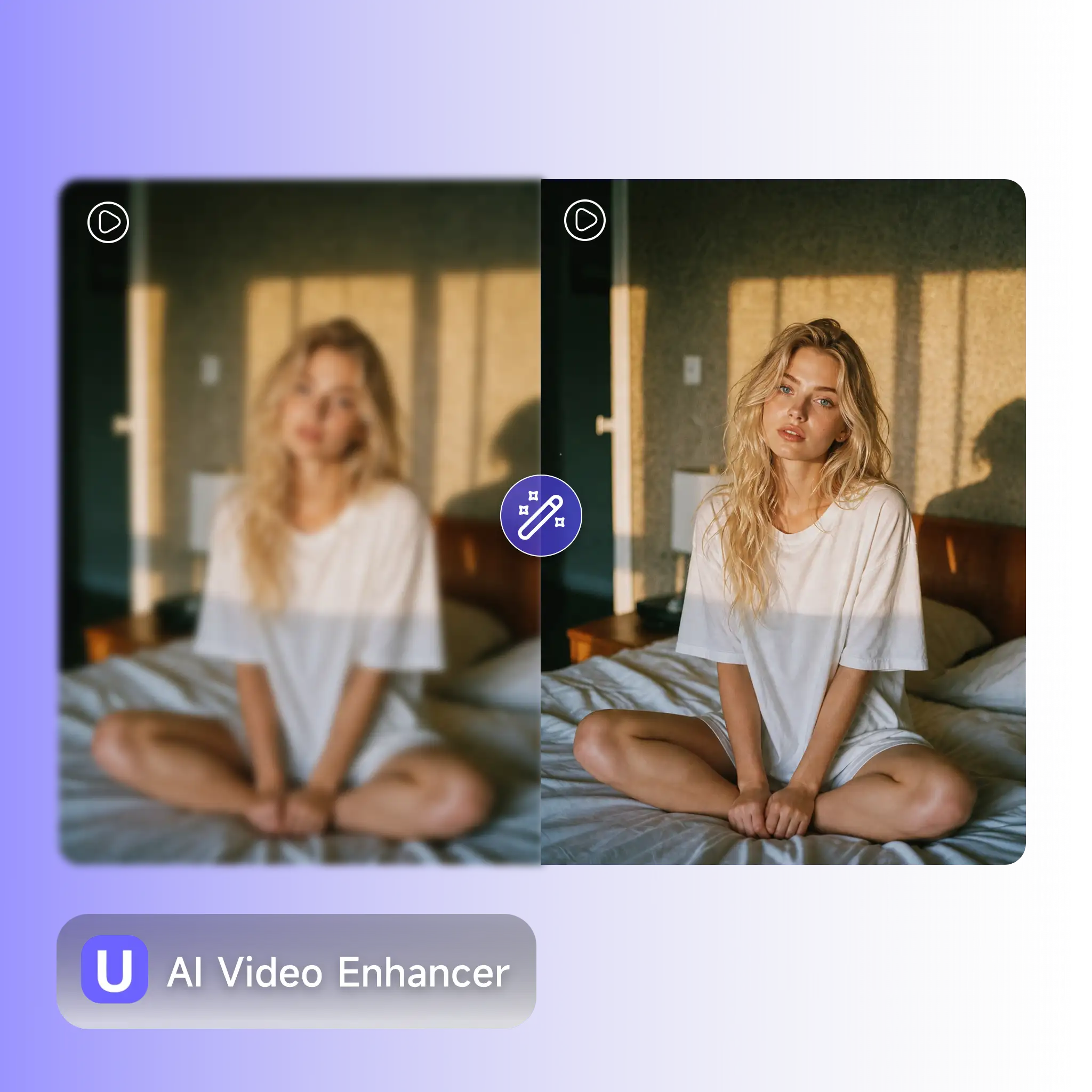
Why use AI Video Enhancer — recover lost clarity without reshooting

Your Best Footage Looks Worse Every Time You Re-Upload It

You filmed it once, posted it, and it looked fine. Then you needed it again for another platform, re-exported it, and now it's soft and blotchy with ugly compression edges. Re-shooting isn't an option, the moment, the product setup, or the lighting from that day is gone. Cropping or adding a filter doesn't fix lost detail, it just hides it differently. AI Video Enhancer was built for this exact problem, upload the degraded clip, and the AI rebuilds the sharpness and clarity that got lost somewhere between the camera and the upload.

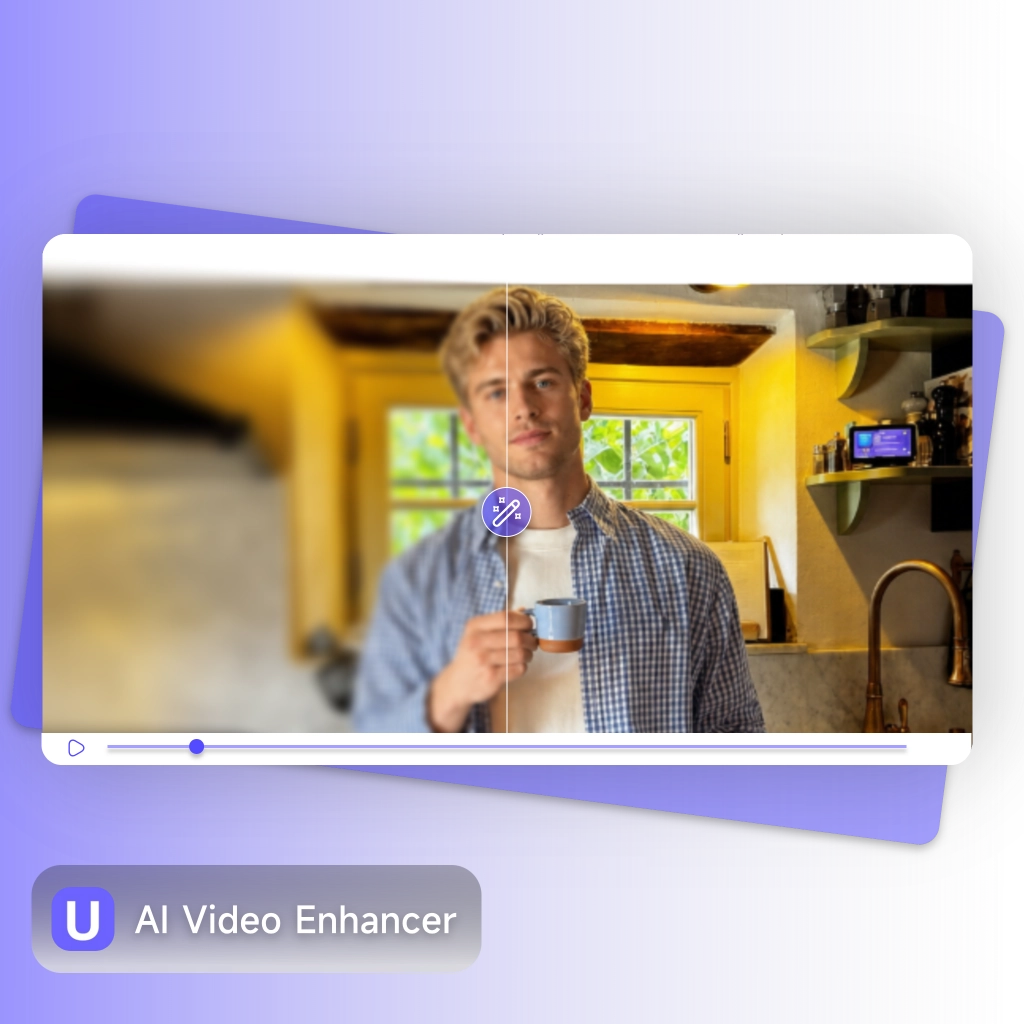
AI Video Enhancer solves footage degraded by repeated compression

What Makes AI Video Enhancer Stand Out

From a single product clip to a full batch of old marketing footage, AI Video Enhancer gives sellers, creators, and everyday users a fast way to recover lost clarity. No separate tool for every issue, no manual color sliders, just upload and let the AI do the frame-by-frame work.

Frame-by-Frame Detail Rebuild, Up to 4K

Frame-by-Frame Detail Rebuild, Up to 4K

Stretching a video to a higher resolution just makes the blur bigger. The AI Video Enhancer rebuilds each frame to 1K, 2K, or 4K, restoring lost texture so the result looks sharper, not just larger.

Faces and Product Details Get Priority Treatment

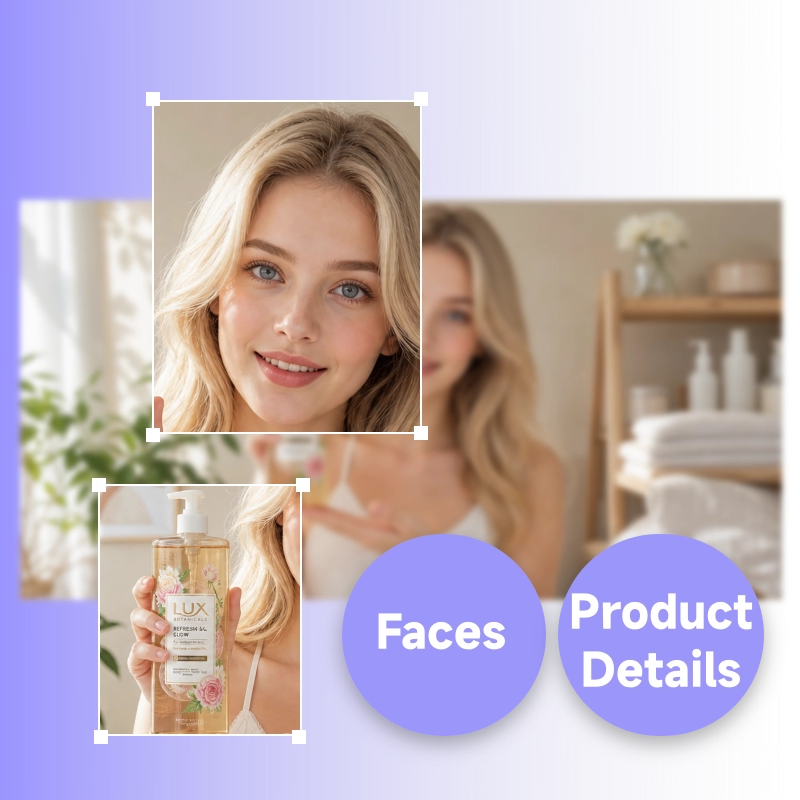
Faces and Product Details Get Priority Treatment

The AI recognizes the parts of a frame that matter most, a face, a logo, fine product texture, and focuses sharpening and noise reduction there first, so the details people actually look at come through clearly.

Clarity Without the Plastic, Over-Processed Look

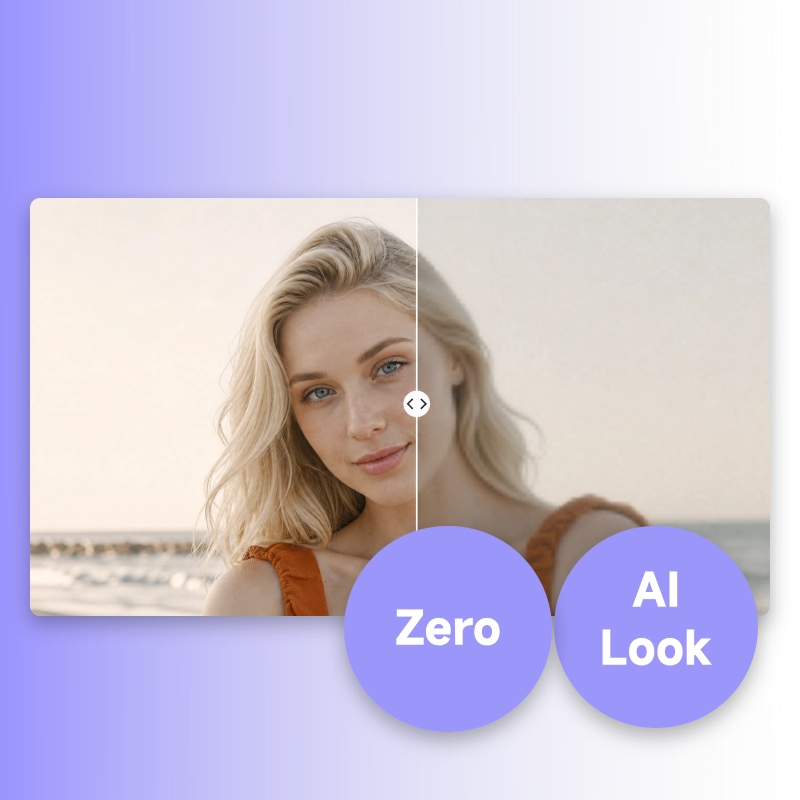
Clarity Without the Plastic, Over-Processed Look

Push enhancement too hard and skin turns waxy, edges turn fake. AI Video Enhancer keeps results looking like real footage, sharper and cleaner, but still natural, not like it went through a filter.

How to Use AI Video Enhancer

No editing software, no color sliders, no learning curve. Upload your clip, pick a resolution, and AI Video Enhancer delivers a sharper result in a few minutes.

Upload Your Video

Step 1: Upload Your Video

Drop in any clip, a product video, an old recording, a clip pulled from social media, in MP4, MOV, or MKV format. The AI Video Enhancer works on footage that's blurry, noisy, or just looks worn down.

Choose Your Output Quality

Step 2: Choose Your Output Quality

Pick the resolution you need, 1K, 2K, or 4K. AI Video Enhancer analyzes the footage frame by frame and rebuilds detail to match, instead of simply stretching the existing pixels.

Generate and Download

Step 3: Generate and Download

Click enhance. AI Video Enhancer processes the clip and hands back a sharper, cleaner version with no watermark, ready to upload straight to your ad platform or content channel.

Fix Your Next Clip Before You Re-Upload It

Stop letting compression and bad lighting drag your footage down every time you re-export it. AI Video Enhancer rebuilds clarity in minutes, free to try, no editing software or technical skill needed.

Try AI Video Enhancer Free

What Users Are Saying About AI Video Enhancer

Rachel Kim avatar

Rachel Kim

Independent E-commerce Seller

"Our product videos get re-compressed every time we re-upload across platforms, and they kept looking worse. AI Video Enhancer brought back the sharpness in about two minutes per clip. I run it before every repost now."
Owen Bryant avatar

Owen Bryant

Social Media Matrix Operator

"We manage a content matrix across 9 TikTok accounts, and a lot of our older clips had gone soft from repeated compression. AI Video Enhancer cleaned up an entire batch in one afternoon, no reshoots needed."
Lucía Fernández avatar

Lucía Fernández

Freelance Content Creator

"I tested two other tools first. Both made my footage bigger but it still looked blurry. AI Video Enhancer actually rebuilt the detail, faces and text came back sharp instead of just stretched."
Marcus Webb avatar

Marcus Webb

Independent Creator

"My family videos from a decade ago were soft and grainy. AI Video Enhancer brought back detail I genuinely didn't expect to see again, no editing skill required on my end."
Hana Suzuki avatar

Hana Suzuki

Independent Skincare Brand Owner

"I run a small skincare brand and our older product demo videos looked dated next to new content. AI Video Enhancer sharpened them up to 4K without that fake, over-processed look I was worried about."
Daniel Osei avatar

Daniel Osei

Marketing Lead, Small Agency

"Old promotional footage from a previous agency was too blurry to reuse. AI Video Enhancer rescued about 30 clips in one sitting, saved us a full reshoot budget this quarter."

AI Video Enhancer — Frequently Asked Questions