

Priya Kapoor
Senior Creative Producer
"We used to shoot a rough cut, then spend a day just getting the resolution up to client standard. MiniMax H3 outputs 2K straight out of generation, so that whole step disappeared from our workflow."
 MiniMax H3
MiniMax H3, also known as Hailuo 3.0, creates native 2K AI video with synced audio. Combine image, video, and audio references, edit any clip by instruction.
Try MiniMax H3 Free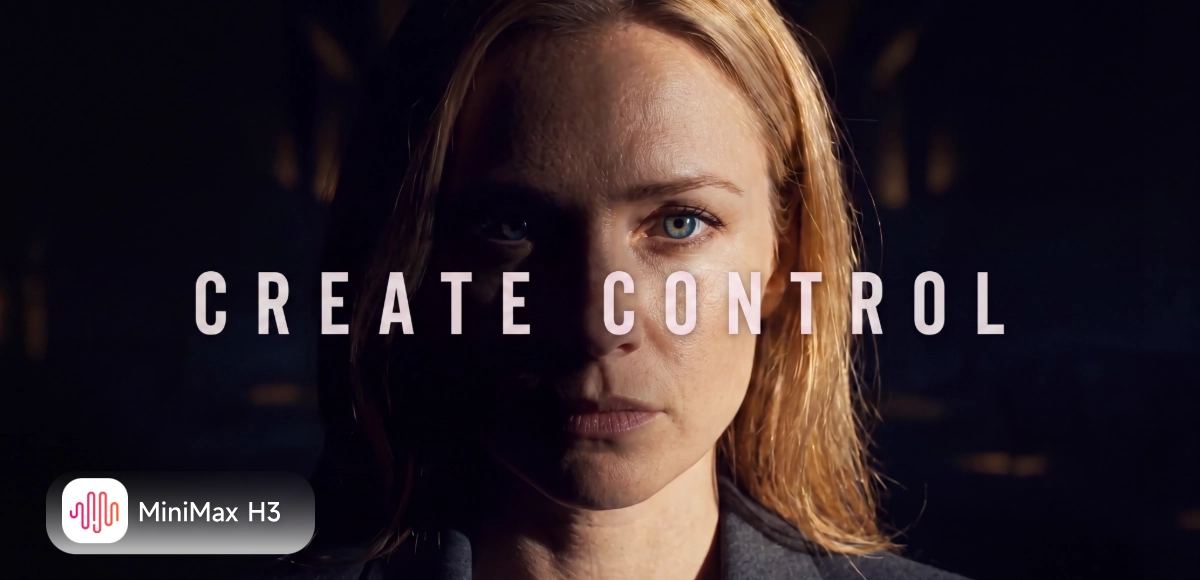
MiniMax H3, also known as Hailuo 3.0, is MiniMax's newest general-purpose multimodal video model. It reads text, images, video clips, and audio together in a single generation, and outputs native 2K video in one pass. Unlike models that take one input at a time, H3 accepts up to 9 reference images, 3 reference videos, and 3 reference audio clips at once — up to 12 files combined — so a character's look, a camera style, and a voice can all come from your own references instead of being described in words alone. And when a finished clip needs one change, H3 supports instruction-based editing: describe the adjustment, and the model updates that part directly instead of starting the whole generation over.
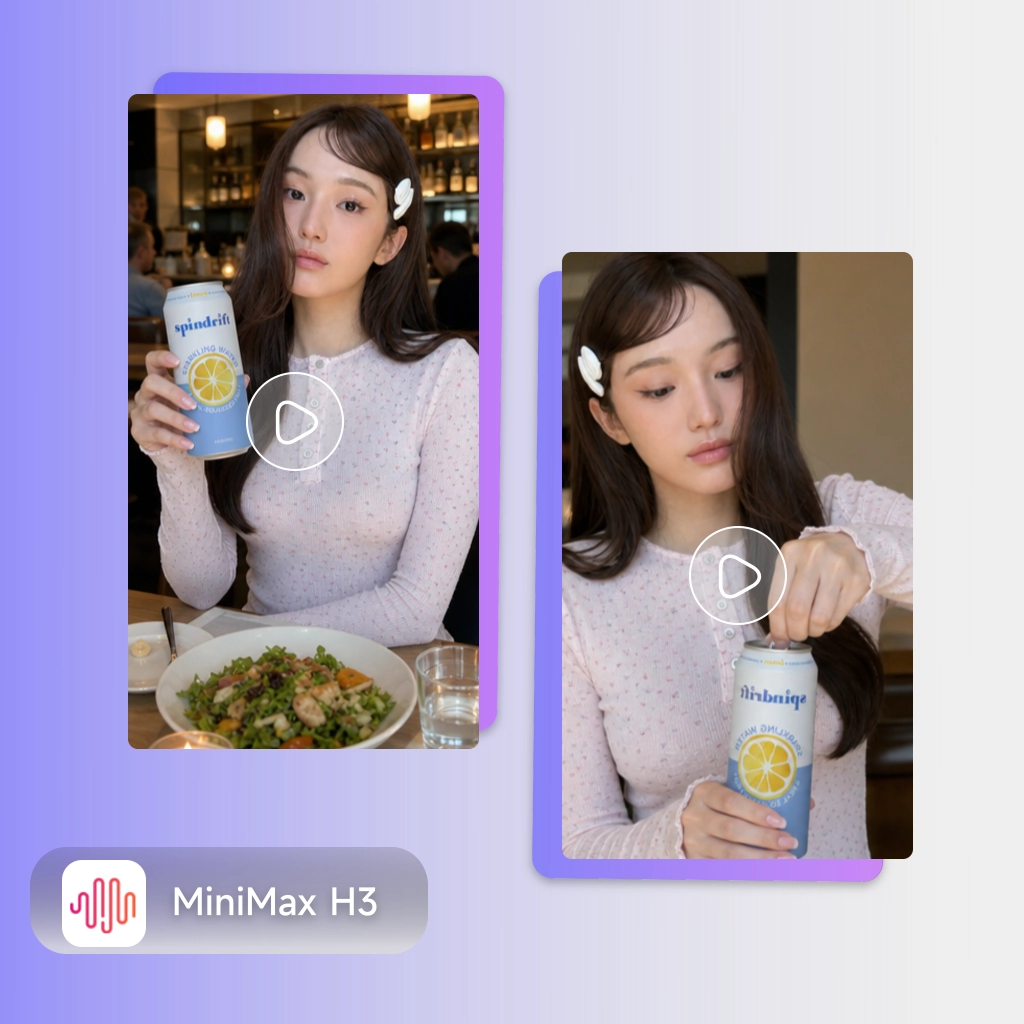
Whether you're producing a batch of UGC-style product ads or a multi-shot brand trailer, film-opening title sequence, or vertical drama scene, MiniMax H3 is built to hold one consistent look across every cut. Feed it a product photo, a brand color reference, and a voice sample, and H3 keeps that identity steady from the first frame to the last — at native 2K, with dialogue, sound effects, and ambience generated in the same pass. For teams that need to move between formats in the same week — an ecommerce ad on Monday, a trailer cut on Wednesday, a drama scene on Friday — one model that keeps the same face, the same voice, and the same visual style across every version changes how much a single production day can cover.
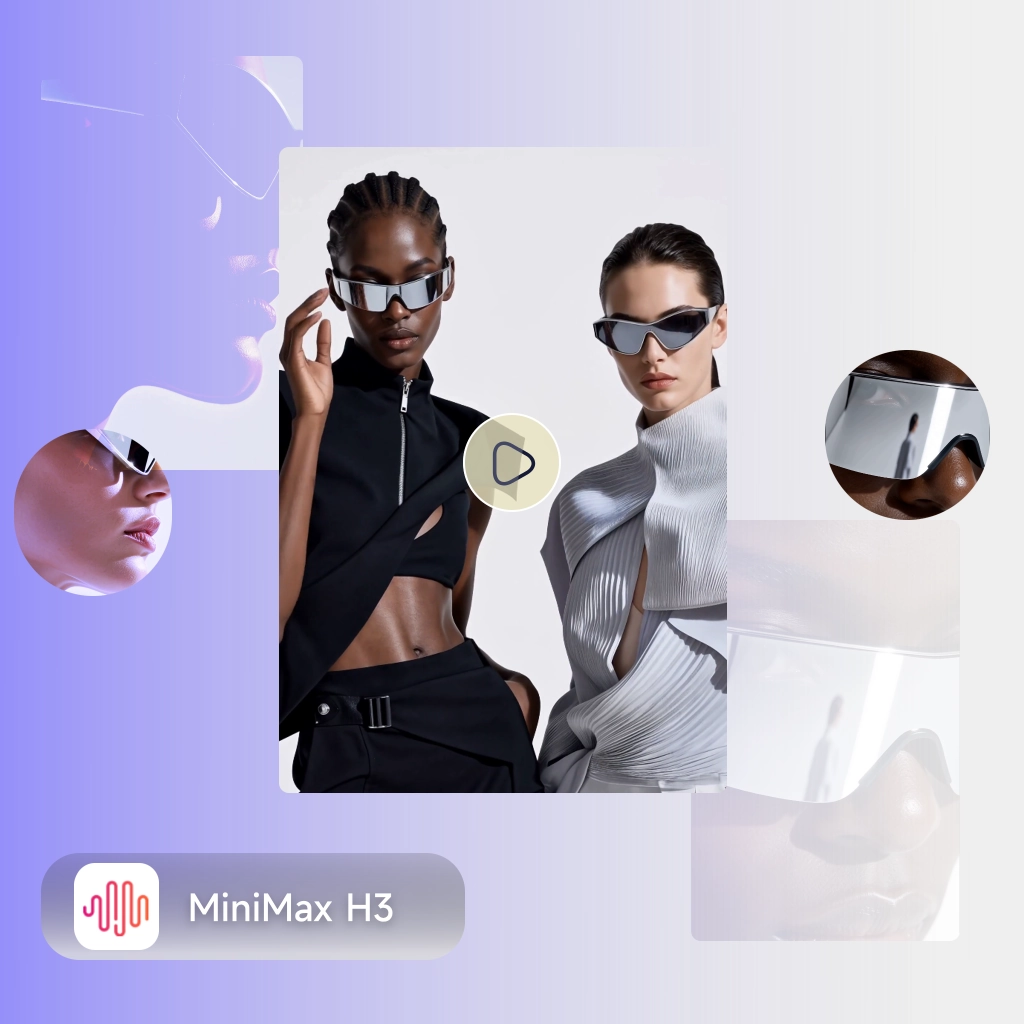
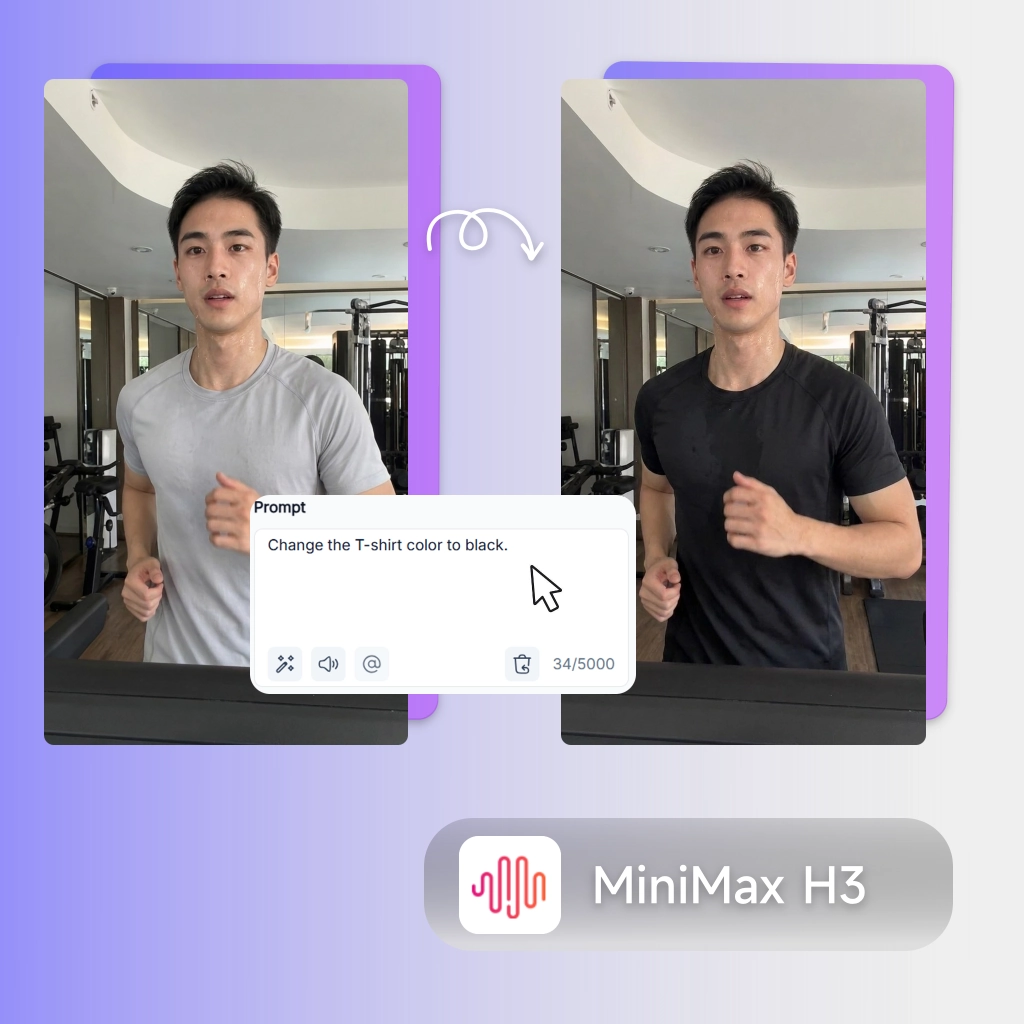
Your video looks almost right: the product is crisp, the delivery is close, the composition works — except the resolution caps out below what a client-facing cut needs, and the audio still needs a separate pass before it sounds finished. Then one detail is off — a prop's color, a line of dialogue, a beat in the pacing — and most models give you exactly one option: regenerate the whole clip and hope everything else still holds up. MiniMax H3 is built against both problems at once. It outputs native 2K with dialogue, sound effects, and ambience generated together in the same pass, so there's no separate audio session and no downgraded resolution to explain to a client. And because it supports instruction-based editing, a single wrong detail is a text instruction away from fixed — not a full re-roll of the whole generation.
From a single product photo to a multi-shot brand trailer — MiniMax H3 is built for teams that need native 2K quality, consistent references across every shot, and the ability to fix a detail without regenerating from scratch.
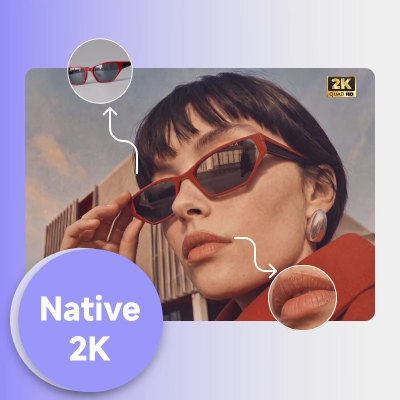
MiniMax H3 outputs 2K resolution in every generation — a step up from the 1080p ceiling of earlier models. Clips run 5 to 15 seconds, giving you footage sharp enough for a hero product shot or a trailer close-up without an extra upscaling pass.
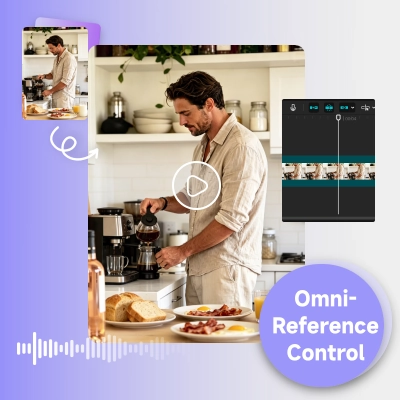
Combine up to 9 reference images, 3 reference videos, and 3 reference audio clips — up to 12 files in one generation — to hold a character, a camera style, or a voice consistent across a full production. Reference a face, an outfit, a walk, and a voice sample together, and MiniMax H3 reads them as one brief instead of forcing a single input to carry everything.
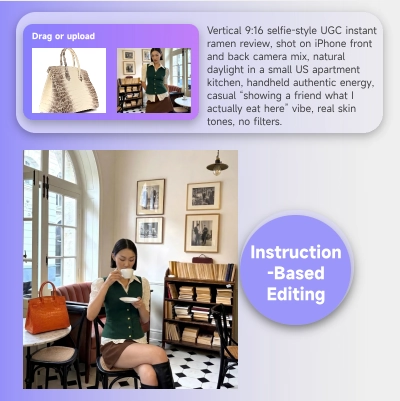
When a generated clip is close but one detail is off, describe the change instead of starting over. Adjust a character, an object, a background, or the pacing directly on the existing clip, and MiniMax H3 applies the edit while keeping the framing and performance you already approved.
No camera, no crew, no separate audio session. Upload your references, write your brief, and MiniMax H3 delivers native 2K video with synced audio — ready to review, or refine further by instruction.
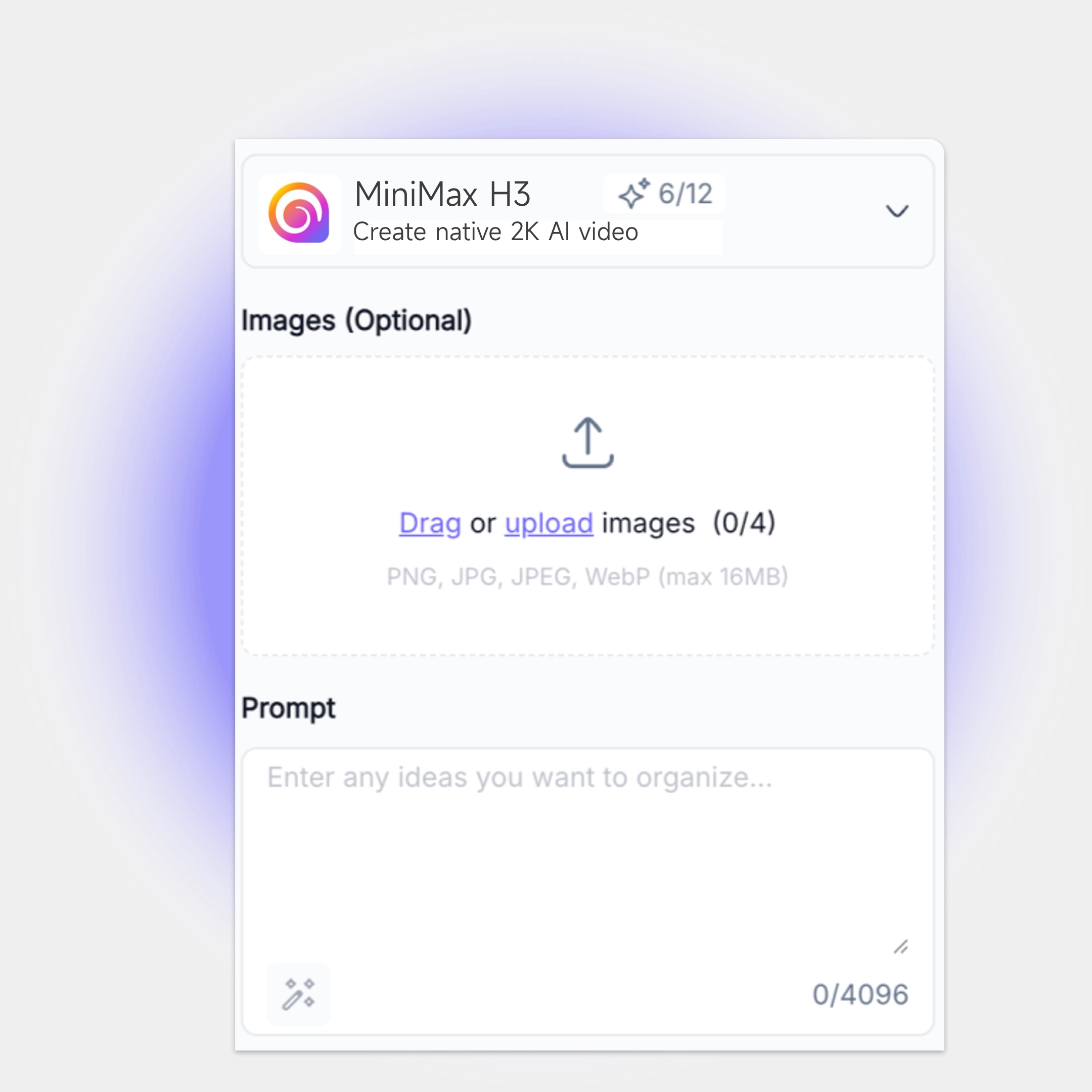
Add a first-frame or last-frame image to anchor the shot, or combine up to 9 reference images, 3 reference videos, and 3 reference audio clips to guide character, style, camera, and voice. Reference audio must be paired with an image or video — it can't be submitted on its own.
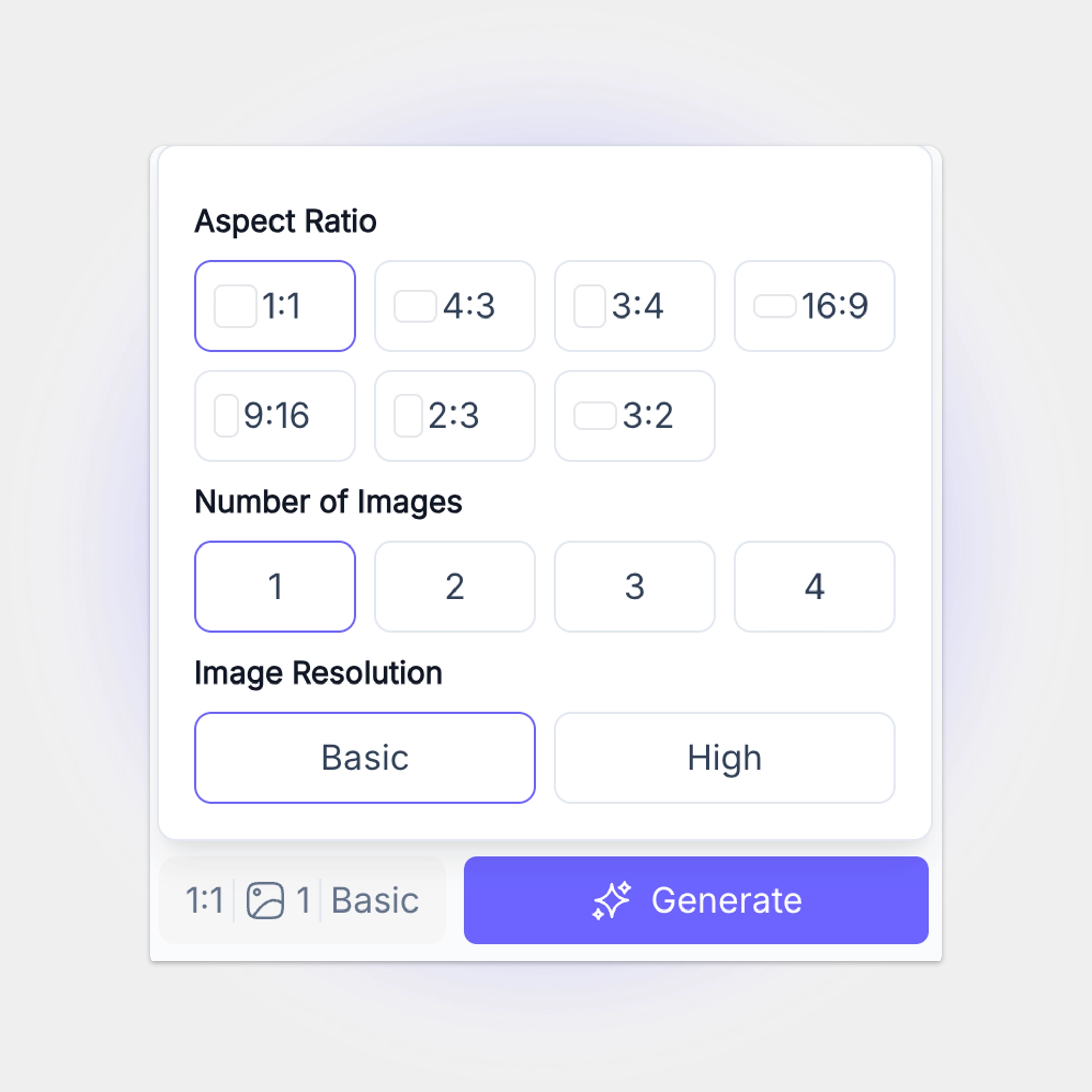
Describe the scene, the action, and the camera movement in your prompt (up to 7,000 characters). Choose a duration between 5 and 15 seconds — MiniMax H3 outputs native 2K on every generation.

MiniMax H3 generates your video with synchronized dialogue, sound effects, and ambience in one pass. If a detail needs adjusting, describe the change directly — no need to regenerate the whole clip from scratch.
From a single product photo to a multi-shot brand trailer or short-form drama scene, MiniMax H3 delivers native 2K video with synced audio in one generation — and lets you fix any detail by instruction instead of starting over. Built for UGC ad teams scaling output, and for brand, trailer, and drama teams that need the same character, voice, and style held steady across every cut.
Try MiniMax H3 FreePriya Kapoor
Senior Creative Producer
"We used to shoot a rough cut, then spend a day just getting the resolution up to client standard. MiniMax H3 outputs 2K straight out of generation, so that whole step disappeared from our workflow."

Daniel Osei
Post-Production Lead
"The instruction-based editing changed how we revise. One note from a client used to mean a full re-generation and a coin flip on whether the rest of the clip still matched. Now we just describe the fix."

Nina Fontaine
Brand Video Director
"Feeding in our brand references — the product, the model, the voice sample — together in one generation is the difference between 'looks kind of like our brand' and actually matching it."

Marco Delgado
Short-Form Drama Showrunner
"Our vertical drama scenes need the same two characters to look right across a dozen cuts. The omni-reference setup is the first workflow where that's held up consistently across a full episode."

Yuki Tanaka
Performance Marketing Lead
"Native audio at 2K meant we stopped sending clips out for a separate sound pass before testing. That alone cut a day off our creative turnaround."

Chloe Bennett
Trailer Editor
"For a teaser cut, resolution is the first thing anyone notices. MiniMax H3 is the first model where we didn't have to explain why the trailer looked softer than the feature it was cut from."