

Models
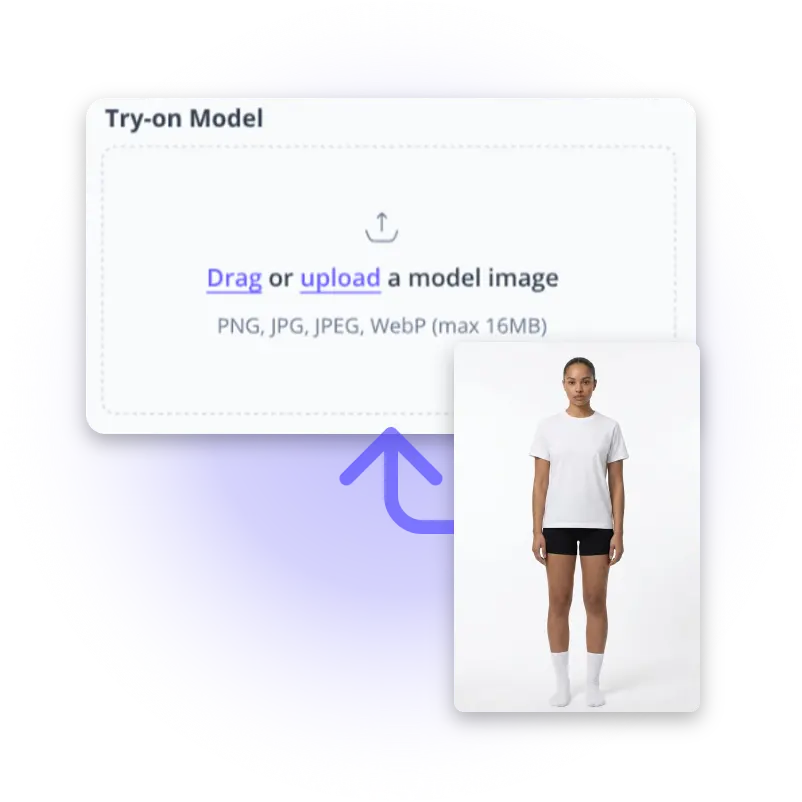
Try on Model*
Drag or upload  a model image
PNG, JPG, JPEG, WebP (max 16MB)
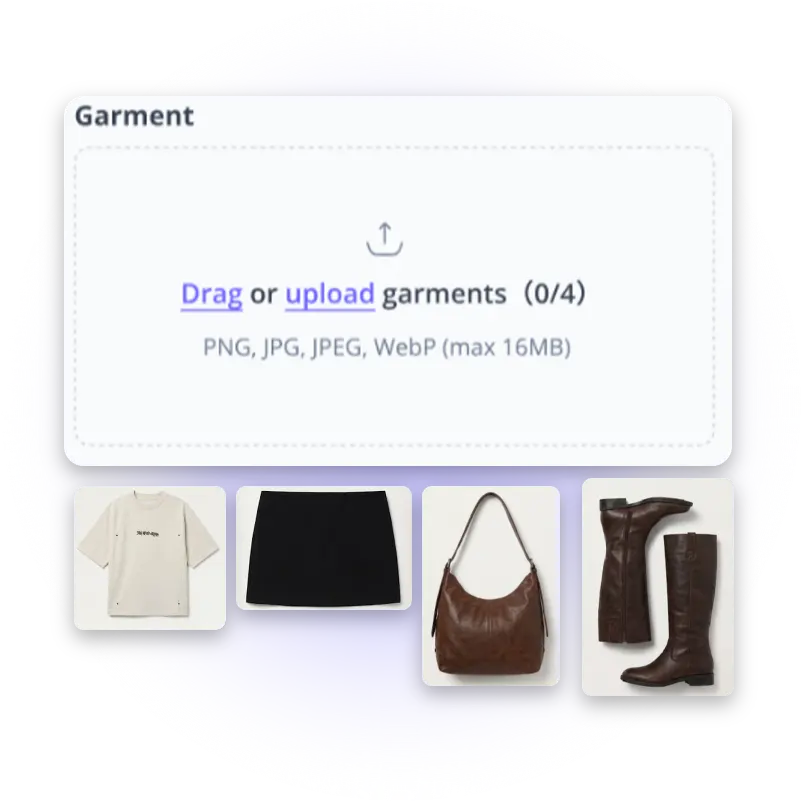
Garment*
Drag or upload  garments(0/4)
PNG, JPG, JPEG, WebP (max 16MB)
Prompt(Optional)
0/4096
Login for 10 free credits daily, then 4 credit / image
Virtual Try On
Upload a garment, pick a model, and get realistic on-model clothing photos in seconds.
Virtual Try On

Virtual Try On: Free Try On-Model Clothing with AI Online

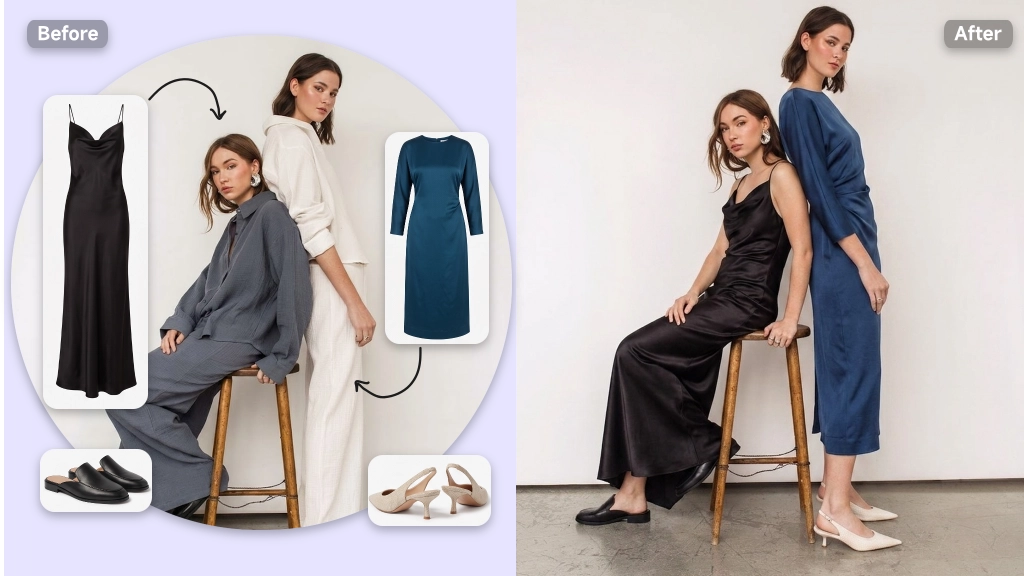
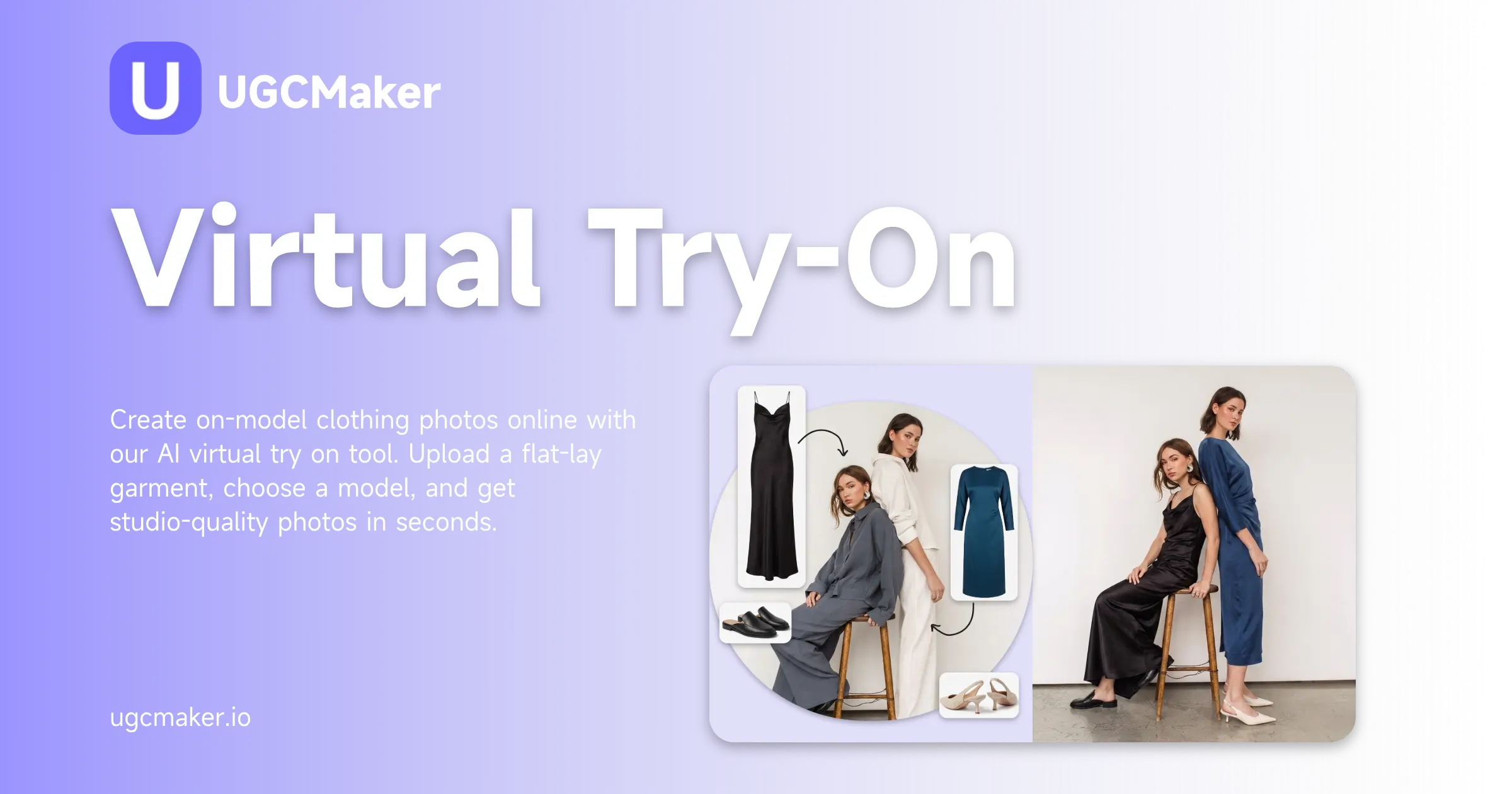
Create on-model clothing photos online with our AI virtual try on tool. Upload a flat-lay garment, choose a model, and get studio-quality photos in seconds.

Try Virtual Try On
Virtual Try On: Free Try On-Model Clothing with AI Online

What is Virtual Try On?

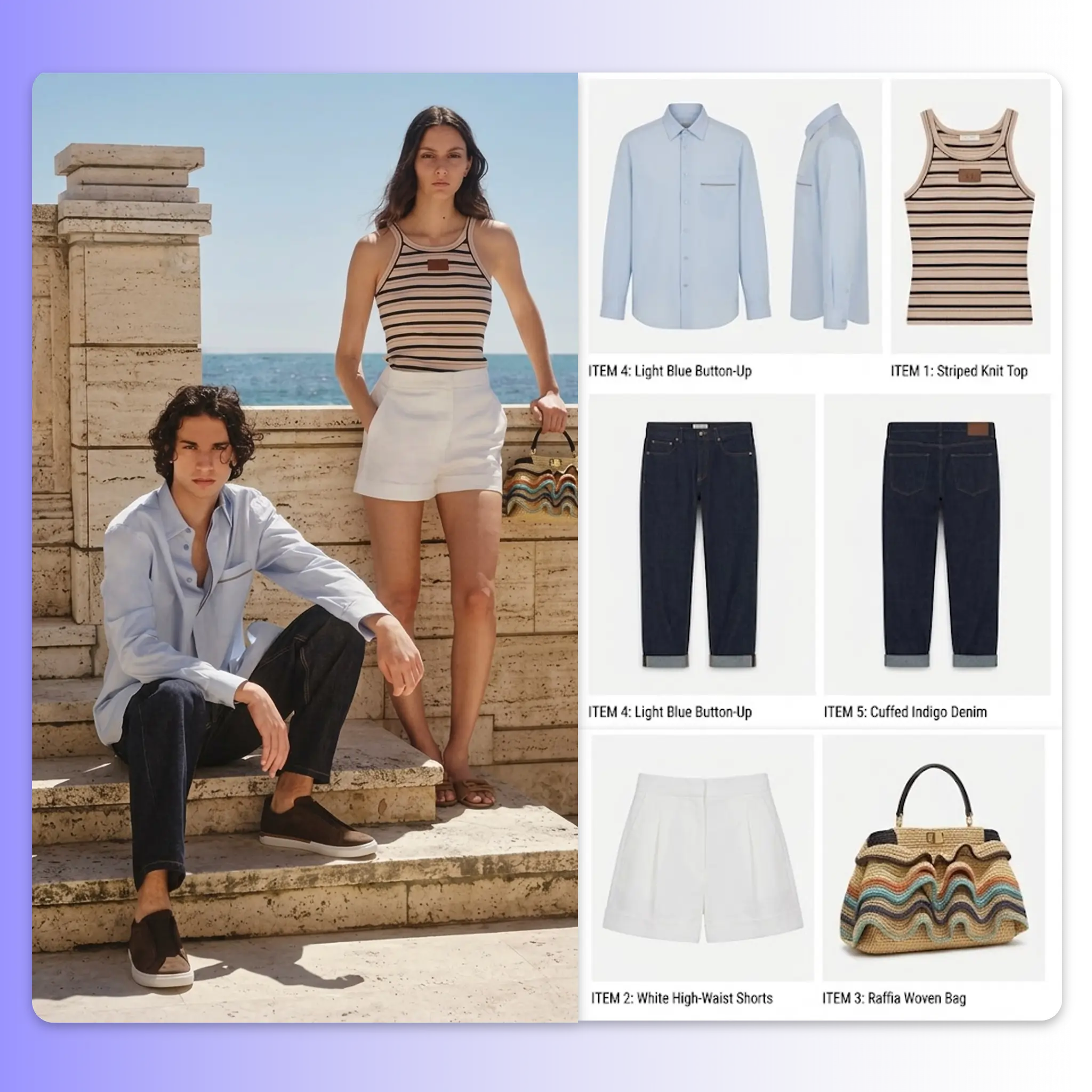
Virtual Try On is an AI-powered online tool that places your garment onto a model photo and generates a realistic on-model image, without any physical shoot. Upload a flat-lay or product clothing image, select or upload a model, and the AI handles the alignment, fabric drape, and blending automatically. For e-commerce sellers who need to go from product sample to listing image quickly, virtual try on removes the entire photoshoot step from the workflow.

Virtual Try On: Free Try On-Model Clothing with AI Online

Why Use Virtual Try On?

Most clothing sellers already have the product. What they're missing is a model. Booking a shoot means scheduling, travel, photographer fees, and a delay that sits between your sample and your listing. Virtual Try On Tool cuts that gap entirely. Upload your garment image directly, choose a model that fits your market, and receive an on-model photo ready for your product page. For teams managing dozens of SKUs across multiple storefronts, the difference between reshooting every item and generating on-model images from flat-lays is measured in days per catalogue cycle.

Virtual Try On: Free Try On-Model Clothing with AI Online

Your Listings Shouldn't Wait on a Photographer

You have new inventory ready to go live and a listing with no model photo. Sourcing a photographer, booking a model, and scheduling a shoot takes days you don't have, especially when the same product needs to appear across three storefronts by the end of the week. Virtual try on removes that bottleneck. Upload the garment image you already have, select a model, and get a finished on-model clothing photo in seconds. No shoot, no brief, no back-and-forth. The result is ready to upload directly to your product listing.

Virtual Try On: Free Try On-Model Clothing with AI Online

What Makes Virtual Try On Stand Out

From a single garment image to a full catalogue of on-model clothing photos — our AI virtual try on tool is built for sellers who need professional results without production overhead.

Precise Garment-to-Body Fit

Precise Garment-to-Body Fit

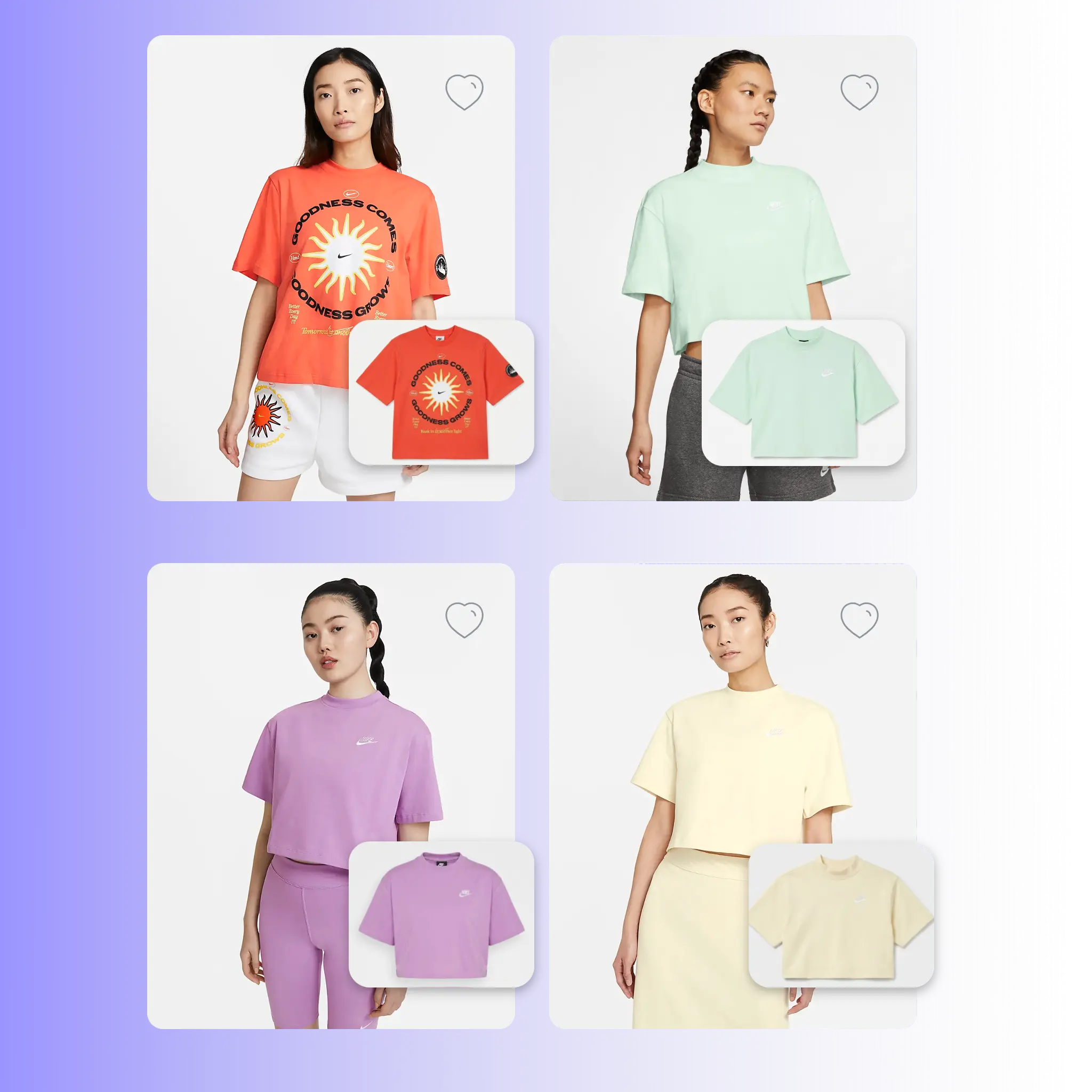
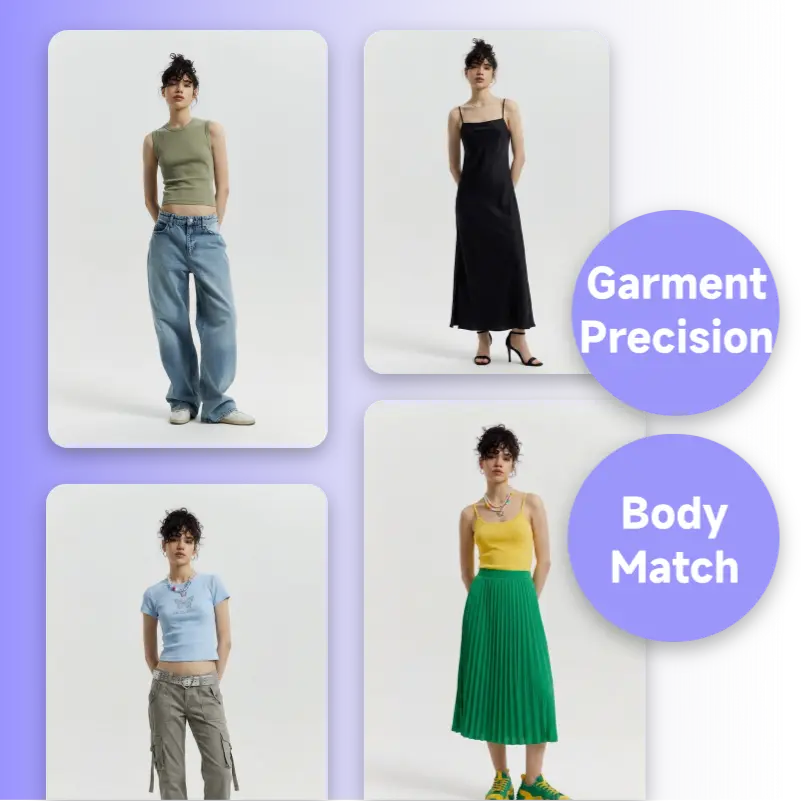
The AI maps your garment accurately to the model's body structure. Collar lines, sleeve edges, and waistbands stay in position without distortion or stretching. Fabric texture, drape, and surface detail are preserved so the output reads as a real garment on a real person, not a layered composite.

Mix and Match Full Outfits

Mix and Match Full Outfits

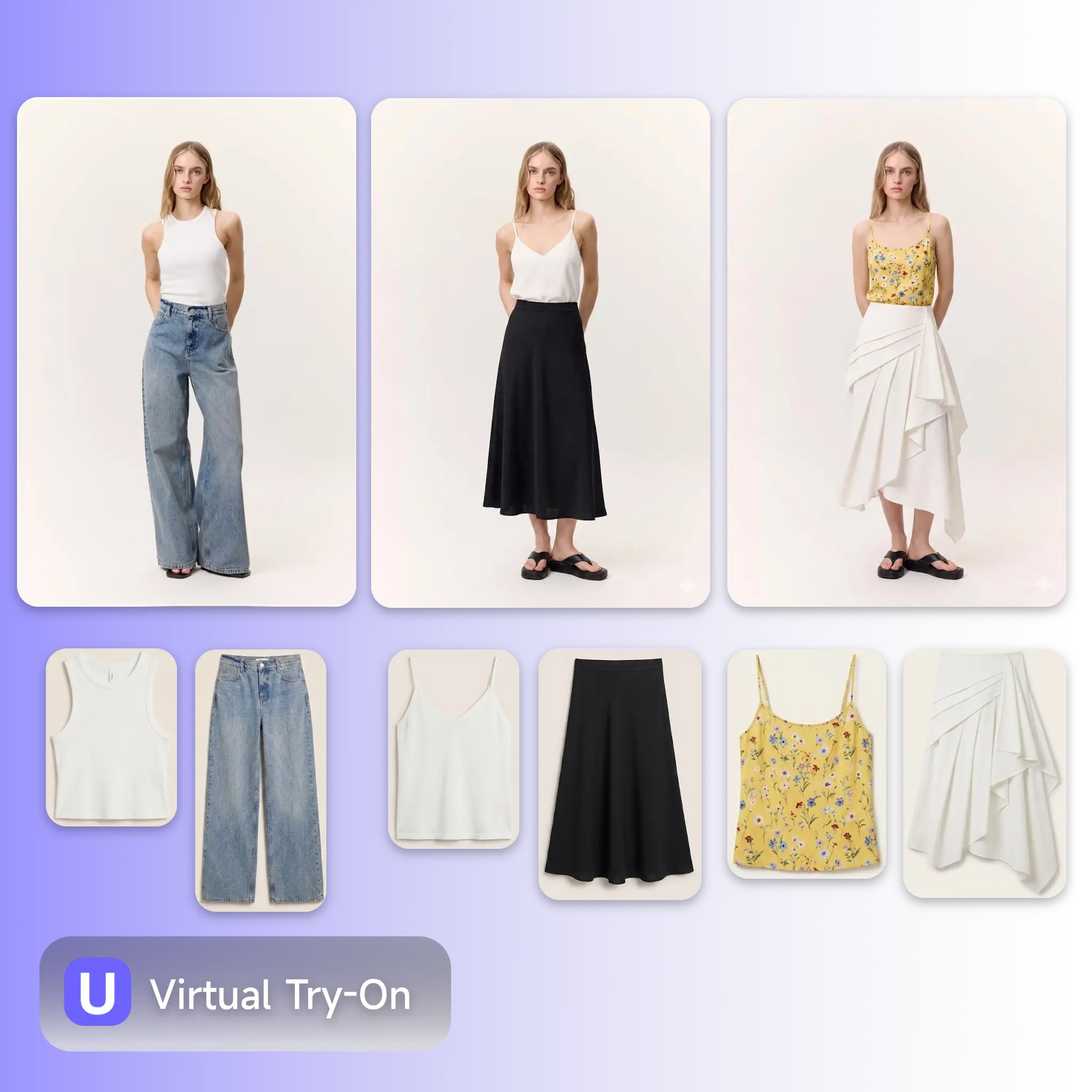
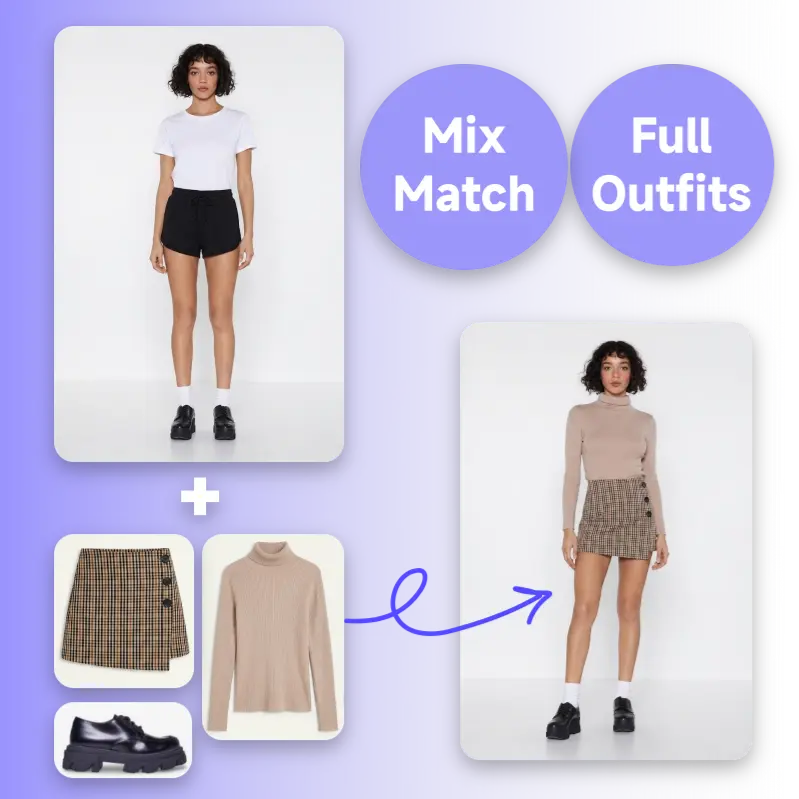
Upload up to four garments in a single session. Pair a top with trousers or a skirt to generate outfit combinations in one pass. The same model photo works across multiple garment uploads, letting you build a full coordinated lookbook without repeating the setup for every item.

Prompt Control for Consistent Brand Visuals

Prompt Control for Consistent Brand Visuals

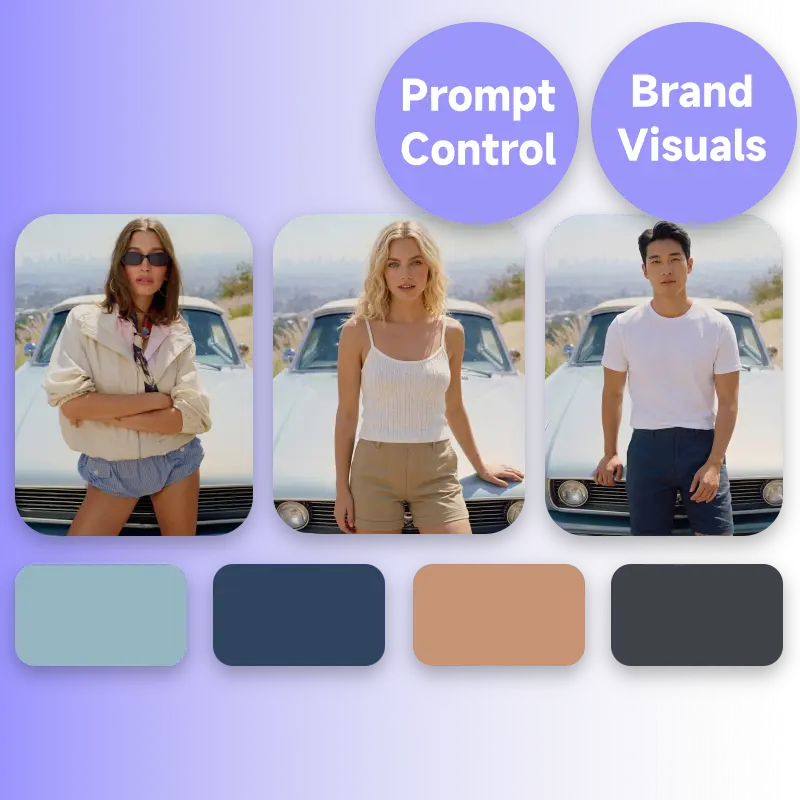
Use the prompt field to guide the output, specify fit style (slim cut or relaxed), whether to keep the original background, lighting mood, and other details. Every image you generate follows the same visual direction, so your entire catalogue looks like it came from the same shoot, regardless of how many SKUs or models are involved.

How to Use Virtual Try On

No design software, no sign-up required. Upload your garment, pick a model, and download a studio-quality on-model clothing photo in under a minute.

Upload a Model

Step 1: Upload a Model

Upload your own model photo to the AI Virtual Try On Tool. The AI Virtual Try On Tool aligns the garment to the model's pose automatically, no manual adjustments needed. Swap models to generate the same outfit on different looks for different target markets.

Upload Your Garment Image

Step 2: Upload Your Garment Image

Click to upload or drag and drop your clothing image into the Virtual Try On Tool. Use a clean flat-lay or product photo for the best fit result. You can upload up to four garments at once to generate outfit combinations.

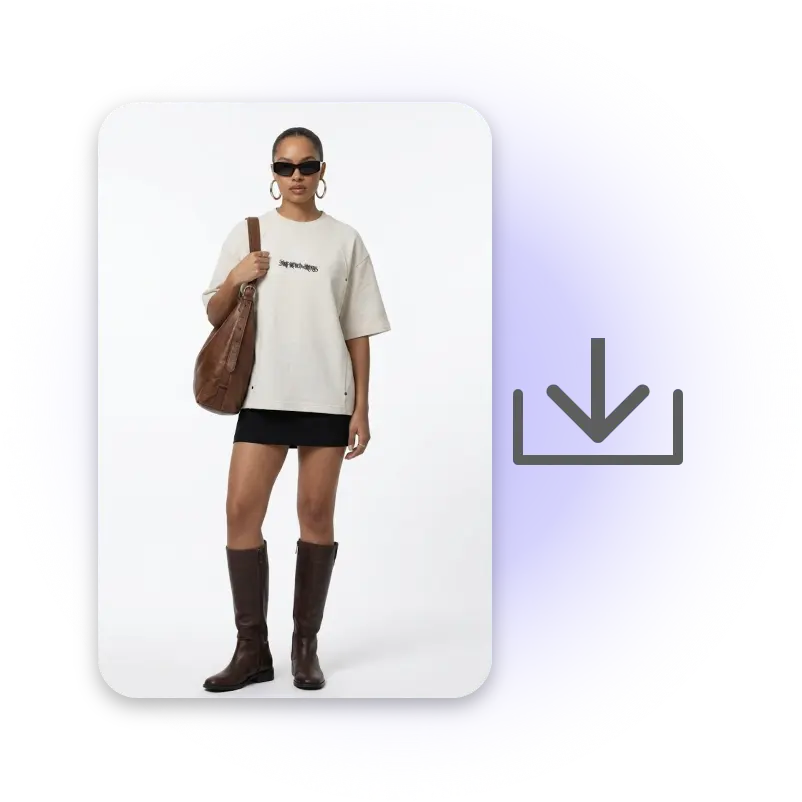
Generate and Download Your On-Model Photo

Step 3: Generate and Download Your On-Model Photo

Add an optional prompt to guide fit style or background treatment, then click Generate. The virtual try on AI processes the garment and model in seconds and delivers a finished on-model clothing photo ready for your product listing, social post, or campaign asset.

Start Generating On-Model Clothing Photos Now

Upload any garment image to our virtual try on tool, pick a model, and get a realistic on-model photo in seconds — free, no sign-up, no photoshoot needed. Built for e-commerce sellers who need listings live fast.

Try Virtual Try On Free

What Users Are Saying About Virtual Try On

Rachel S. avatar

Rachel S.

Global Fashion Marketplace Seller

"We sell across a lots of countries. Getting on-model clothing photos used to mean booking a shoot for every new season. With this virtual try on tool, we generate the same quality images in minutes. Our time-to-listing dropped by about 4 days per catalogue cycle."

James K. avatar

James K.

Fashion Catalog Manager

"I manage product content for an independent fashion brand with 80+ SKUs. The virtual try on handles tops and bottoms together in one generation, which is exactly what we needed for our outfit listings. The garment fit looks accurate enough to publish directly."
Mei L. avatar

Mei L.

Apparel Production Manager

"We were spending hours briefing photographers and waiting on edits. The AI virtual try on tool replaced that entire step. Upload the flat-lay, select the model, done. The collar and sleeve edges come out clean — no blurring or warping on the garment edges."
Daniel W. avatar

Daniel W.

Fashion Marketplace Operator

"We run the same SKU across three storefronts and need a different model look for each market. Virtual try on lets us swap models on the same garment in seconds. What used to be a full shoot day is now 20 minutes of uploads."
Priya N. avatar

Priya N.

Brand Visual Merchandising Manager

"The prompt field is what sets this apart. I can specify 'slim fit' or 'keep background' and the output actually reflects that. Our product images look consistent across the whole catalogue — same visual standard, every item."
Lucas B. avatar

Lucas B.

Growth Marketing Director

"We use the virtual try on tool for A/B testing product images before committing to a full shoot. Generate 4 outfit variations in one session, test which performs better, then decide what to actually produce. It's changed how we approach new product launches entirely."

Virtual Try On — Frequently Asked Questions