AI Talking Avatar Generator
Models
Images*
Upload Your Avatar
PNG, JPG, JPEG, WebP (max 10MB)
0/1500
Select Voice
Upbeat Woman - Bright,Crisp,Polished
EN-US (General)
Female
Young
Login for 10 free credits daily, then 1 credits / video
AI Talking Avatar Generator
Create AI talking avatars from photos or text. Add a script and voice to generate lifelike videos with perfect lip-sync and natural expressions.
AI Talking Avatar Generator

AI Talking Avatar Generator - Create UGC Talking Video Free

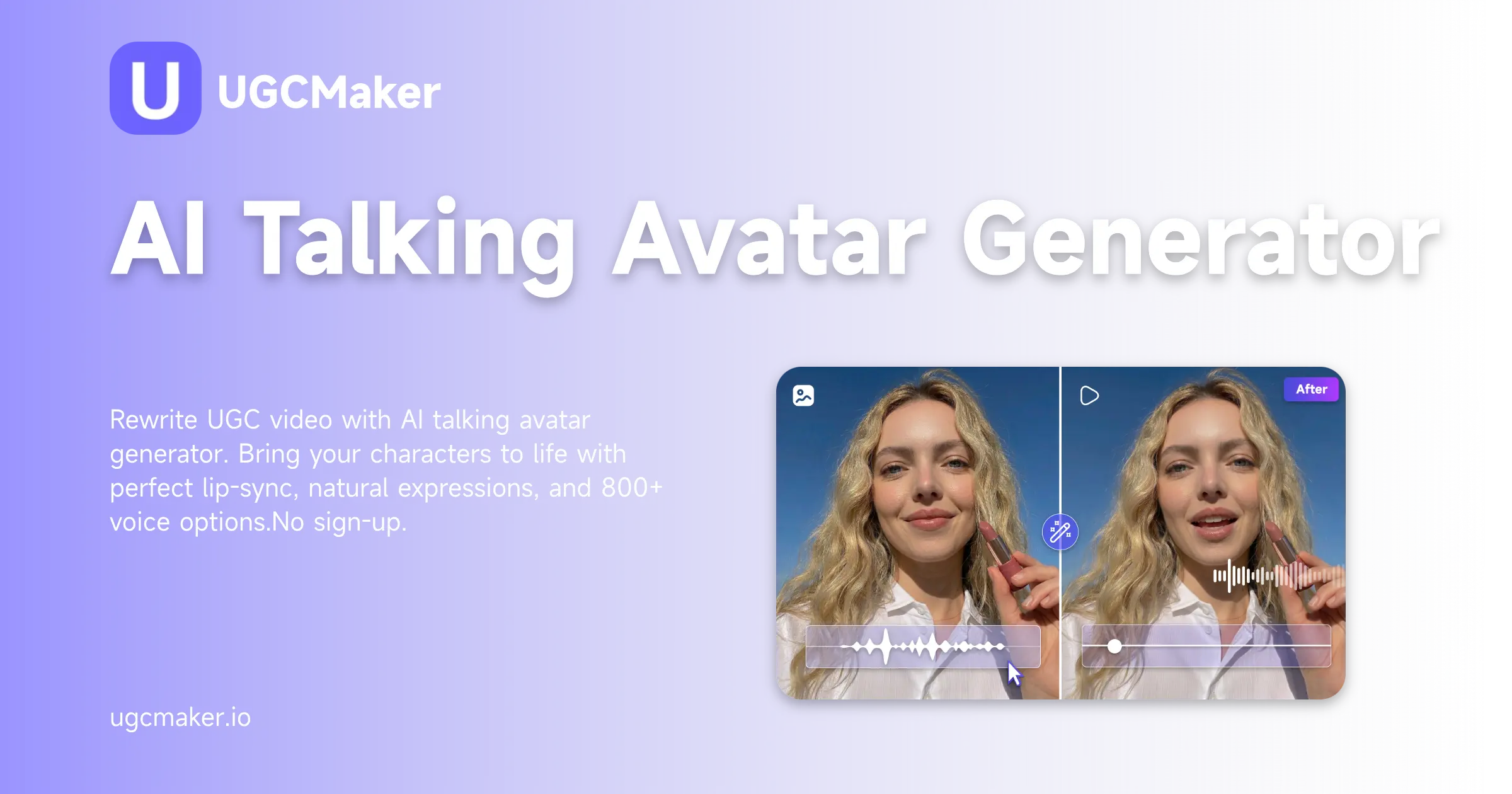
Rewrite UGC video with AI talking avatar generator. Bring your characters to life with perfect lip-sync, natural expressions, and 800+ voice options.No sign-up.

Try AI Talking Avatar Generator
AI Talking Avatar Generator - Create UGC Talking Video Free

What is AI Talking Avatar Generator?

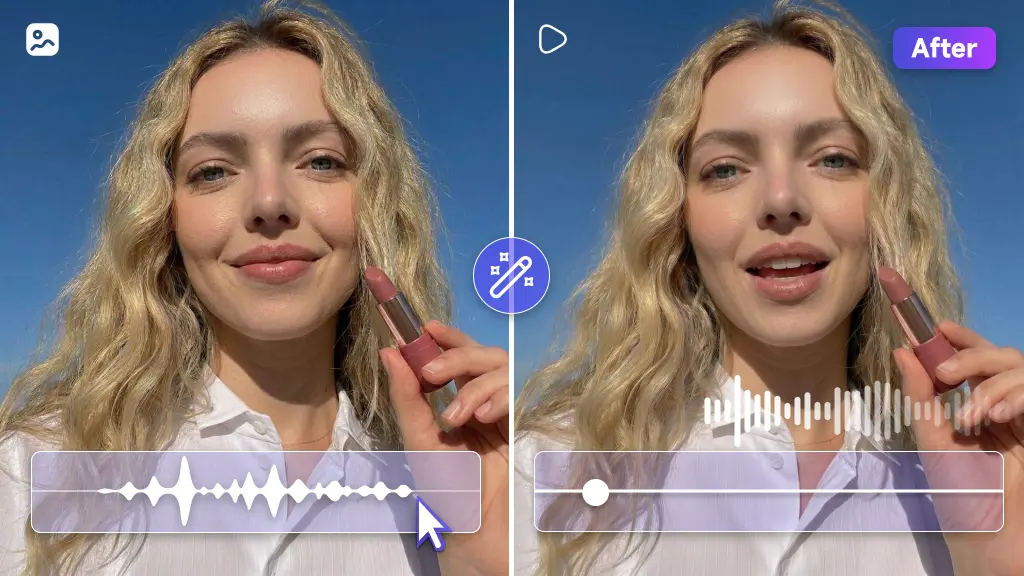
An AI talking avatar generator is an online tool that turns a static photo into a speaking video character. Upload any portrait image, a brand mascot, or a virtual persona, then provide a script or audio file. The tool animates the avatar, applying precise AI lip sync to match the mouth movements naturally to the voice, and delivers a finished video you can post directly. For content creators, social media teams, and e-commerce brands producing videos at scale, a free AI talking avatar generator removes the bottleneck between having an idea and publishing it.

AI Talking Avatar Generator - Create UGC Talking Video Free

Why Use AI Talking Avatar Generator?

An AI talking avatar generator eliminates studio shoots. Control your character, voice, and script instantly—no filming or editing required. You keep full creative control, over the character, the voice, the script, without coordinating shoots or editing footage. For social media teams running multiple accounts, or e-commerce brands producing content across markets, the ability to generate a talking avatar video from a photo in minutes means campaigns move faster, localization scales, and production costs stay flat regardless of volume.

AI Talking Avatar Generator - Create UGC Talking Video Free

Don't Let Camera Shoots Bottleneck Your Finished Scripts

The friction isn't the idea, it's everything that comes after. Booking time on camera, coordinating with a presenter, editing raw footage, reviewing lip sync in post. Every step adds days. For teams publishing across multiple platforms or markets, that cycle repeats for every piece of content. A free AI talking avatar generator eliminates the recording stage entirely. Paste your script, upload a photo or select an avatar, and generate a ready-to-publish talking video, without a single recording session, studio booking, or round of video edits.

AI Talking Avatar Generator - Create UGC Talking Video Free

What Makes AI Talking Avatar Generator Stand Out

From a single photo to a finished talking video, our AI talking avatar generator is built for creators and teams who need professional-quality output without production overhead.

Natural Expressions That Make Avatars Feel Real

Natural Expressions That Make Avatars Feel Real

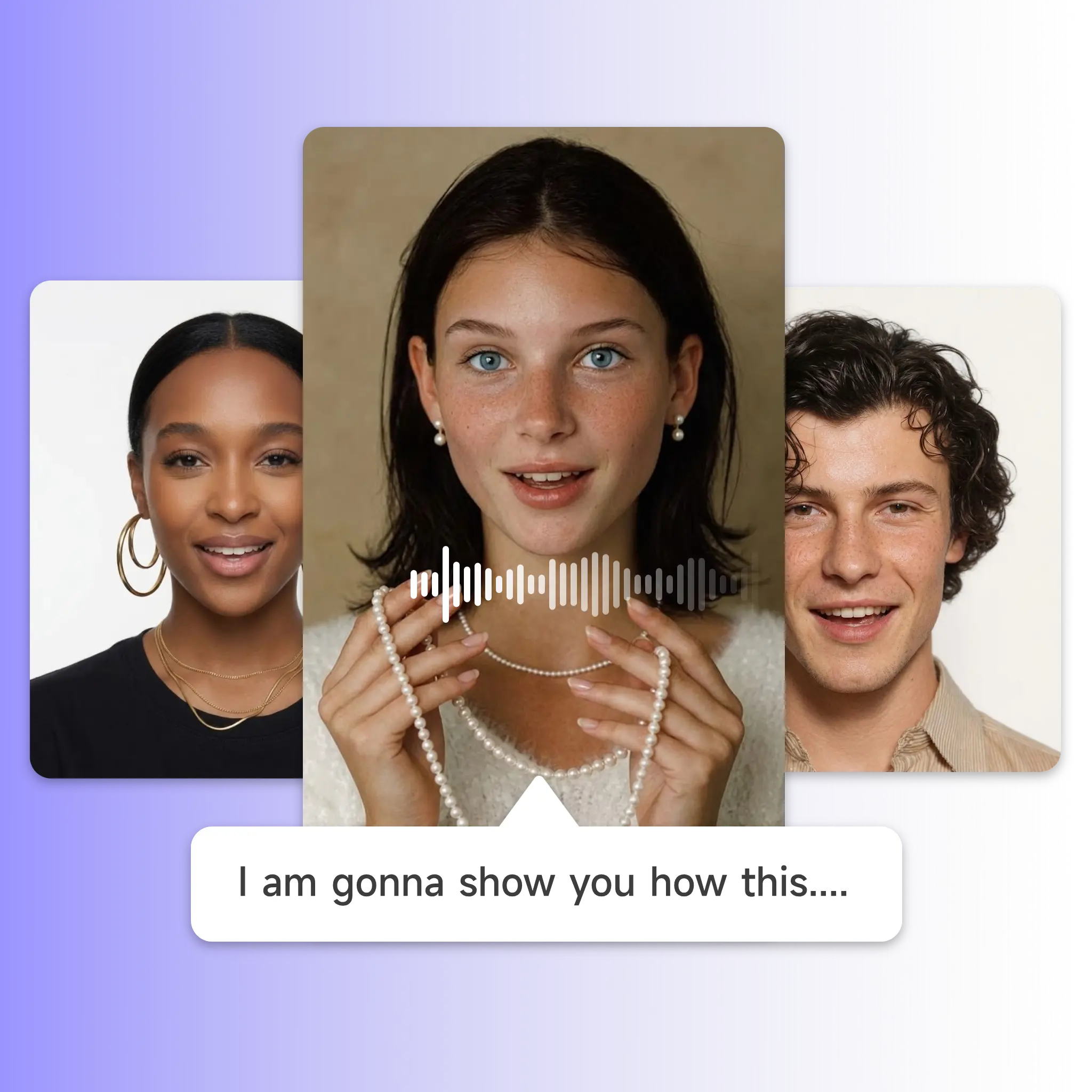
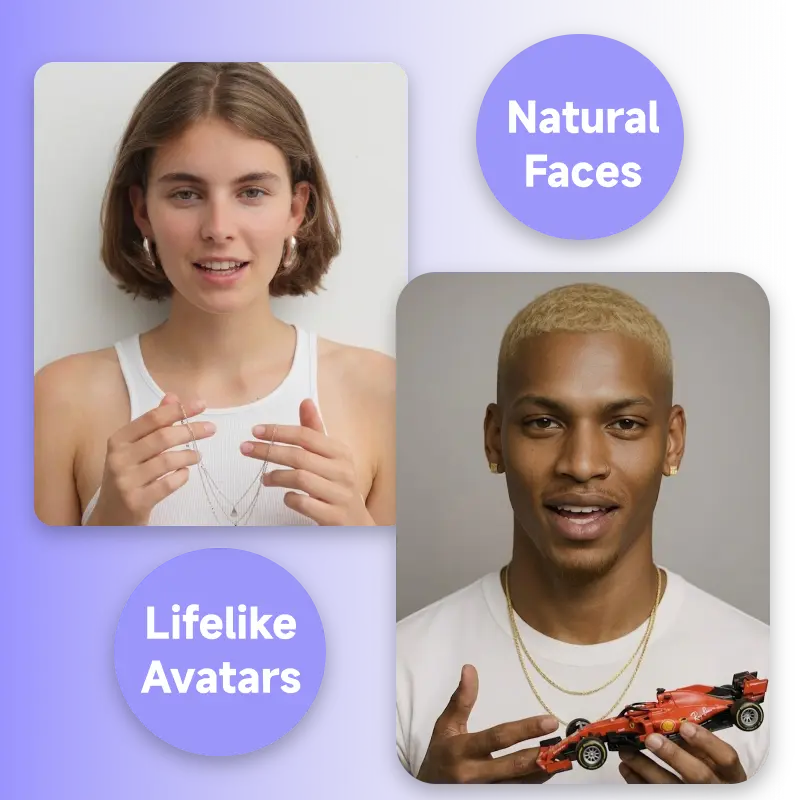
A talking avatar isn't just about mouth movements. Our AI talking avatar generator animates the full face, subtle blinks, natural head movements, and realistic expressions that match the tone of the speech. The result feels like a real person on screen, not a static photo with a moving mouth.

Drive Lip Sync with Audio Upload or Text Prompt

Drive Lip Sync with Audio Upload or Text Prompt

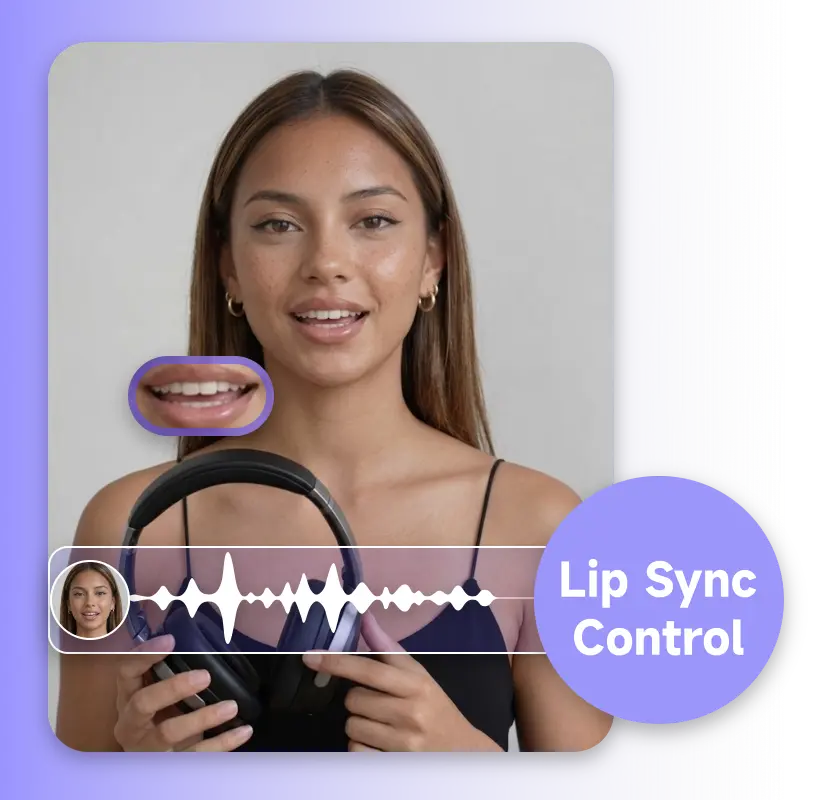
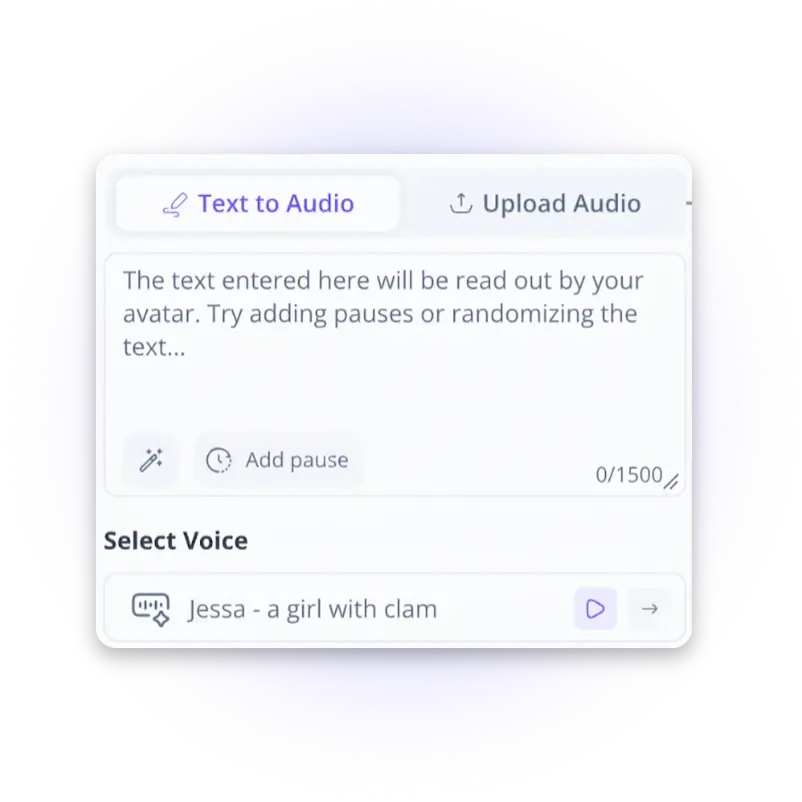
Already have a voiceover? Upload your audio file and the AI syncs the mouth movements to match. No audio yet? Type your script and choose from 800+ AI voices. Either path produces the same accurate, fluid lip sync.

Output Ready to Publish Without Extra Editing

Output Ready to Publish Without Extra Editing

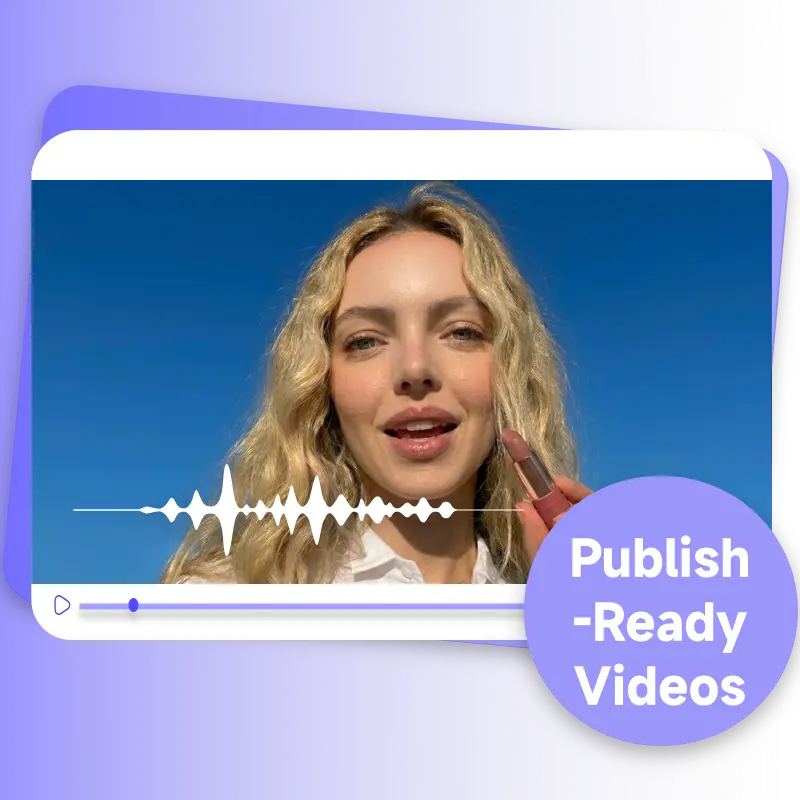
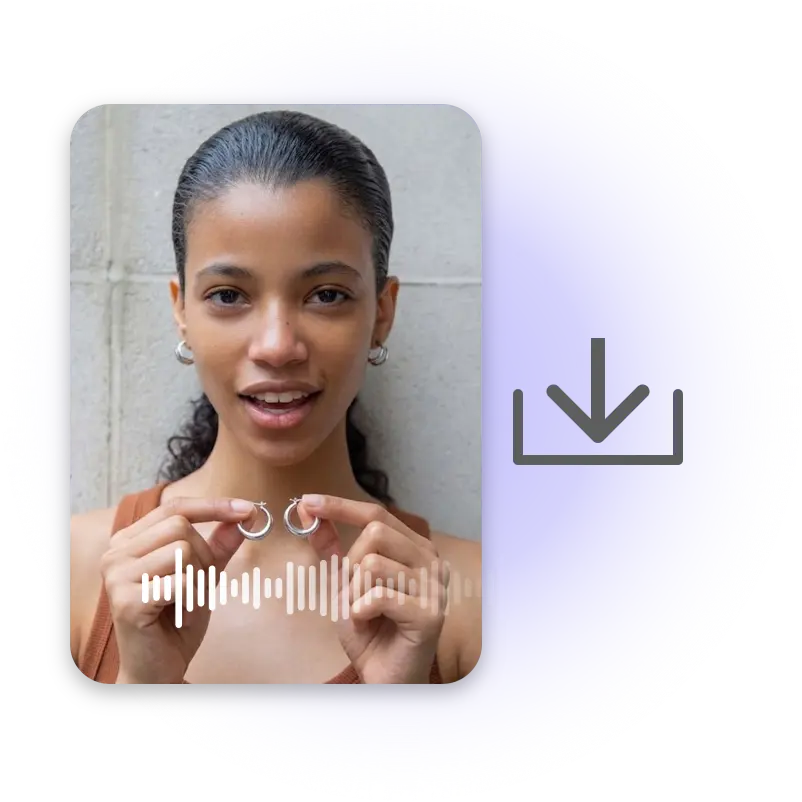
The generated video is clean and export-ready. No watermarks, no color correction, no post-production required. Download and upload directly to TikTok, YouTube, Instagram, or your storefront, as generated.

How to Use AI Talking Avatar Generator

Three steps from photo to finished talking video. No software to install, no account required to start — just upload, configure, and generate.

Upload Your Avatar

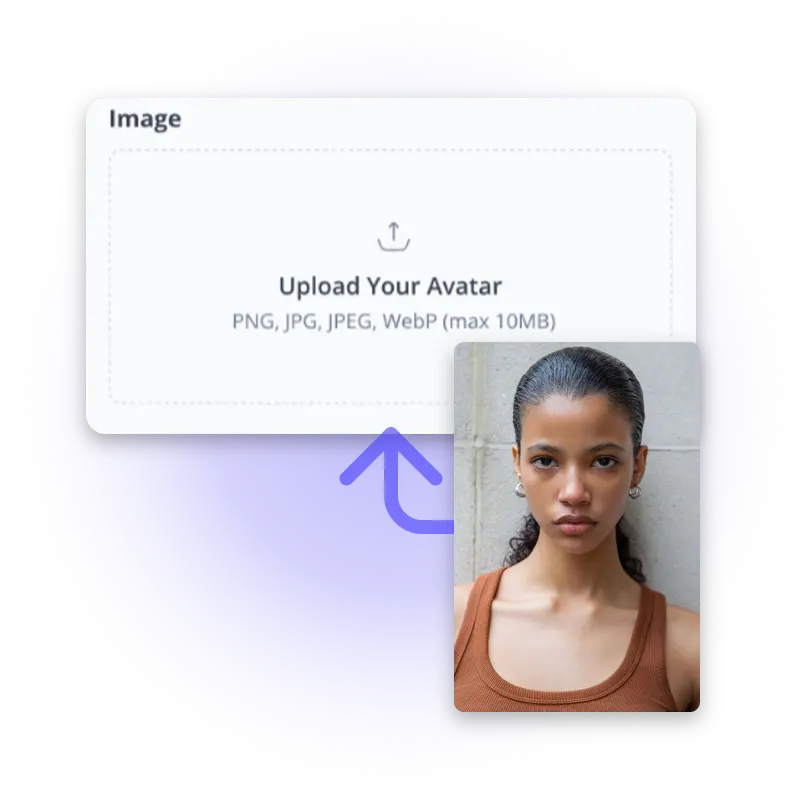
Step 1: Upload Your Avatar

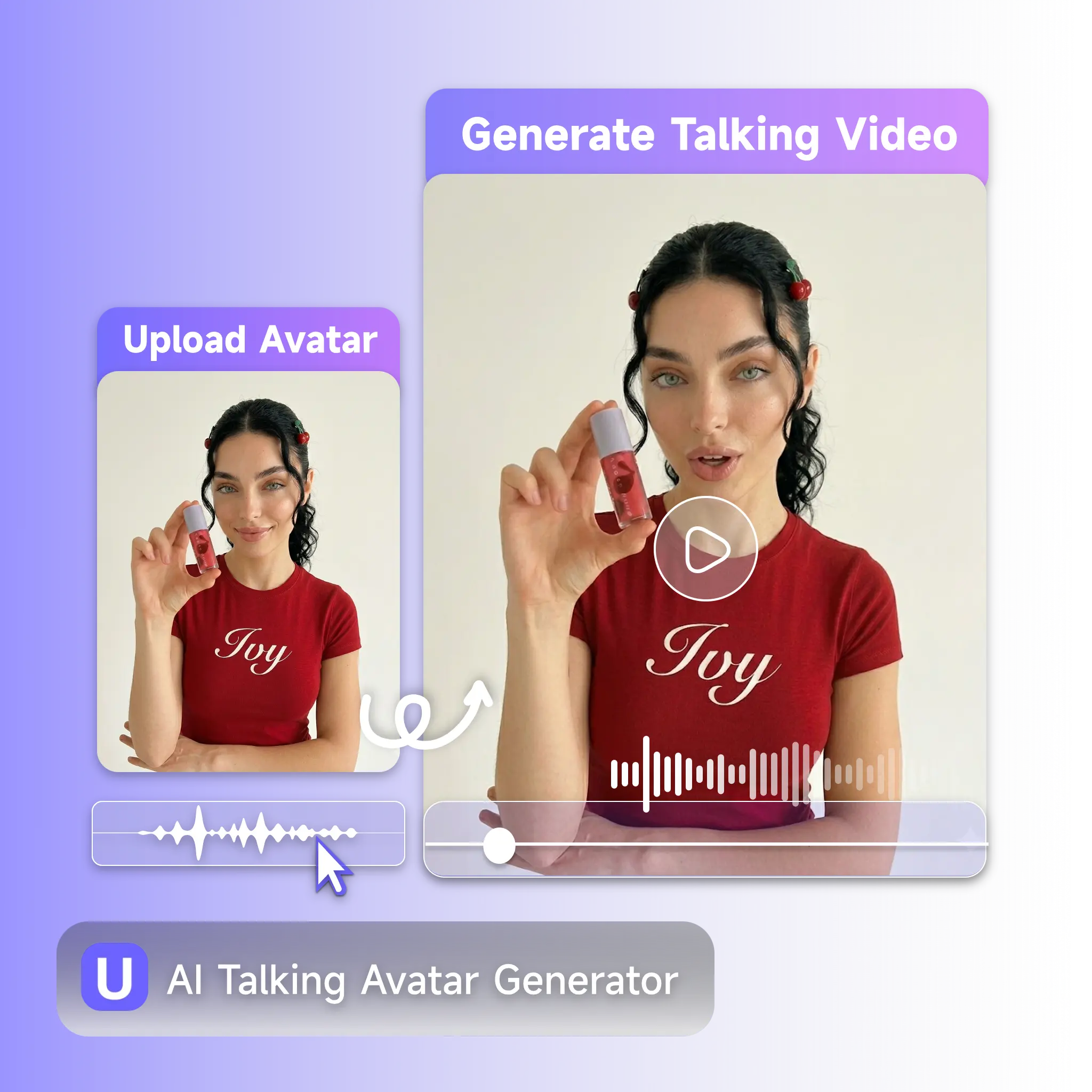
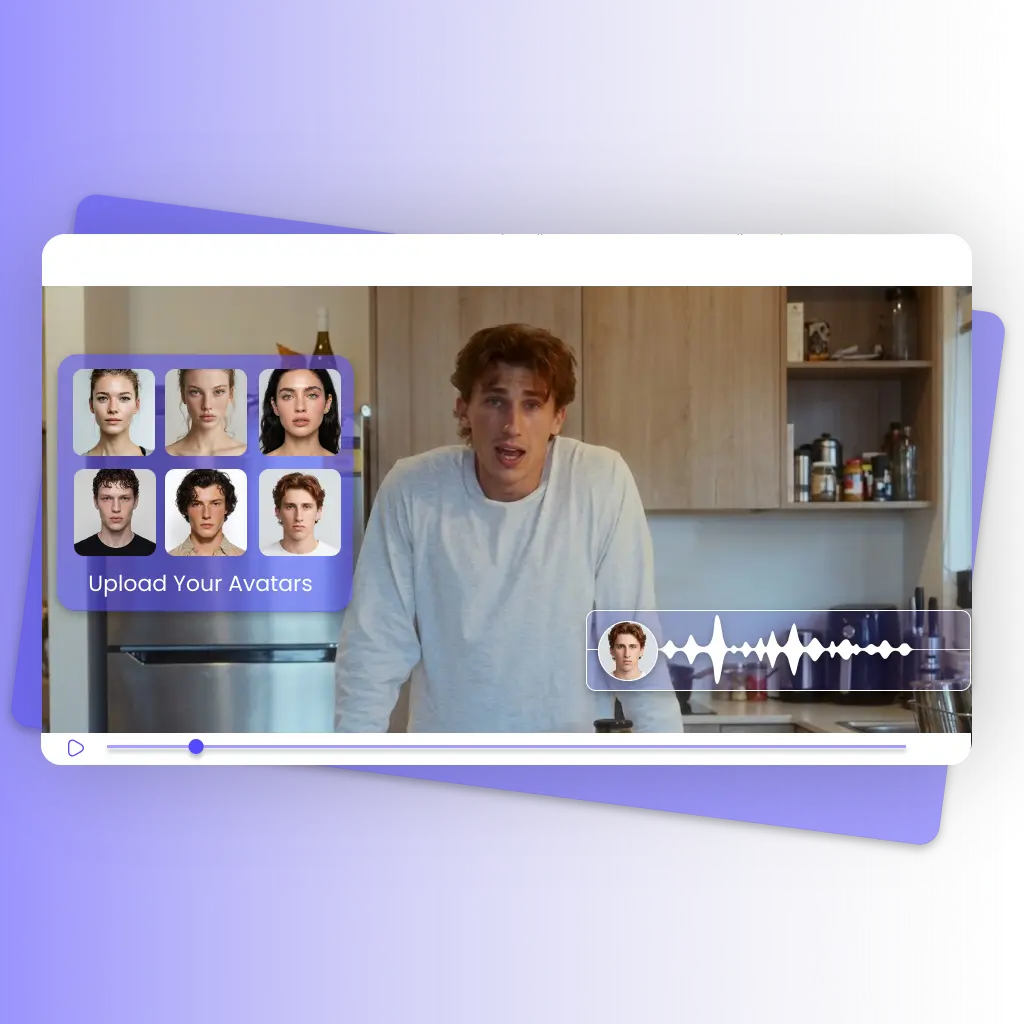
Click to upload a portrait photo. For best results, use a front-facing image with a clear background and visible facial features.

Add Your Script or Upload Audio

Step 2: Add Your Script or Upload Audio

Type the text you want your avatar to speak and select a voice from 800+ AI options, or upload a pre-recorded audio file to drive the lip sync directly. Adjust speaking style, tone, or pacing as needed before generating.

Generate and Download Your Talking Avatar Video

Step 3: Generate and Download Your Talking Avatar Video

The AI talking avatar generator animates your character, syncs the mouth movements to the voice track, and delivers the completed video. Preview the result, then download and publish directly — no editing required.

Start Creating Talking Avatar Videos for Free

Upload a photo, add a script, and generate a lifelike talking avatar video in minutes. No camera, no recording, no sign-up. Free AI talking avatar generator — built for creators and teams who need to move fast.

Try AI Talking Avatar Generator Free

What Users Are Saying About AI Talking Avatar Generator

Rachel T. avatar

Rachel T.

Social Media Content Manager

"We produce content for 4 regional markets. Getting a spokesperson video used to take a full shoot day per market. With this AI talking avatar generator, we upload one photo, localize the script, and have all four versions ready inside an hour."
Kevin L. avatar

Kevin L.

E-Commerce Creator

"I run a TikTok shop account and post daily. Showing up on camera every day wasn't sustainable. The free AI talking avatar generator lets me create a consistent on-screen character without recording myself. My posting schedule hasn't missed a day in two months."
Sophia M. avatar

Sophia M.

Brand Video Producer

"The lip sync quality is what surprised me most. I've tried other tools and the mouth movements always looked mechanical. This AI talking avatar generator produces natural, fluid animation that actually matches the audio. It passes the 'does this look real' test."
James W. avatar

James W.

L&D Specialist

"Our training team needed talking-head explainer videos for 6 product lines. Hiring presenters wasn't in the budget. We used the AI talking avatar generator to create a consistent avatar across all six videos — same character, different scripts, done in a morning."
Anna R. avatar

Anna R.

Freelance Video Marketer

"I tested 4 different AI talking avatar generators before settling on this one. The ability to upload my own photo and get a realistic result — not a cartoon — was the deciding factor. The output looks professional enough for client-facing content."
Marco D. avatar

Marco D.

International E-Commerce Operations Lead

"We localize product content into 3 languages. Before, we re-recorded the voiceover for each version and sent it back to edit. Now we upload the translated script to the AI talking avatar generator and download 3 finished videos. The whole process takes 20 minutes instead of 2 days."

AI Talking Avatar Generator — Frequently Asked Questions

What is AI talking avatar generator?

An AI talking avatar generator is a tool that animates a photo into a speaking video character, syncing the avatar's mouth movements to a voice track or script. Upload a photo, add audio or text, and download a finished talking video — no filming required.

Can I use my own photo with the AI talking avatar generator?

Yes. Upload any front-facing portrait image and the AI talking avatar generator will animate it into a speaking character. For best results, use a clear image with the face fully visible and minimal background clutter.

What if I don't have an audio file?

You can type your script directly into the AI talking avatar generator and select from 800+ AI voices to generate natural-sounding speech. The tool handles both text-to-speech and audio-upload inputs — you don't need a pre-recorded voiceover to get started.

How accurate is the lip sync in the generated video?

The lip sync engine analyzes the audio and maps mouth movements frame by frame to match the speech. The result is natural and fluid — suitable for direct publication without post-production correction.

Is the AI talking avatar generator free to use?

Yes. You can access the free AI talking avatar generator without creating an account. Start generating immediately from the tool page.

What types of photos work best for AI talking avatars?

For the best results, use a clear, front-facing portrait with good lighting and a visible face. Both real photos and AI-generated portraits are supported.

What video formats does the AI talking avatar generator output?

Generated videos are delivered in MP4 format, compatible with all major publishing platforms including YouTube, TikTok, Instagram, Amazon, and Shopee.

Can I use the AI talking avatar generator for e-commerce product videos?

Yes. E-commerce sellers use the AI talking avatar generator to produce spokesperson-style product videos without booking studio time. Upload your avatar, add a product script, and download a video ready for your listing.

Can I use AI-generated images as avatars?

Yes. You can upload both real photos and AI-generated portraits to create talking avatar videos with realistic lip sync and facial animation.

Will the generated video have a watermark?

Videos generated on the free plan are delivered without a watermark. You can download and publish directly to any platform.

How long does it take to generate a talking avatar video?

Most videos are generated within seconds to a few minutes depending on length. There is no manual editing step — the AI talking avatar generator handles animation and lip sync automatically.

How is an AI talking avatar generator different from a regular video editor?

A video editor requires source footage — you need to have recorded something first. An AI talking avatar generator starts from a still photo. It creates the motion, animates the face, and syncs the audio, producing a complete talking video without any filming involved.