



Models
Image*
Drag or uploadimages
PNG, JPG, JPEG, WebP (max 16MB)
Prompt
Describe the edits you want, e.g. remove the background, change the lighting, upscale 2x...
0/4096
Login for 10 free credits daily, then 6 credit / image
AI Photo Editor
UGC Maker's AI photo editor lets you edit and enhance images with text prompts, no sign-up or watermark required.
AI Photo Editor

Free AI Photo Editor Online - Edit Images No Sign-up

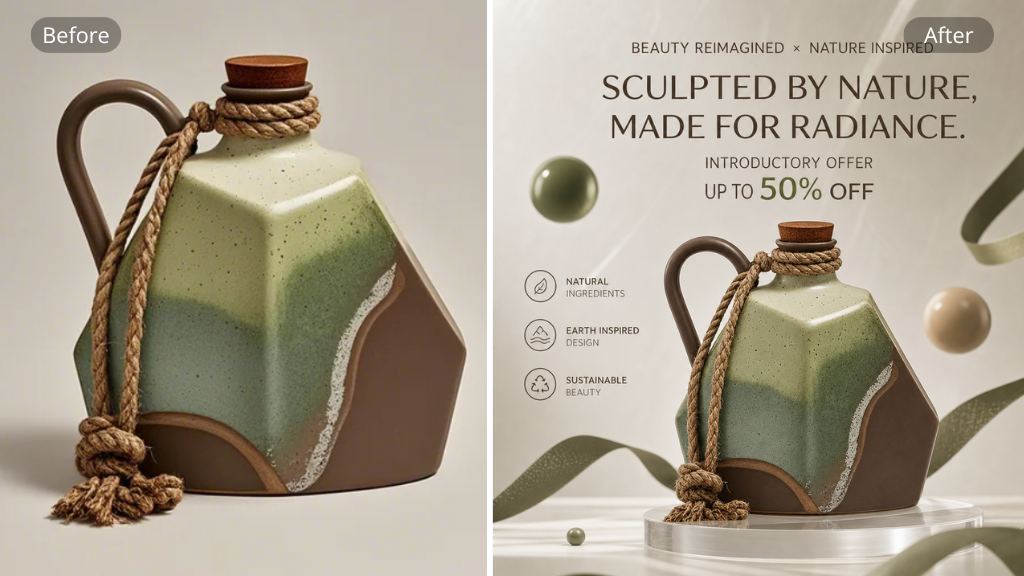
Edit photos with UGC Maker's AI Photo Editor. Remove backgrounds, erase objects, enhance quality, and apply styles - free, unlimited, no sign-up, no watermark.

Edit Photos Free
AI Photo Editor — edit and enhance images with text prompts, no sign-up or watermark required

What Is AI Photo Editor?

AI Photo Editor is an online tool that transforms how you edit images. Instead of learning complex software, you describe what you want in plain text and the tool handles the rest. Remove backgrounds, erase unwanted objects, enhance photo quality, and apply artistic styles in seconds. Built by UGC Maker, AI Photo Editor works entirely in your browser with no downloads or installations. Whether you are a content creator touching up product shots, a marketer preparing campaign visuals, or someone restoring old family photos, AI Photo Editor gives you professional results without the learning curve.

What Is AI Photo Editor? — online tool that transforms how you edit images with plain text

Why Choose UGC Maker's AI Photo Editor?

Most photo editing tools demand hours of learning, expensive subscriptions, or force you to create an account before you can do anything useful. UGC Maker's AI Photo Editor takes the opposite approach. You open the page and start editing immediately. The tool interprets natural language instructions, so you can type "remove the background" or "make this photo look like a watercolor painting" and get results in seconds. There is no limit on how many images you can edit, no watermark on your output, and no sign-up wall blocking your workflow. For anyone who needs quick, high-quality edits without juggling multiple tools, AI Photo Editor consolidates everything into one free, browser-based solution.

Why Choose UGC Maker's AI Photo Editor? — free, unlimited, no sign-up image editing

Stop Wasting Time on Complicated Photo Editing Software

Traditional photo editing comes with friction at every turn. You spend hours watching tutorials just to remove a background. You pay monthly subscriptions for features you use once a week. You create accounts, verify emails, and still end up with watermarked exports unless you upgrade. AI Photo Editor eliminates all of this. There is no installer, no credit card, and no watermark on your final image. The tool handles common editing tasks through simple text descriptions, turning multi-step workflows into single instructions. For anyone who has ever abandoned an edit because the software was too complicated or the free trial expired, AI Photo Editor by UGC Maker offers a genuine alternative that prioritizes speed, simplicity, and actual free access.

Stop Wasting Time on Complicated Photo Editing Software — AI Photo Editor solves the frustration of complex software

Key Features of AI Photo Editor

AI Photo Editor brings together everything you need to edit images without using complex desktop software. Here are the three features that make AI Photo Editor stand out from traditional tools and other online editors.

Text-to-Edit Simplicity

Text-to-Edit Simplicity

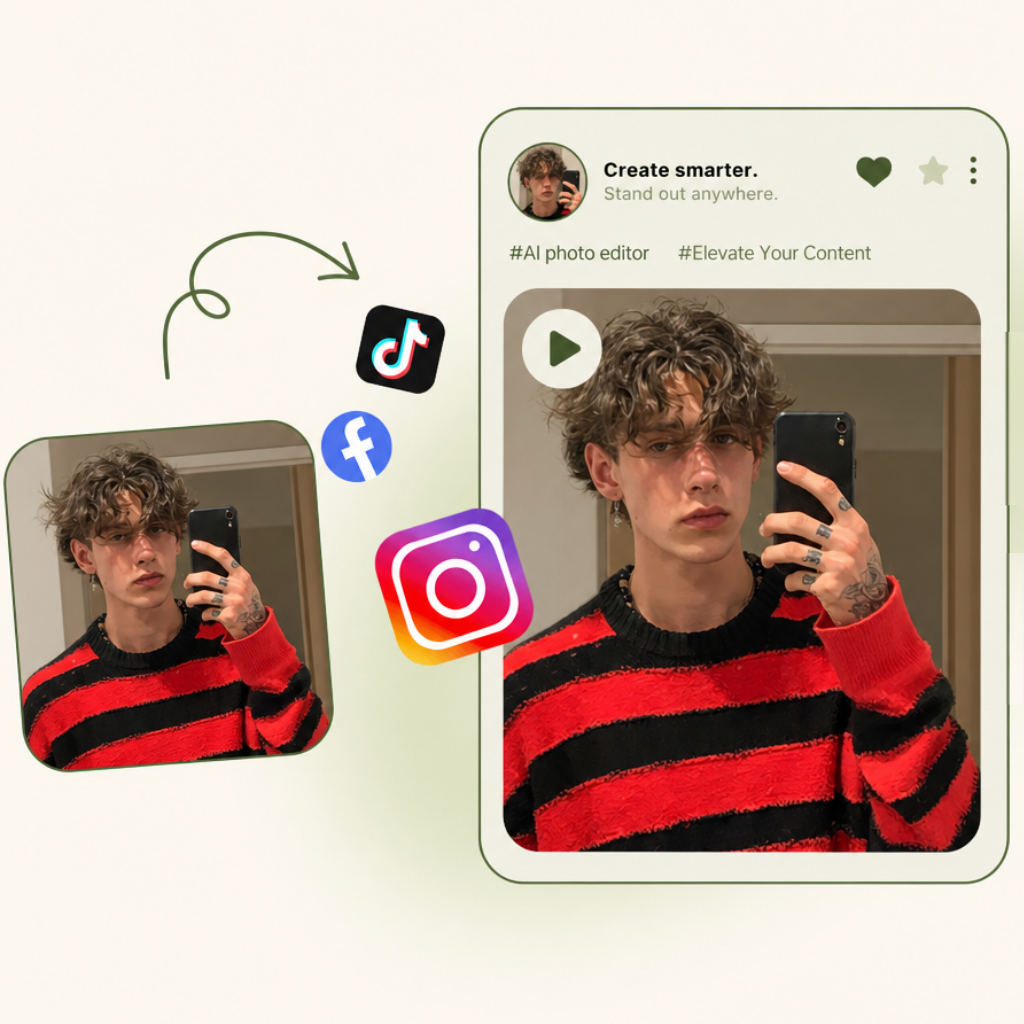
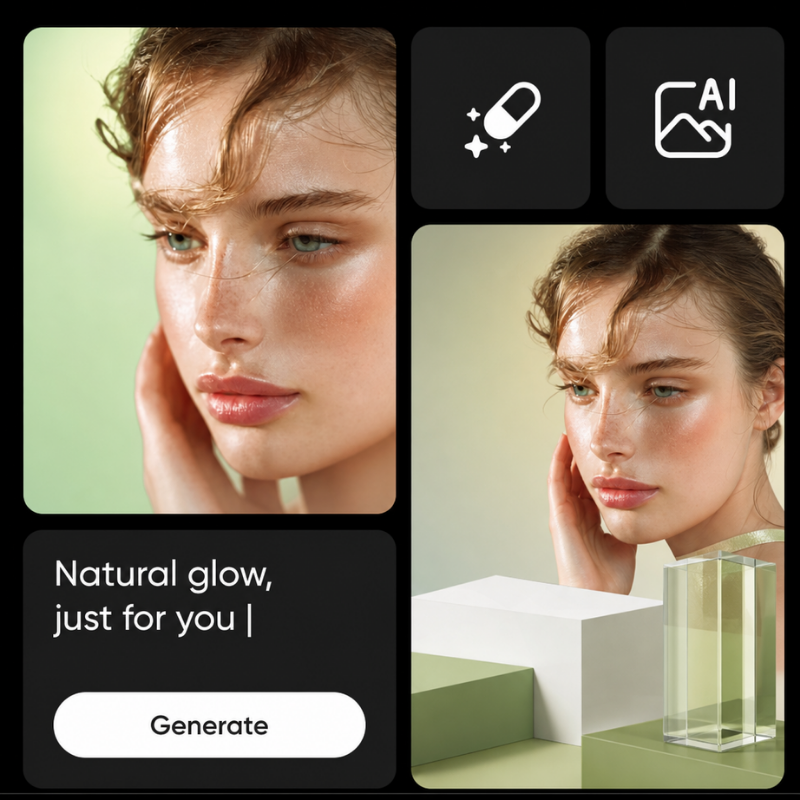
Type what you want and watch AI Photo Editor bring your vision to life in seconds. There are no toolbars to memorize, no layers to manage, and no jargon to decode. Just describe your edit in plain English and see the result immediately.

Background Removal

Background Removal

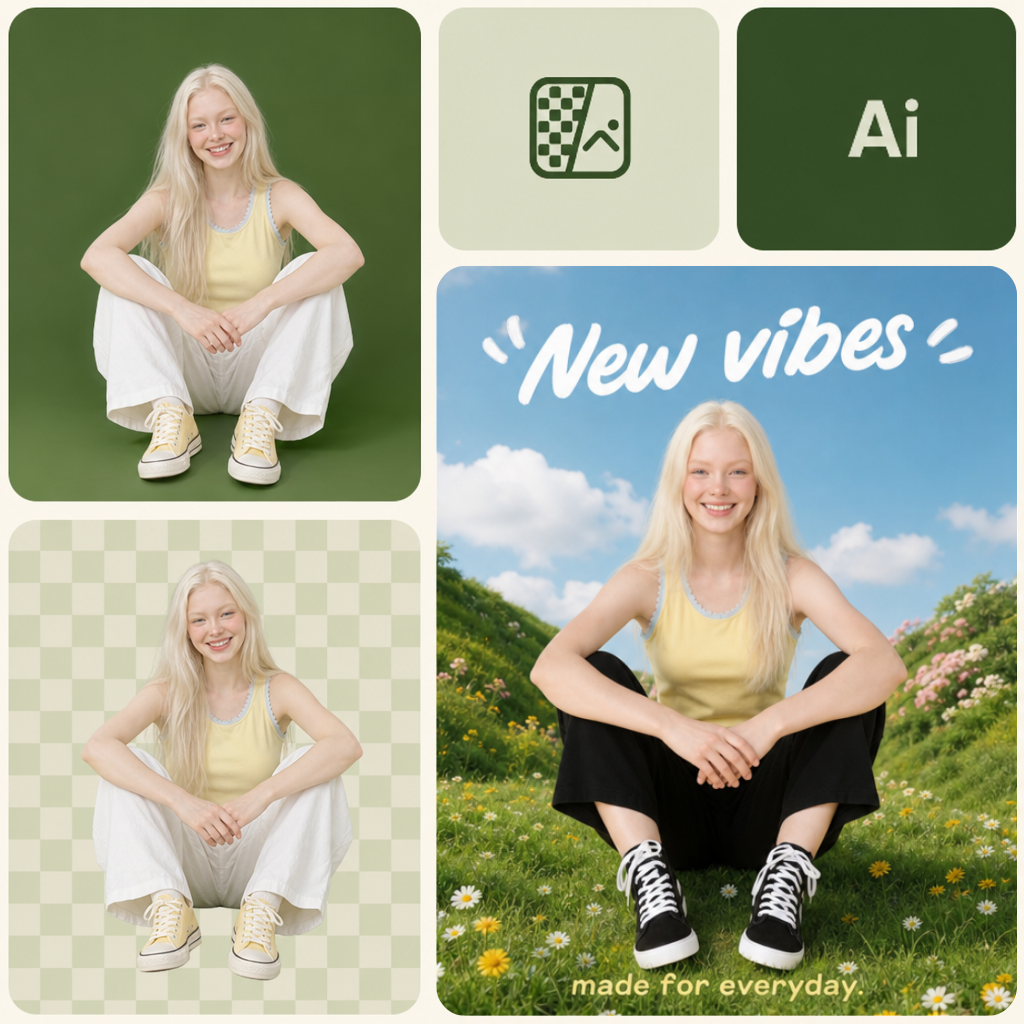
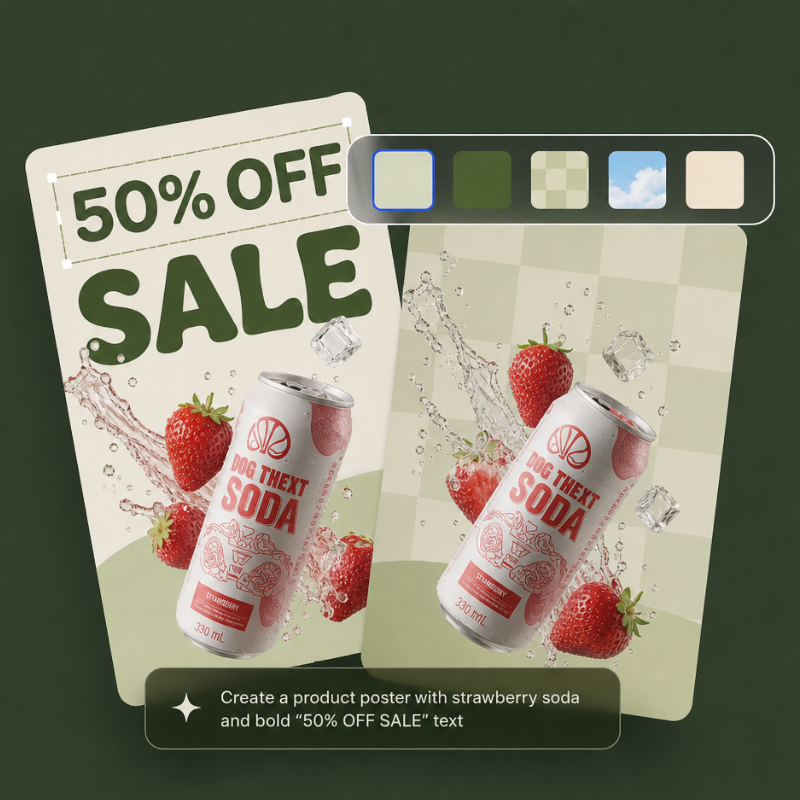
Remove image backgrounds instantly with a single text instruction. AI Photo Editor detects subjects automatically and delivers clean, professional cutouts every time. Perfect for product photos, portrait shots, and social media graphics that need a polished look.

Quality Enhancement

Quality Enhancement

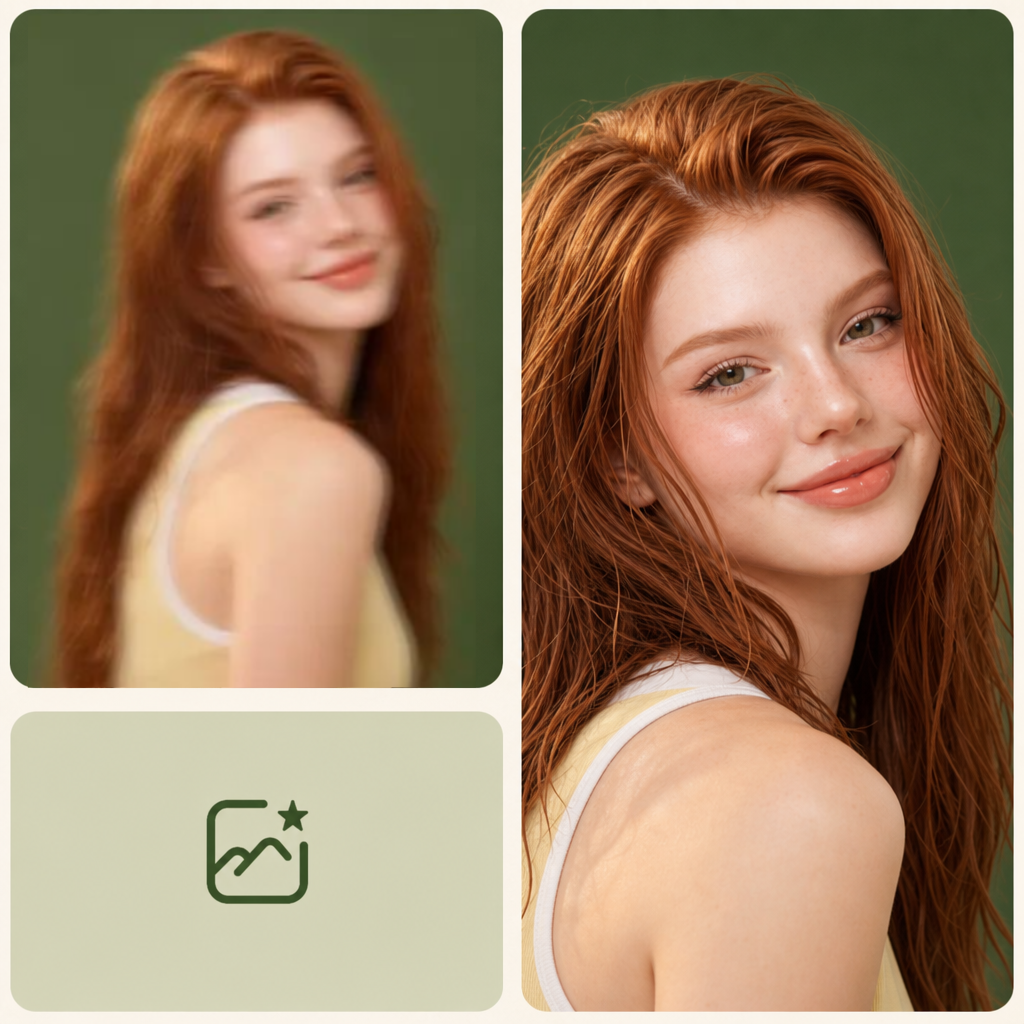
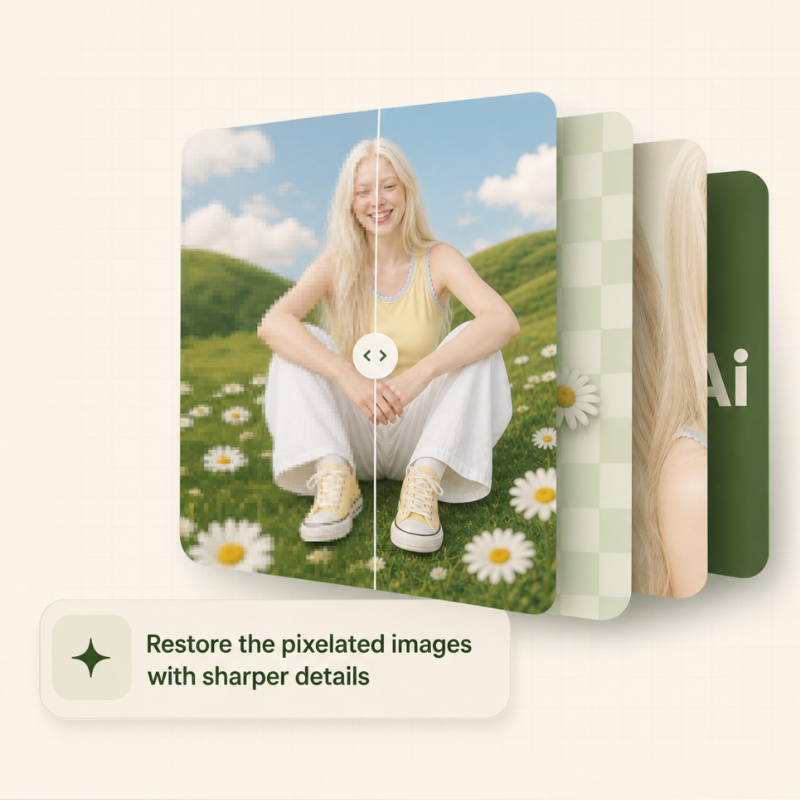
Boost resolution, sharpen details, and restore clarity to old or low-quality photos in one step. AI Photo Editor upscales images while preserving natural textures and colors, giving you crisp, print-ready results from photos taken on any device or camera.

How to Use AI Photo Editor

Upload a photo, describe your edit, and download the result — no software to install, no account to create.

Upload Your Photo

Step 1: Upload Your Photo

Go to the AI Photo Editor page and drag your image onto the upload area or click to browse your files. The editor accepts JPEG, PNG, and WebP formats up to 10MB. Your photo appears instantly in the workspace with no loading delay or sign-up requirement.

Describe Your Edit

Step 2: Describe Your Edit

Type a simple instruction in the text box describing what you want to change. You can enter anything from "remove the background" to "enhance the colors and sharpen the details." AI Photo Editor processes your request and shows the edited preview within seconds.

Download the Result

Step 3: Download the Result

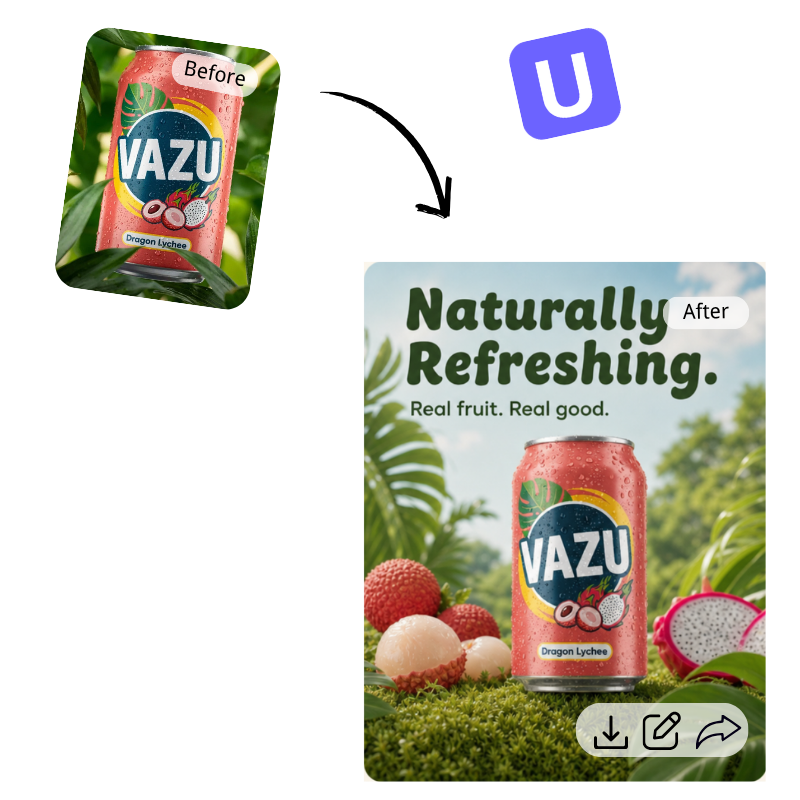
Review the edited image and download it in high resolution with a single click. There is no watermark, no quality loss, and no limit on how many images you can export. If you want a different result, simply refine your text prompt and the tool regenerates instantly.

Start Editing with AI Photo Editor Today

Ready to skip the hassle of complex software? Open UGC Maker's AI Photo Editor in your browser and start editing photos with nothing more than text descriptions. No sign-up, no payment, no watermark on your images.

Edit Your Photos Free

What Users Say About AI Photo Editor

S.M. avatar

S.M.

E-commerce Owner

I used to spend hours editing product photos in Photoshop. Since discovering AI Photo Editor, my workflow has completely changed. I upload a product shot, type "remove background and add a white backdrop," and five seconds later I have a catalog-ready image. No subscription, no watermark, no hassle. UGC Maker built a tool that genuinely saves me time and money every single day.

D.C. avatar

D.C.

Social Media Manager

Managing visuals for five brand accounts used to mean constant back-and-forth with designers. AI Photo Editor lets me handle quick edits myself. I can remove backgrounds, enhance image quality, and apply consistent styling across all our posts without opening Photoshop. AI Photo Editor cut my turnaround time from hours to minutes, and the output quality is genuinely strong for a free browser tool.
M.R. avatar

M.R.

Photographer

I recommend AI Photo Editor to all my clients who need fast edits between professional shoots. It handles background removal, object erasing, and quality enhancement remarkably well. The text-to-edit feature means zero learning curve. Clients can refresh old photos, clean up product shots, and prep social media content without waiting for my availability. AI Photo Editor fills a real gap in the editing workflow for non-professionals.
J.P. avatar

J.P.

Startup Founder

Our team needed a way to create marketing visuals without buying expensive software for everyone. AI Photo Editor became the solution overnight. Any team member can remove backgrounds, enhance image quality, and apply styles by just typing what they want. The unlimited free usage means we never worry about hitting caps during busy launch weeks. UGC Maker really delivered a practical, no-nonsense tool that our whole startup relies on.
E.T. avatar

E.T.

Content Creator

I create daily content across three platforms, and AI Photo Editor saves me at least an hour every day. Need to erase a distracting object from a photo? Done. Want to enhance quality for a header image? Two seconds. The best part is no sign-up and no watermark on exports. For creators who value speed and simplicity, AI Photo Editor is the editing tool you did not know you needed until you tried it.
R.K. avatar

R.K.

Real Estate Agent

Property photos need to look sharp but I have no time for complex editing software between showings. AI Photo Editor lets me enhance image quality, adjust lighting, and remove distracting objects from listing photos in seconds. The browser-based workflow means I can edit from any device. I have tested several AI editors and AI Photo Editor consistently gives me the cleanest results with the least friction.

AI Photo Editor — Frequently Asked Questions