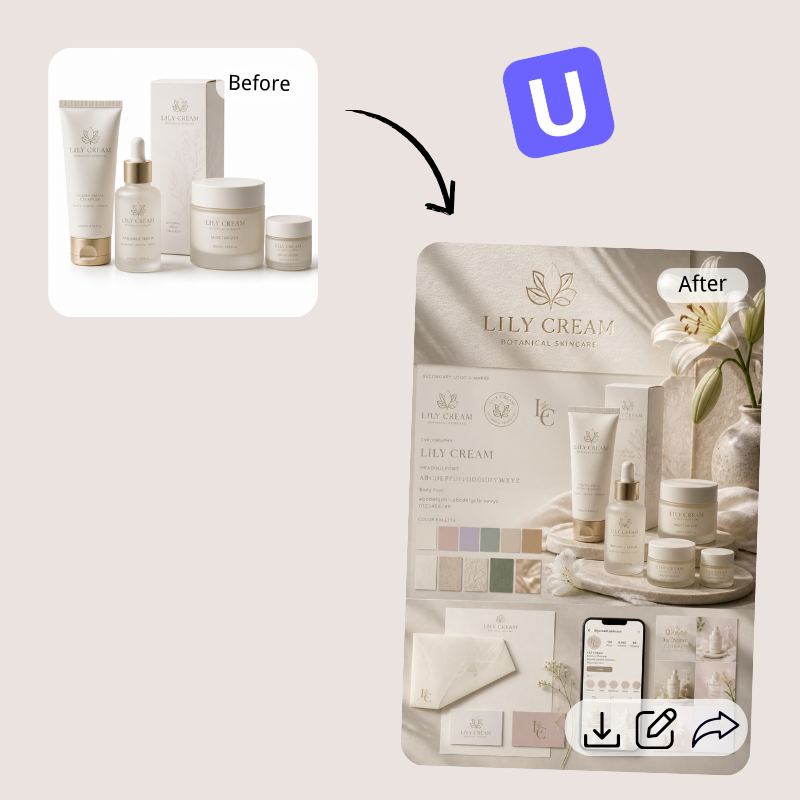

ByteDanceFlash SaleVideo Models Up to 60% OFF
0
d
00
:
00
:
00
Unlock Now
Models
Images (Optional)
Drag or upload images (0/4)
PNG, JPG, JPEG, WebP (max 16MB)
Prompt
Enter any ideas you want to organize...
0/4096
Login for 10 free credits daily, then 5 credit / image
GPT Image 2.5
UGC Maker lets you generate photorealistic GPT Image 2.5 images online with consistent faces and sharp text.
GPT Image 2.5

GPT Image 2.5 (ChatGPT Images 2.5): Free Online, No Sign-up

Generate photorealistic GPT Image 2.5 images on UGC Maker. Create lifelike portraits, product shots and sharp text-rich visuals in seconds, no sign up needed.

Generate Your Image
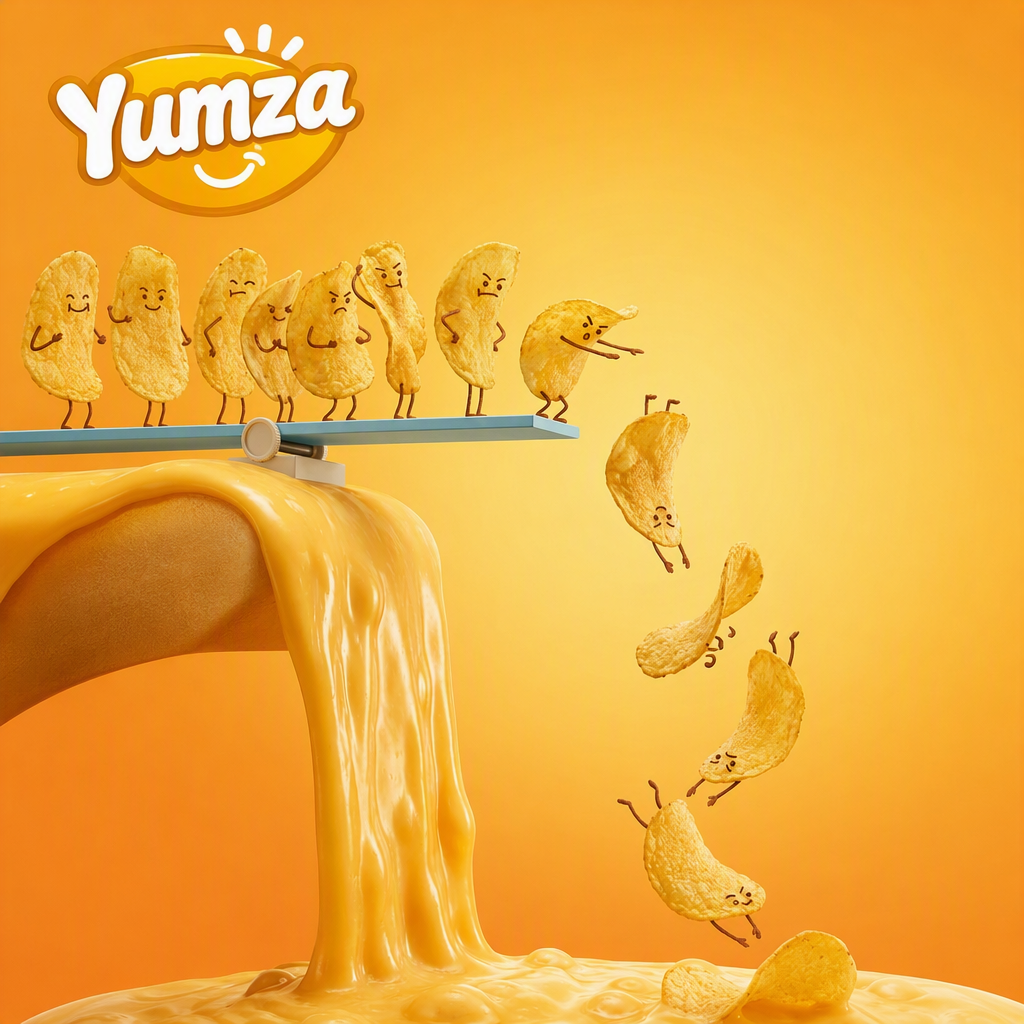
GPT Image 2.5 - create photorealistic product images with consistent faces and sharp in-image text online

What Is GPT Image 2.5?

GPT Image 2.5, OpenAI's newest image model, outshines GPT Image 2 in realism and speed. GPT Image 2.5 turns prompts into lifelike portraits and product scenes in seconds, no sign-up. Use AI Image Upscaler for extra detail or URL to Video for UGC-style ads.

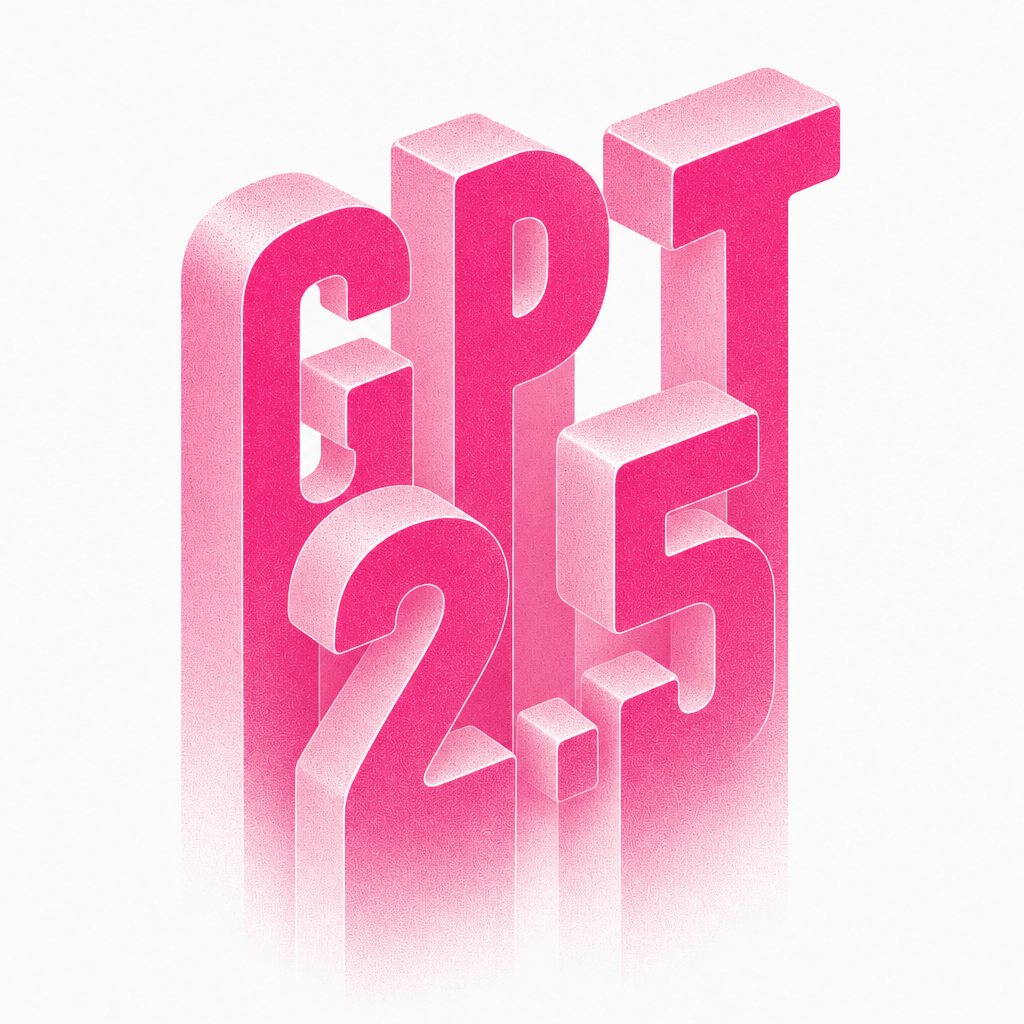
What Is GPT Image 2.5? - lifelike portraits and product scenes from a short prompt

Why Choose GPT Image 2.5 for Image Generation

Older models add grain, color cast and drifting faces. GPT Image 2.5 keeps scenes clean and faces stable while staying fast. On UGC Maker, describe a product, refine the result and reuse it across campaign assets in minutes, with free usage and instant downloads.

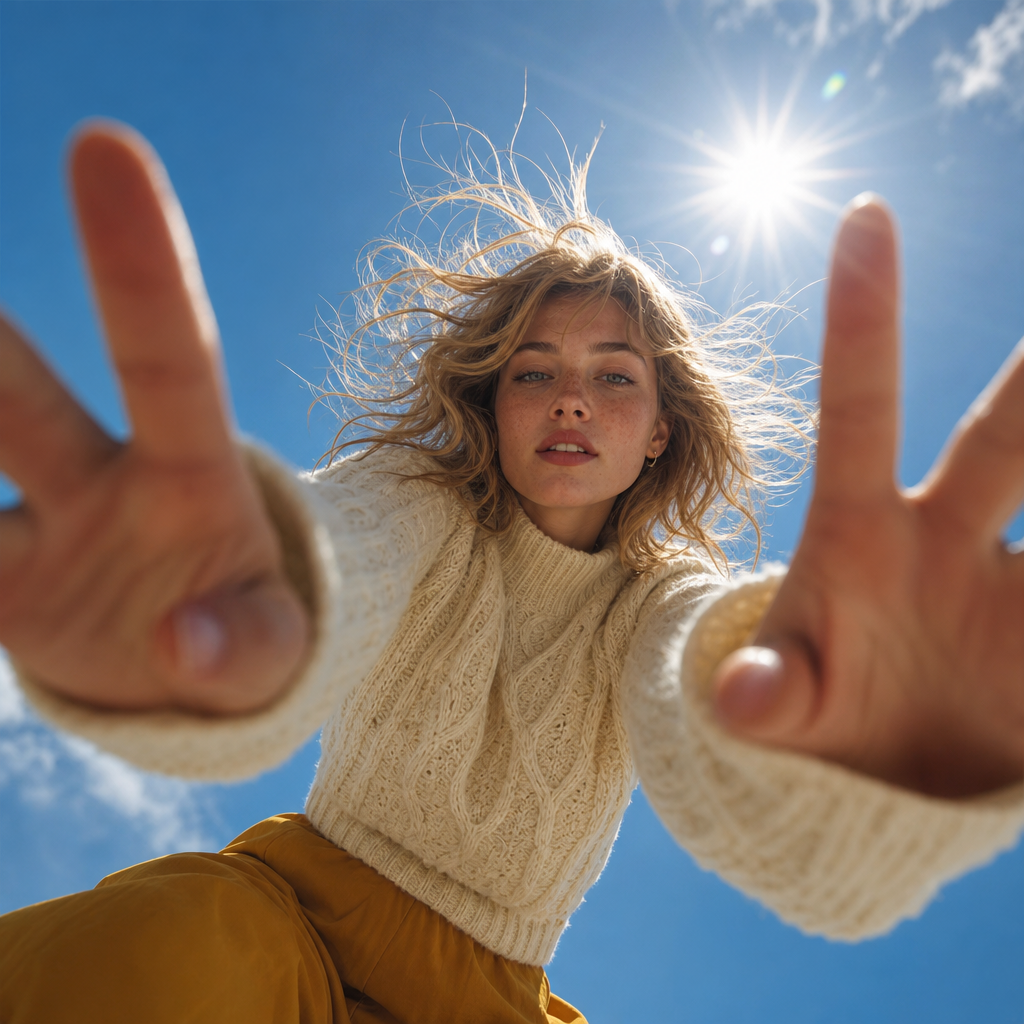
Why Choose GPT Image 2.5 for Image Generation - clean scenes, stable faces and fast output

Why Image Generation Often Fails Creators

Creators lose hours to unpredictable faces, garbled text and a plastic look that screams AI. New models often mean subscriptions or API keys, and each sign-up step kills campaign momentum. Teams need one place to test new image generation, keep characters consistent and export publish-ready files.

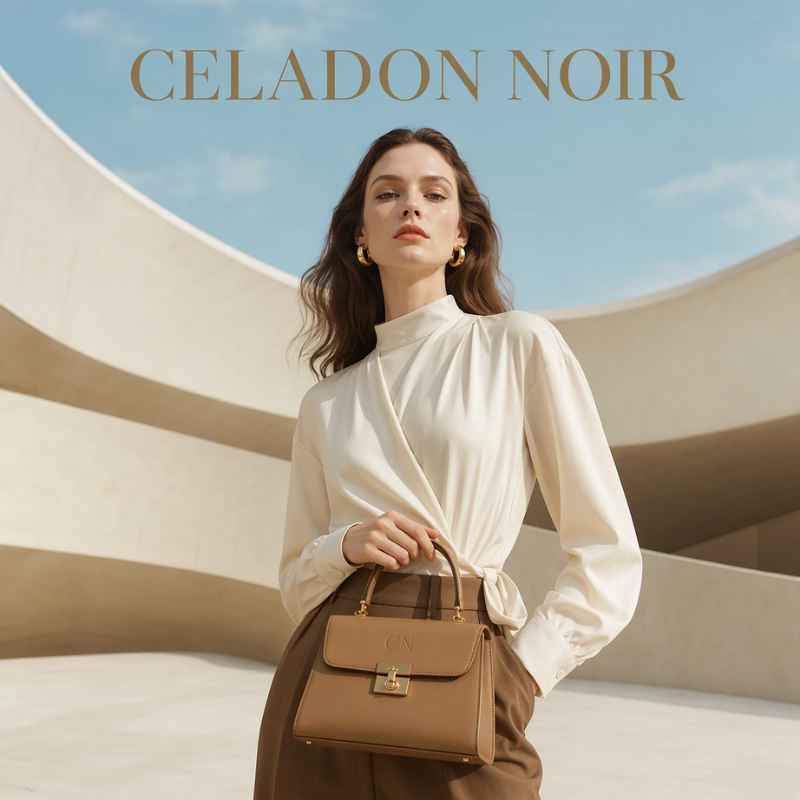
Why Image Generation Often Fails Creators - GPT Image 2.5 removes plastic AI looks

GPT Image 2.5 Features That Matter

UGC Maker puts the strongest parts of GPT Image 2.5 into one focused workflow: describe a scene, get a clean generation and reuse it wherever your content needs visuals.

True Photorealism

True Photorealism

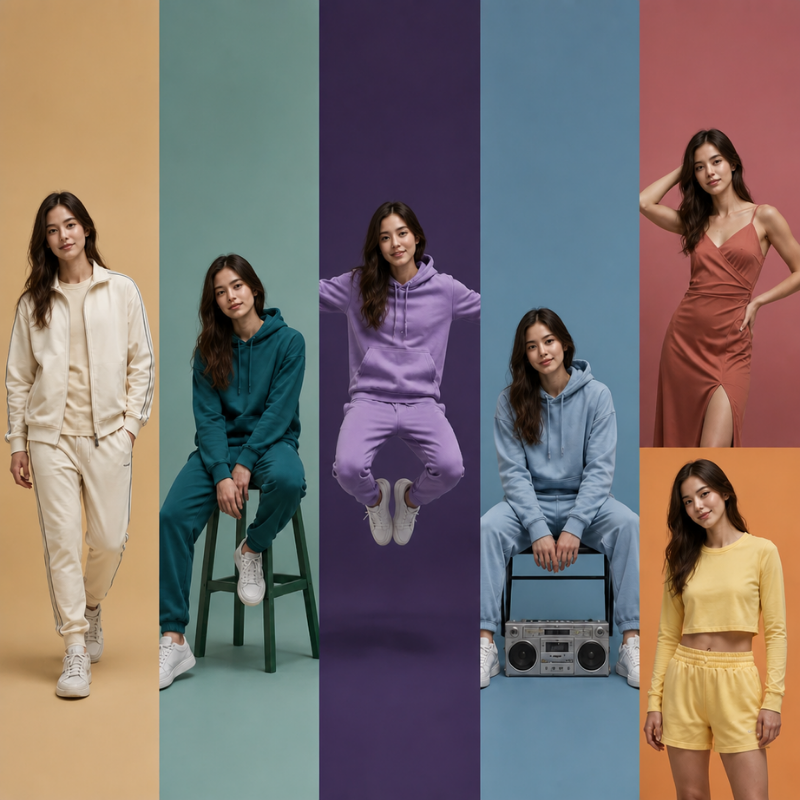
GPT Image 2.5 drops the grain and yellow cast of older models, so portraits and products look clean, detailed and natural in any light.

Consistent Faces

Consistent Faces

The model keeps one person recognizable across images, so campaign sets and avatar series stay stable, with no face drift between shots.

Sharp In-Image Text

Sharp In-Image Text

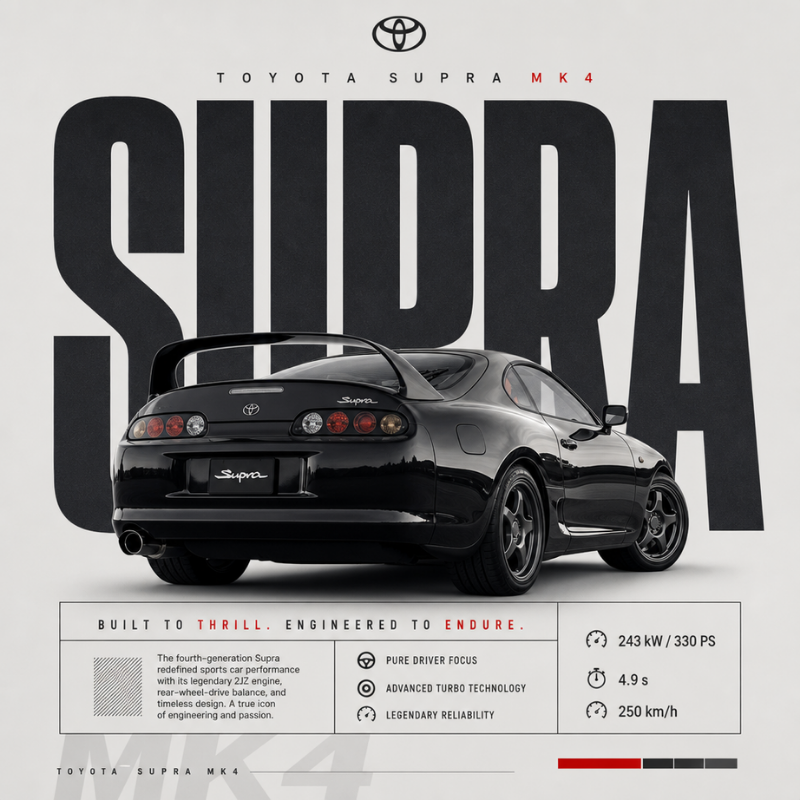
Ad copy, labels and UI text stay crisp and correctly spelled inside GPT Image 2.5 images, which makes marketing visuals ready to publish.

How to Use GPT Image 2.5

Describe Your Scene

Step 1: Describe Your Scene

Type a prompt covering subject, setting and mood, such as a skincare bottle on a marble shelf in soft morning light, then press generate.

Generate Instantly

Step 2: Generate Instantly

GPT Image 2.5 renders the first result in seconds; refine the wording until the composition matches your brief, then download the image.

Download or Create Ads

Step 3: Download or Create Ads

Save the final image as PNG or JPG, upscale it for print use, or send the frame into a UGC video workflow to build an ad-ready clip today.

Start Using GPT Image 2.5 Free Online Now

Ready for visuals that look real and text that stays sharp? Create your first GPT Image 2.5 image on UGC Maker now, test directions for free and turn winning frames into UGC ads for your store.

Create My First Image

What Users Say About GPT Image 2.5

Emma Lawson avatar

Emma Lawson

E-commerce Content Lead, DTC Skincare

We ship dozens of product visuals every week, and GPT Image 2.5 on UGC Maker finally gives us consistency. Faces stay stable, the label renders perfectly and the plastic look we fought for months is gone. A full campaign set now takes one afternoon instead of a week, and the free usage lets our team test directions before we lock a concept.
Daniel Okafor avatar

Daniel Okafor

Founder, Supplement Startup

I used GPT Image 2.5 to create a lifestyle shoot without hiring a photographer. The skin detail and lighting feel real, and even the small print on packaging comes out readable, which surprised everyone on my team. We generate lifestyle images, mock up new flavor visuals and swap scenes in seconds instead of coordinating photo days.
Sofia Marino avatar

Sofia Marino

Freelance Product Designer

What stands out to me about GPT Image 2.5 is the control. When I describe an interface or a poster layout, the text alignment and spacing come back usable, not scrambled. I prototype ad concepts and UI mockups for clients and deliver polished previews the same day, which changed how much feedback I can fit into a sprint.
Liam Carter avatar

Liam Carter

Social Media Manager, Fashion Label

My feed runs on fresh product visuals, and GPT Image 2.5 gives me on-trend scenes in portrait format without a shoot. The model keeps the garment shape and logo identical across poses, which matters when you post a lookbook sequence. I now test five visual directions daily and keep the ones that outperform.
Priya Nair avatar

Priya Nair

Creative Director, Ad Agency

We manage multiple client accounts, and GPT Image 2.5 has become our first stop for concept frames. I build hero visuals in the browser, push them through UGC Maker into ad videos for testing, and the whole loop happens before lunch. Consistent characters across frames make client presentations far more convincing.
Marco Silva avatar

Marco Silva

Indie App Developer

For product pages and store listings I need clean, consistent imagery without stock-photo fees. GPT Image 2.5 produces app screenshots, feature graphics and lifestyle shots that match my brand colors, and text inside the images stays legible at small sizes. It replaced three separate tools in my workflow this month.

Frequently Asked Questions About GPT Image 2.5