


Elena Vargas
E-commerce Marketing Lead
"We used to translate copy externally and paste it into every ad. With Seedream 5.0 Pro, it renders correctly in Arabic and Spanish on the first try. Our localization time dropped by around 60%."
 Seedream 5.0 Pro
Experience Seedream 5.0 Pro free online on UGCMaker. Master your design workflow with precision layer editing, region-based control, and multilingual text.
Try Seedream 5.0 Pro Free
Seedream 5.0 Pro is ByteDance's professional-tier AI image model, built for teams that need commercial-grade output without a separate design pipeline. Instead of regenerating a whole image over one wrong detail, you can target a single region, a background, a garment, a product label, and change only that part while everything else stays untouched. It also renders on-image text natively across multiple languages, with correct letterforms rather than a translated overlay pasted on top.
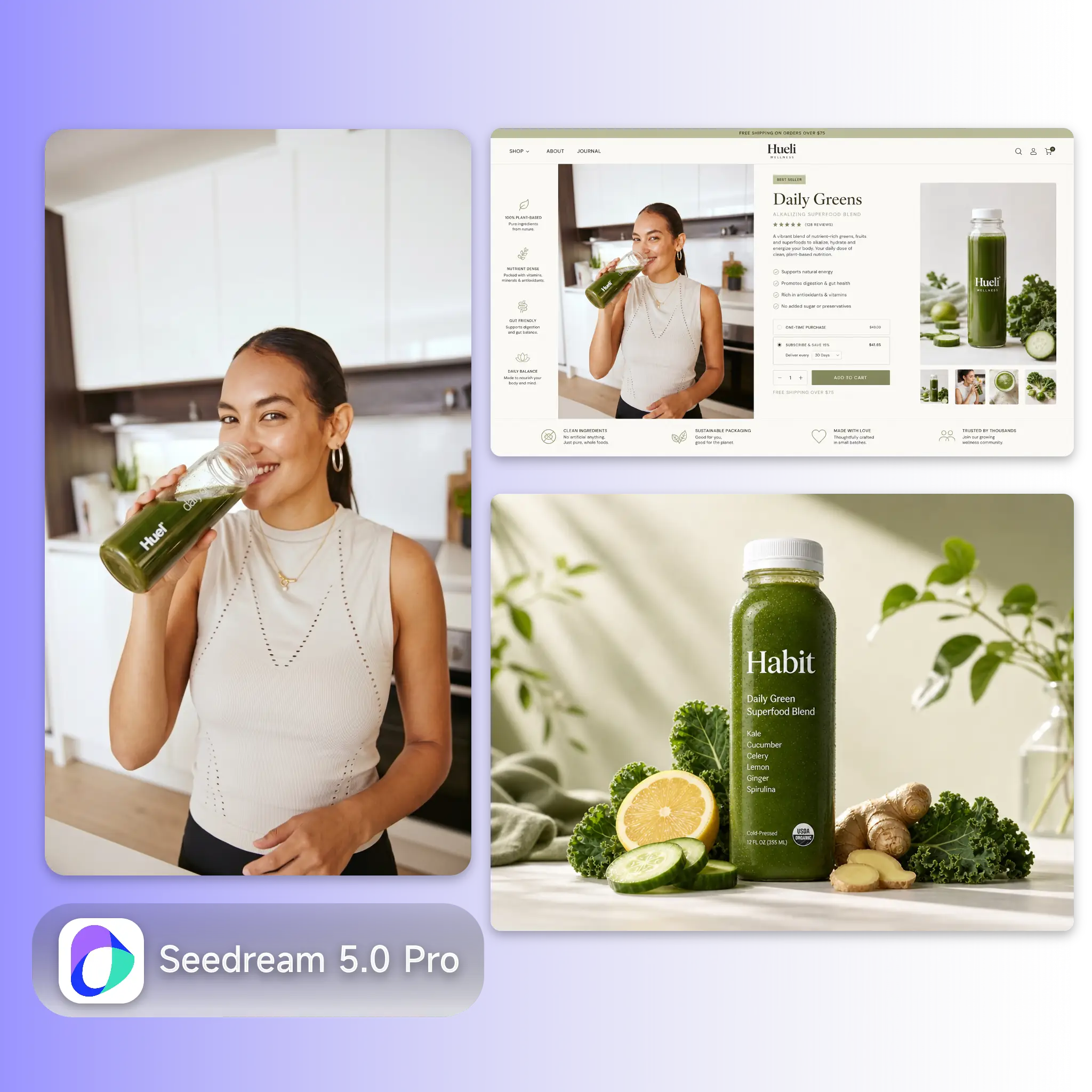
Most AI image tools force a trade-off: fast generation with little control, or precise editing that needs a separate design tool and hours of manual work. Seedream 5.0 Pro closes that gap. A single wrong detail, the wrong background color, a smudge on a product, an outdated price tag, no longer means starting over from a blank prompt. Native multilingual text rendering removes a second bottleneck: teams that used to translate copy externally, then paste it into a design tool, can now generate the finished, localized visual in one pass.
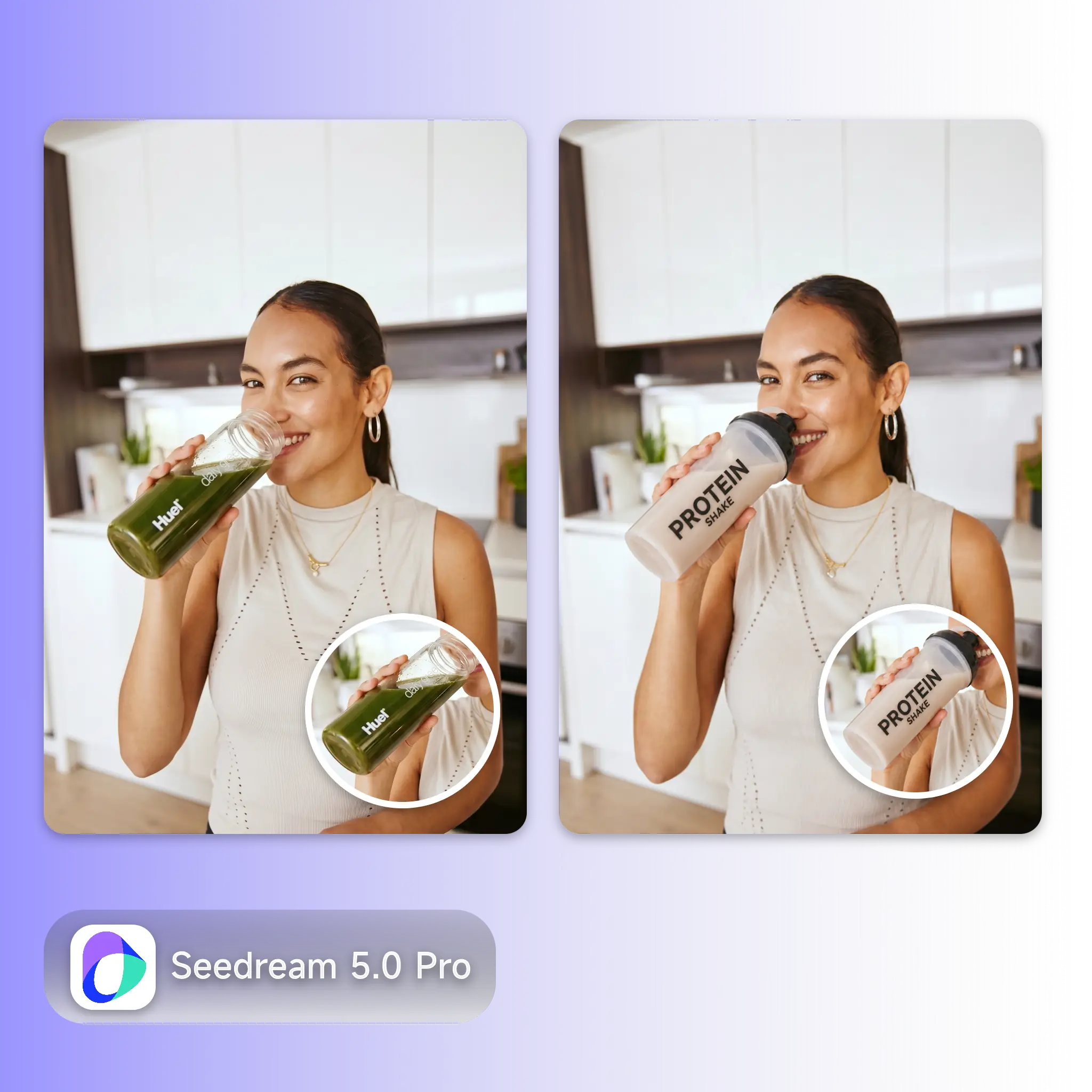
If you sell across borders, you already know the drill: generate an image, spot one wrong detail, and either accept it or drag the file into Photoshop. Multiply that by every market you localize for, and the retouching time adds up fast. Text makes it worse, most AI models still garble non-English characters or paste translated copy on top of the image, so it looks stuck on rather than designed in. Seedream 5.0 Pro is built around both problems: change one region without a full regenerate, and render the target language correctly the first time.
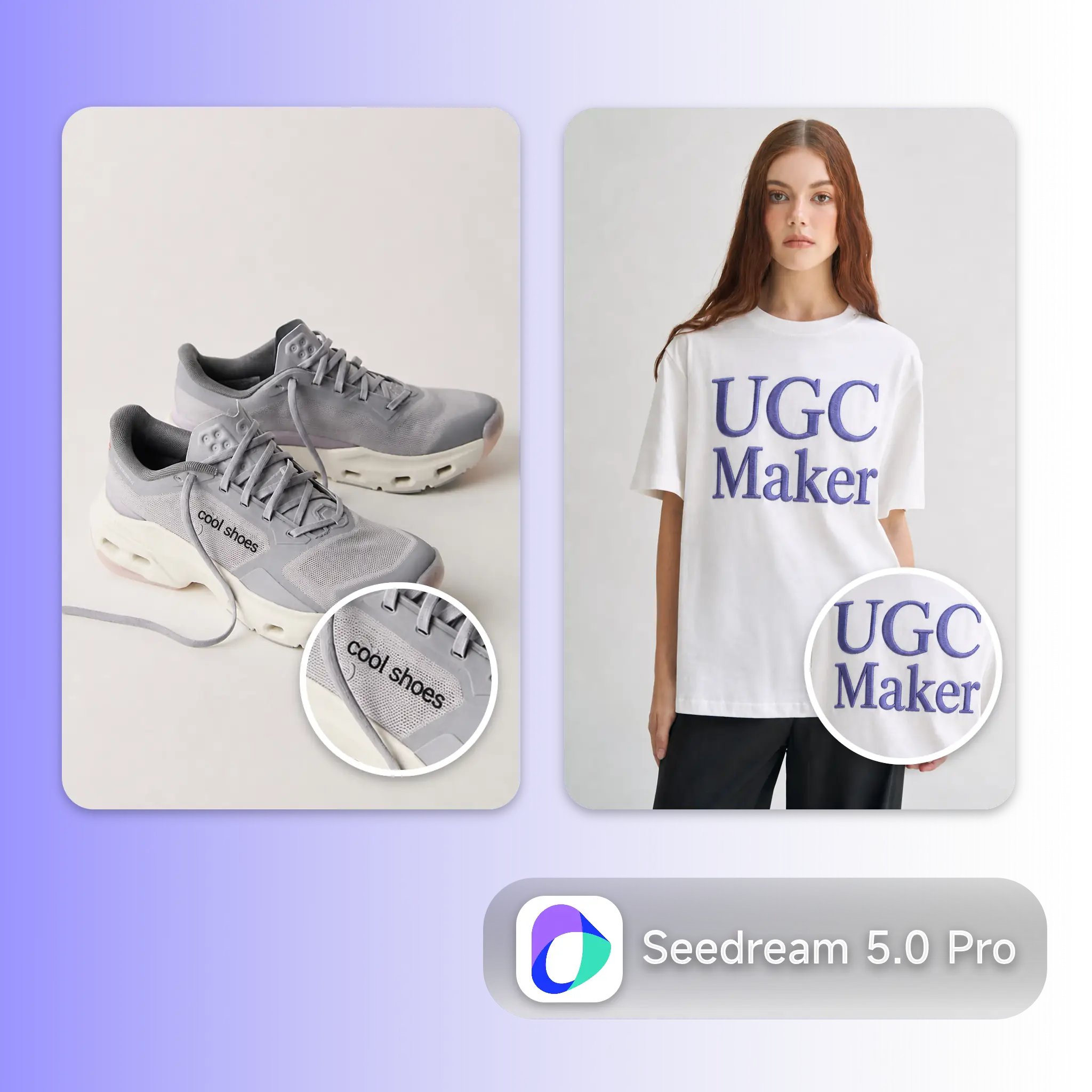
From a single product fix to a full multilingual campaign rollout, Seedream 5.0 Pro is built for teams that need precision and localization in one workflow.
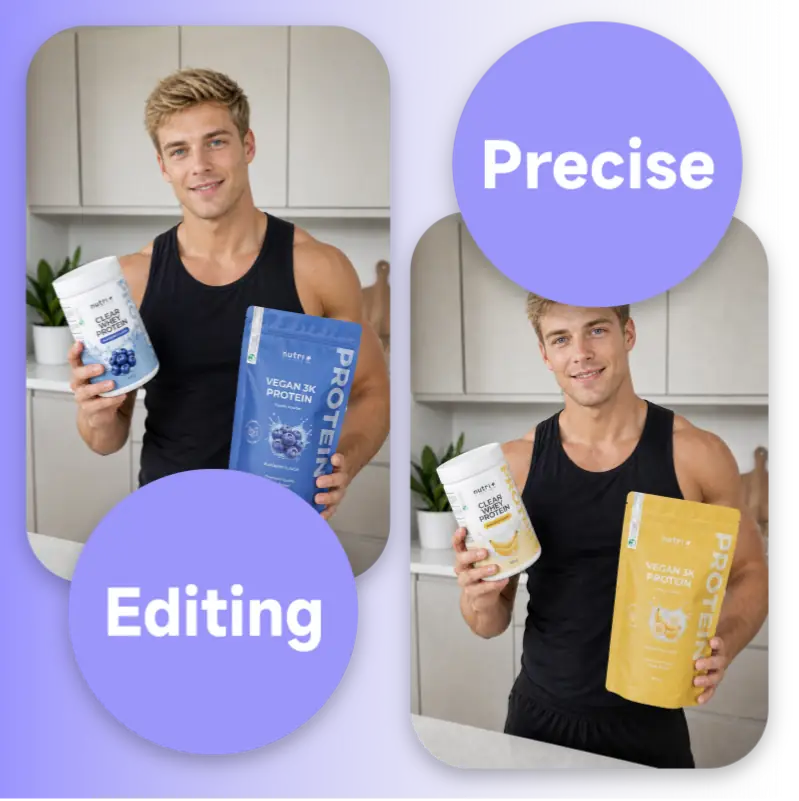
Select a specific area, a background, a color, a texture, a flaw, and Seedream 5.0 Pro changes only that region while the model or product stays untouched. There's no need to regenerate the whole image over one detail that's off, which keeps revision cycles short even on tight campaign timelines.
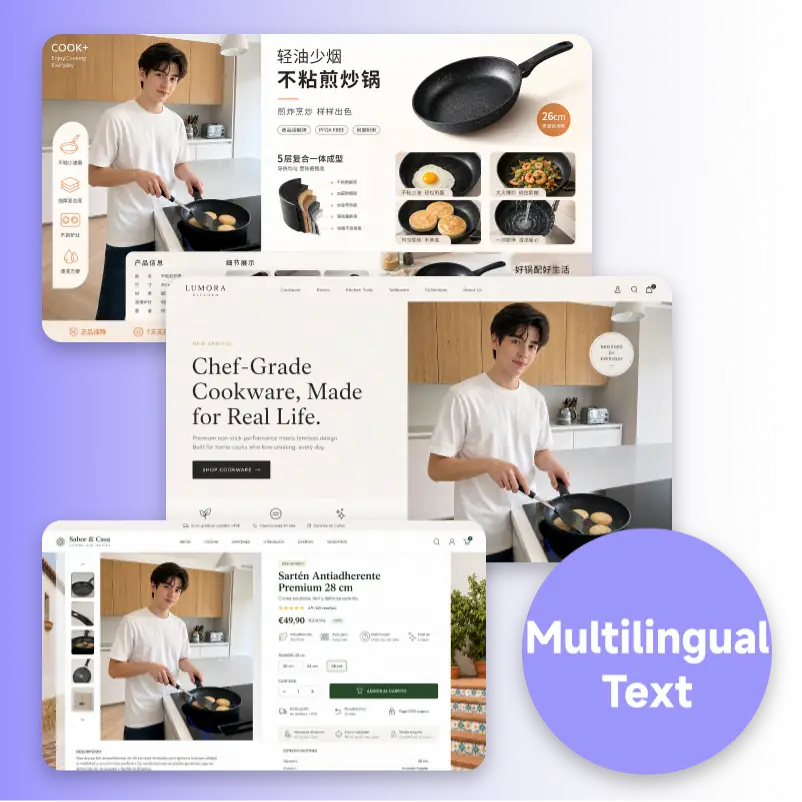
Seedream 5.0 Pro renders Chinese, English, Spanish, French, Arabic, and other scripts directly inside the image, following real typographic conventions instead of pasting translated text on top. Letters follow the scene's perspective and lighting, so a headline on a product shot looks designed, not stuck on afterward.
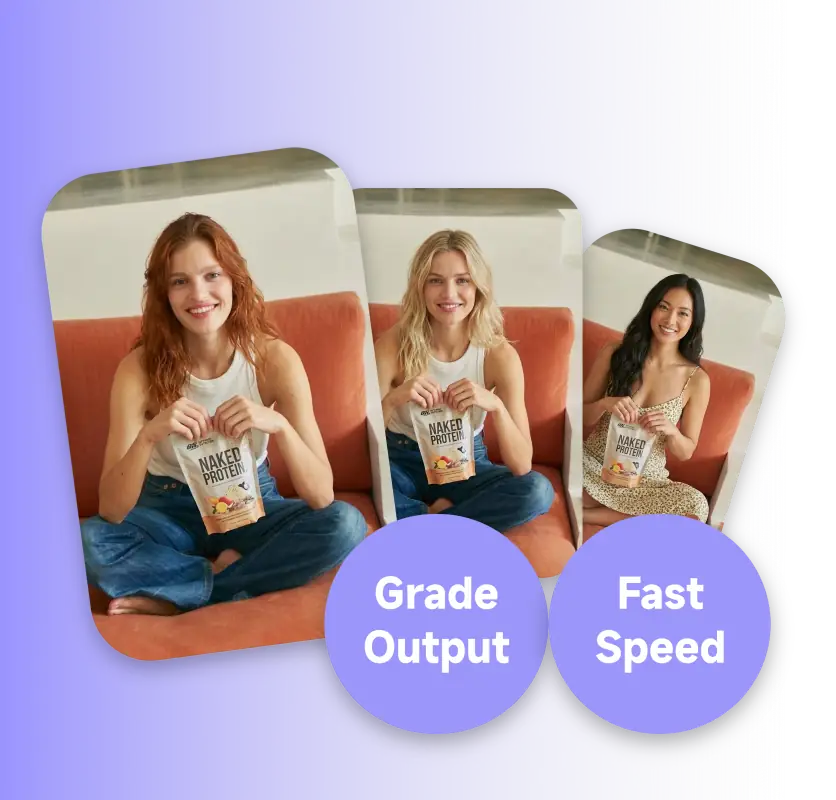
Skin texture, material reflections, and lighting hold up at commercial photography standards across large output batches. That consistency replaces the old translate, generate, retouch chain with a single step inside UGCMaker, without sacrificing quality at volume.
No design background needed. Upload a reference, mark what to change, and Seedream 5.0 Pro handles the edit and the localized text in one pass.
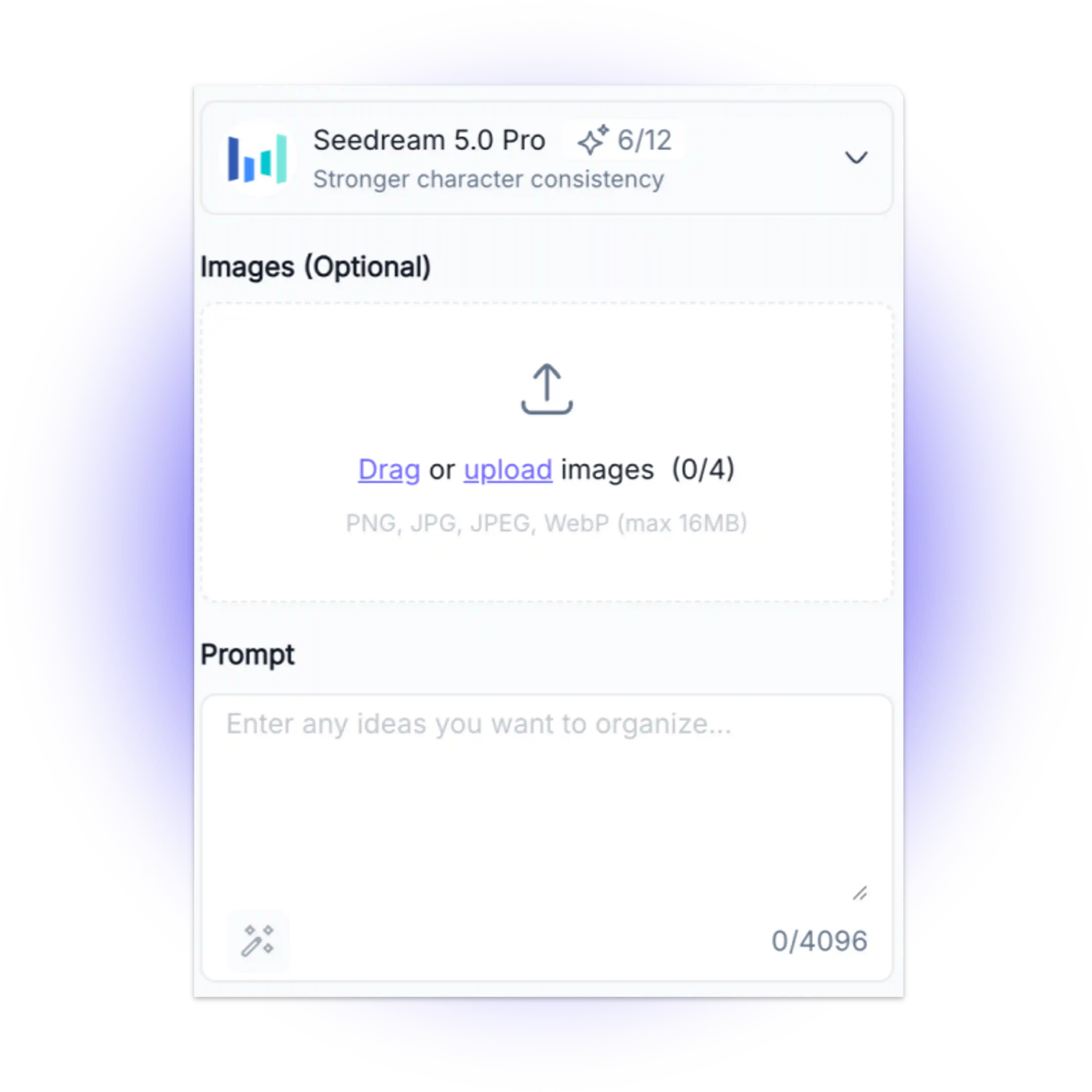
Start from a text prompt, or upload a product photo and describe the change you want. Seedream 5.0 Pro reads context like lighting, angle, and material, so results stay realistic and on-brand.
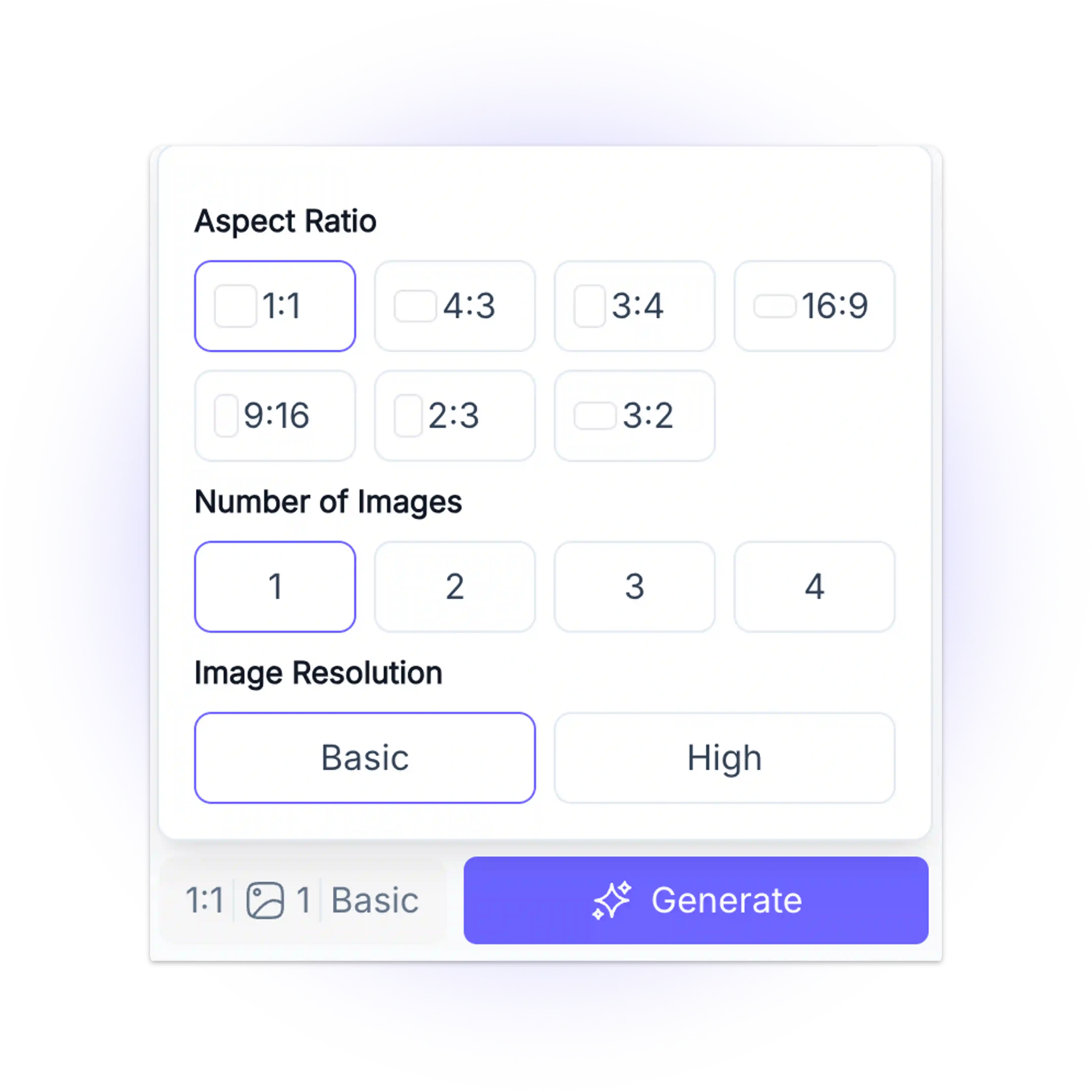
Mark the exact area to edit, a background, a label, a garment detail, and enter your on-image copy in the target language. Seedream 5.0 Pro edits only that region and renders the text natively, without disturbing the rest of the frame.
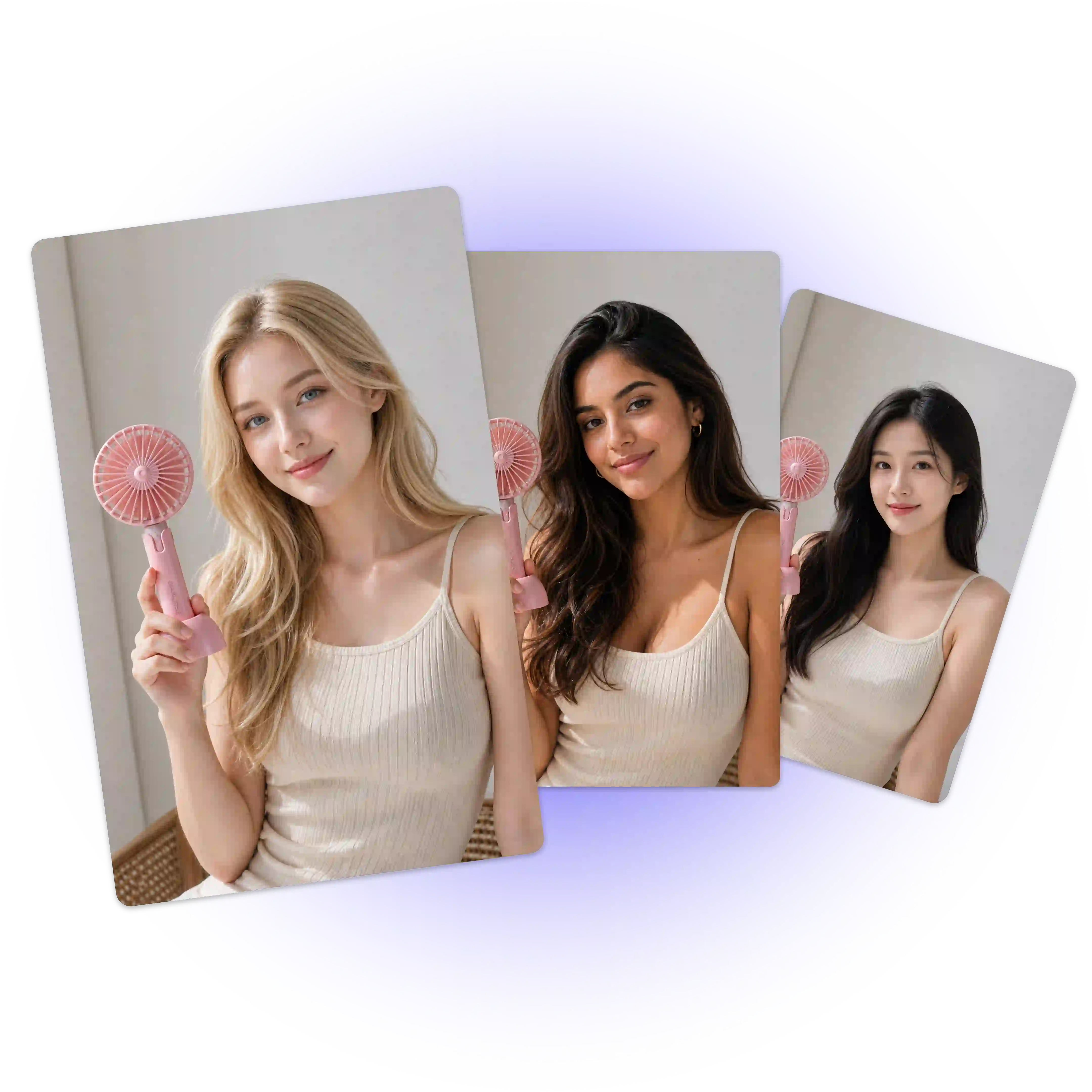
Review the result and request a quick regeneration if needed. Export in the size your campaign requires, ready for ad platforms, product pages, or social posts without an extra retouching pass.
Stop trading speed for control. Generate commercial-ready visuals with precise regional editing and native multilingual text, all inside Seedream 5.0 Pro, no separate design tool needed.
Try Seedream 5.0 Pro FreeElena Vargas
E-commerce Marketing Lead
"We used to translate copy externally and paste it into every ad. With Seedream 5.0 Pro, it renders correctly in Arabic and Spanish on the first try. Our localization time dropped by around 60%."

Marcus Chen
Cross-Border Seller
"Region editing is the feature I didn't know I needed. Fixing one background color used to mean a full regenerate. Now I mark the area and it's done in seconds."

Priya Nair
Global Social Media Manager
"We run social campaigns in five languages. Seedream 5.0 Pro is the first model where the on-image text actually looks designed instead of pasted on top."

Diego Fernández
Commercial UGC Creator
"Our UGC creatives need to look native, not templated. Lighting and texture hold up even across large batches, which used to be a real bottleneck for our team."

Sarah Whitfield
Amazon Seller Operations
"Switching from manual retouching to Seedream 5.0 Pro's precision editing saved our team roughly 8 hours a week on product photo fixes alone."

Youssef El Amrani
Performance Marketing Manager
"What sold me was the Arabic text rendering, most tools still garble it. Seedream 5.0 Pro gets the letterforms right, which matters a lot for our MENA campaigns."