



Models
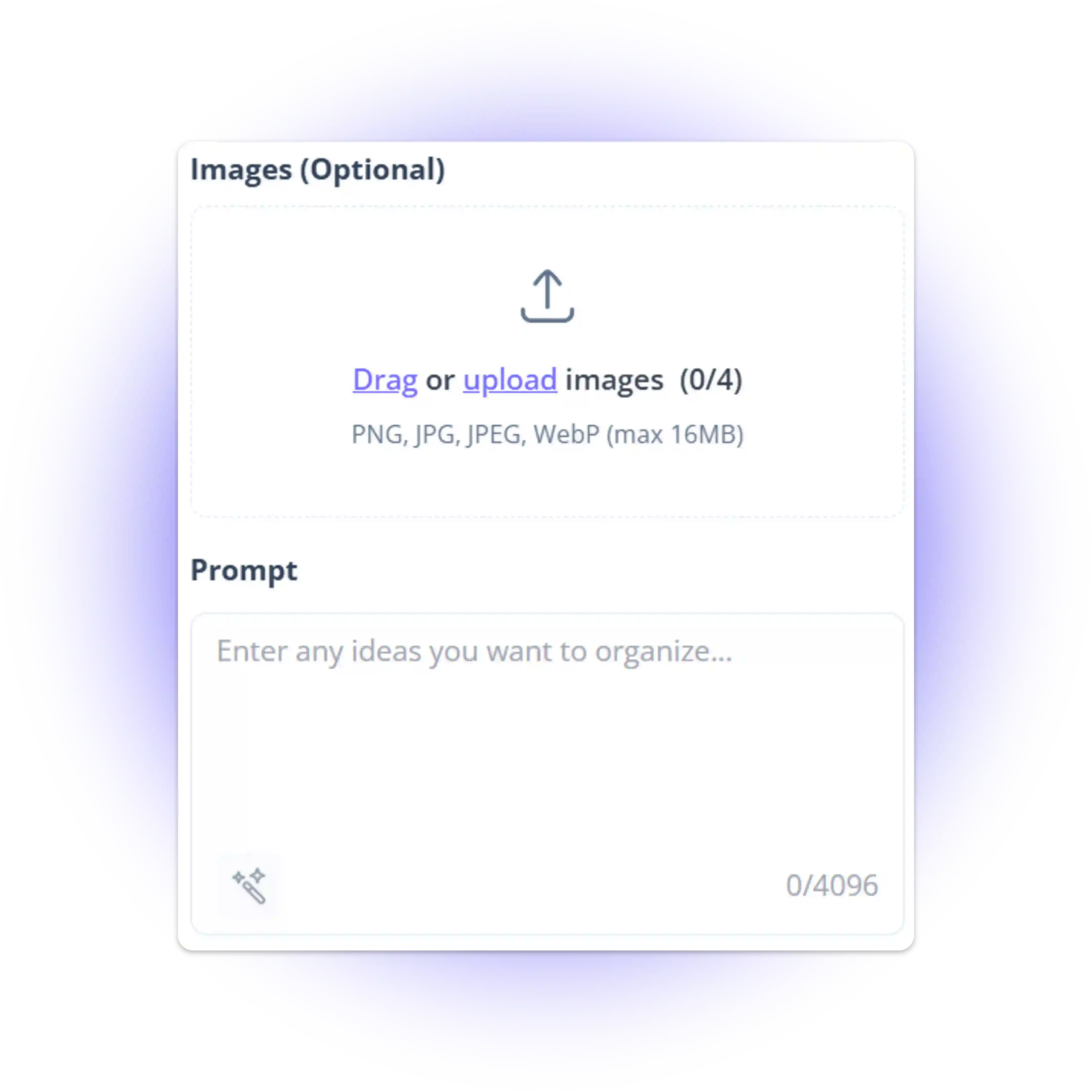
Images (Optional)
Drag or upload images (0/4)
PNG, JPG, JPEG, WebP (max 16MB)
Prompt
0/4096
1 free generation daily, then 1 Credit per image
Seedream 5.0 Lite
Batch-create 4K images with real-time web search, multi-step reasoning, and accurate AI imagery.
Seedream 5.0 Lite

Seedream 5.0 Lite - Free Next-Gen AI Image Generator Online

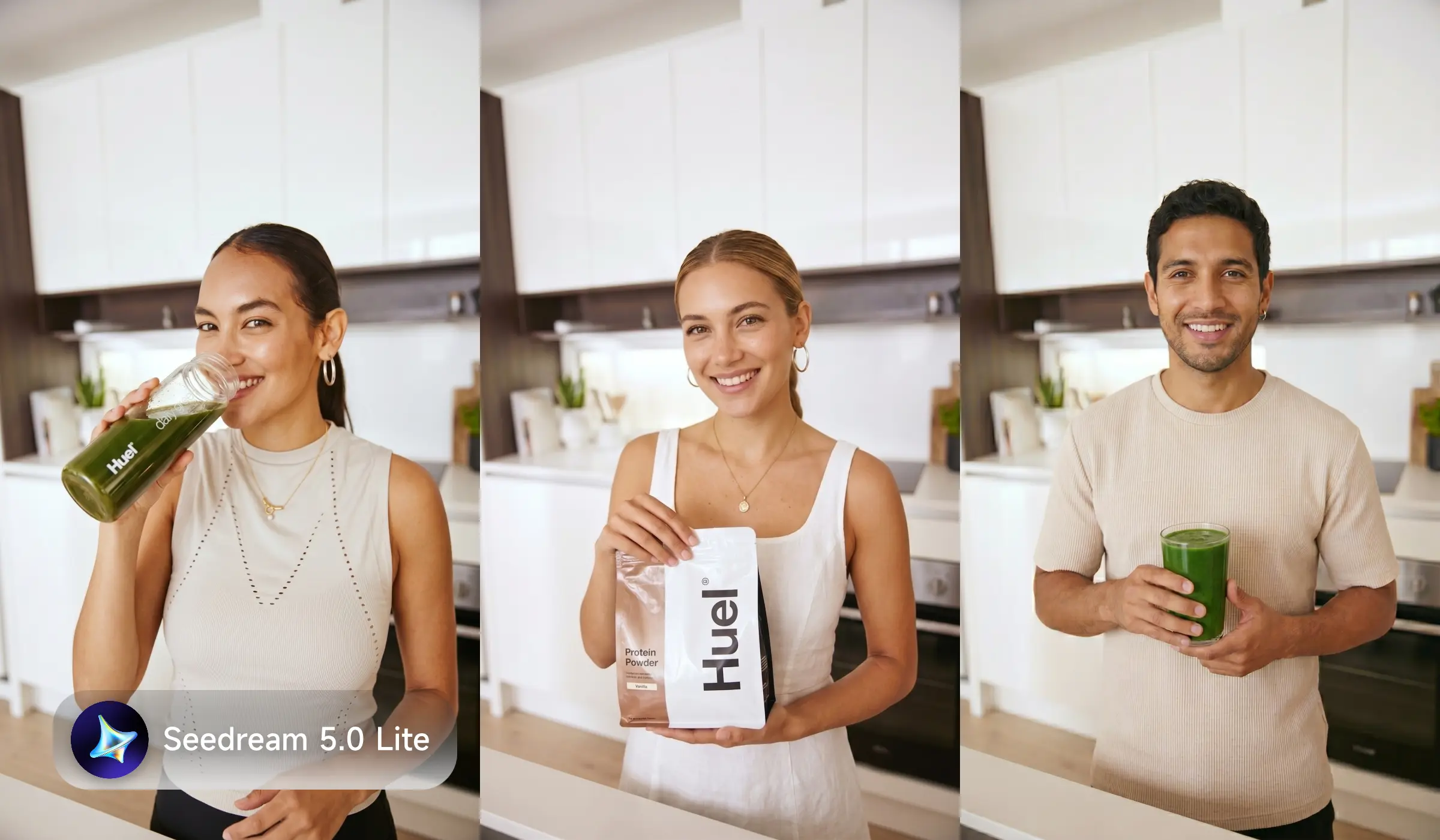
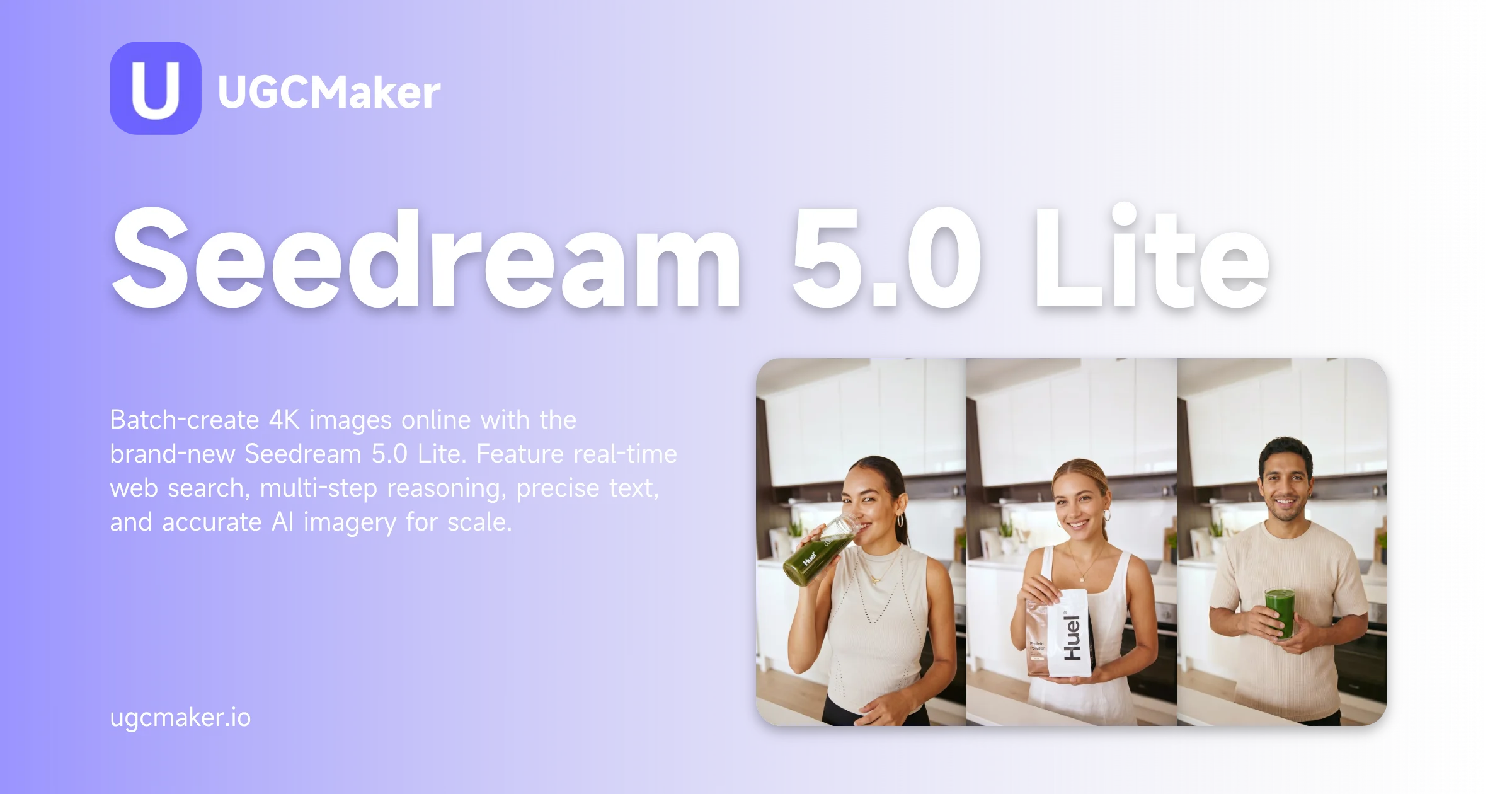
Batch-create 4K images online with the brand-new Seedream 5.0 Lite. Feature real-time web search, multi-step reasoning, precise text, and accurate AI imagery for scale.

Start Seedream 5.0 Lite
Seedream 5.0 Lite - Free Next-Gen AI Image Generator Online

What is Seedream 5.0 Lite?

Seedream 5.0 Lite is ByteDance's most intelligent AI image model. It pulls from real-time web search to produce visuals that are accurate, up-to-date, and grounded in current context. Multi-step reasoning means the model checks its own output against the prompt before delivering a result, which cuts the revision cycle significantly. For teams generating at volume, multiple SKUs, A/B test variants, multi-platform formats, that precision at scale is what separates Seedream 5.0 Lite from earlier models.

Seedream 5.0 Lite - Free Next-Gen AI Image Generator Online

Why Use Seedream 5.0 Lite?

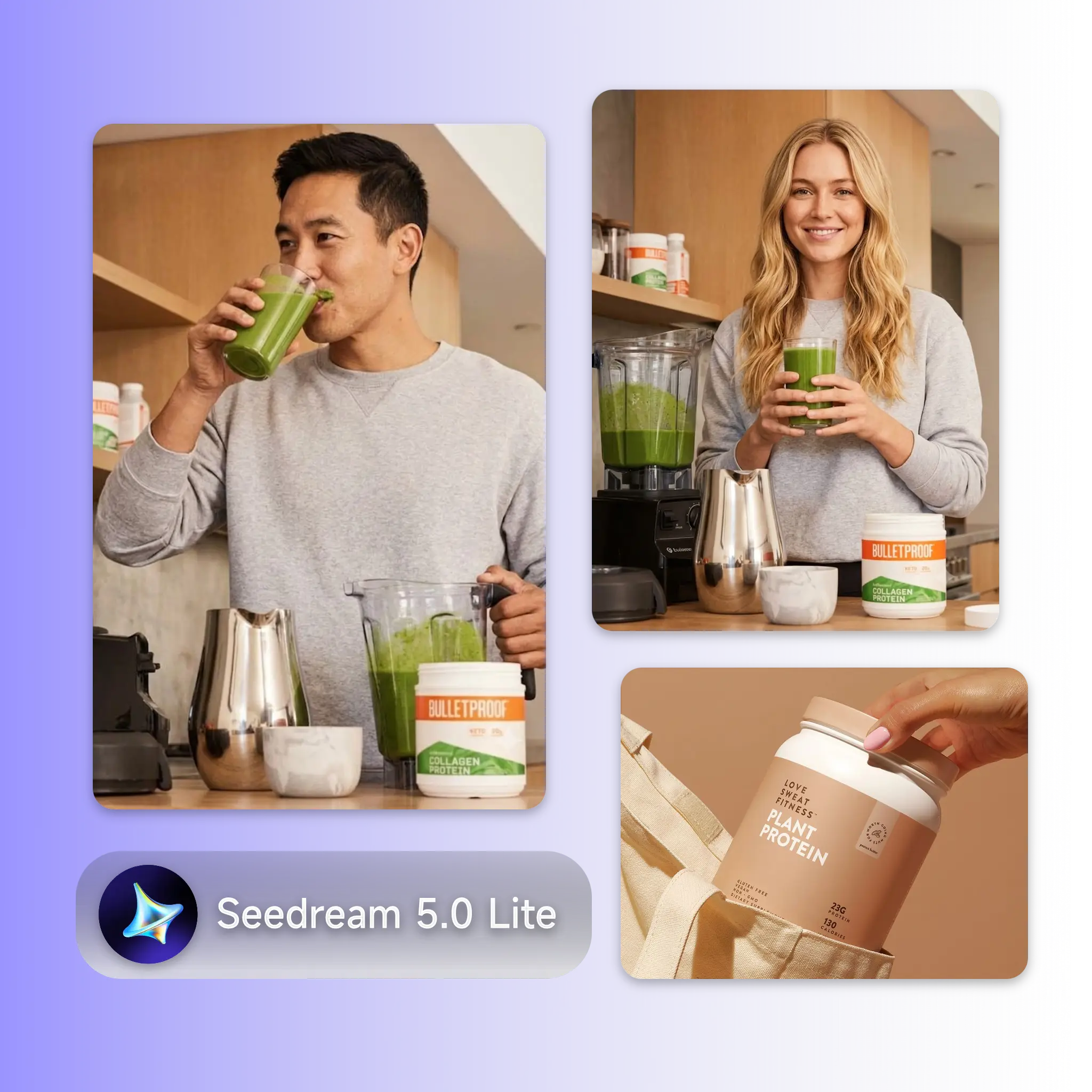
Batch image production at scale almost always means accepting lower consistency, the fifth photo looks different from the first, the banner crop doesn't match the story format. Seedream 5.0 Lite changes that. For e-commerce agencies managing multiple clients, or campaign teams building out A/B test libraries, the ability to run large batches without manual quality checks removes the main bottleneck in high-volume content workflows.

Seedream 5.0 Lite - Free Next-Gen AI Image Generator Online

100 Images Due Tomorrow and the Tool Just Slowed Down

You have 40 SKUs, three platform formats each, and a campaign going live in 18 hours. You run the batch, review the outputs, and find that image 34 looks nothing like image 3. The lighting shifted. The product angle is wrong. You fix it, re-run, find another inconsistency, this eats your campaign window. Seedream 5.0 Lite is designed to eliminate it. The model reasons through each prompt before generating, which means the output stays on-brief across the whole batch.

Seedream 5.0 Lite - Free Next-Gen AI Image Generator Online

What Makes Seedream 5.0 Lite Stand Out

From a single product launch to a full season of campaign assets — Seedream 5.0 Lite is built for volume production where consistency and speed both have to hold.

Every Image Stays On-Brief

Every Image Stays On-Brief

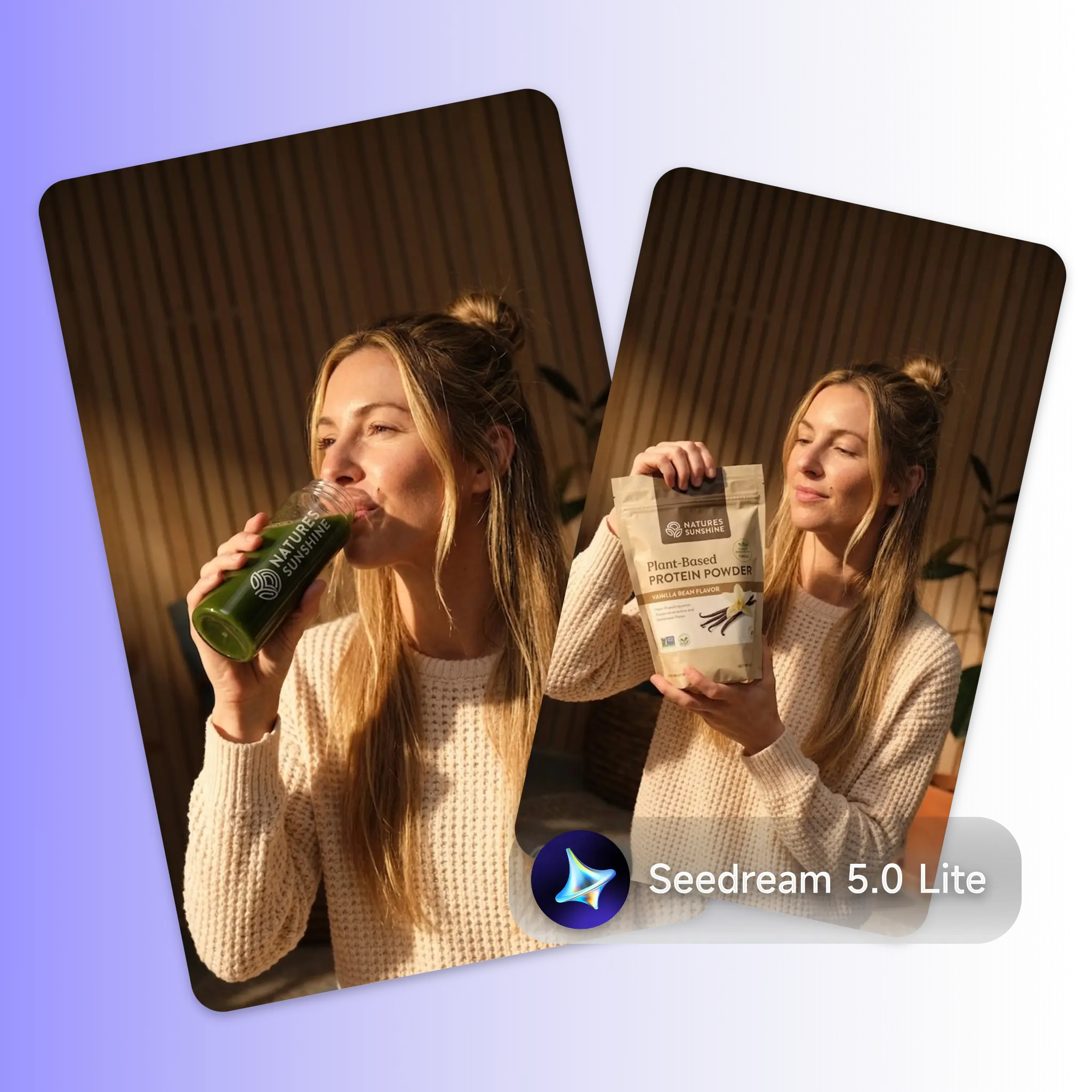
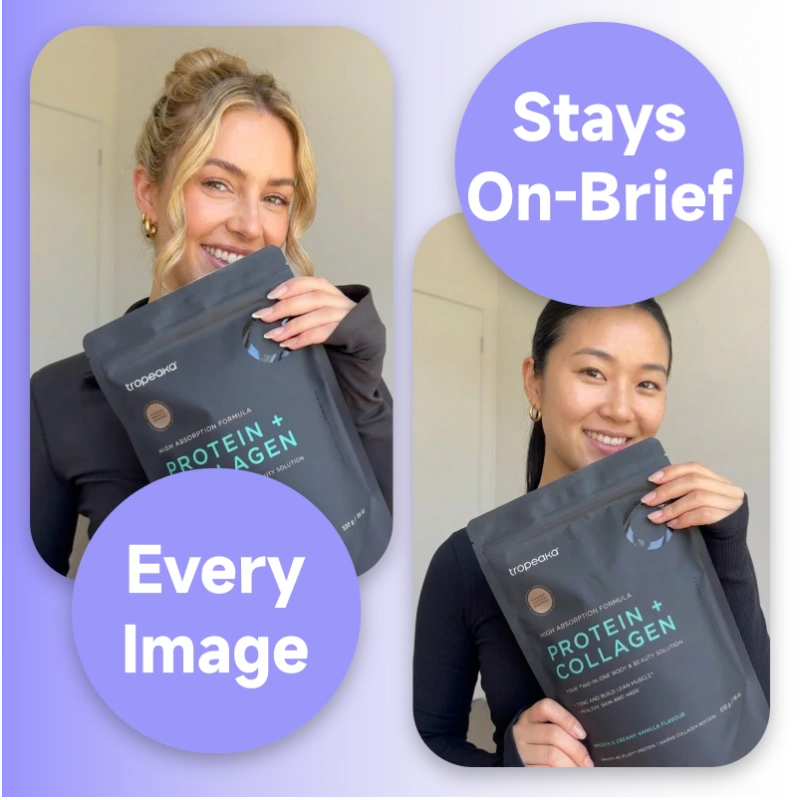
Seedream 5.0 Lite applies multi-step reasoning to each generation, the model interprets the prompt, cross-checks real-world context via web search, and produces output that matches your intent. Across a 50-image batch, that means the last image is as accurate as the first.

Real-Time Web Search for Up-to-Date Visuals

Real-Time Web Search for Up-to-Date Visuals

Seedream 5.0 Lite is the first Seedream model with built-in web search. It can pull current visual references, trending product styles, seasonal color palettes, platform-native formats, and apply them directly to your batch. For teams producing campaign assets tied to live trends or product launches, this removes the lag between what's current and what your content looks like.

Multi-Format Output Without Re-Prompting

Multi-Format Output Without Re-Prompting

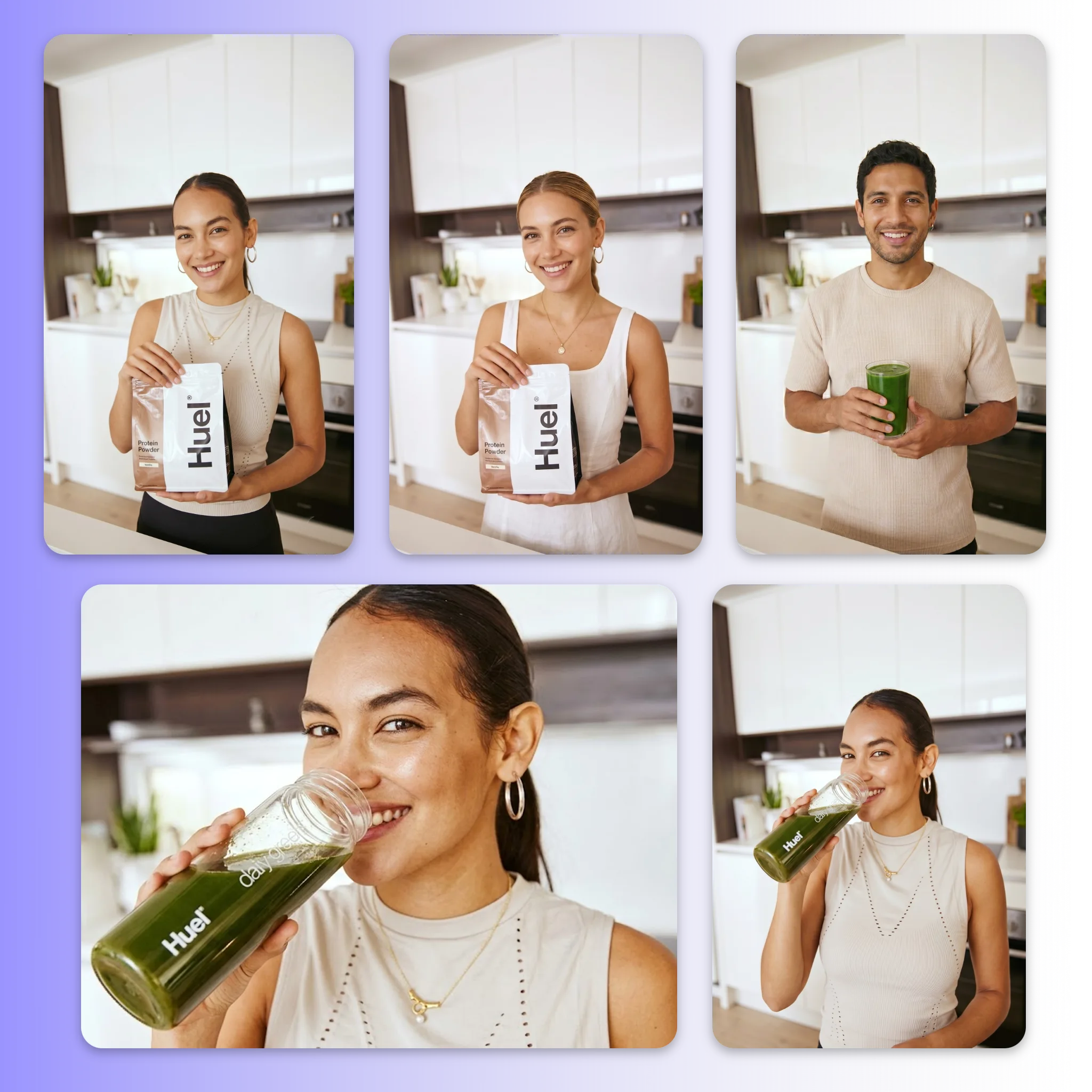
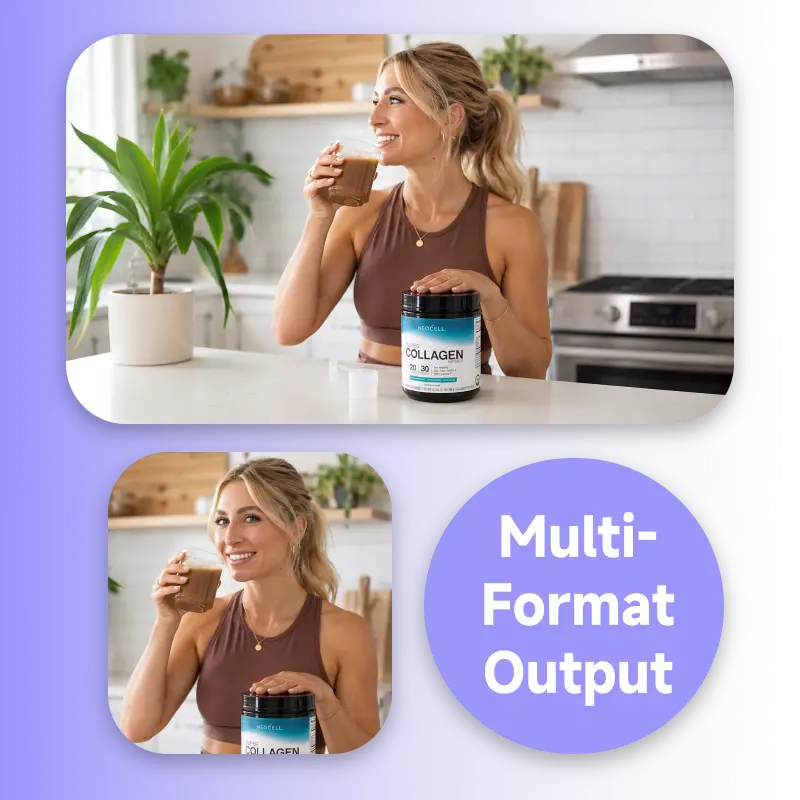
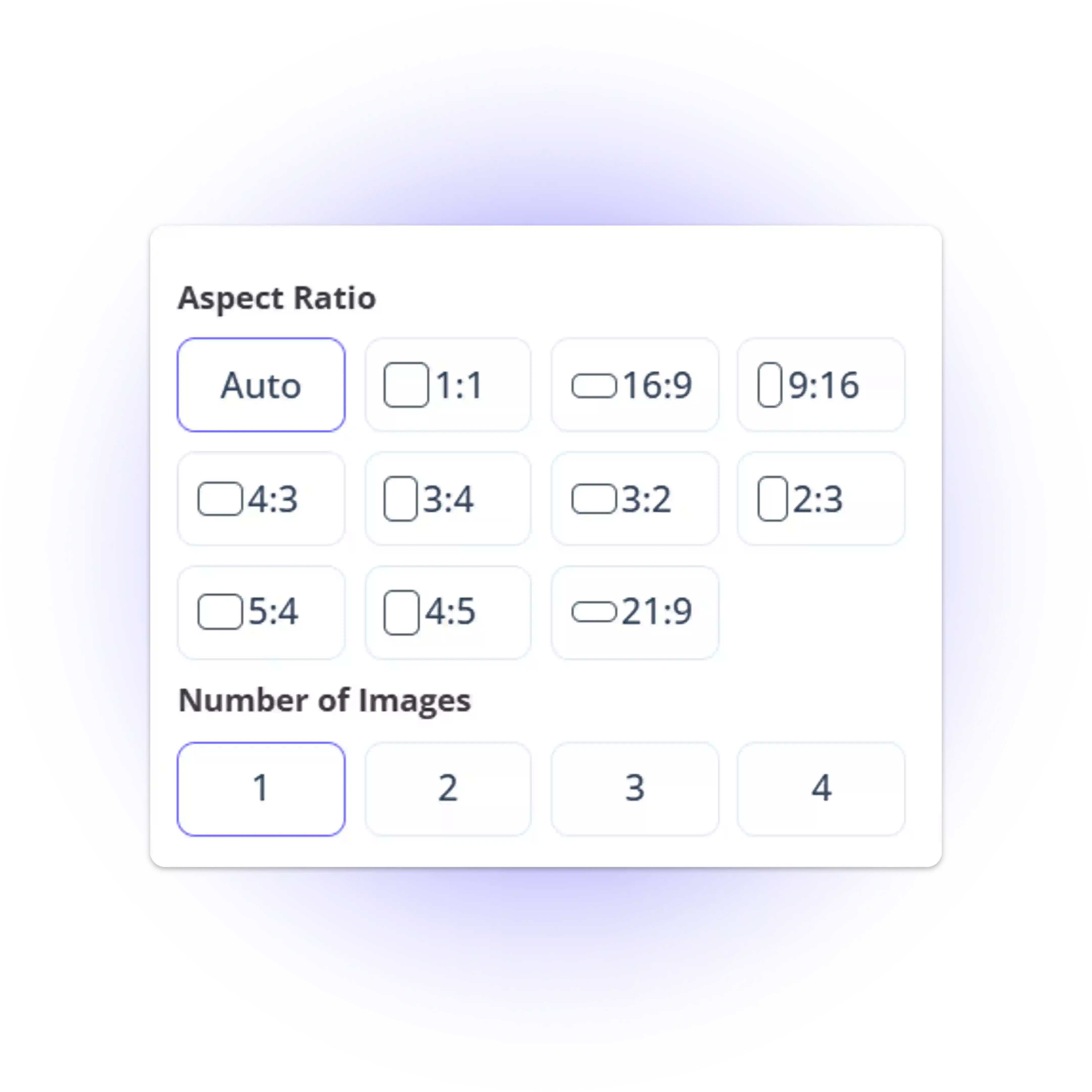
Generate your main product image, Story-format crop, banner version, and square thumbnail from a single session. Seedream 5.0 Lite maintains visual consistency across aspect ratios, so each format looks like it belongs to the same shoot. No re-prompting, no format-by-format adjustments, no extra review steps.

How to Generate Images with Seedream 4.5

No editing background needed. Upload your reference, describe the scene you want, and Seedream 4.5 produces a natural-looking image ready for social publishing.

Upload Reference Images

Step 1: Upload Reference Images

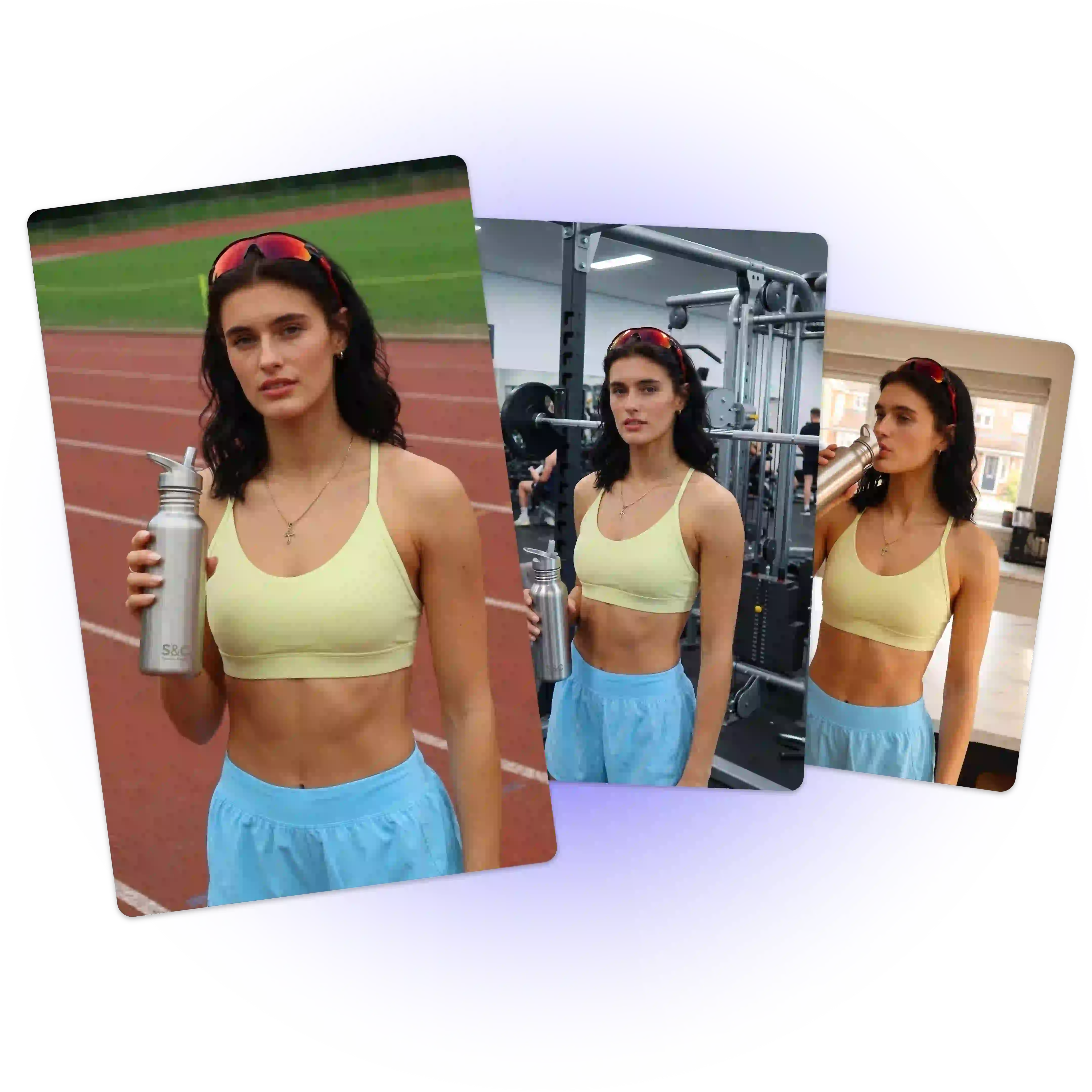
Upload reference photos, Seedream 4.5 reads all of them and uses the details to anchor the output. The more reference you provide, the closer the result matches your existing visual identity.

Describe the Scene and choose the format

Step 2: Describe the Scene and choose the format

Write what you want in natural language—the setting, lighting feel, or action. Then, simply choose your format, whether it’s an unboxing clip, product review, or lifestyle shot. Seedream 4.5 prioritizes the exact look and feel you define.

Generate, Review, and Download

Step 3: Generate, Review, and Download

Review your output and generate additional variants if you need different crops or angles. Seedream 4.5 maintains visual consistency across each version, so your cover image, thumbnail, and story format all look like they belong to the same shoot.

Run Your First Batch With Seedream 5.0 Lite

No production team, no revision cycles. Set your brief, choose your formats, and Seedream 5.0 Lite delivers a consistent 4K batch ready for deployment. Built for agencies, campaign teams, and social operations that run on volume and can't afford delays.

Try Seedream 5.0 Lite Free

What Users Are Saying About Seedream 5.0 Lite

Rachel Yong avatar

Rachel Yong

E-commerce Creative Operations Manager

"We manage image production for 12 e-commerce clients. Seedream 5.0 Lite cut our per-batch review time by around 60%. The outputs stay consistent from image one to image eighty without us touching anything in between."

Kevin Liu avatar

Kevin Liu

Head of Campaign Production

"We ran a double-eleven prep batch — 200 SKU images across three platform formats. Seedream 5.0 Lite delivered the full set overnight. Two images needed minor adjustments. That result was not possible with our previous tool."
Dana Obi avatar

Dana Obi

Social Media Strategy Lead

"The real-time web search feature changed how we handle seasonal campaigns. Seedream 5.0 Lite pulls current visual references automatically, so our assets always match what's trending on platform without extra research on our end."
Marcus Lin avatar

Marcus Lin

Performance Marketing Manager

"A/B testing at scale used to mean briefing our design team separately for each variant. With Seedream 5.0 Lite, we generate 20 variants in a single session, all visually consistent. Our test cycle went from four days to one."
Yuki Tanaka avatar

Yuki Tanaka

Social Media Matrix Operator

"Our team runs content across eight accounts simultaneously. Seedream 5.0 Lite handles the volume without quality drop-off between accounts. We stopped doing manual consistency checks after the first week."
Isabelle Roy avatar

Isabelle Roy

Creative Director

"We were skeptical about batch AI image generation holding quality at 4K. Seedream 5.0 Lite proved us wrong. The prompt accuracy is high enough that we now route first-draft production entirely through it before human review."

Seedream 5.0 Lite — Frequently Asked Questions