



Elena Marsh
Independent E-commerce Seller
"I used to spend a full day setting up a product shoot before I could run a single ad. With Marketing Studio, I upload the product photo and an avatar, pick UGC, and I have a usable video in minutes."
Marketing Studio
Create product ads and UGC-style videos in Marketing Studio. Upload a product and avatar, pick a format, and generate polished ads fast.
 Seedance 2.0 Mini
Create ready-to-use ads, UGC videos and campaign creatives with UGC Maker's Marketing Studio. Upload a product and avatar, pick a format, generate in seconds.
Start Marketing Studio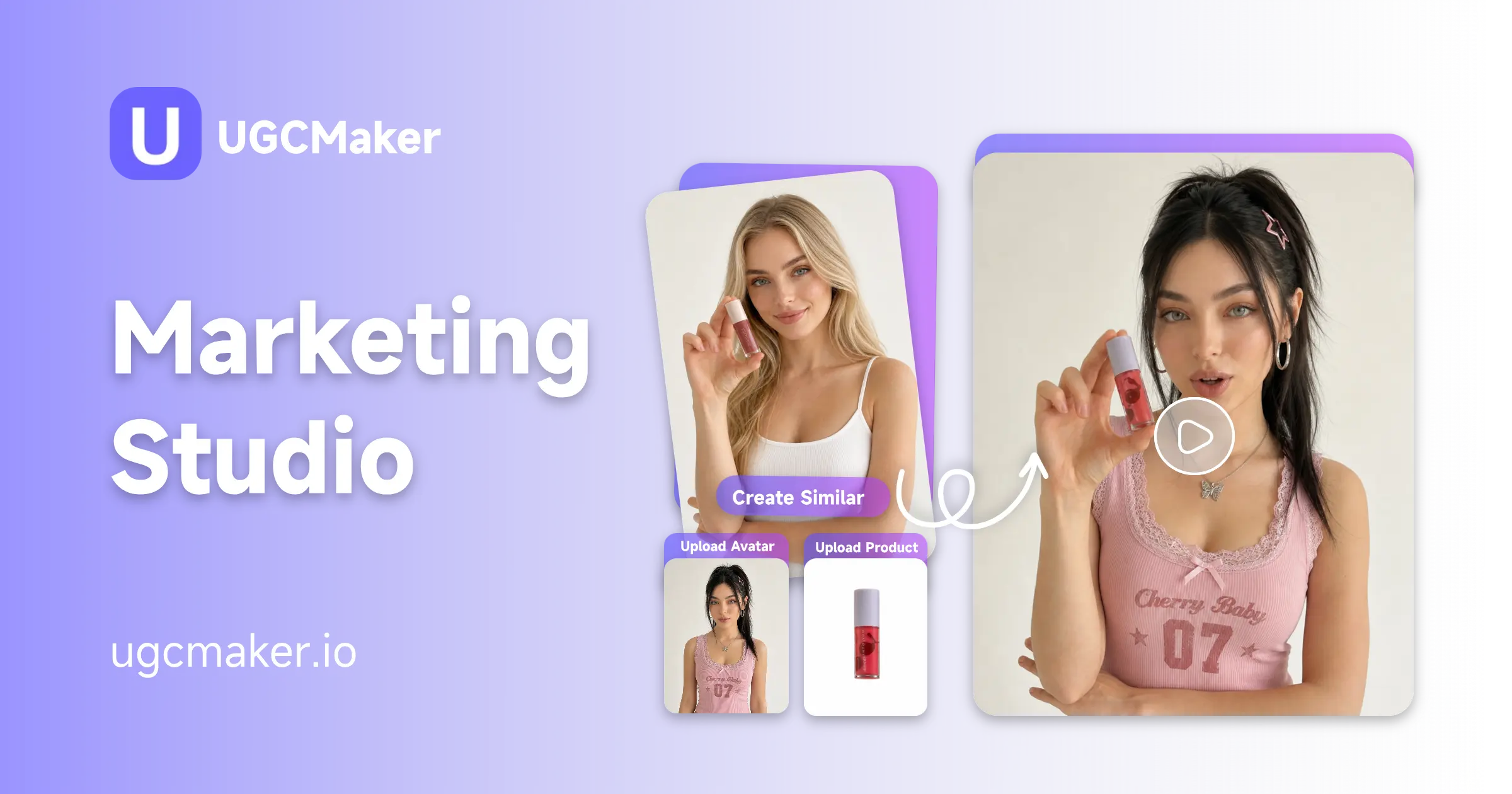
Marketing Studio is UGC Maker's ad-generation workspace, built around two uploads: a product photo and an avatar. Instead of starting from a blank prompt, you drop in what you're selling and who's presenting it, choose from ten preset ad formats including UGC, Unboxing, TVC, and more, and Marketing Studio turns that into a finished video ad. If you're starting from just a product link instead of photos, URL to Video can pull the visuals in first.
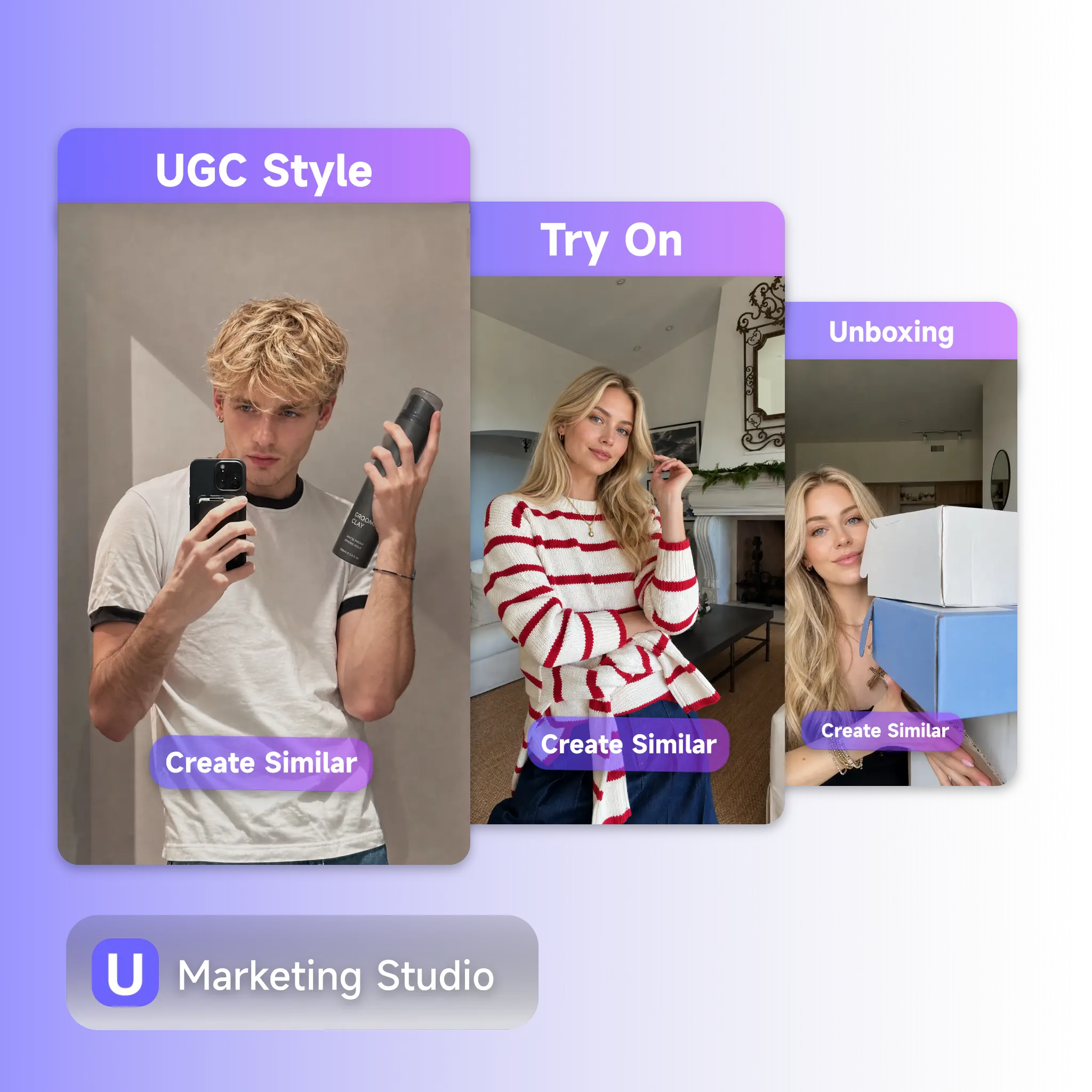
Running ads for a growing store usually means juggling a shoot, an editor, and a copywriter before a single video goes live. Marketing Studio collapses that into one step: upload a product and an avatar, pick a format that matches your goal, and let the model handle the framing and pacing. No avatar on hand yet? Generate one first with UGC Avatar or AI Talking Avatar, then bring it straight into Marketing Studio to build the ad around it.
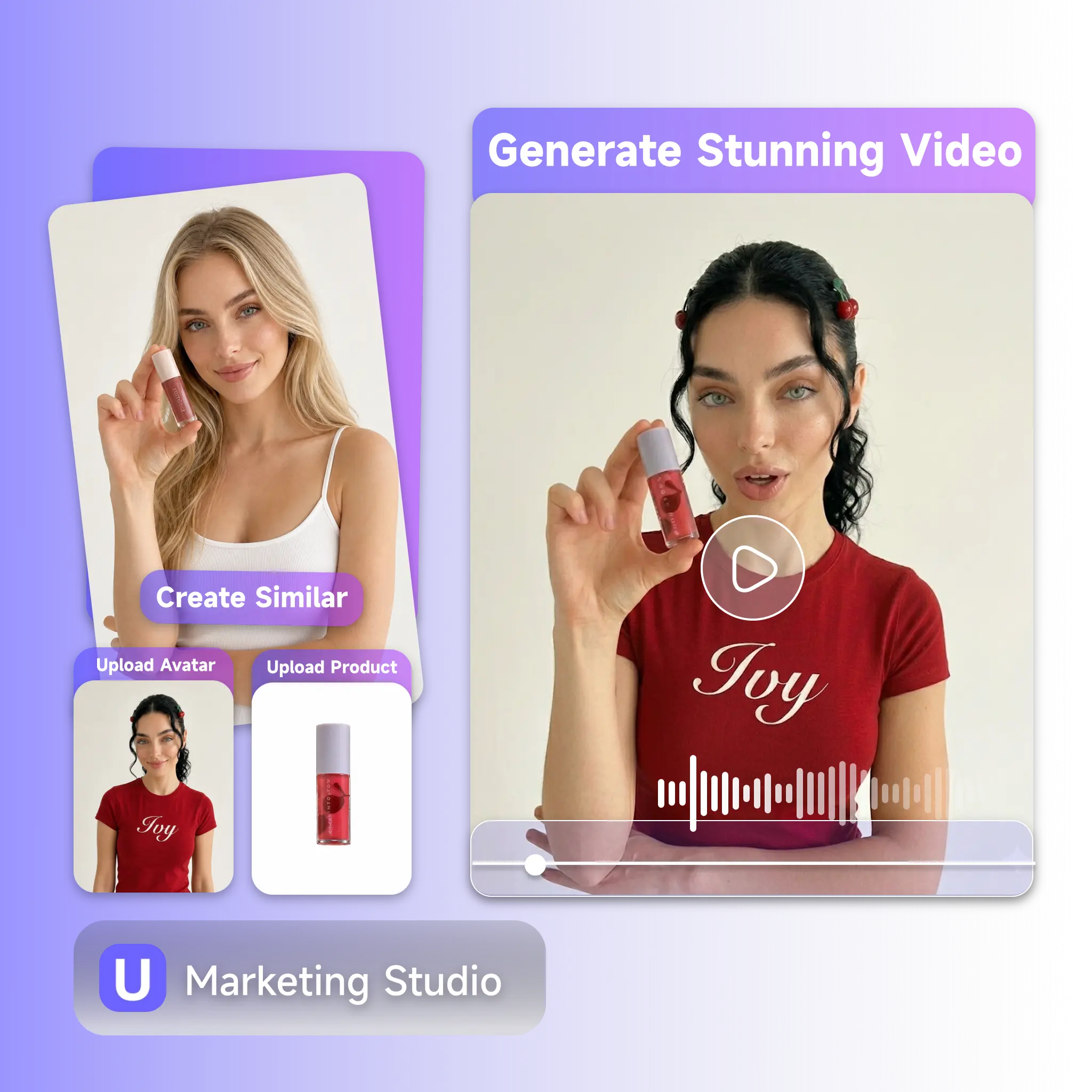
A new SKU launches, and the ad needs to go live this week, but booking a model, a shoot, and an editor takes longer than that. Writing a prompt from scratch doesn't solve it either, since most people don't know what cinematic motion or UGC pacing should even sound like. Marketing Studio is built around that gap: upload what you already have, a product photo, an avatar. Picking a format, and the scene structure is handled for you. No shoot to book, no prompt to engineer from zero.
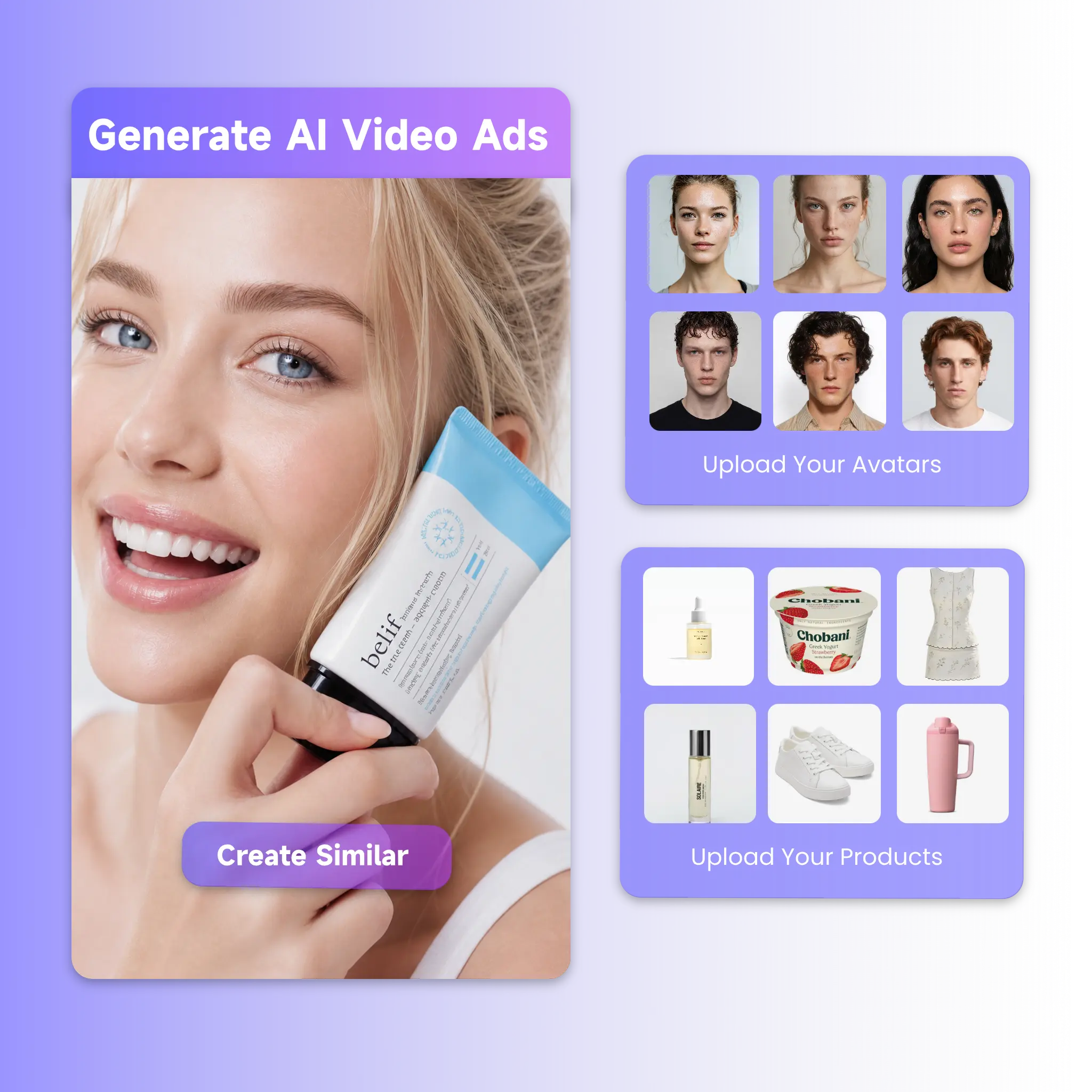
Three things separate Marketing Studio from a generic video generator: it starts from your product and avatar, it keeps your text and your images linked so nothing gets lost in translation, and it comes with preset formats built specifically for how e-commerce ads get made.
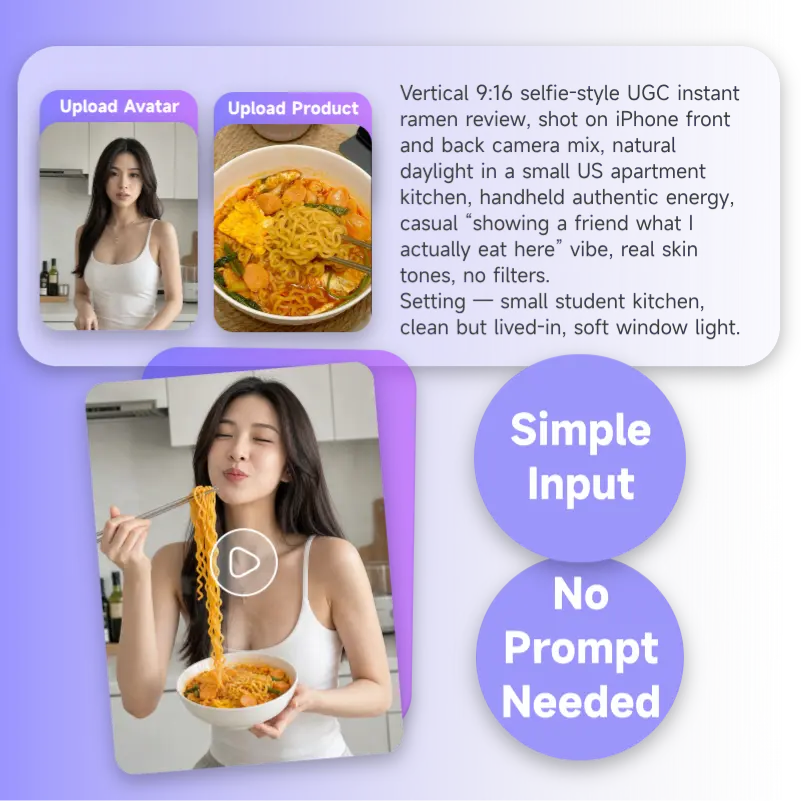
Upload a product and avatar photo, and Marketing Studio's dynamic prompt panel offers five ready-to-use suggestions for your chosen format. Click one, adjust if you like, and generate, writing a prompt from scratch is optional, not a requirement to get a usable first result.
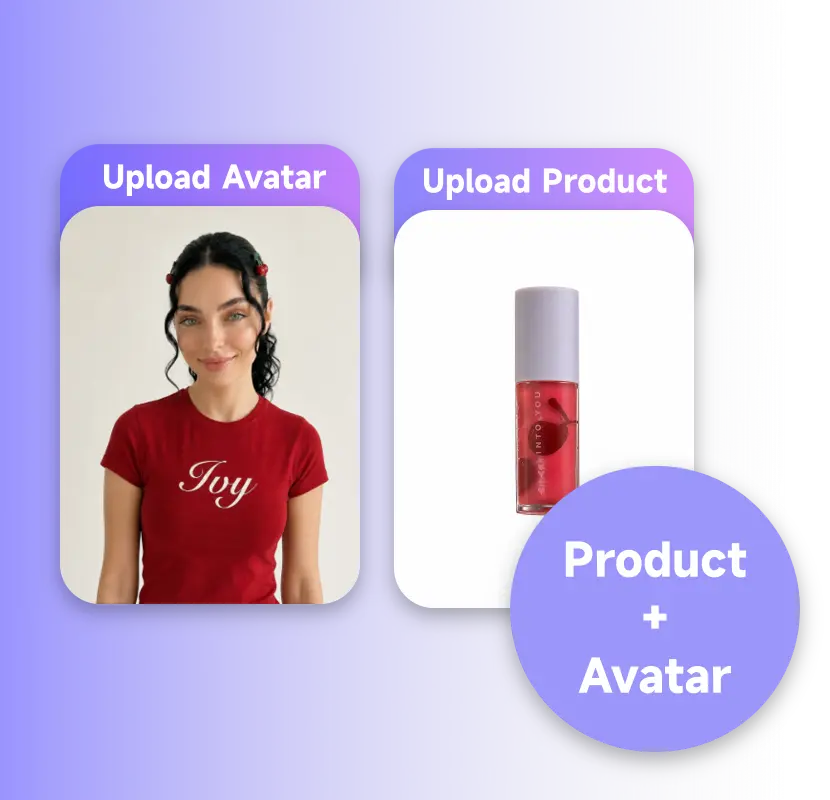
Every ad starts with two uploads: a product and an avatar, side by side. Reference them in your prompt with @Product and @Avatar, and the text highlights in sync with the image, so the AI always knows exactly who's holding what, without a lengthy description.
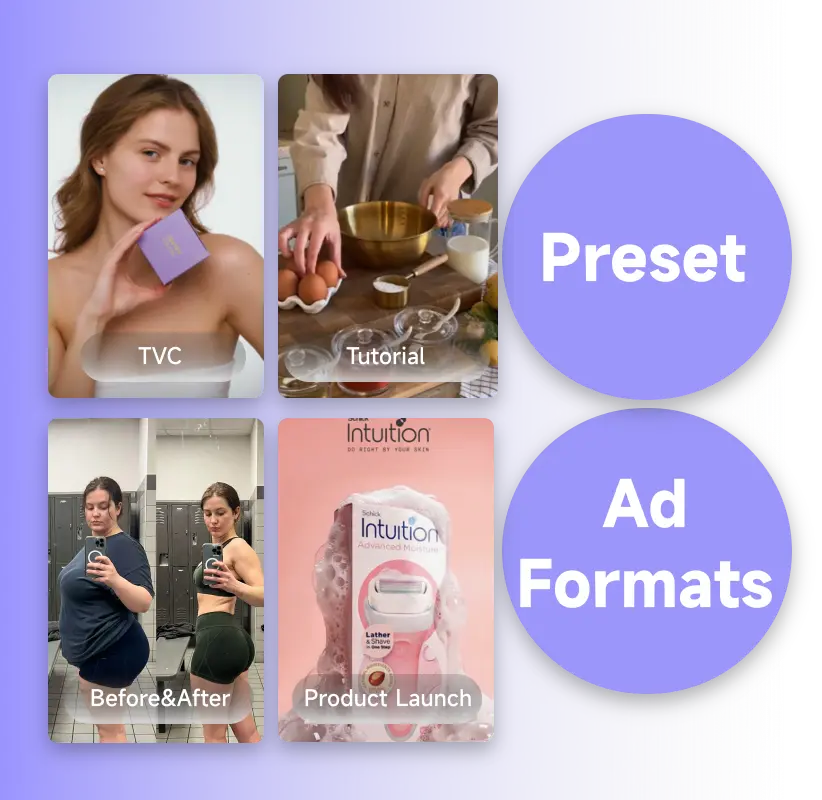
UGC, Money Shot, Try On, TVC, Unboxing, Product Launch, Tutorial, Problem & Solution, Before & After, Selling Points, formats built around how e-commerce ads actually get structured, each applying its own camera style and pacing automatically. For a tighter product-in-hand shot inside any of these formats, Product in Hand is built specifically for that close-up style.
No editing software, no production crew, no complicated setup. Upload what you have, pick a format, and Marketing Studio delivers a ready-to-use ad in seconds.
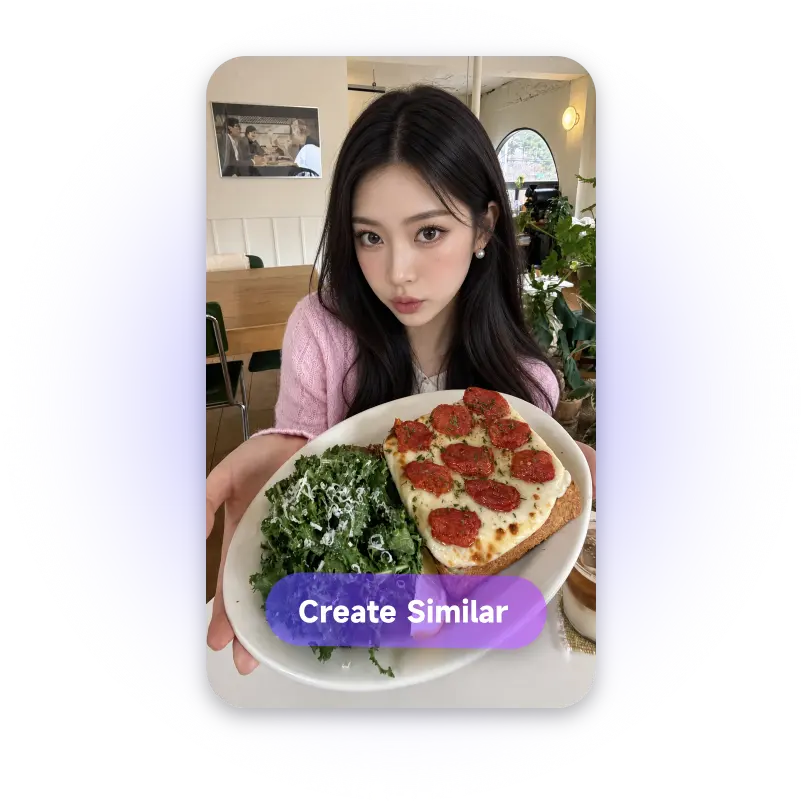
Start by choosing from preset formats, UGC, Money Shot, Try On, and more, then use @Product and @Avatar to describe how they interact, or apply one of the ready-made prompt suggestions with a single click.
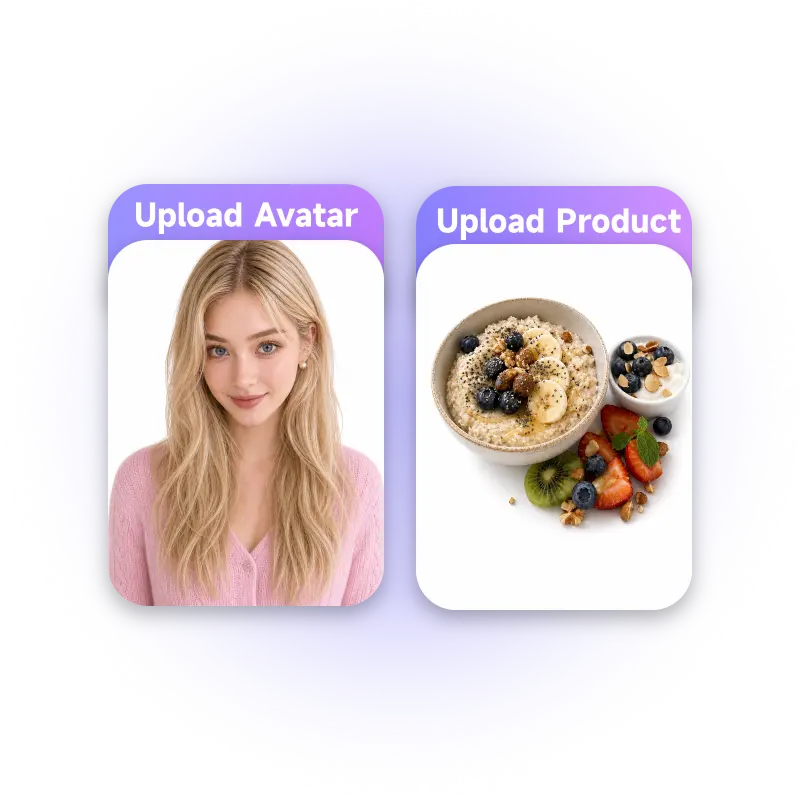
Add a product photo and an avatar, your own model or one generated with UGC Avatar. These two uploads are what your chosen format and prompt reference to build the scene.
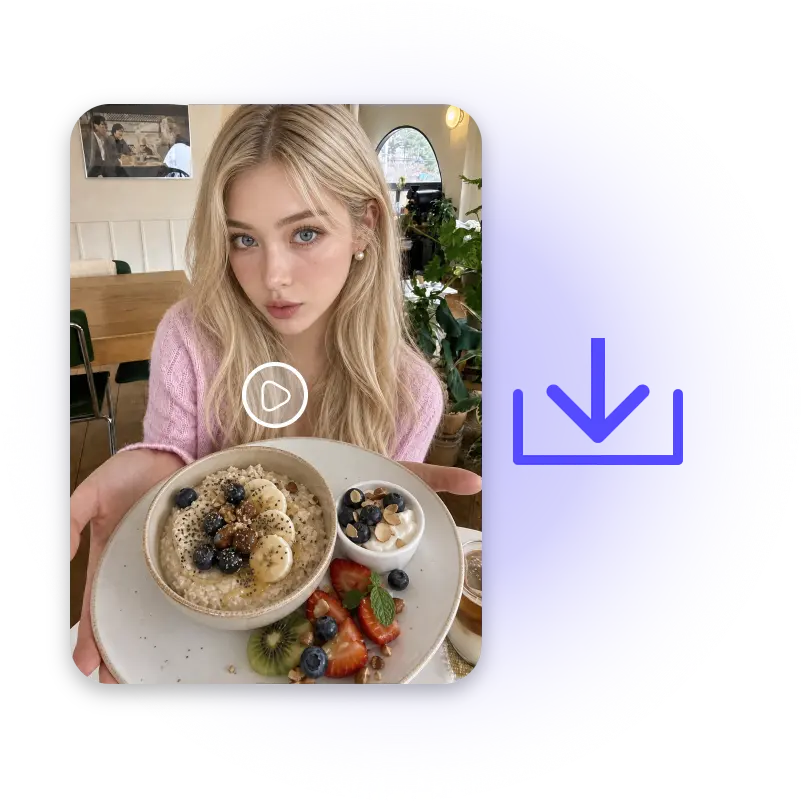
Hit generate. Marketing Studio produces a polished video ad in seconds, preview it, download it, or regenerate with the same settings if you want a different take.
Upload a product, upload an avatar, pick a format. No shoot to book, no prompt to write from scratch — Marketing Studio turns what you already have into a ready-to-use video ad in seconds.
Start Marketing Studio FreeElena Marsh
Independent E-commerce Seller
"I used to spend a full day setting up a product shoot before I could run a single ad. With Marketing Studio, I upload the product photo and an avatar, pick UGC, and I have a usable video in minutes."

Daniel Cho
Media Buyer, Boutique Agency
"We manage ad creative for four small brands. The preset formats save us the back-and-forth of explaining what kind of video we want. Money Shot for the product page, TVC when we need something more polished."

Priya Nair
Independent Site Operator
"I don't write prompts well, and I never had to learn. Marketing Studio's suggested prompts got my first UGC-style ad usable on the first try."

Marcus Field
Content Lead, DTC Brand
"Our team runs Before & After ads every week for a skincare line. Marketing Studio keeps the pacing and structure consistent across every SKU without us rebuilding the brief each time."

Sofia Reyes
Freelance UGC Creator
"The @Product and @Avatar tagging is the detail that makes this useful. I know exactly what's in frame before I even generate."

James Whitfield
Performance Marketer
"I test three or four ad angles before picking a winner. Marketing Studio lets me regenerate with the same product and avatar fast enough to actually run that testing every week."