


Models
Photo
Drag or Upload Your Photo
Support jpg/jpeg/png/webp, up to 16MB
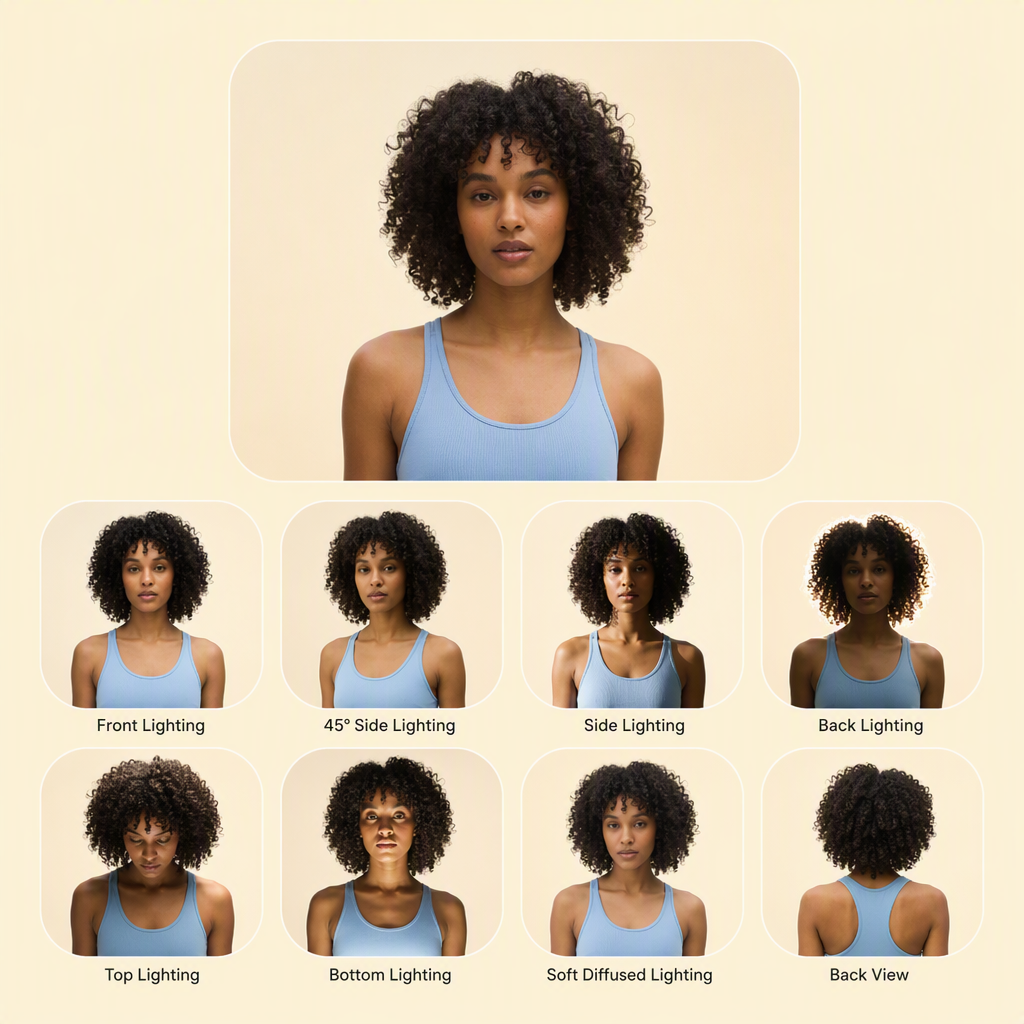
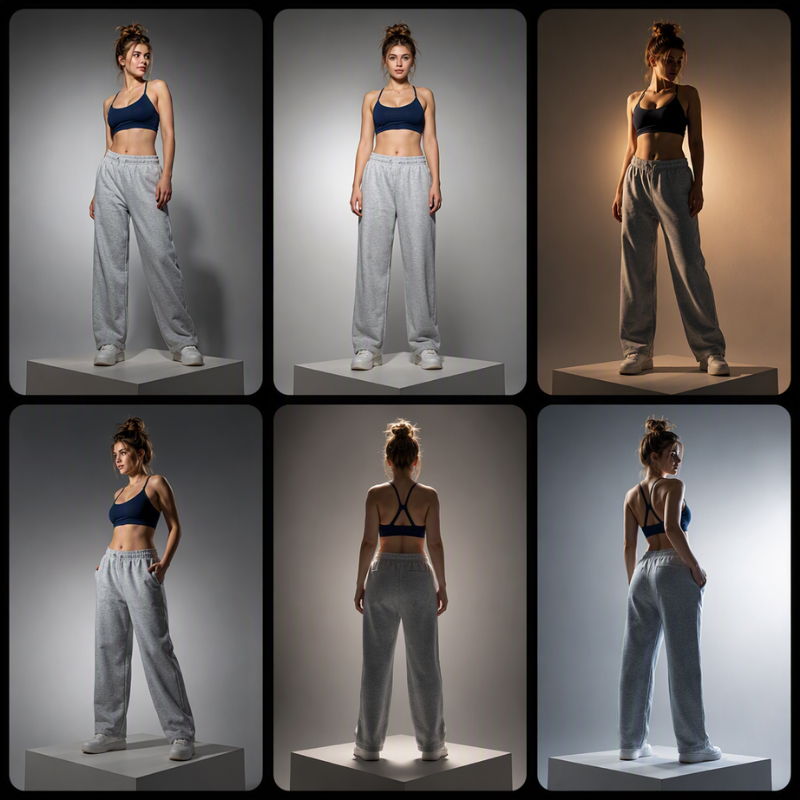
Lighting
Top
Left
Right
Bottom
Front
Back
Login for 10 free credits daily, then 4 credit / image
AI Relight
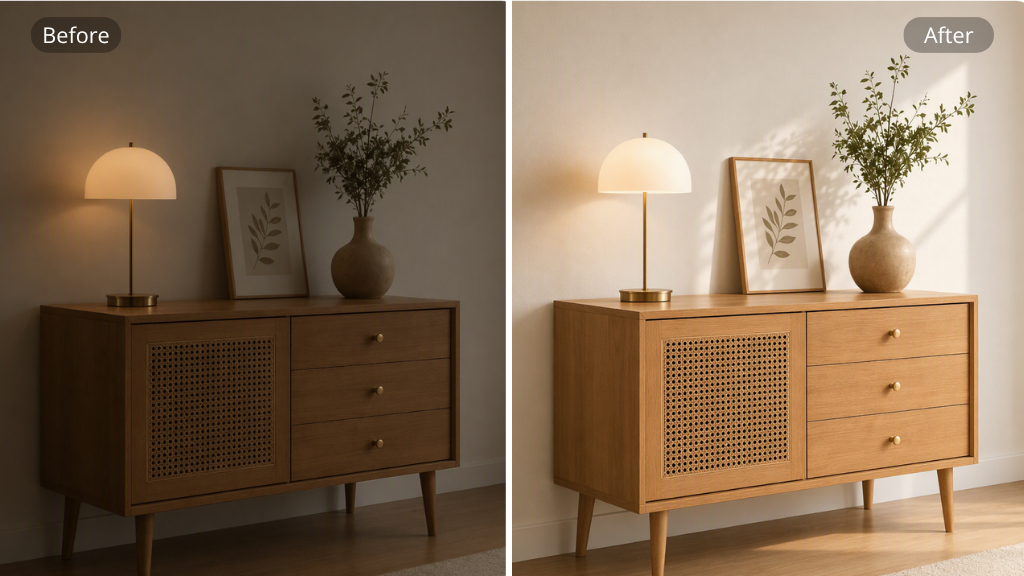
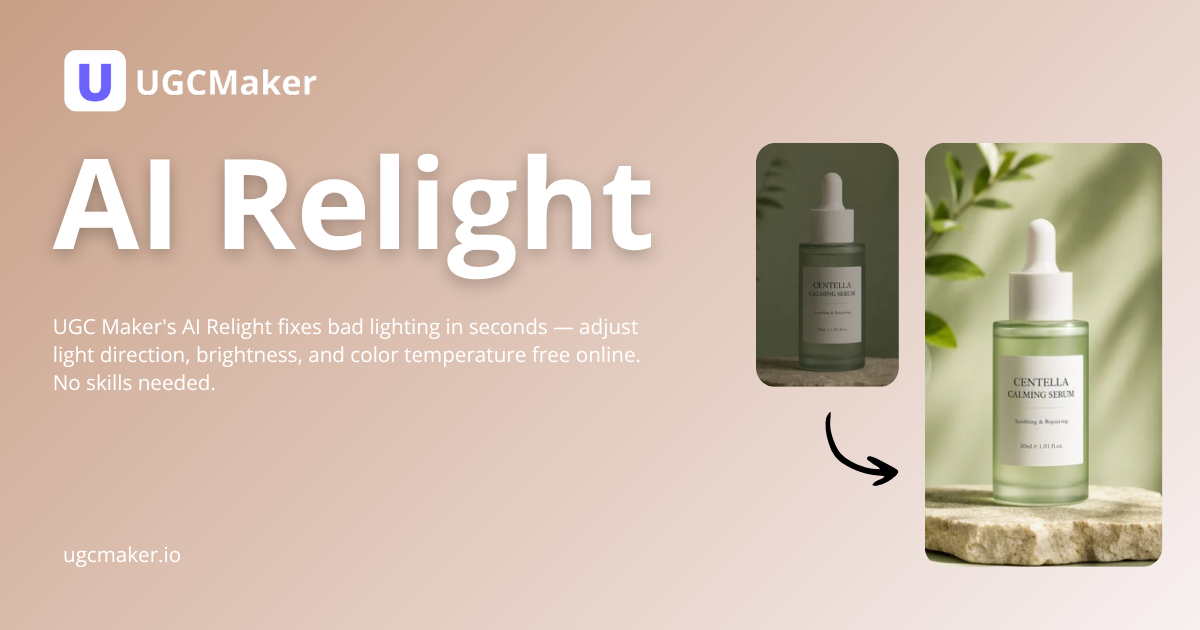
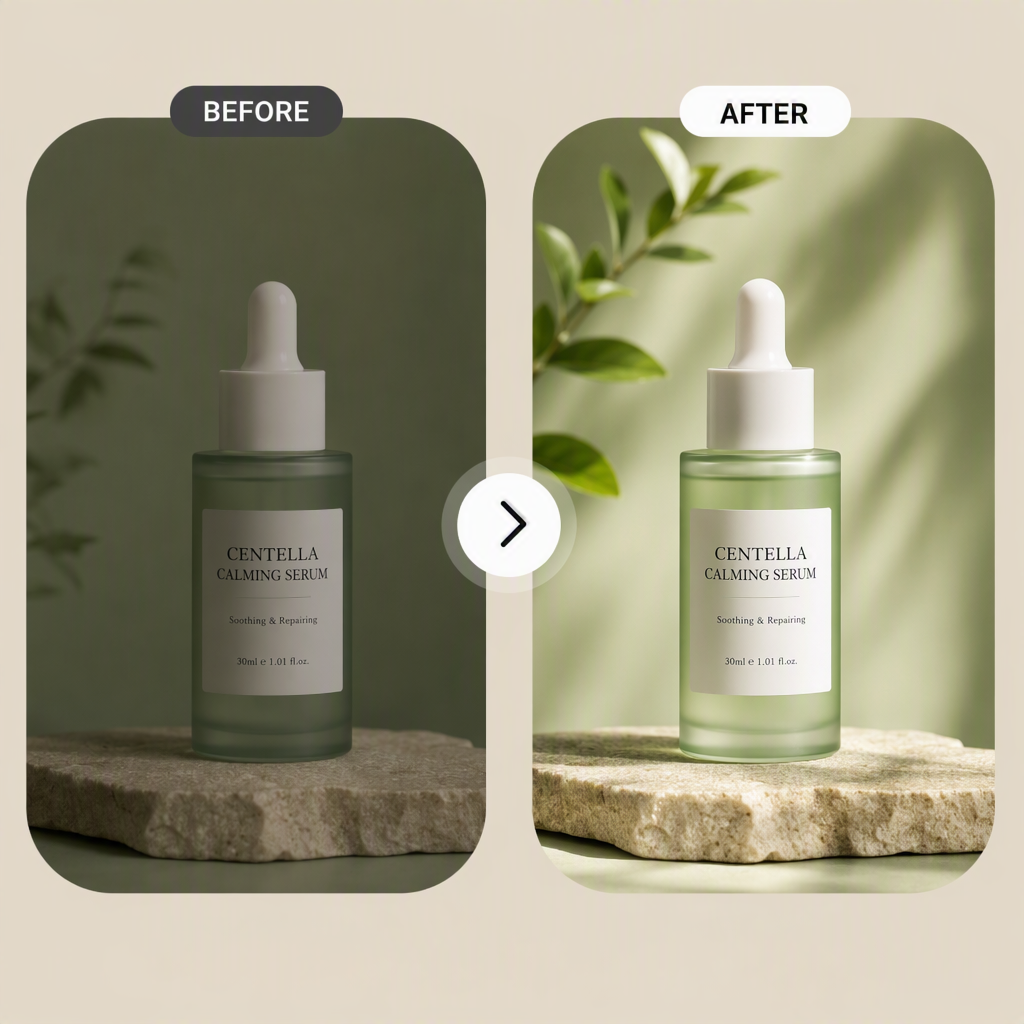
UGC Maker's AI Relight lets you fix bad lighting on any image with adjustable brightness and color online.
AI Relight

AI Relight

UGC Maker's AI Relight lets you fix bad lighting on any image with adjustable brightness and color online.

Relight My Photo Now
AI Relight — fix bad lighting and adjust light direction, brightness, and color temperature online

What Is AI Relight?

AI Relight is an AI-powered tool that rebuilds photo lighting from depth and surface data. It simulates real light sources — direction, intensity, and color temperature. UGC Maker's AI Relight runs fully online with no downloads. Pair it with AI Photo Enhancer and AI Background Changer.

What Is AI Relight? — AI-powered tool that rebuilds photo lighting from depth and surface data

Why Choose AI Relight?

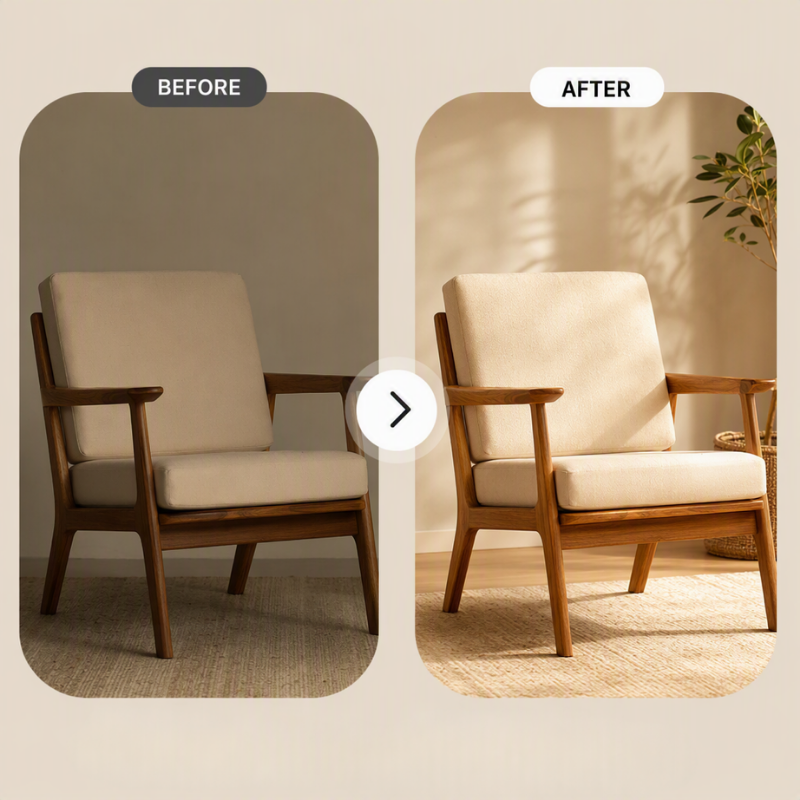
AI Relight delivers studio-grade lighting correction without professional equipment. Unlike brightness sliders, it understands 3D structure and applies light where it belongs — brightening faces and recovering shadow detail. UGC Maker built it for speed: most photos process in under five seconds.

Why Choose AI Relight? — studio-grade lighting correction without professional equipment

Bad Lighting Ruins Good Photos — Here Is the Fix

Over 60% of phone photos suffer from poor lighting — harsh shadows, blown highlights, dull indoor tones. Sliders flatten detail and professional retouching costs money. AI Relight fixes this by reconstructing light at pixel level, adding natural direction. UGC Maker makes it accessible to everyone.

Bad Lighting Ruins Good Photos — AI Relight fixes poor lighting without complex software

Three Lighting Controls That Make AI Relight Stand Out

UGC Maker designed AI Relight with three core capabilities that separate it from basic photo editors. Each control targets a specific lighting problem and works together for professional results.

Drag-and-Drop Light Sources

Drag-and-Drop Light Sources

Drag light across your photo to set highlights and shadows. Control direction, distance, and intensity with sliders for precise results.

One-Click Light Presets

One-Click Light Presets

Choose from presets like golden hour, softbox, or neon. Apply a pro look to any photo in one click without manual adjustments or settings.

Detail-Preserving Enhancement

Detail-Preserving Enhancement

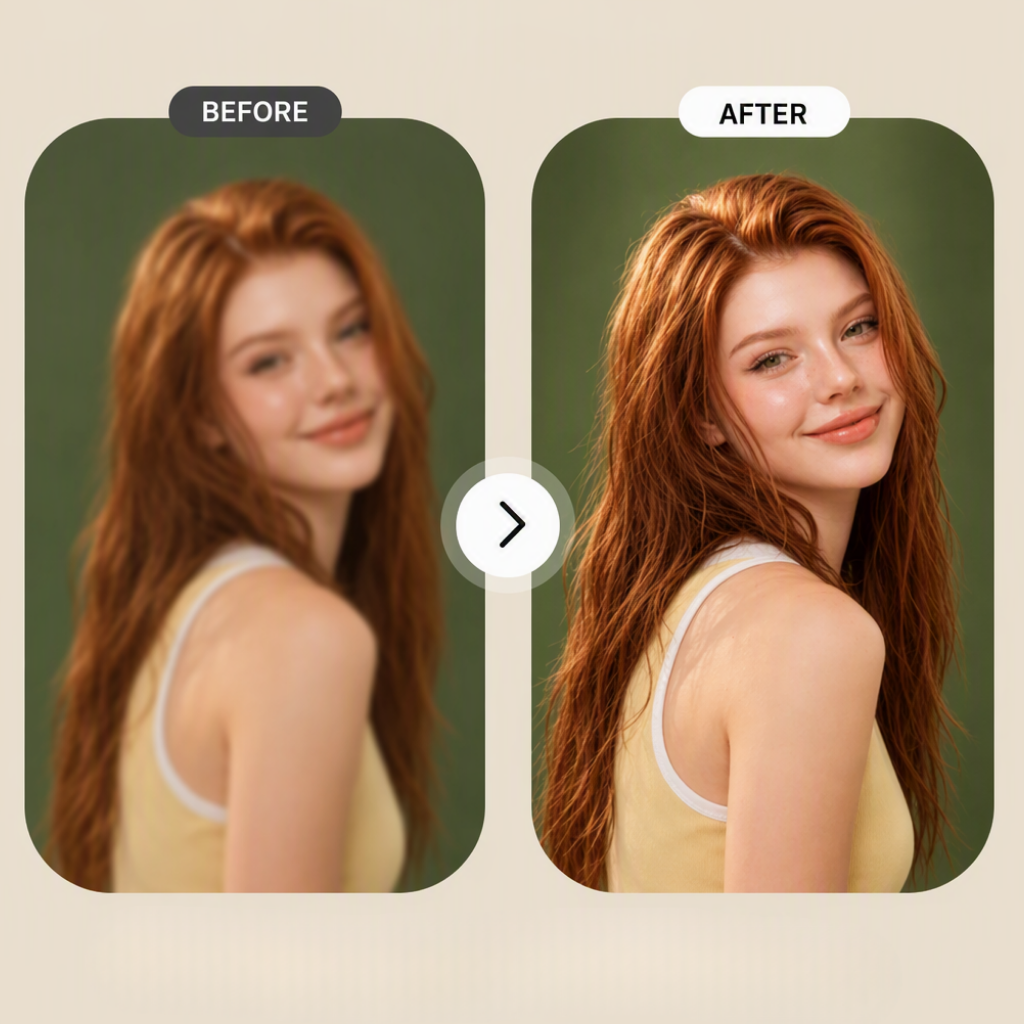
AI Relight keeps skin tones, fabric texture, and details sharp while adjusting light. Photos look natural, never flat or overprocessed.

Relight Photos in 3 Steps

UGC Maker's AI Relight: upload a photo, describe your lighting needs, and download the result — no software to install, no account to create.

Upload Your Photo

Step 1: Upload Your Photo

Upload your photo by drag or browse. JPG, PNG, and WebP up to 20MB are supported. No account needed to start editing your photos right now.

Click Generate

Step 2: Click Generate

AI Relight analyzes depth, detects subjects, and applies balanced lighting. Adjust direction and intensity with sliders for fine control.

Download Your Result

Step 3: Download Your Result

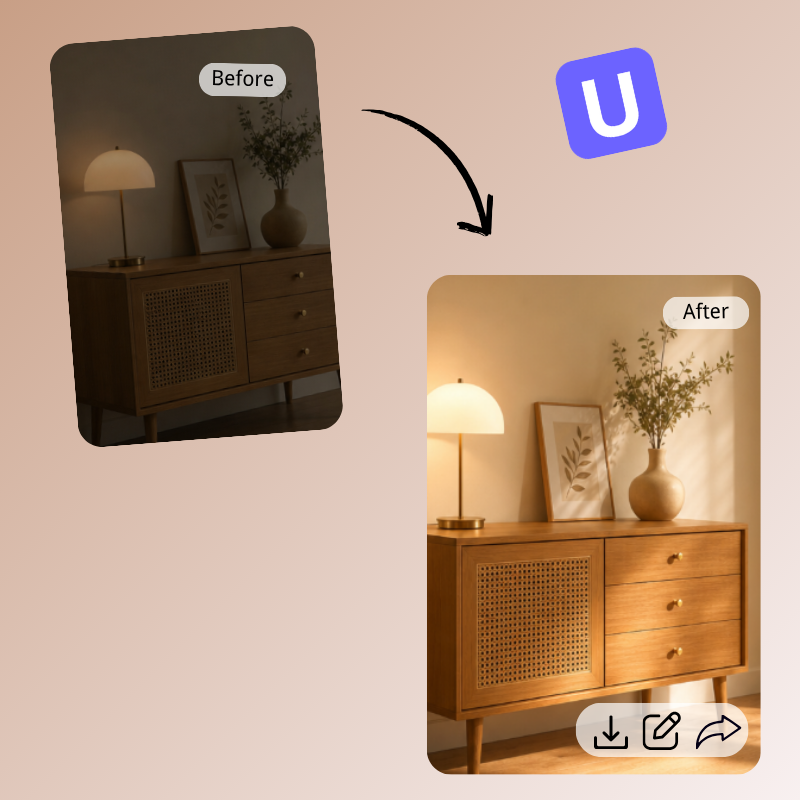
Preview your relit result beside the original. Download full-resolution image in one click, no watermark. Ready to share or use instantly.

Relight Your Photos Now — Free and Online

Stop letting bad lighting ruin your shots. UGC Maker's AI Relight transforms any photo in seconds — adjust light direction, brightness, and color. Upload now, no sign up, no cost to start.

Relight My Photo Now

What Users Say About AI Relight

S.M. avatar

S.M.

Portrait Photographer

Portrait photographer. AI Relight rescued dozens of backlit shots last month. Depth-aware reconstruction preserves skin texture far better than exposure sliders. I drag virtual light to simulate a softbox from any angle, and results look like professional strobes. Clients cannot tell which photos were relit. It saves me two hours per session.

J.P. avatar

J.P.

E-commerce Owner

I run a handmade jewelry store where product photos drive sales. AI Relight fixed harsh shadows on my necklace shots in seconds. Adjustable color temperature lets me match warm studio lighting across my catalog. My listings look consistent now. Conversion jumped 20% after updating the photos. Fastest lighting fix for e-commerce.
M.G. avatar

M.G.

Content Creator

Content creator here. UGC Maker's AI Relight is my secret weapon for Instagram posts. Bad lighting used to mean reshooting, but now I upload and fix in seconds. Preset templates like golden hour give my feed a cohesive look without hours in Lightroom. Engagement went up 35% after using relit photos. Perfect for creators on a deadline.
D.T. avatar

D.T.

Real Estate Agent

Real estate agent. AI Relight transformed my dark property listings into bright spaces. I relit dim room photos and balanced window glare without booking a photographer. The tool preserves natural shadows so rooms look realistic, not artificially brightened. Listings with relit photos get 40% more clicks. Essential for real estate marketing.
L.C. avatar

L.C.

Graphic Designer

Graphic designer. AI Relight cuts my retouching time in half. Instead of manual dodge and burn, I upload and let AI handle lighting reconstruction. Fine details like fabric texture and hair strands stay sharp with no flat or plasticky look. Drag-and-drop light sources give precise control over highlights. Fits perfectly into my workflow.
A.R. avatar

A.R.

Photography Hobbyist

Photography hobbyist on a budget. AI Relight lets me fix vacation photos that were too dark or had harsh midday shadows. I do not own lighting gear or editing software, yet this tool gives professional results from my browser. One-click presets are foolproof — golden hour makes travel shots look cinematic. Best free lighting tool I have found.

AI Relight — Frequently Asked Questions