

Michael Thompson
E-commerce Product Photographer
"Green Screen Remover saved me so much editing time. I upload product photos daily, and it removes green backgrounds in seconds with very clean edges. My workflow is now 3x faster."
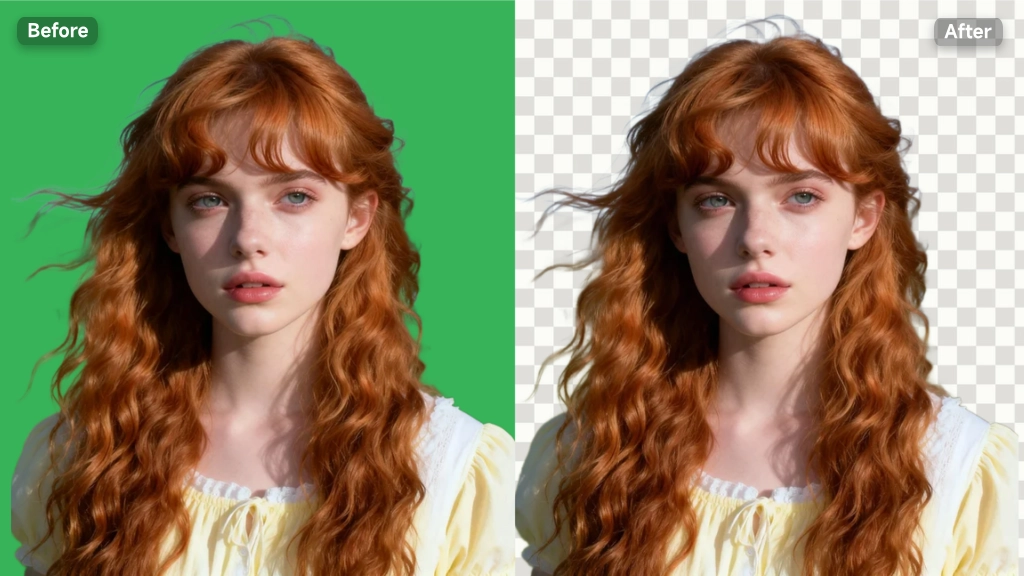
Instant Green Screen Remover to remove green screen from images with AI. Achieve 99% edge precision on any object in 1 click. Free, online, ideal for creators.
Start Green Screen Remover
Green Screen Remover is an AI-powered tool that helps you erase green backgrounds from images in seconds. It detects the main subject automatically and delivers smooth, natural edges without manual editing. You can quickly replace the background for product photos, social media posts, or ad creatives. Designed for speed and simplicity, it works directly in your browser and requires no setup, making it easy for anyone to create clean visuals online.
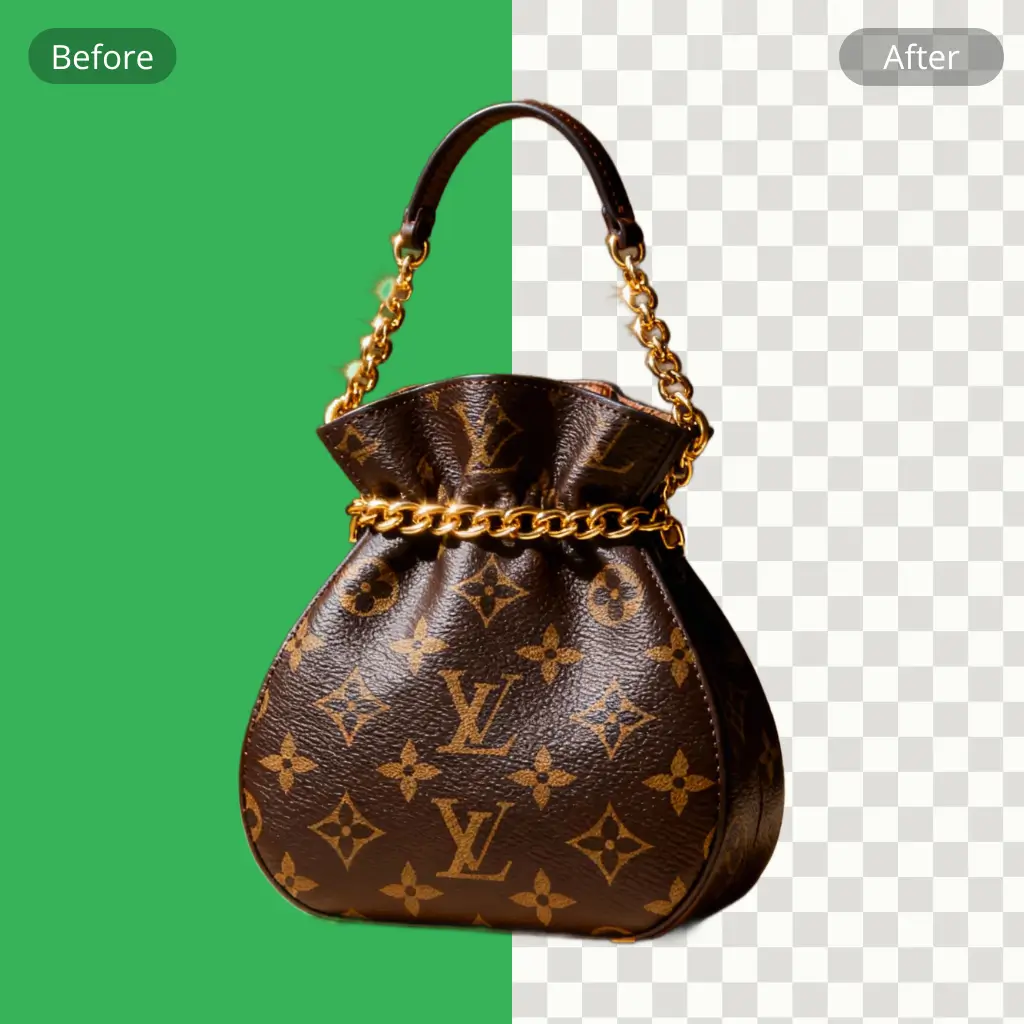
Green Screen Remover is recommended for its speed, ease of use, and reliable results. It lets you remove green screen backgrounds from images online without any editing skills. The AI handles subject detection and edge refinement, so you don’t need to adjust settings or spend time fixing details. Whether you are creating marketing visuals, social posts, or simple edits, it offers a fast and practical way to get clean, ready-to-use images.
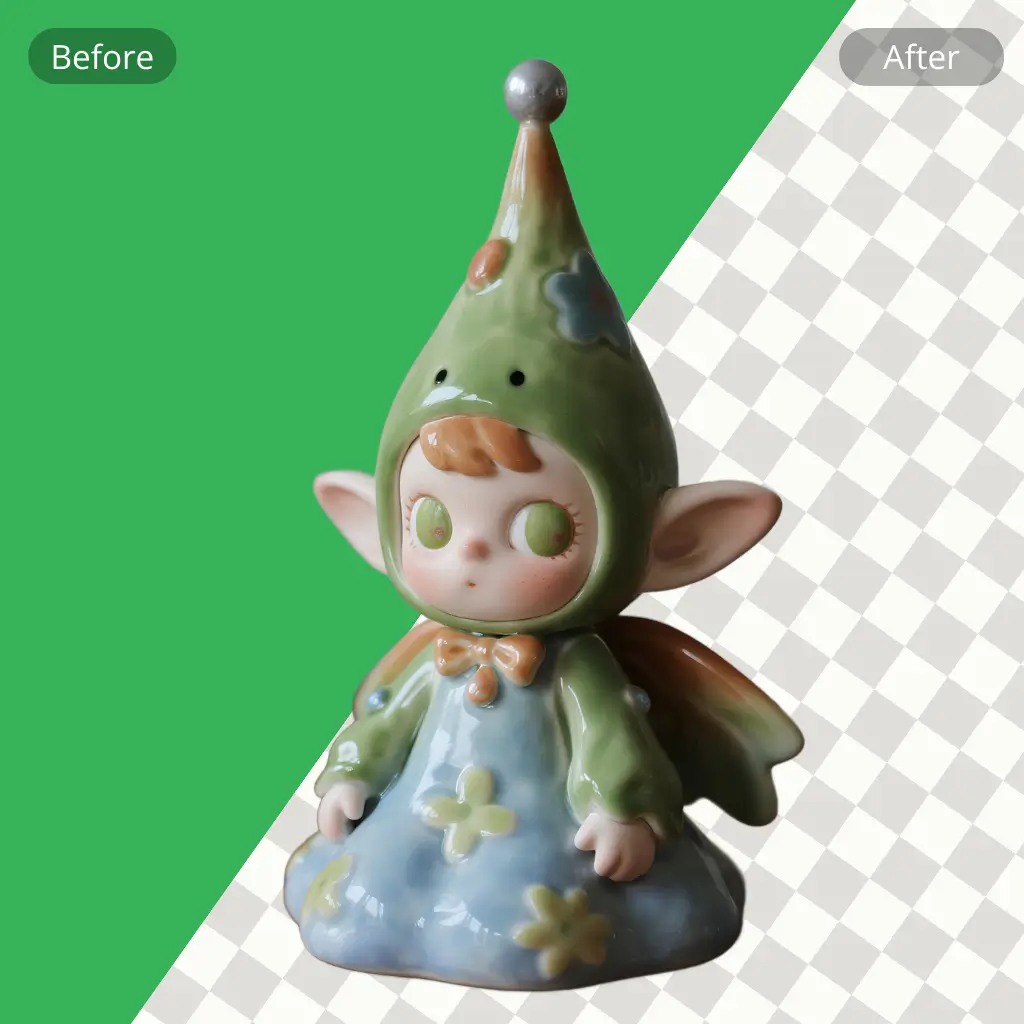
Many users struggle to remove green screen from images without using complex software. Traditional tools often require manual selection, fine-tuning, and repeated adjustments to fix rough edges. Small details like hair or transparent objects are hard to handle, leading to unnatural results. For creators who need fast output, this slow and technical process makes it difficult to produce clean visuals for content or ads.
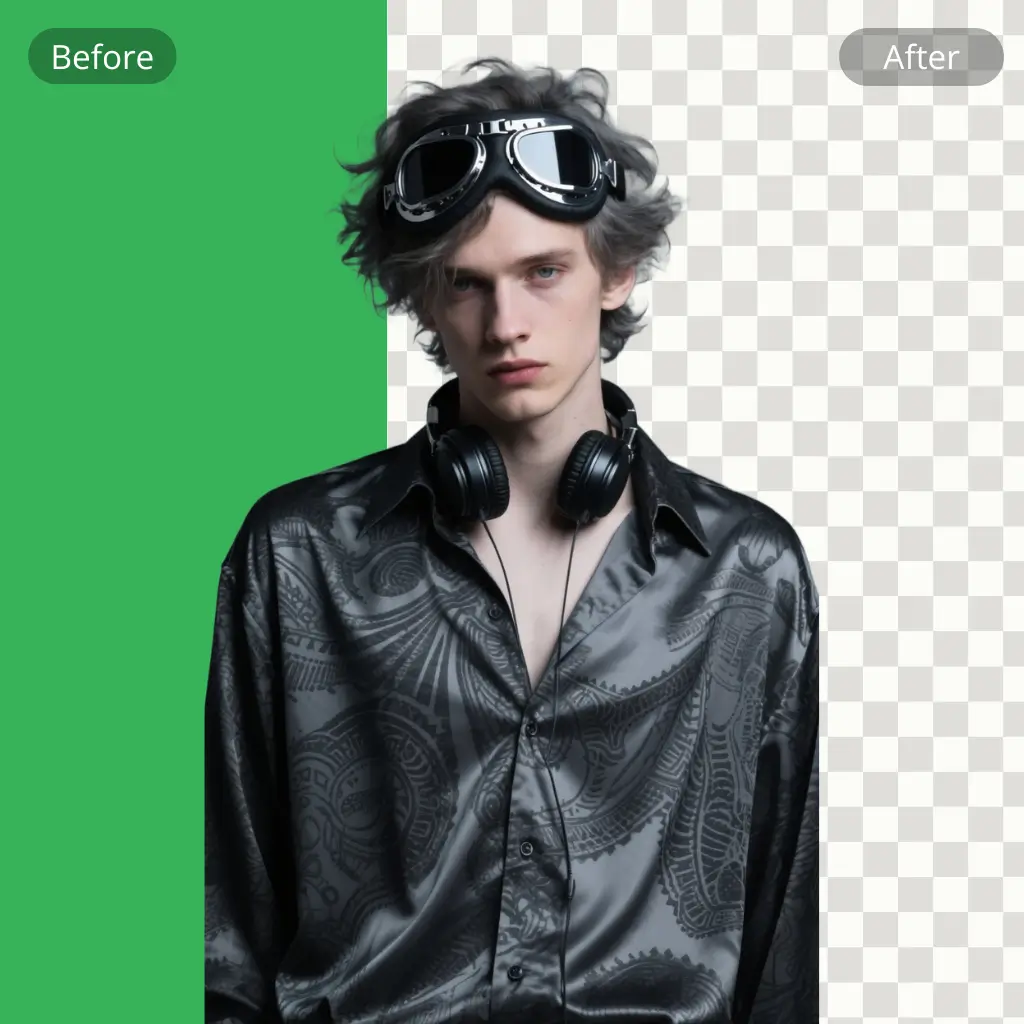
This tool helps users remove green screen from images quickly with AI automation. It focuses on speed, simplicity, and clean output for creators who need ready-to-use visuals without editing work.
The system automatically detects the main subject and separates it from the background. No manual selection or adjustment is needed, allowing users to process images quickly with minimal effort.

Green Screen Remover improves fine details like hair, fabric, and transparent objects to reduce rough edges and green spill. This helps produce more natural and professional-looking results for any use case.

Everything runs directly in the browser, so users don’t need to install software or plugins. It supports fast editing anytime, making it perfect for creators who need quick content output.
This guide shows how to use Green Screen Remover online in a quick workflow. You can upload, process, and export clean images in just a few steps without any editing skills or software setup.
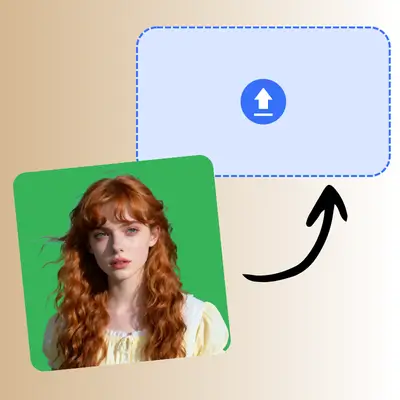
Start by uploading your image with a green background. Green Screen Remover supports common image formats and automatically prepares the file for AI processing without any manual setup.
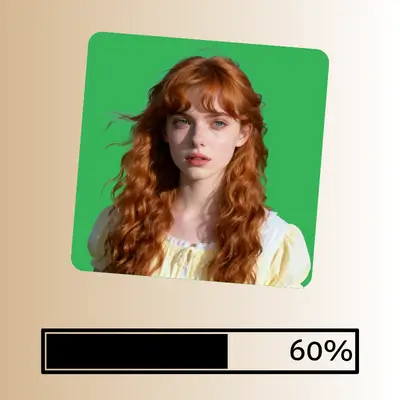
Once uploaded, the system will instantly detect the subject and remove the green screen. No extra actions are needed, and the process runs automatically in a few seconds.
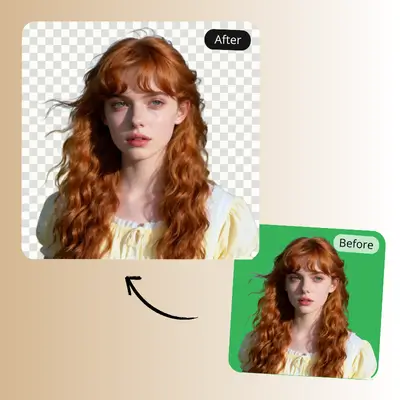
After processing, preview the result and download the final image. You can use it directly for ads, social media, or any creative project without further editing.
Upload your image to Green Screen Remover and let AI handle the background removal instantly. No editing skills or software needed. Get clean results fast and use them for social media, ads, or creative projects.
Try Green Screen Remover NowMichael Thompson
E-commerce Product Photographer
"Green Screen Remover saved me so much editing time. I upload product photos daily, and it removes green backgrounds in seconds with very clean edges. My workflow is now 3x faster."

Sofia Martinez
Social Media Content Creator
"Green Screen Remover is super easy to use. I don’t know editing tools, but it still gives me sharp results. I processed over 50 images for my TikTok content without issues."

Daniel Cooper
Digital Marketing Specialist
"Green Screen Remover helps me create ad creatives quickly. The background removal is accurate, even on hair and shadows. It reduced my editing time by around 70%."

Emily Johnson
YouTube Video Producer
"Green Screen Remover works perfectly for my YouTube thumbnails. I can replace green backgrounds in under 10 seconds per image, which helps me publish faster every day."

Ryan Lee
Graphic Designer
"Green Screen Remover is reliable for batch image work. I tested 100 images, and most of them came out clean without manual correction. It’s now part of my daily workflow."

Olivia Brown
Performance Marketing Manager
"Green Screen Remover makes content creation much smoother. I use it for online ads, and it consistently delivers clean cutouts with minimal effort and no learning curve."