Login for 10 free credits daily, then 4 credit / image
Auto
1
1K
Medium
AI Ghost Mannequin Generator
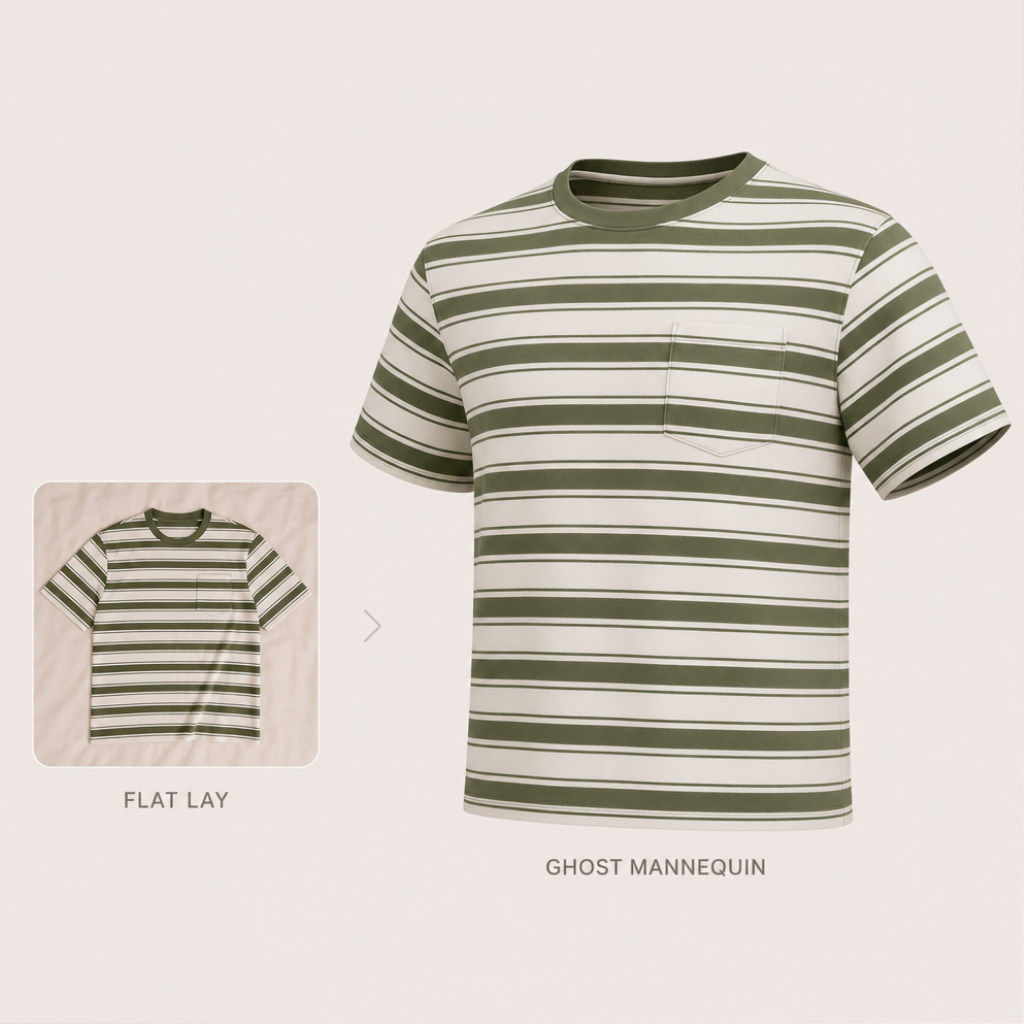
Turn flat lays into ghost mannequin product photos with AI. Show fit and shape without a studio or Photoshop.
AI Ghost Mannequin Generator
Turn flat lays into ghost mannequin product photos with AI. Show fit and shape without a studio or Photoshop.
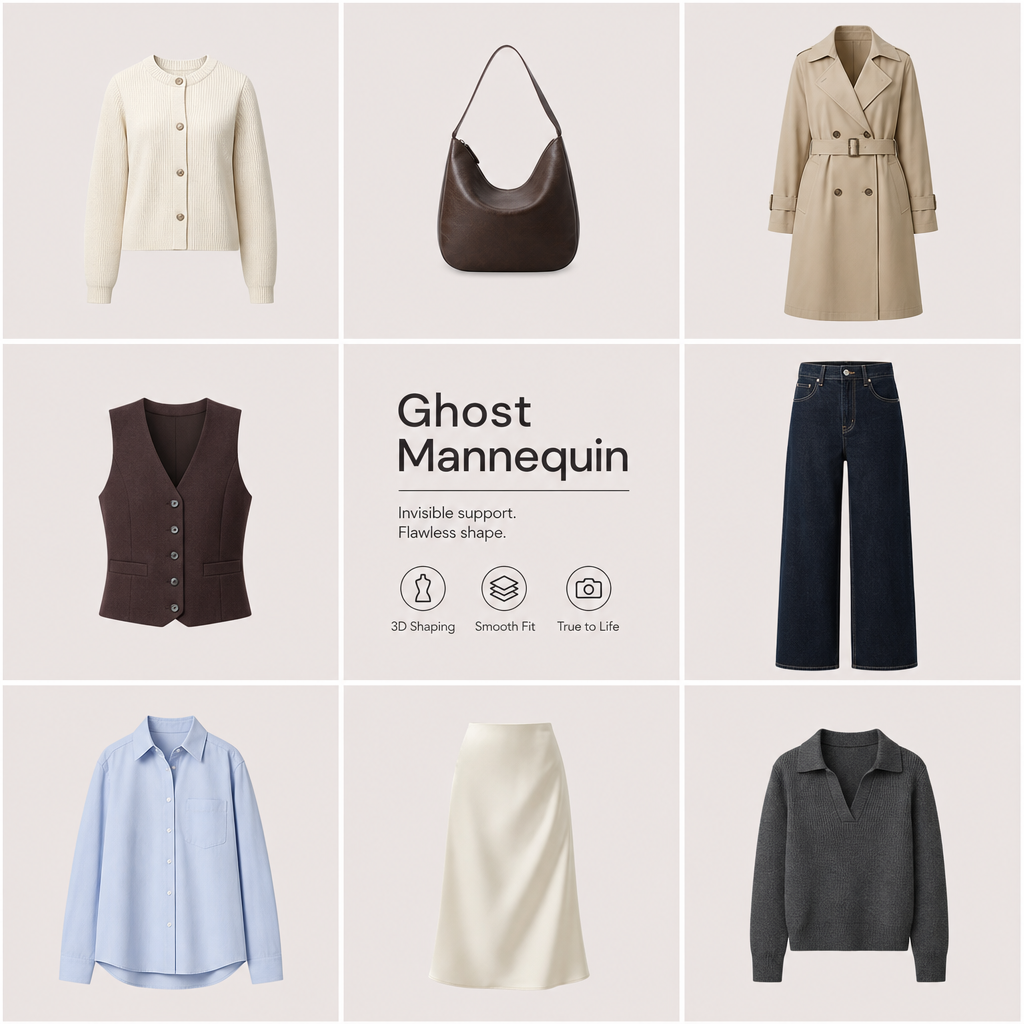
AI Ghost Mannequin Generator - Invisible Mannequin Effect Free
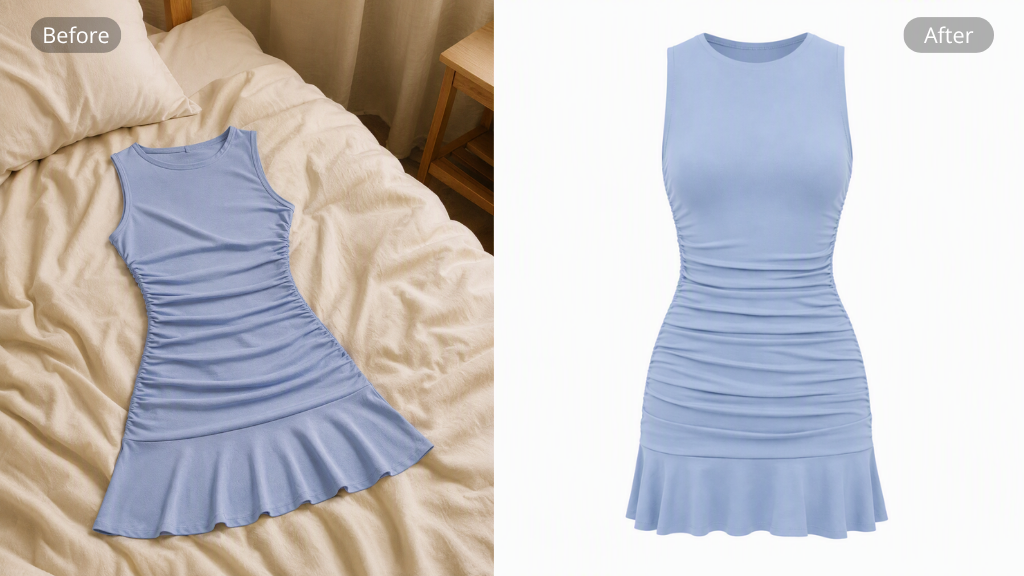
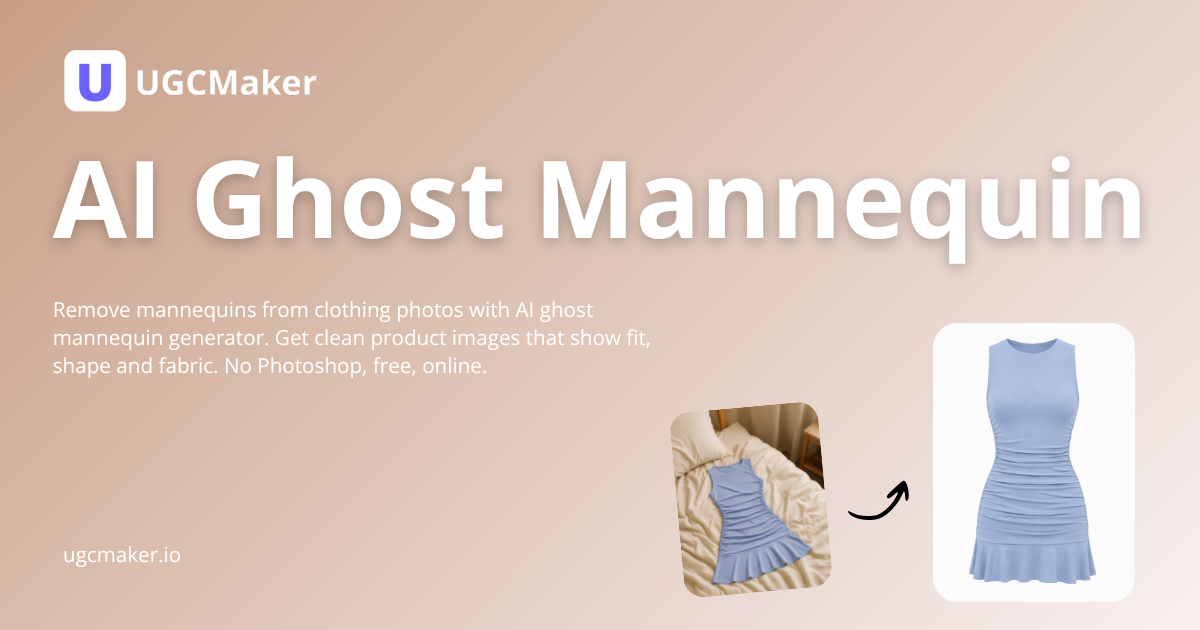
Remove mannequins from clothing photos with AI ghost mannequin generator. Get clean product images that show fit, shape and fabric. No Photoshop, free, online.
UGC Maker's AI Ghost Mannequin Generator preserves garment structure, so every SKU looks professionally photographed. Consistent images build shopper trust on Amazon and Shopify. Runs online with free usage, no Photoshop. Handles the invisible mannequin effect.
Tired of Mannequin Marks, Studio Costs and Retouching Backlogs?
Ghost mannequin photography demands a studio and a retoucher. Small sellers end up with mannequin seams and tangled straps. Paying a professional per SKU is expensive, and inconsistent images hurt conversion on Amazon. AI Ghost Mannequin Generator removes that bottleneck with one browser tab.
Features That Make Product Photos Shine
UGC Maker's AI Ghost Mannequin Generator rebuilds garments with structure-aware editing, not simple removal. Three features cover the full product photography workflow for clothing brands.
Structure-Aware Rebuild
Rebuilds necklines and sleeves so garments keep shape after the mannequin disappears. Results look hand-retouched, never flat or warped.
Batch SKU Consistency
Process multiple product photos at once so every SKU looks clean and consistent. This builds shopper trust and lifts your conversion rate.
Ecommerce-Ready Output
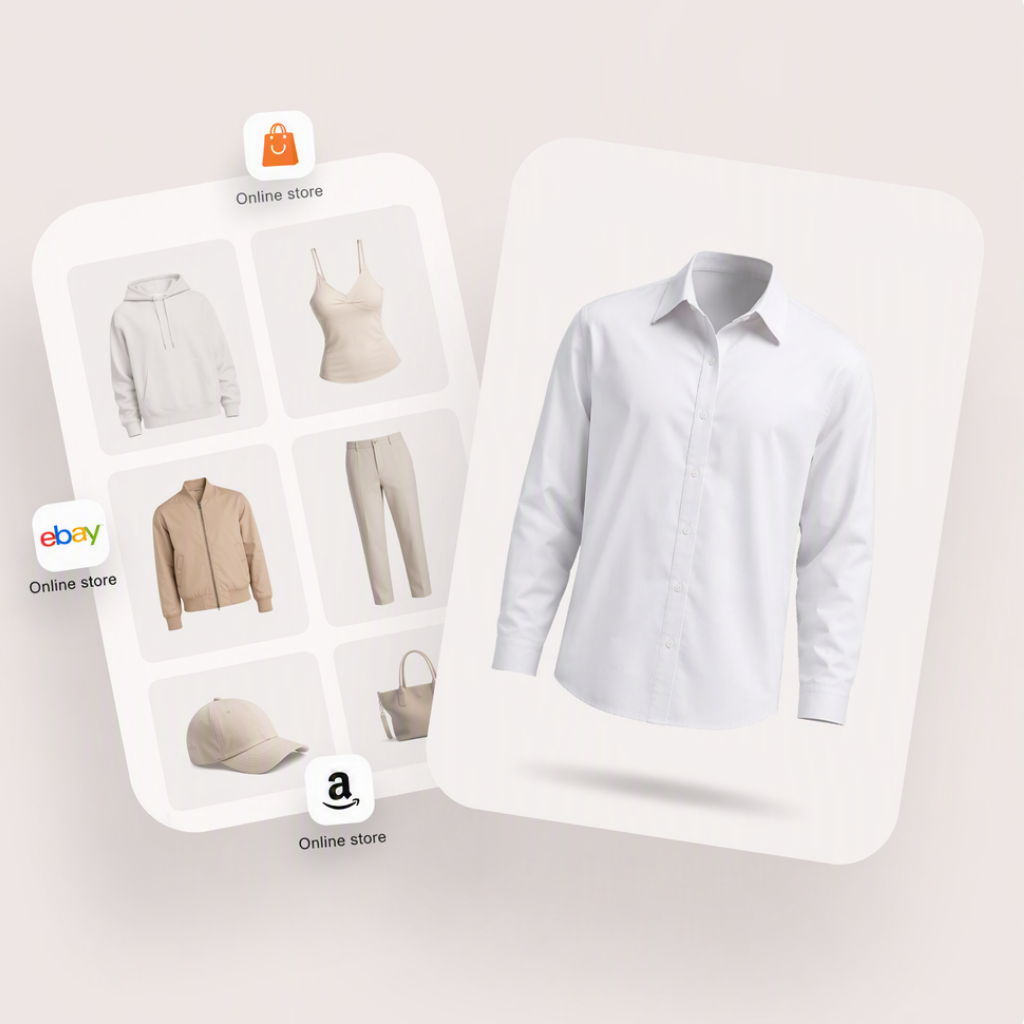
Export clean, white-background images sized for Amazon, Shopify and marketplaces. No Photoshop needed before photos go live on your store.
Create Ghost Mannequin Photos
Three steps take you from raw clothing photo to a marketplace-ready product image. No sign-up required to start with AI Ghost Mannequin Generator.
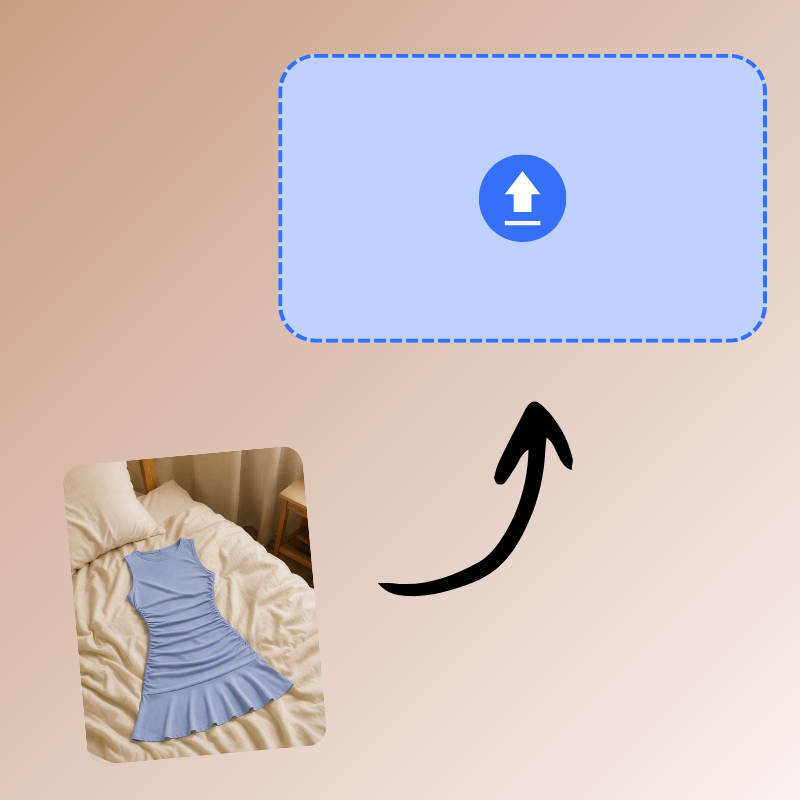
Step 1: Upload Your Photo
Simply upload a clothing photo. AI Ghost Mannequin Generator detects the garment and applies the invisible mannequin effect automatically.
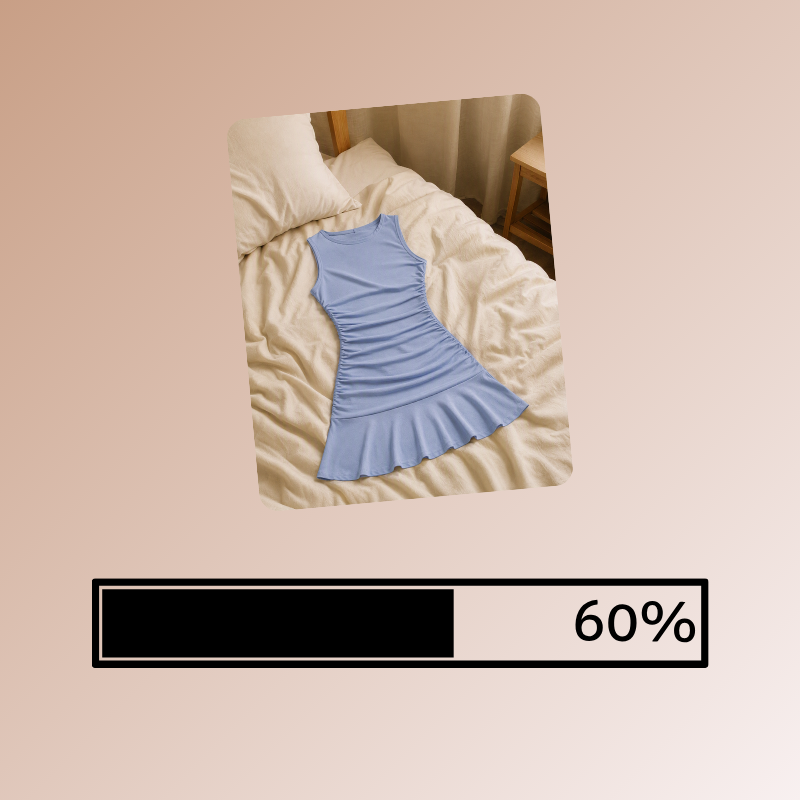
Step 2: Generate the Effect
Click generate and watch mannequins or models disappear while UGC Maker keeps garment structure intact and rebuilds necklines and sleeves.
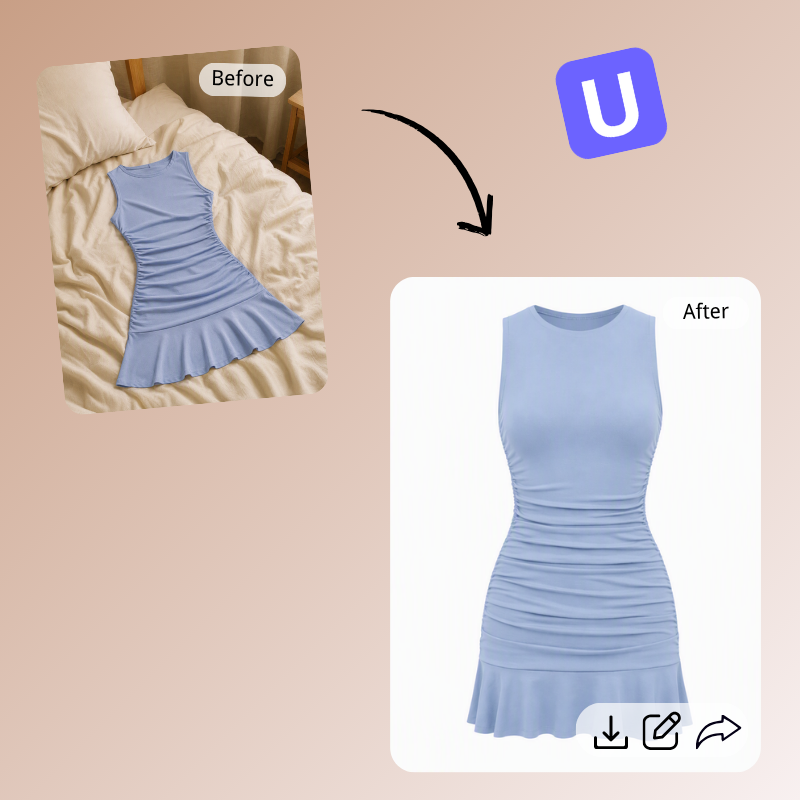
Step 3: Download and List
Download the white-background image, sized for Shopify, Amazon or your store. No retouching, no design tools, no waiting on freelancers.
Get Ghost Mannequin Product Photos in Seconds with AI
Join the clothing brands using UGC Maker to cut studio costs and ship consistent product photography. Upload a flat lay and get a clean ghost mannequin image in seconds, no sign-up needed to start.
AI Ghost Mannequin Generator replaced our expensive retouching workflow. We upload twenty product shots and list them the same day. Consistency across our SKUs improved visibly, and conversion climbed within a month. Necklines stay crisp and fabric reads naturally. UGC Maker's tool paid for itself in the first week of saved editing time.
Daniel Ortiz
Fashion Photographer
Most of my clients cannot afford classic ghost mannequin photography for every item. AI Ghost Mannequin Generator lets me deliver the invisible mannequin effect without booking a studio retoucher. I keep the garment's structure and hand over clean white-background files for Amazon. It is part of my standard deliverable package for small brands.
Sophie Laurent
Ecommerce Manager
We manage a catalog of 400 apparel SKUs across Amazon and Shopify, and uniformity was our biggest problem. AI Ghost Mannequin Generator gives every listing the same clean background and consistent garment shape, and the invisible mannequin effect makes our pages look professional. The hours saved on retouching went to listings and ads.
James Walker
Clothing Brand Founder
As a small brand we had zero budget for studio equipment or a retoucher. AI Ghost Mannequin Generator turned our flat lays into polished product images with a fashion-house look. The ghost mannequin effect rebuilds collars and sleeves beautifully, and our Shopify conversion improved noticeably. It is the most cost-effective tool in our stack.
Lucia Fernandez
Amazon Marketplace Seller
I sell across three markets and needed a fast way to standardize product photos. AI Ghost Mannequin Generator processes garments in minutes, removes the mannequin cleanly, and outputs marketplace-ready images. The invisible mannequin effect boosts our listing click-through. Batch processing lets me refresh an entire collection before the weekend.
Ethan Park
Product Photographer
Traditional ghost mannequin photography requires precise lighting, a trained retoucher and hours per item. AI Ghost Mannequin Generator compresses that workflow into minutes while keeping garment structure intact. I use the invisible mannequin effect for client proofs, then export clean images for ecommerce. It lets me take on more clients.
AI Ghost Mannequin Generator FAQ
How much does AI Ghost Mannequin Generator cost?
AI Ghost Mannequin Generator offers free usage so new sellers can test the invisible mannequin effect. High-volume brands can upgrade for larger batches and priority processing. Pricing is transparent on the UGC Maker website, and no credit card is required to start. Free usage may carry reasonable limits on output, as is standard online.
What photo formats does AI Ghost Mannequin Generator accept?
AI Ghost Mannequin Generator accepts common ecommerce formats including JPG, PNG and WEBP. Images can come from phones, DSLRs or marketplace listings. Transparent PNGs work well when the garment already has a clean background. No resizing is needed; standard sizes are handled automatically. Well-lit photos give the best invisible mannequin effect.
What image resolution does AI Ghost Mannequin Generator output?
AI Ghost Mannequin Generator exports high-resolution product images sized for Amazon and Shopify. Output follows standards like 1500 by 1500 pixels for zoom. White-background exports stay clean around collars. The garment area is preserved, so you can crop without losing detail. Free usage covers standard sizes; paid plans unlock larger output.
Do I keep the rights to images made with AI Ghost Mannequin Generator?
Yes. You retain full commercial rights to every image created with AI Ghost Mannequin Generator, including the invisible mannequin effect. Images belong to you; UGC Maker claims no ownership over generated photos. Use the results on Amazon, Shopify, your site, ads and catalogs without attribution. No watermark appears on exported files.
Is my product data private when I use AI Ghost Mannequin Generator?
UGC Maker treats product photo data as private and confidential. Uploaded images are used only to generate the ghost mannequin effect and are never sold or shared. Processing happens through secure connections, and files are not used to train other customers' outputs. You can delete uploaded files from your account after a session.
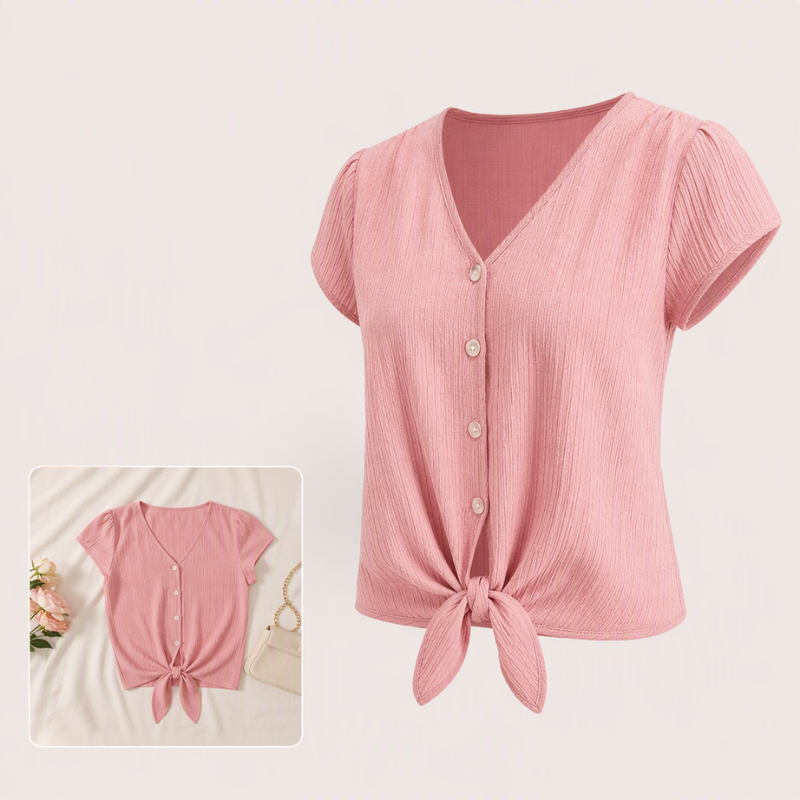
Does AI Ghost Mannequin Generator work with flat lay photos?
Yes, flat lays are one of the best inputs for AI Ghost Mannequin Generator. The tool detects the garment outline on a tabletop or hanger, then builds the invisible mannequin effect around it. Flat lays keep the front and back visible, which helps reconstruct the neckline accurately. Model photos and hanger shots also work across different setups.
Can AI Ghost Mannequin Generator handle batch product photos?
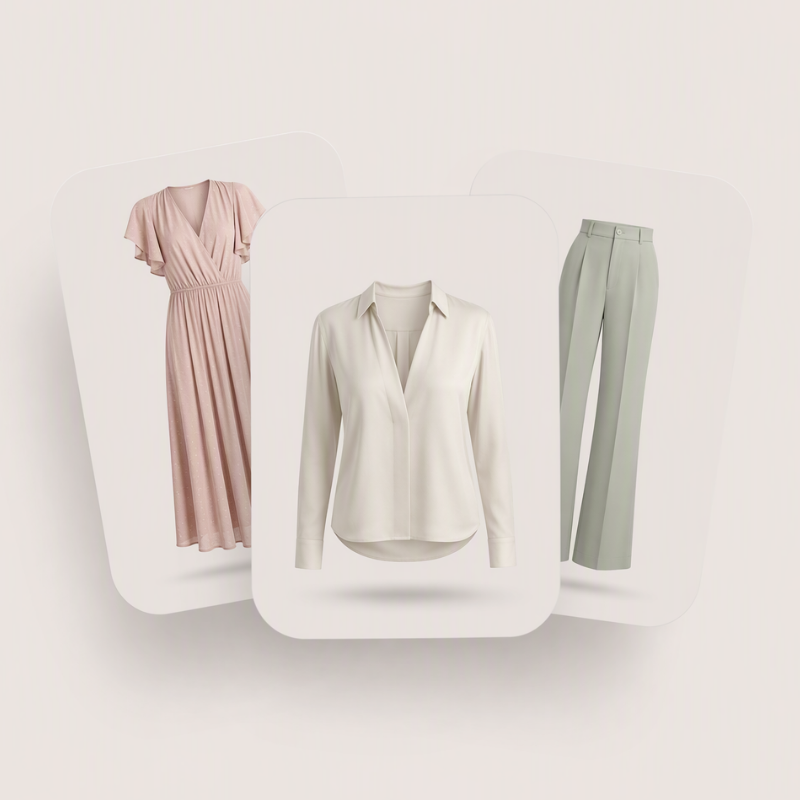
Yes. AI Ghost Mannequin Generator supports batch processing so you can convert an entire collection into clean product images in one workflow. Upload multiple flat lays, and the tool applies the same invisible mannequin effect settings to every file. Batch limits depend on your plan; paid tiers raise the ceiling.
Does AI Ghost Mannequin Generator work for dresses, hoodies and other apparel?
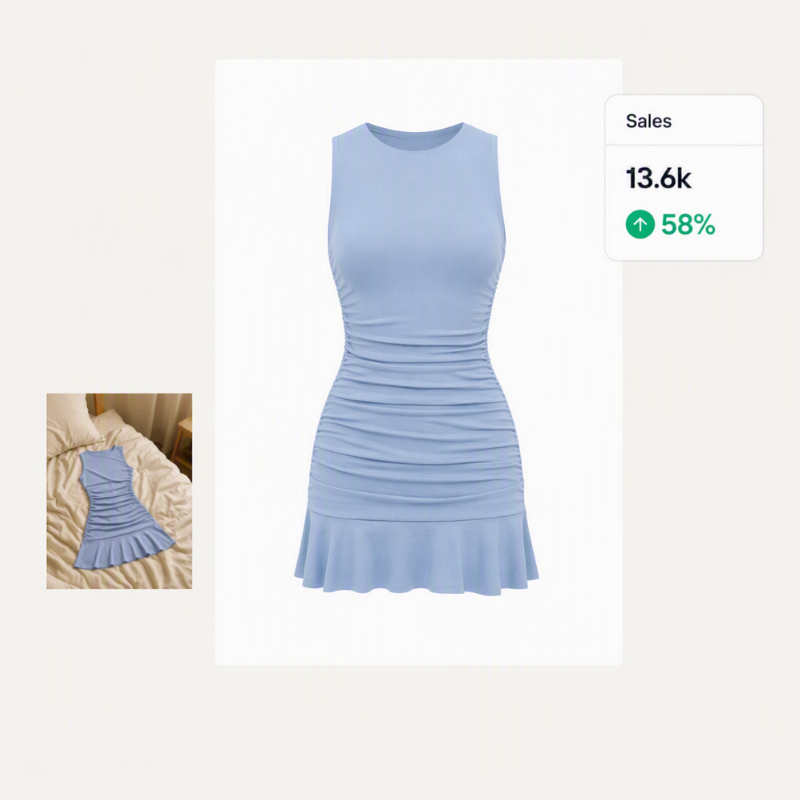
AI Ghost Mannequin Generator handles a wide range of apparel, from dresses and hoodies to jackets and knitwear. The structure-aware engine rebuilds collars, cuffs and shoulders by garment type, so a hoodie keeps its volume and a dress keeps its flow. The invisible mannequin effect works best when the garment fills the frame.
How fast does AI Ghost Mannequin Generator process a photo?
Most images process in seconds with AI Ghost Mannequin Generator, depending on resolution and server load. A single flat lay usually finishes within a minute, fast enough to refresh a listing that day. Batch jobs queue automatically and show progress, so you can start other work while images render. Speed on free usage may vary during peak hours.
Can I use AI Ghost Mannequin Generator images for paid ads and marketplaces?
Yes. Images created with AI Ghost Mannequin Generator are cleared for commercial use, including Amazon, Shopify, Google Shopping and paid ads. The clean white-background output meets common marketplace requirements, so listings rarely bounce back. Use the same invisible mannequin effect across ads and pages to boost click-through.
What should I avoid when preparing photos for AI Ghost Mannequin Generator?
Avoid heavy shadows, blurry edges and busy backgrounds when shooting for AI Ghost Mannequin Generator. Messy folds and wrinkled fabric can weaken the invisible mannequin effect. Keep the garment fully in frame, centered, and lit evenly from both sides. Transparent or single-color backgrounds help the tool separate the item cleanly.
What if AI Ghost Mannequin Generator distorts my garment?
Distortion is rare because AI Ghost Mannequin Generator uses structure-aware reconstruction, but a low-quality source photo can produce imperfect edges. Start by re-shooting with even light and a simple background, then regenerate the invisible mannequin effect. The tool lets you adjust output, and support can help troubleshoot specific failures.