Models
Image*
Drag or Upload Your Image
Support jpg/jpeg/png/webp, up to 16MB
Retouching
Login for 10 free credits daily, then 4 credit / image
AI Photo Retouching
Use UGC Maker's AI Photo Retouching to touch up photos online for free and give them a polished look.
AI Photo Retouching

AI Photo Retouching - Retouch Your Photos Free Online

Try AI Photo Retouching by UGC Maker to touch up portraits, selfies, and everyday photos online for free. Give your favorite shots a polished look. Free Online.

Retouch Your Photos
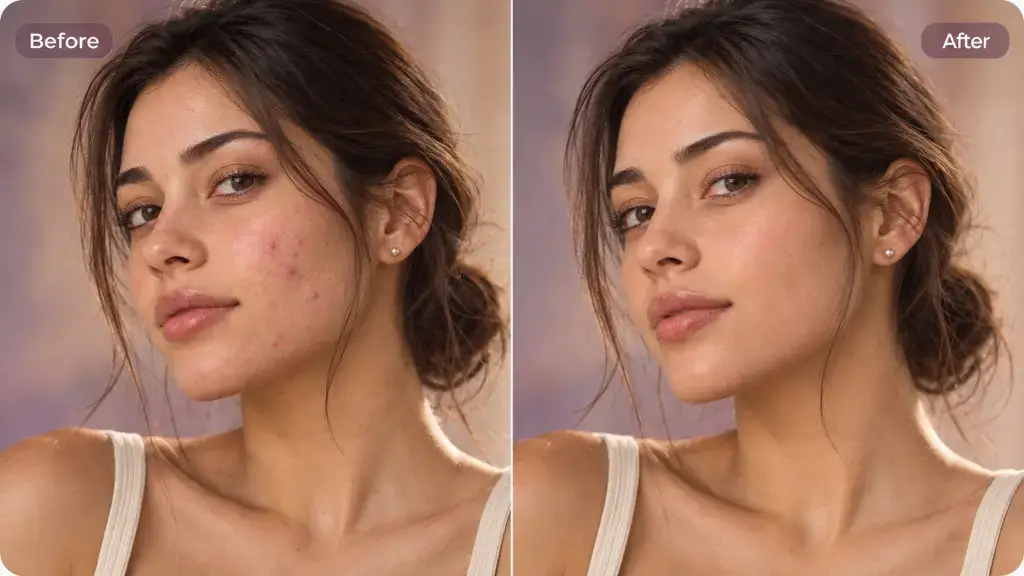
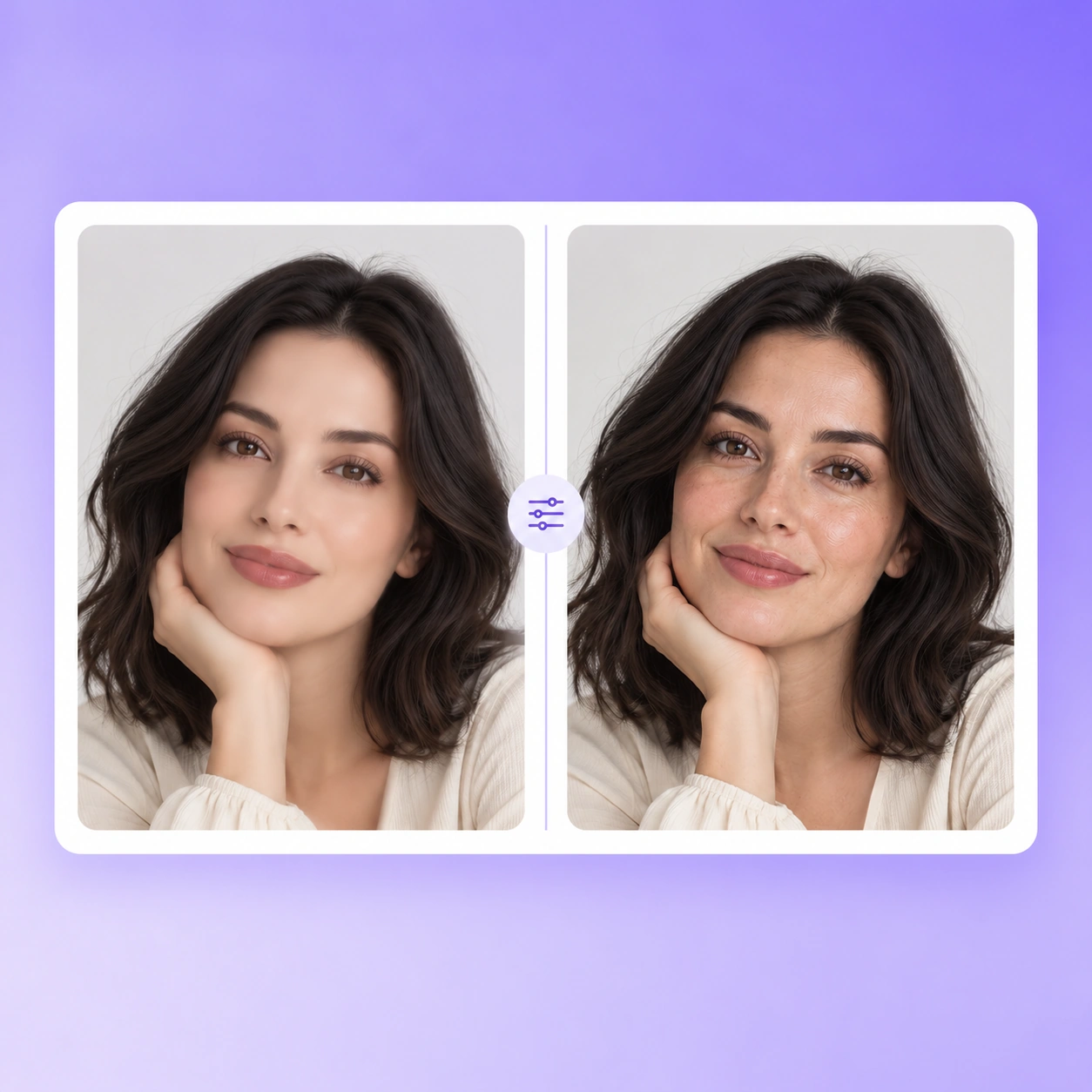
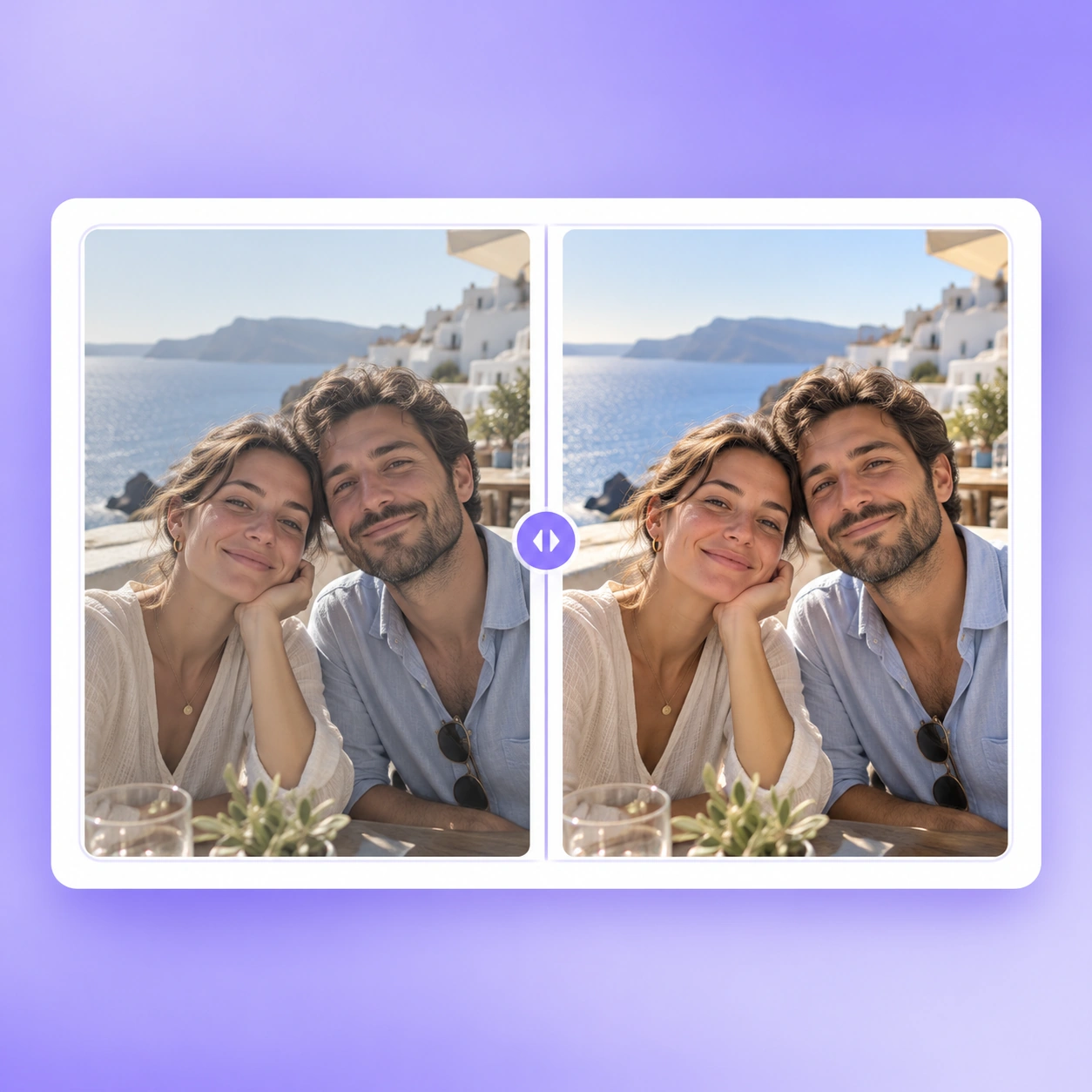
Portrait before and after AI Photo Retouching

What Is AI Photo Retouching?

UGC Maker's AI Photo Retouching helps you give existing portraits and everyday shots a polished finish. It focuses on the photo you already have. Explore AI Photo Editor for broader edits or AI Relight for lighting changes.

What Is AI Photo Retouching?

Why Choose AI Photo Retouching?

Use AI Photo Retouching by UGC Maker to refresh a favorite selfie, prepare a portrait for sharing, or tidy up an everyday shot. Focus on the image you already have and the finish you want, with free online access to start your edit.

Why Choose AI Photo Retouching?

A Good Photo Deserves a Thoughtful Finish

A favorite shot can still feel unfinished, while heavy editing can distract from the person in it. UGC Maker's AI Photo Retouching offers a focused way to polish existing photos. Aim for a finish that suits the picture, then review the details before sharing.

A Good Photo Deserves a Thoughtful Finish

Photo Retouching for the Pictures You Already Love

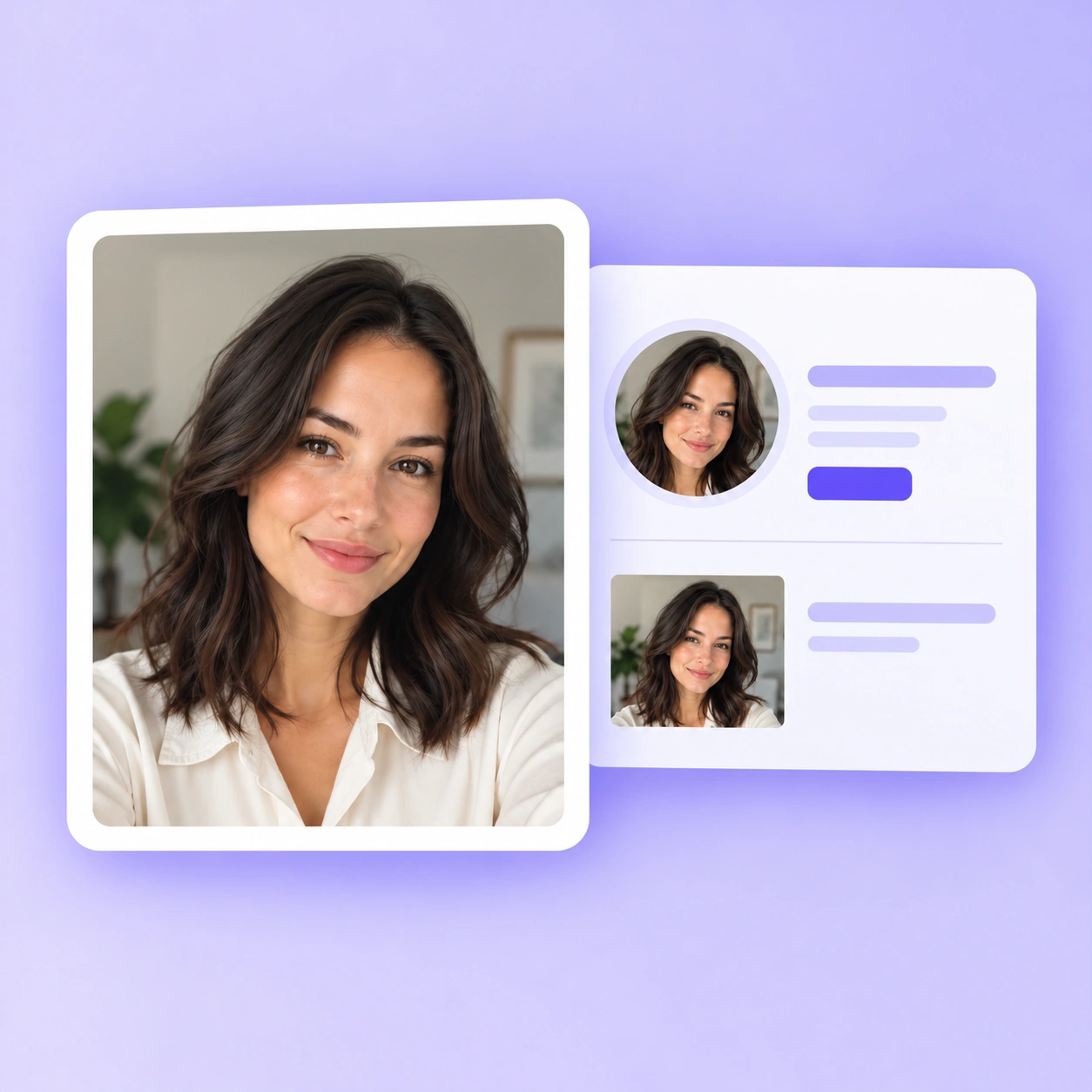
UGC Maker's AI Photo Retouching brings a focused touch-up workflow to portraits, selfies, and everyday photos, helping you prepare a polished version to share.

Portrait Touch-Ups

Portrait Touch-Ups

Give a portrait a more polished finish while keeping the person at the heart of the image. Review facial details before choosing your edit.

Selfies Worth Sharing

Selfies Worth Sharing

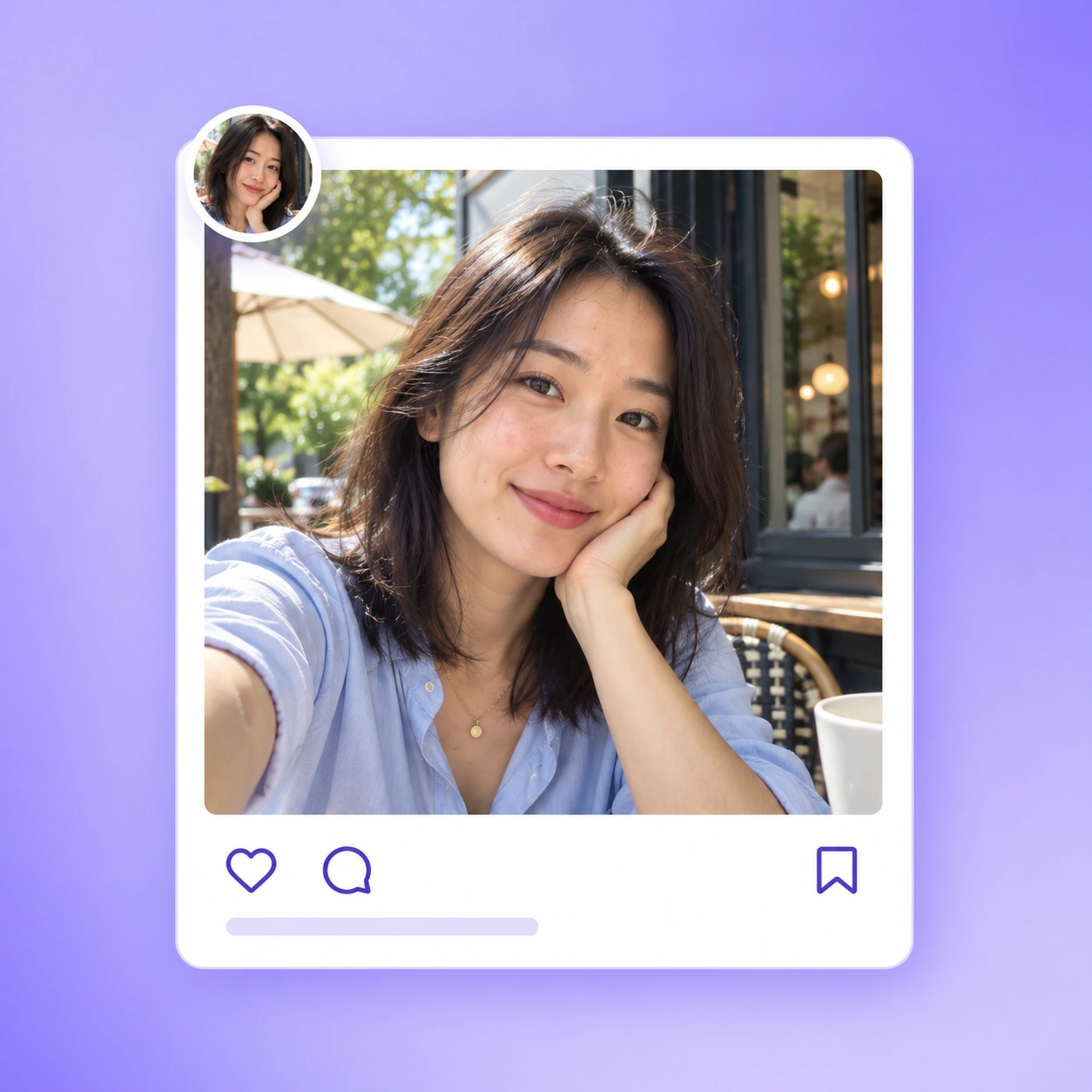
Refresh a chosen selfie for a profile or social post. Aim for a look that feels like you, then check the edited photo before you share it.

Everyday Photo Refinement

Everyday Photo Refinement

Bring a considered finish to everyday photos, from casual moments to favorite memories. Keep an original and compare the look of each edit.

How to Retouch Photos Online

Start with a photo you want to refine, create an edited version with UGC Maker, and review the result before saving it. The steps below describe the intended workflow; exact interface labels need verification.

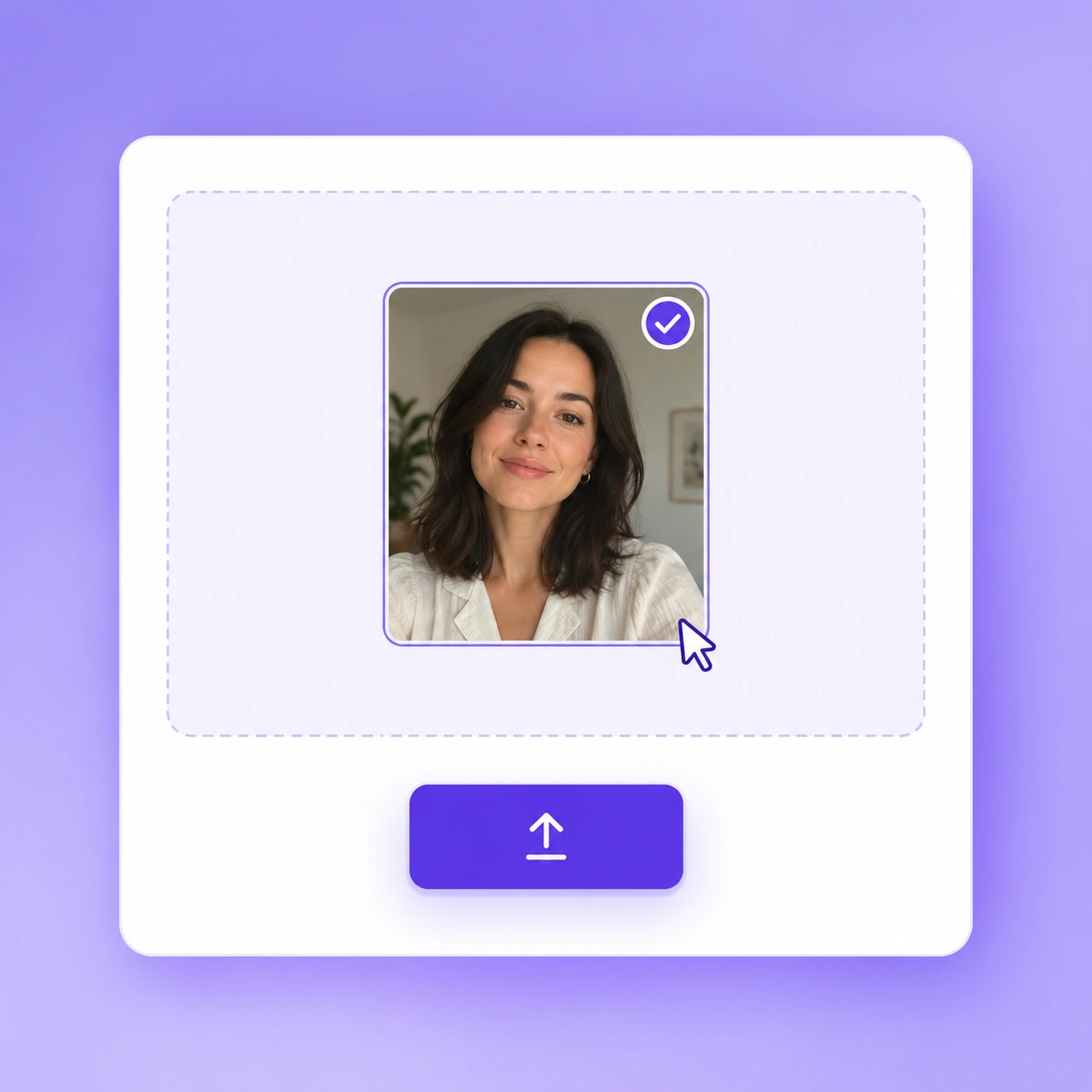
1. Upload Your Photo

1. Upload Your Photo

Choose the original photo you want to refine and upload it to the workspace. Use a clear source image so you can assess the changes easily.

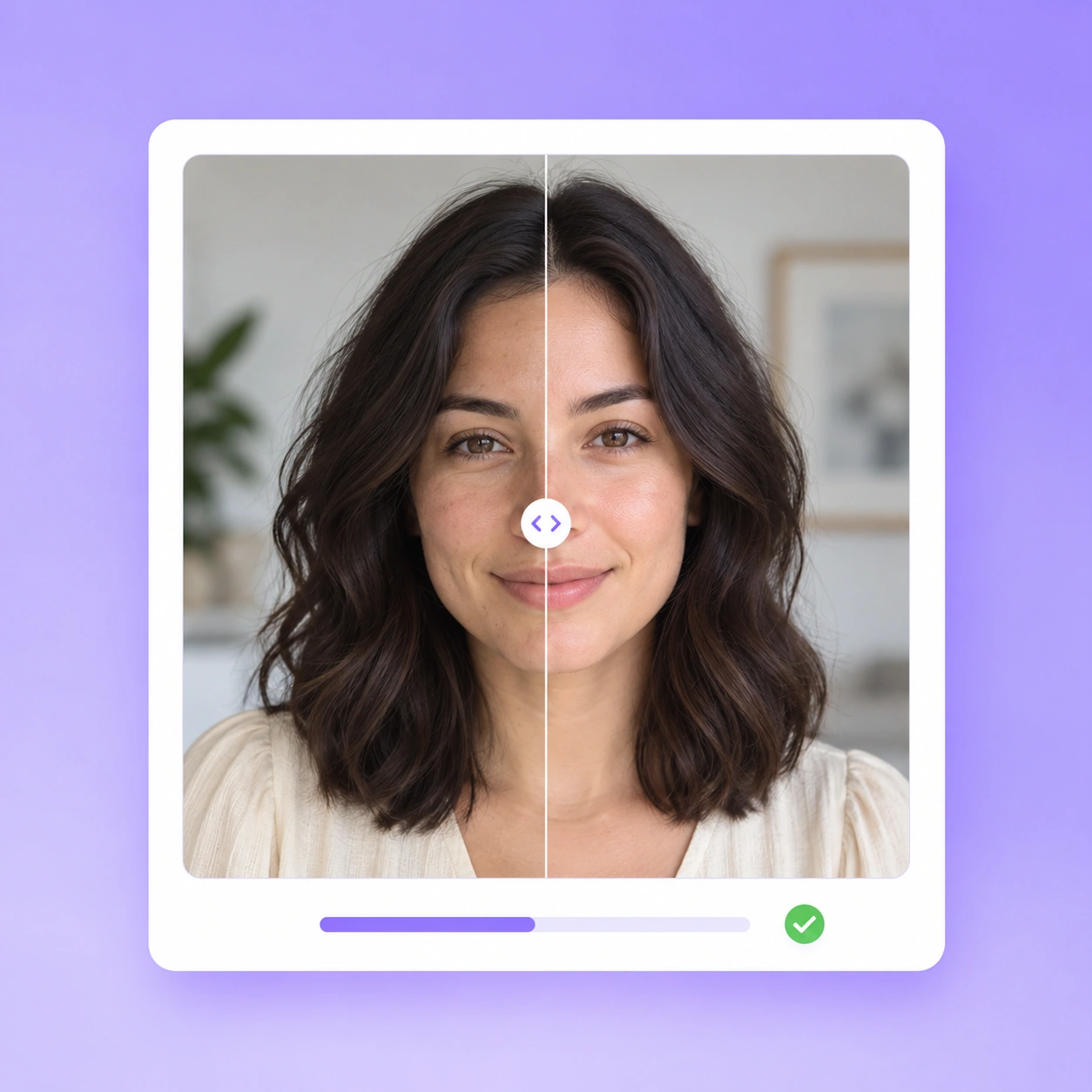
2. Generate Your Retouch

2. Generate Your Retouch

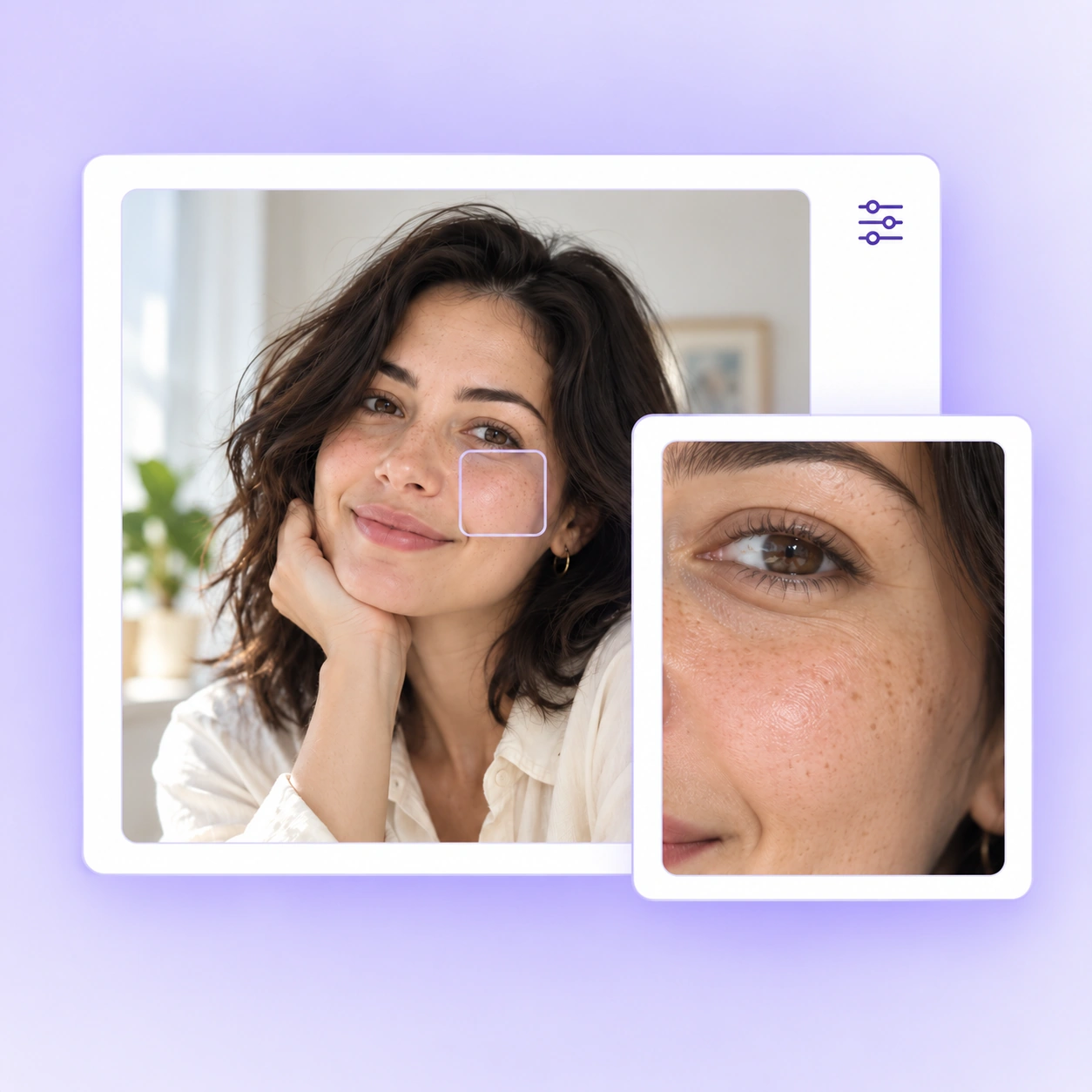
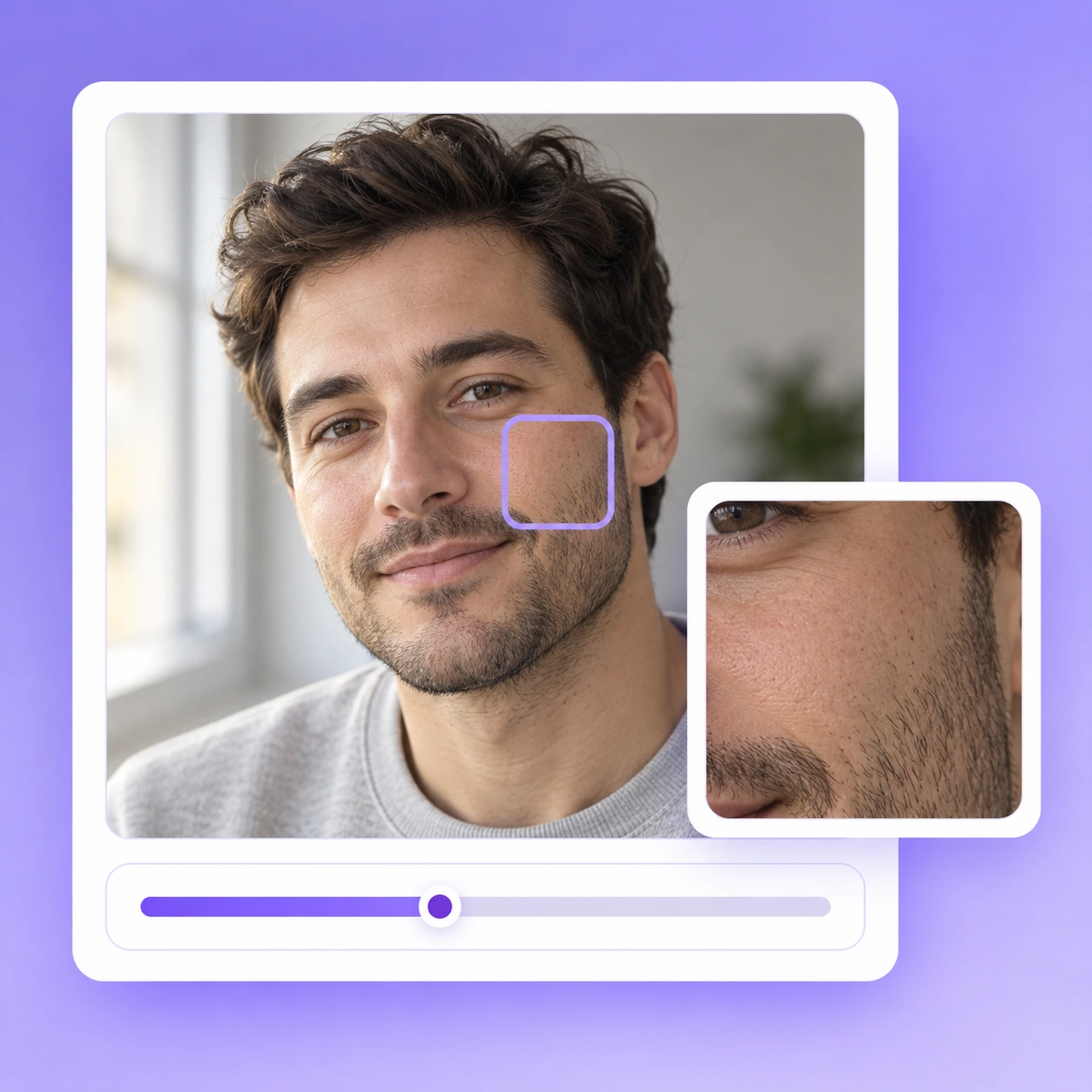
Create a retouched version of your photo, then compare the preview with your original. Check the face and small details before saving it.

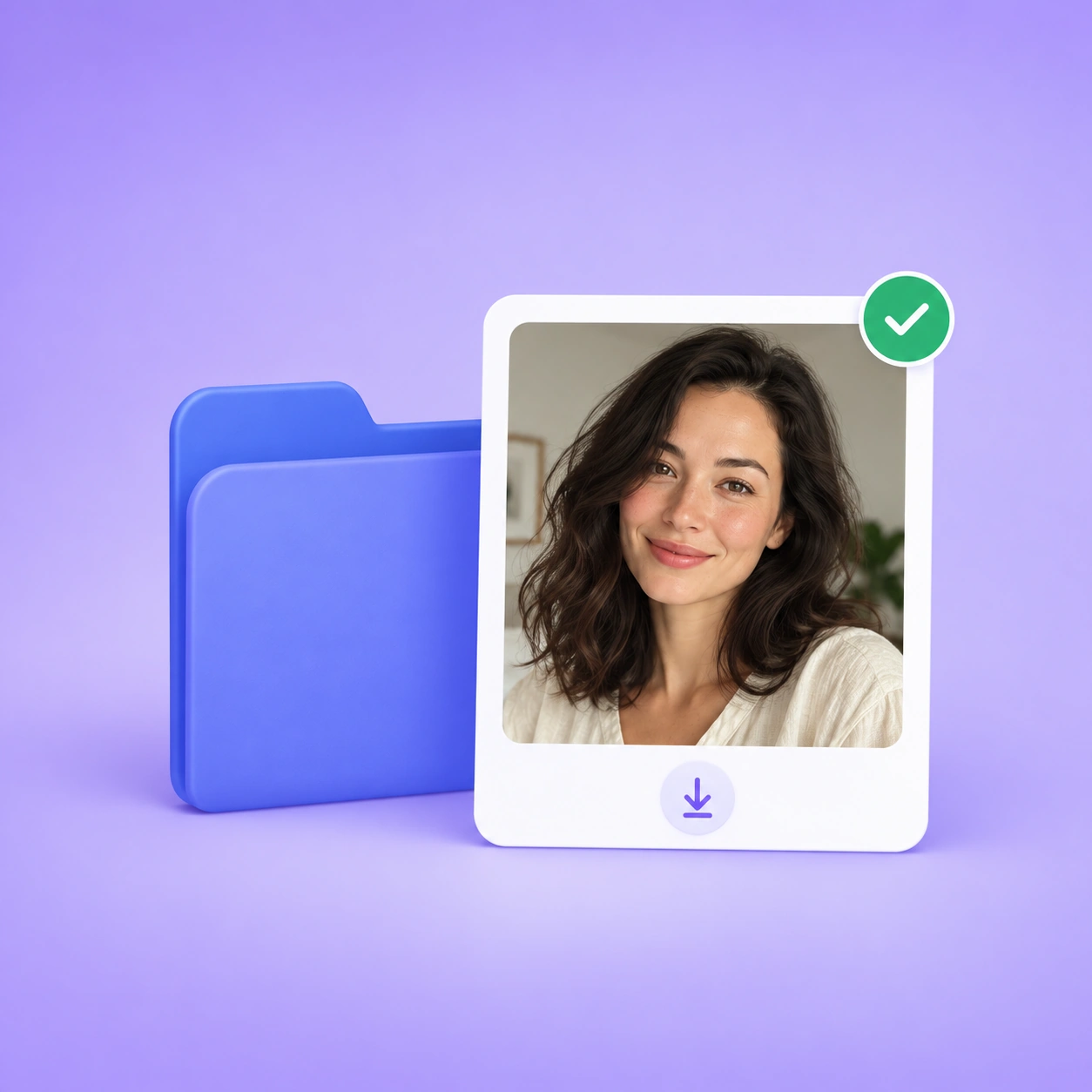
3. Download Your Photo

3. Download Your Photo

Review the edited photo at a useful viewing size, then download the version you want to keep. Save the original separately for later edits.

Give Your Favorite Photos a More Polished Finish

Open UGC Maker's AI Photo Retouching to refresh a portrait, touch up a selfie, or refine an everyday shot. Choose a favorite photo and start your free online edit.

Retouch Photos Free

What Users Say About AI Photo Retouching

From profile portraits to everyday snapshots, see how photo retouching fits different needs.

Emily Carter avatar

Emily Carter

Portrait Photographer

I tried AI Photo Retouching on a portrait I liked but had never delivered. The edit felt more finished without distracting from her expression. I still checked the eyes and hairline against the original, but it gave me a version I was happy to include in the gallery. That balance matters more to me than a dramatic before-and-after.

Daniel Brooks avatar

Daniel Brooks

Social Media Manager

Most of my photos are taken between meetings, not in a studio. I used AI Photo Retouching on a casual team picture for a social post, and the result looked more put together without feeling out of place on our feed. I appreciated being able to keep the original mood instead of turning it into something overly polished.
Sophie Bennett avatar

Sophie Bennett

Independent Consultant

My profile photo was a good likeness, but it looked a little flat next to the rest of my website. AI Photo Retouching helped me get a version that felt more presentable. I checked it as a small avatar as well as full size. It still looked like me, which was the most important thing I wanted from the edit.
Marcus Reed avatar

Marcus Reed

Travel Blogger

I had a travel portrait with a lovely expression that I kept passing over when choosing photos. After trying AI Photo Retouching, I finally had a version that fit the rest of the story. I kept the original too. The difference was subtle, but that was exactly what I wanted for a photo tied to a real memory.
Olivia Hayes avatar

Olivia Hayes

Small Business Owner

I needed a portrait for the about page of my shop and did not want it to look like a heavily edited headshot. AI Photo Retouching gave me a more finished option from a photo I already had. I compared both versions in the page layout before choosing. The edited one felt right for the tone of my business.
James Wilson avatar

James Wilson

Product Designer

I am fairly picky about edits around the face, so I compared the result closely with my original selfie. With AI Photo Retouching, the version I chose felt cleaner and more intentional without looking like a different person. I used it for a personal profile. For this kind of photo, a restrained finish works best for me.

AI Photo Retouching FAQ

A closer look at the details, options, and considerations before you retouch your photos.