
0/8000

Text: 1 credit per request

UGC Prompt Generator for AI Videos & Creator Scripts

Turn product ideas into AI video prompts and scripts for real creators. The UGC Prompt Generator helps you plan what to show and say for ads, product demos, and social videos.

Generate UGC Prompts
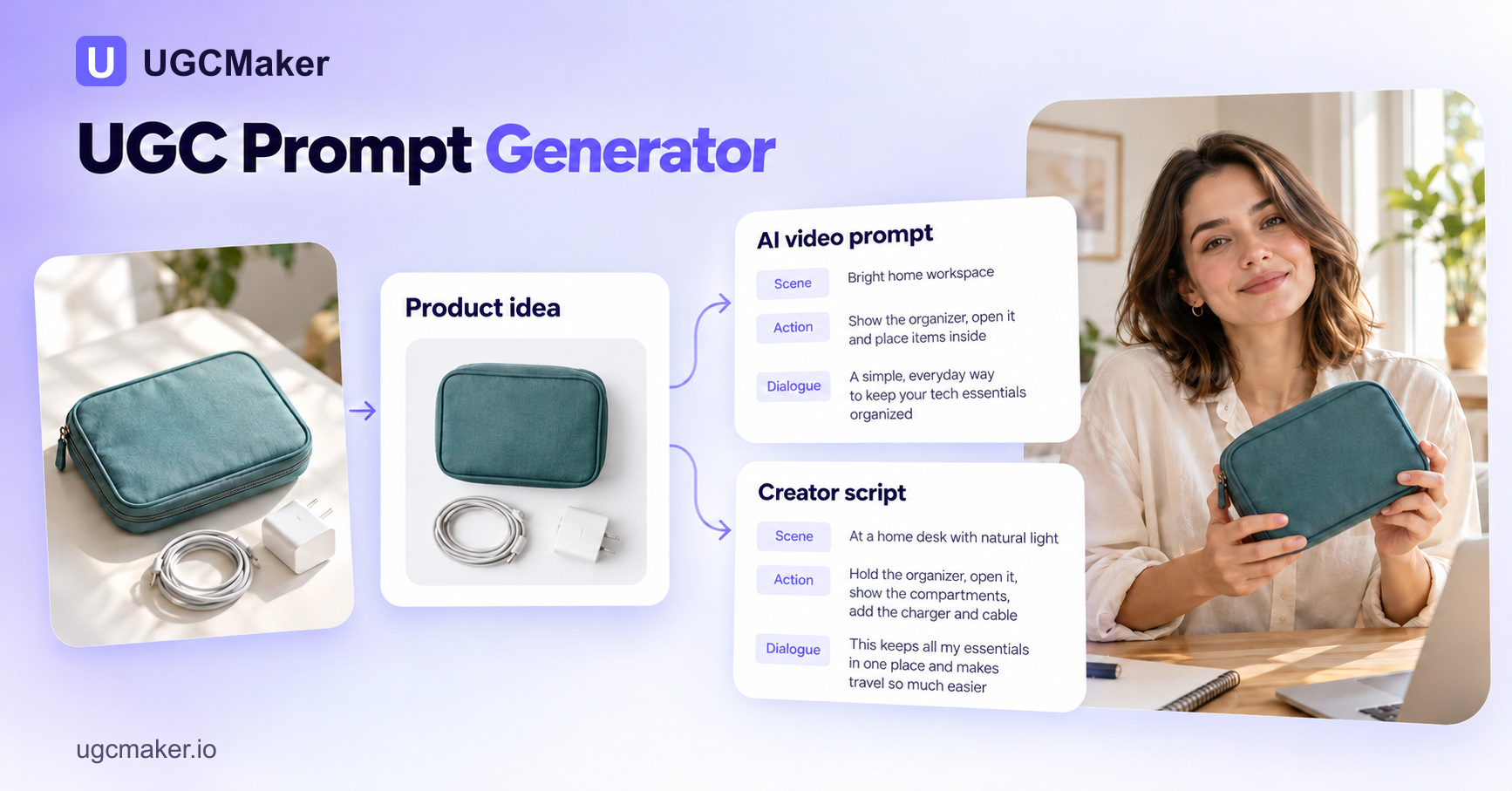
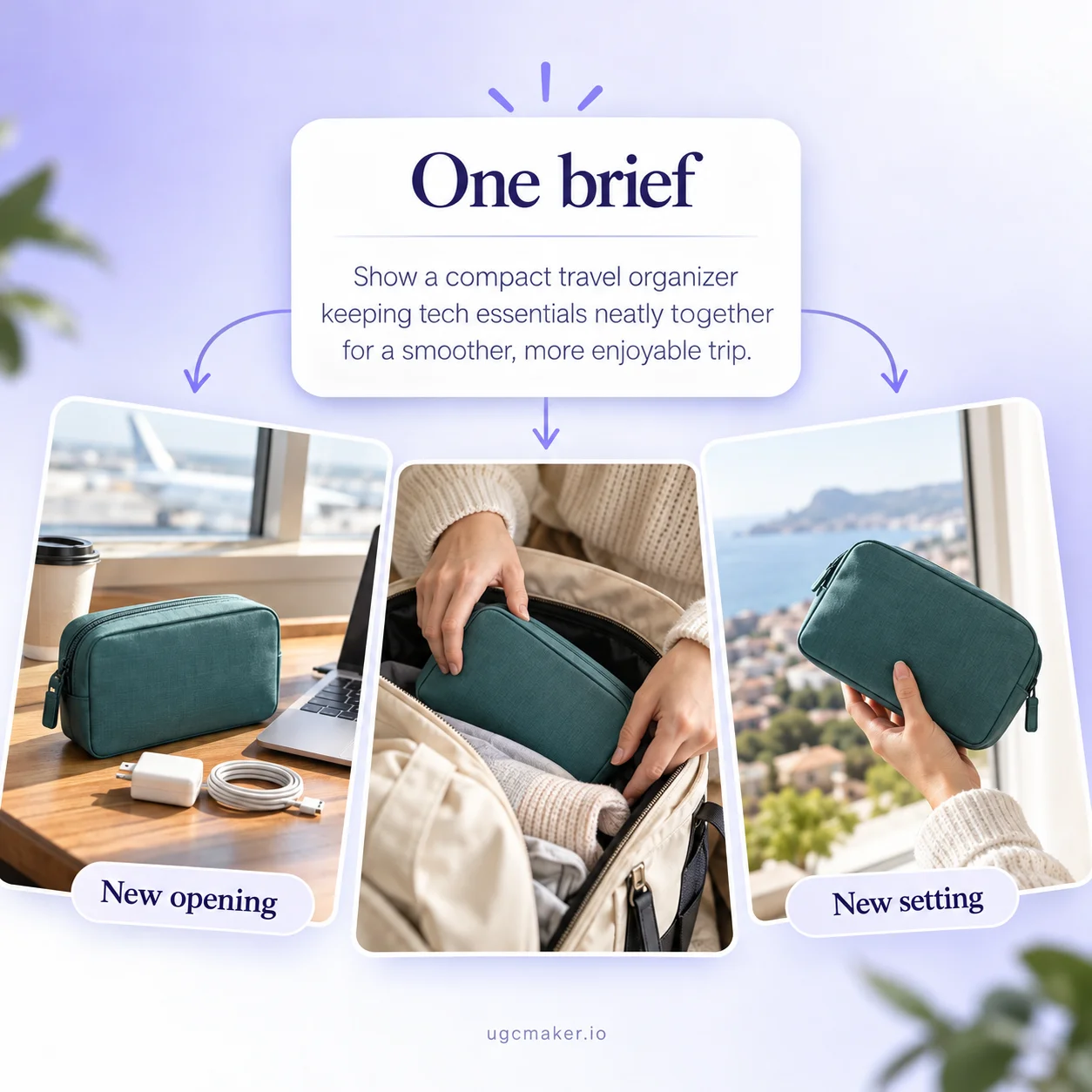
UGCMaker branded UGC Prompt Generator concept cover showing a product idea becoming an AI video brief and creator script.

What Is a UGC Prompt Generator?

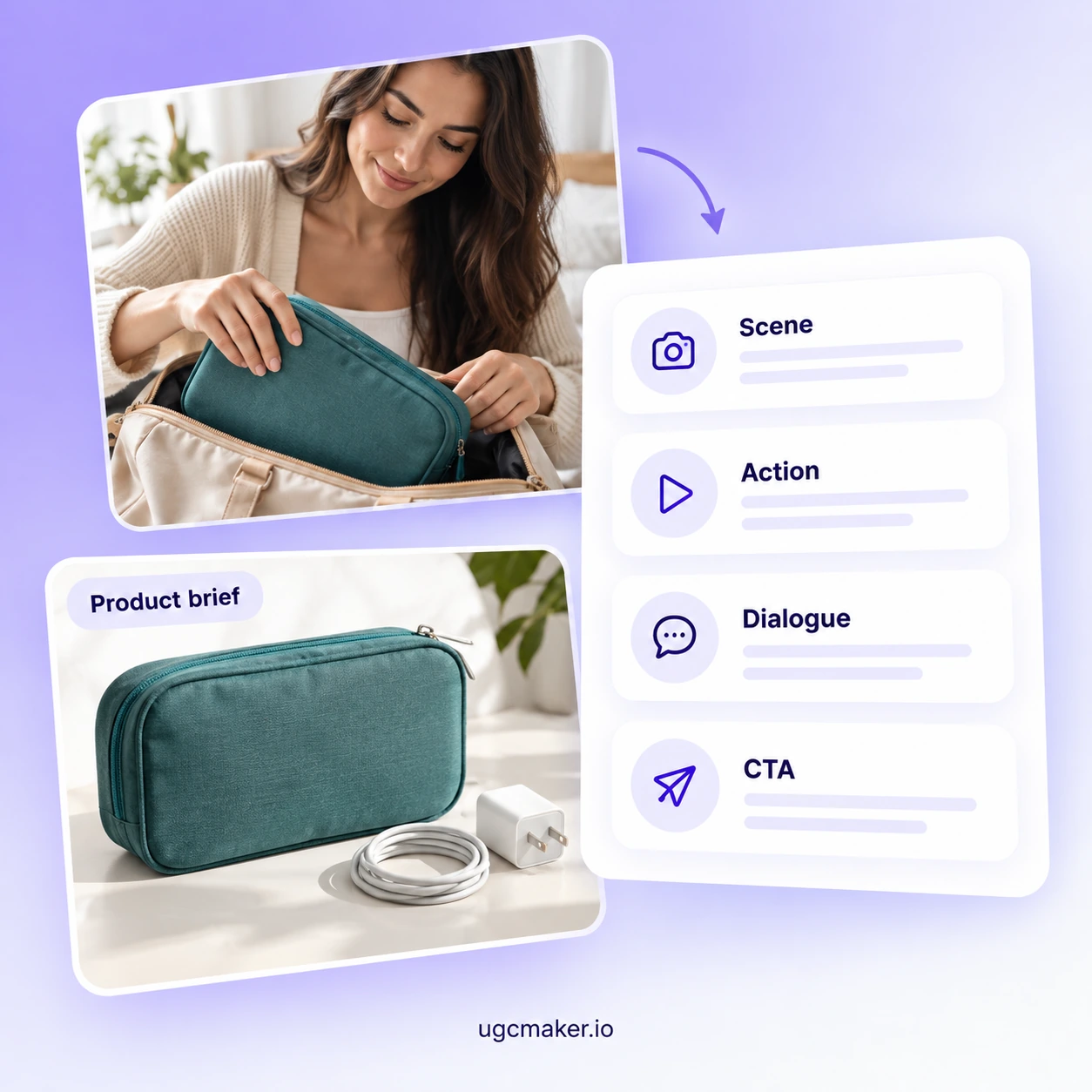
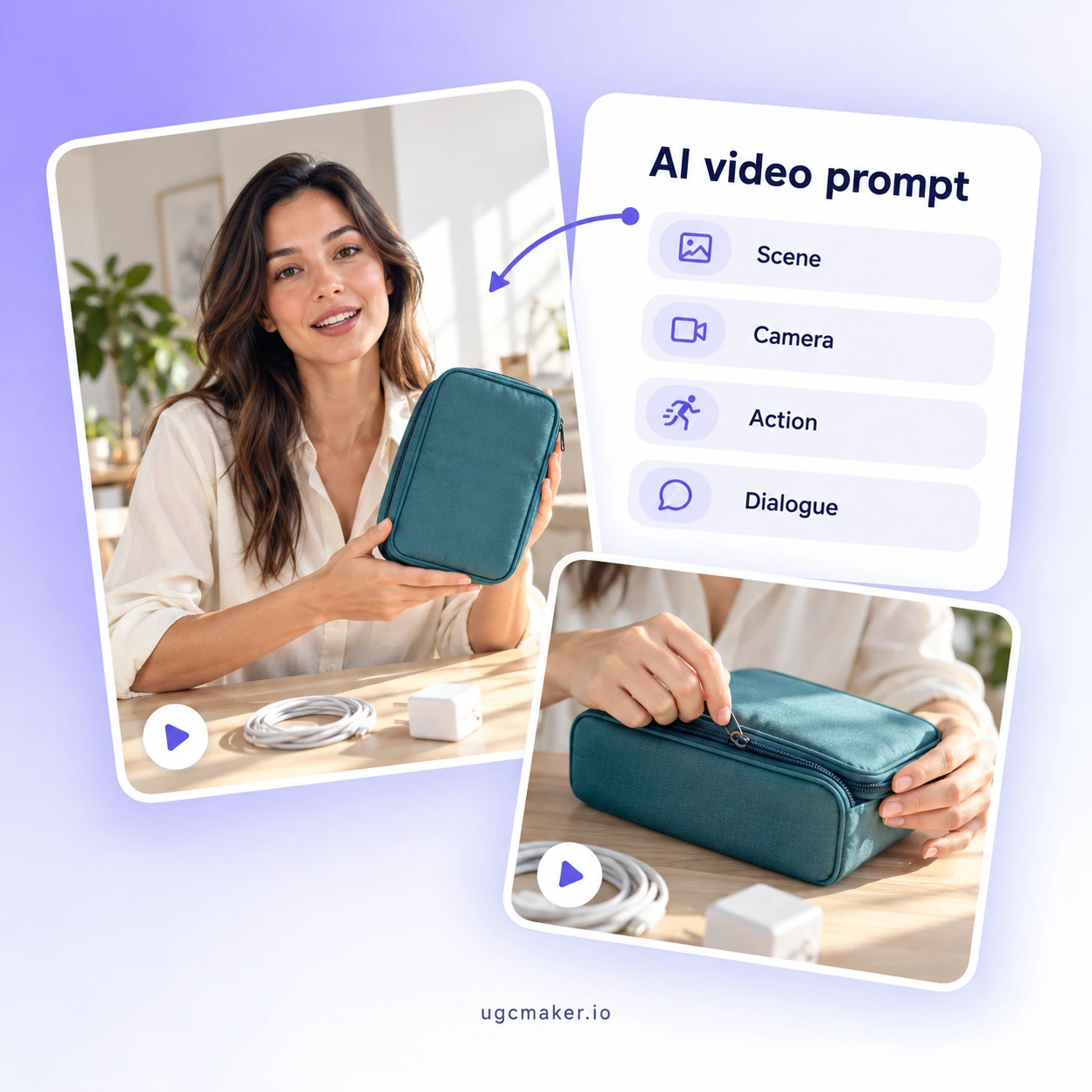
A UGC Prompt Generator uses AI to create written direction for creator-style videos: the scene, action, dialogue, and next step. Use the text with an AI video tool or give it to a person to film. This UGC prompt creator from UGCMaker helps you develop either format from the same idea.

Concept illustration of a product brief organized into scene, action, dialogue, and call to action.

Why Choose the UGC Prompt Generator?

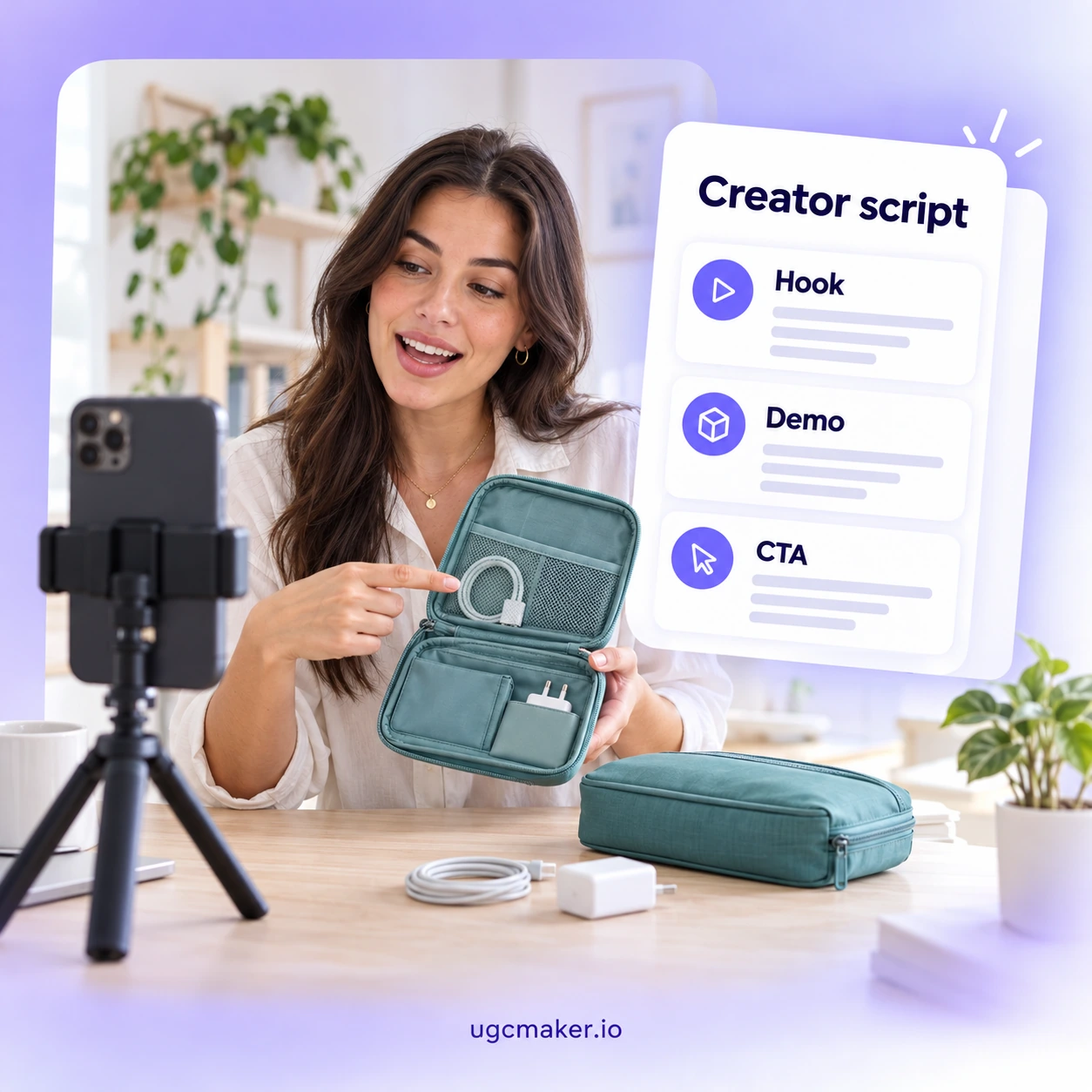
The UGC Prompt Generator brings scenes and spoken lines into one editable brief. Its support for AI video prompts and scripts for real creators gives you a starting point for either production approach. This helps you settle on a clear video direction before production begins.

Concept illustration of turning an unstructured product idea into a clear creator brief.

A Product Name Alone Is Not a Video Brief

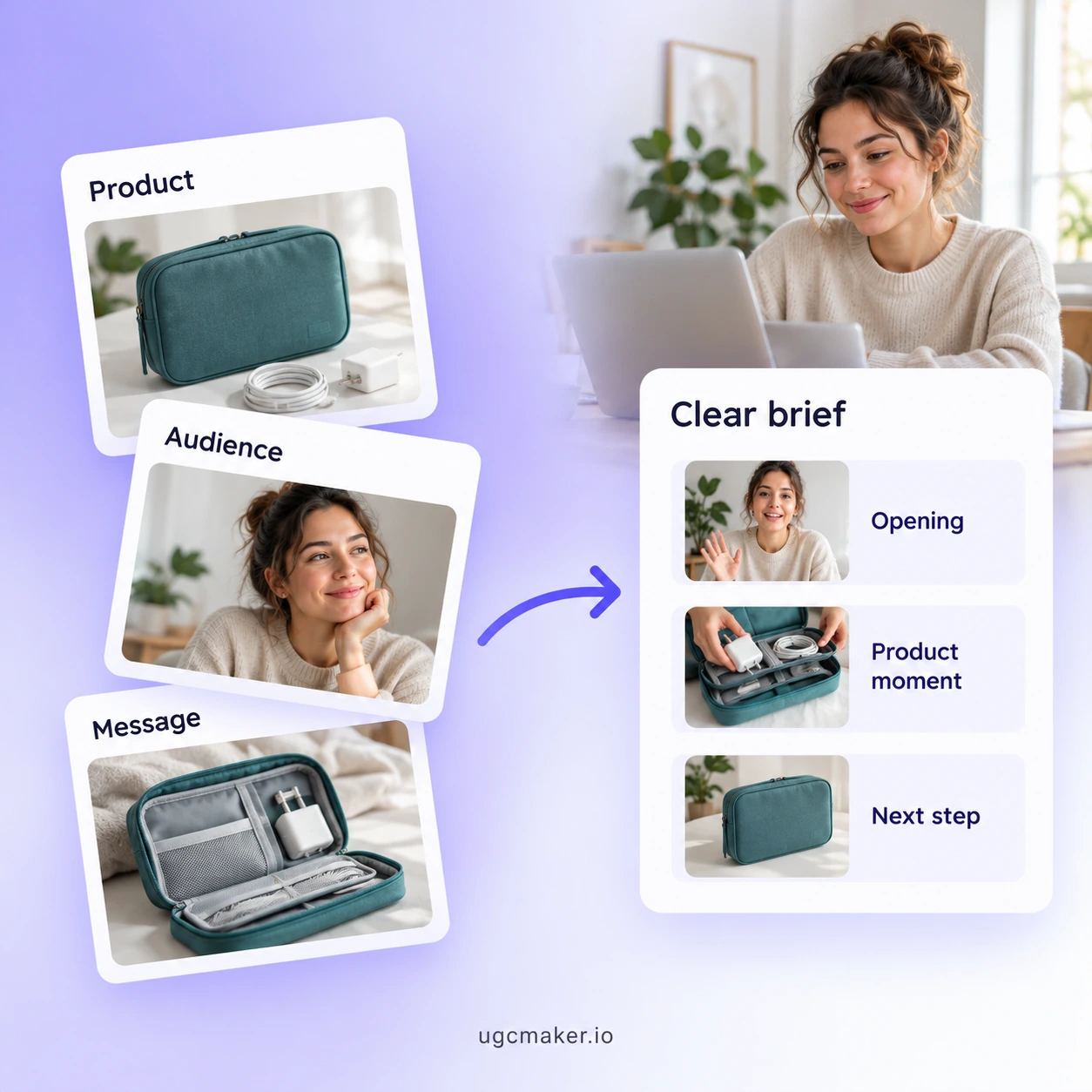
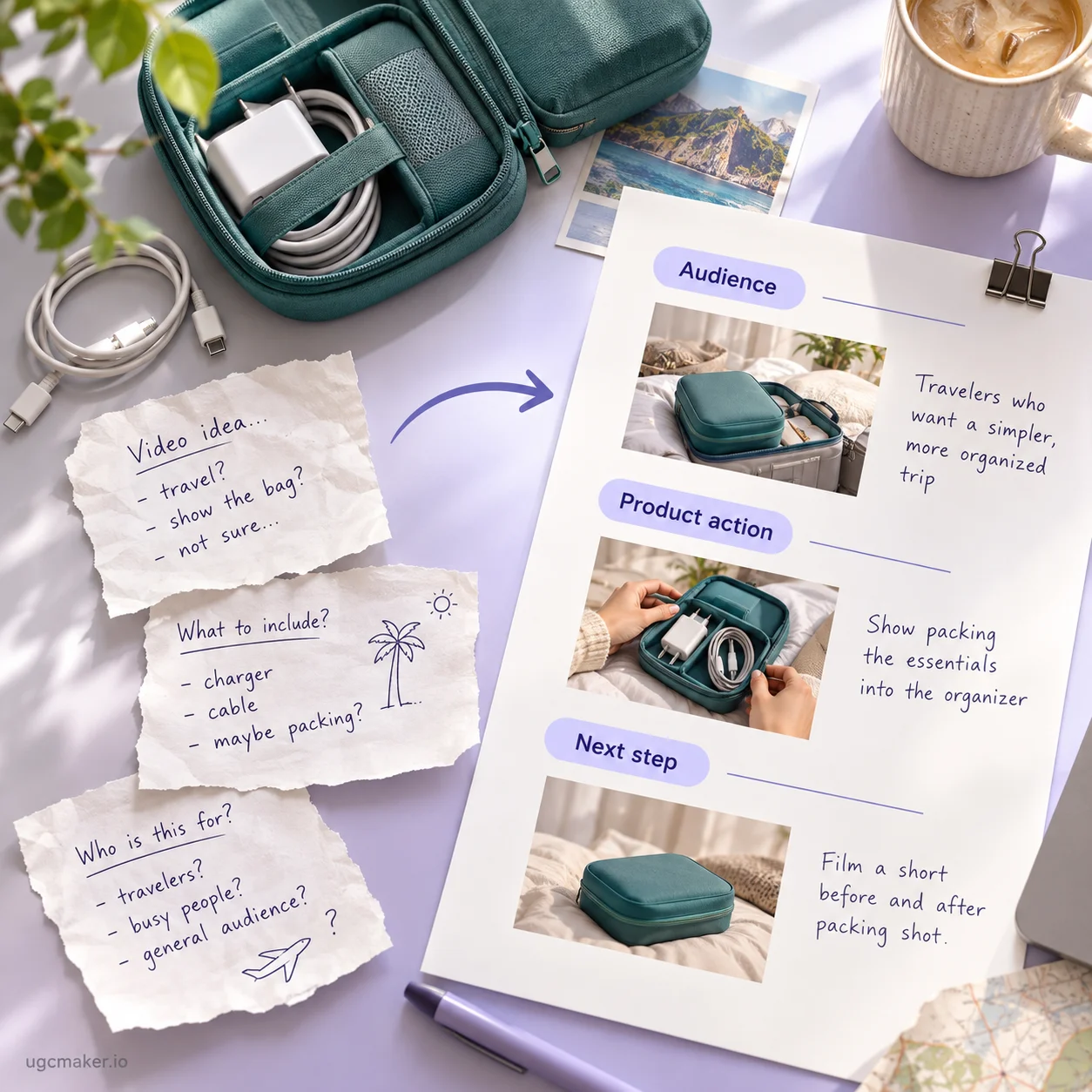
A product name alone leaves too much undecided: who is speaking, what happens on camera, and what viewers should do next. The UGC Prompt Generator helps connect those details before production. Without a clear audience, visible action, and message, a brief can list features yet leave the video unclear. Creators may interpret the idea differently, while an AI prompt may lack a coherent scene.

Concept illustration of turning scattered video ideas into a brief with audience, product action, and next step.

What Makes the UGC Prompt Generator Useful

The AI UGC prompt generator supports AI video briefs and scripts for real people. Build a useful starting point, then review it for your production workflow.

Prompts for AI Video Creation

Prompts for AI Video Creation

Use the UGC video prompt generator to describe the subject, setting, camera, action, and dialogue. Give each scene a purpose, then adapt the prompt to your video tool.

Scripts for Real Creators

Scripts for Real Creators

Use the UGC script generator for spoken lines and filming direction. Make the product action clear and leave room for the creator's voice and actual experience.

A Brief You Can Adapt

A Brief You Can Adapt

Use the UGC Prompt Generator to keep the product, audience, message, and next step in one brief. Change the opening or setting for a new concept while keeping product facts consistent.

How to Use the UGC Prompt Generator

Give the UGC Prompt Generator a specific brief, then review the draft before filming or generating video.

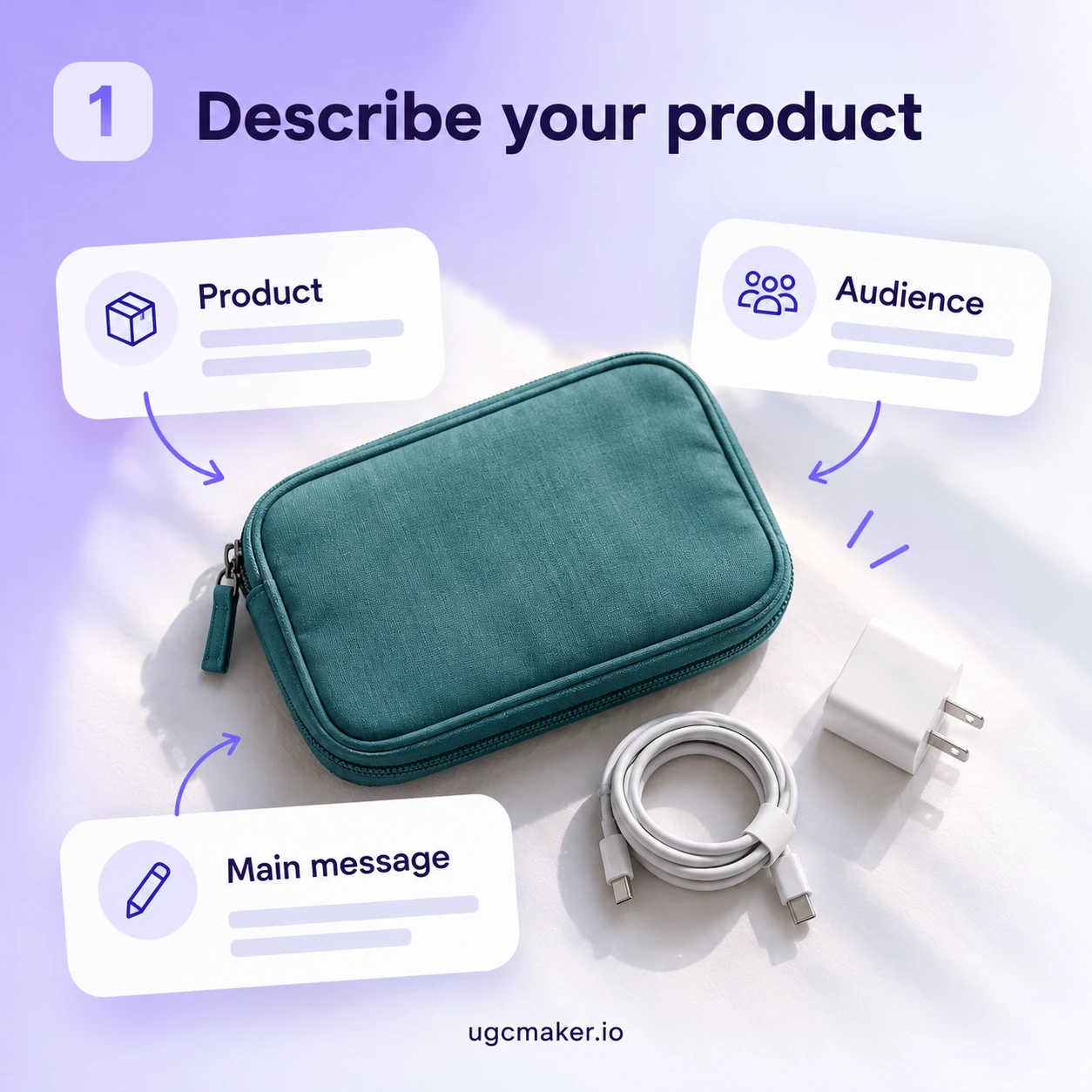
1. Describe Your Product and Audience

1. Describe Your Product and Audience

Tell the UGC Prompt Generator what you sell, who it is for, and one accurate benefit. Include a feature the viewer can actually see.

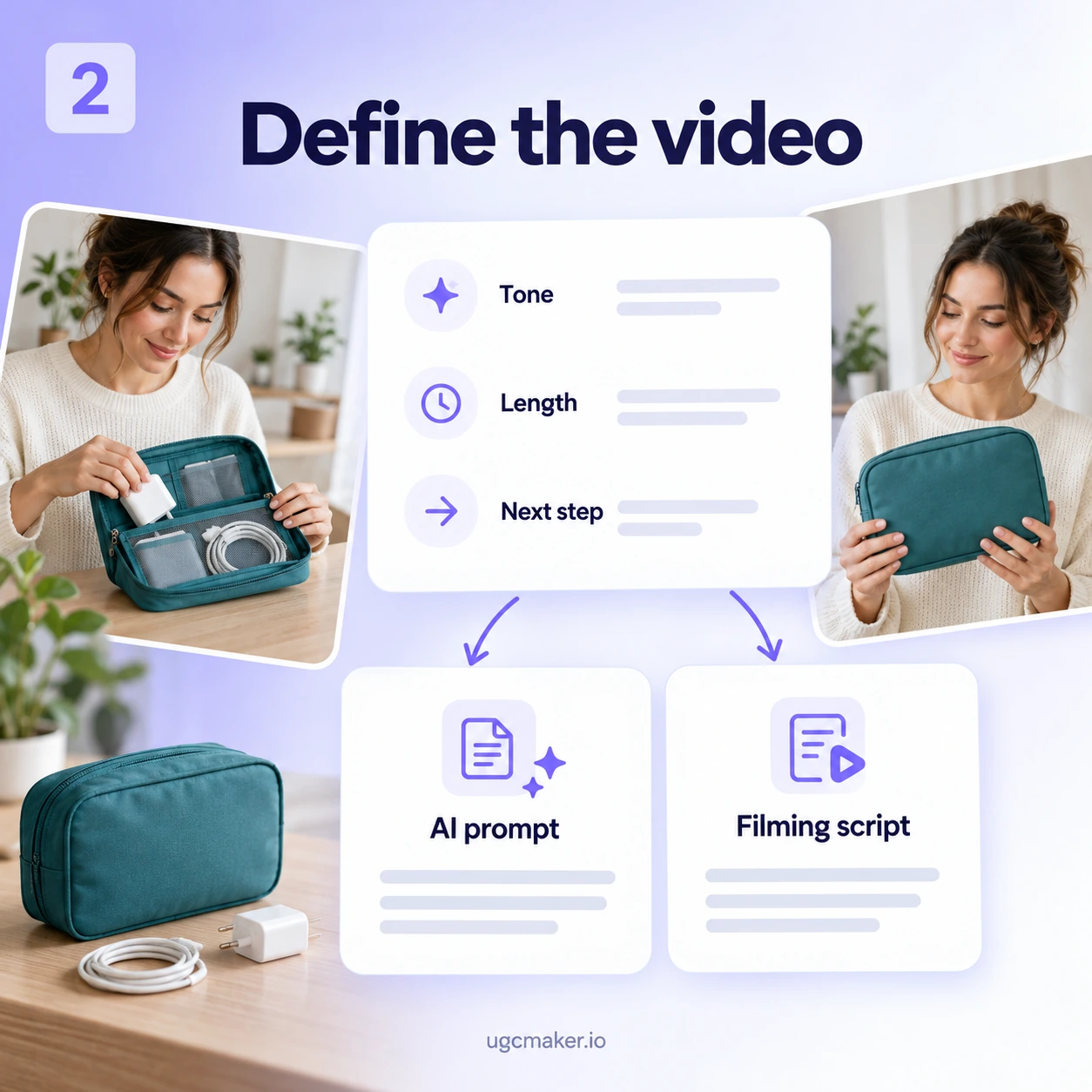
2. Explain the Video You Want

2. Explain the Video You Want

Describe the situation, tone, length, and desired action. Specify an AI video prompt, a creator script, or both in your brief.

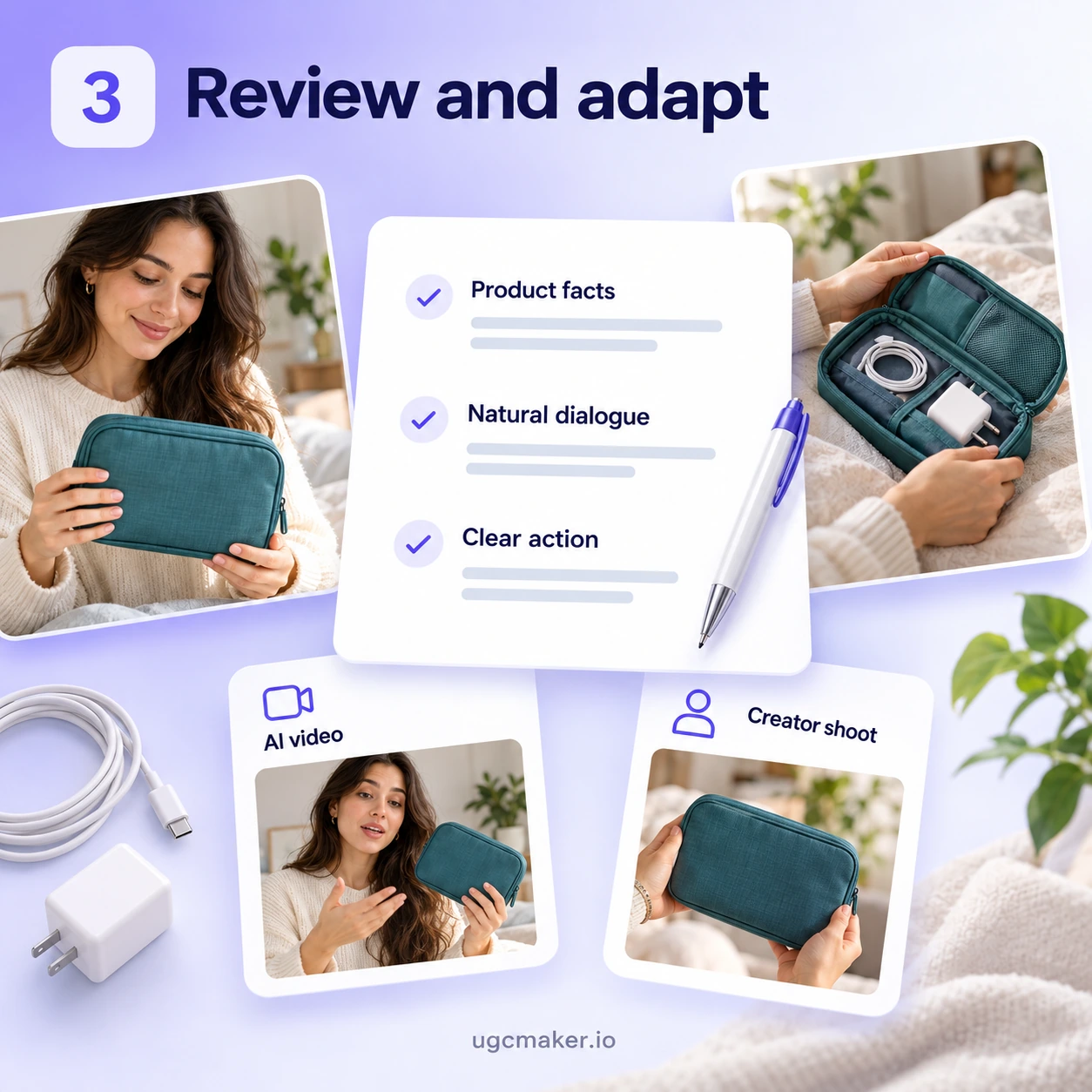
3. Generate, Review, and Adapt

3. Generate, Review, and Adapt

Generate a draft with the UGC Prompt Generator, then review the scenes, dialogue, and product facts. Read creator scripts aloud and adjust the wording to the creator's voice. Adapt AI video prompts to your chosen tool's requirements before generating video.

Start Your Next Brief With the UGC Prompt Generator

Bring your product, audience, and message to the UGC Prompt Generator. Develop a draft, then shape it for AI video production or a real creator. Explore UGCMaker when you are ready to plan the next stage of production.

Create Your UGC Prompt

UGC Prompt Generator Review Examples

Review examples

Illustrative reviews with fictional names and profiles.

Illustrative ecommerce planning desk with a travel organizer and camera; not a customer photograph.

Emma Wilson

E-commerce Seller

I usually know which product feature I want to show, but turning it into a video idea is harder. The UGC Prompt Generator helped me connect the opening, product demonstration, and closing. I had a clearer brief to work from instead of a few disconnected notes.

Illustrative performance marketer workplace scene; not a verified customer photograph.

Daniel Brooks

Performance Marketer

Our ad ideas often start with a benefit and not much else. This tool helped me think through what viewers would actually see and hear. I could review the hook alongside the product action, then adjust the wording before sharing the brief with our creator.
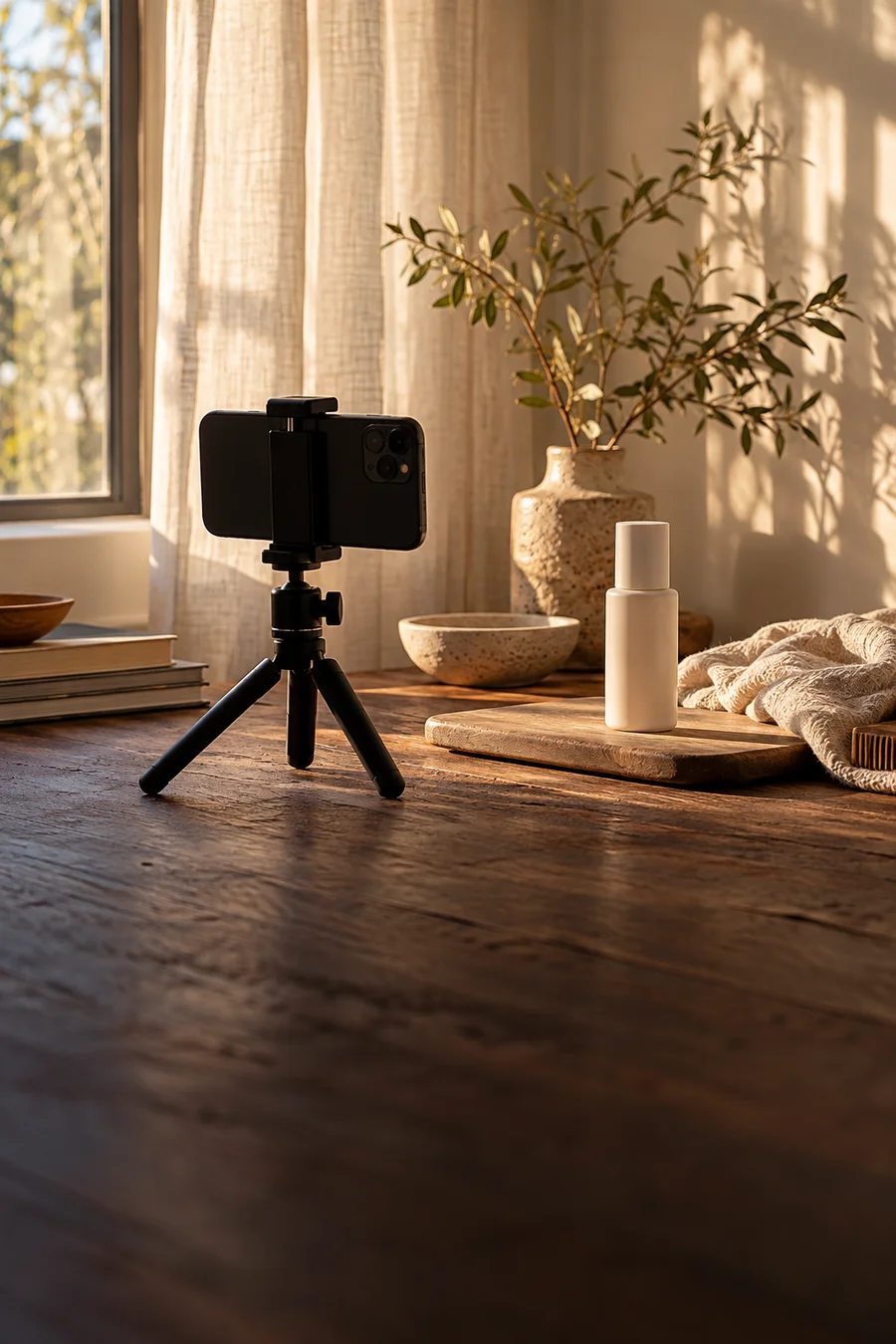
Illustrative home product filming setup with a phone tripod and cosmetic bottle.

Sophie Bennett

UGC Creator

I don’t want to read a script that sounds like a brand brochure. The draft gave me a useful structure without deciding every word for me. I kept the main product moment, rewrote a few lines in my own voice, and used it to plan the shoot.
Illustrative creative studio collaboration scene; not verified customer identities.

Michael Carter

Creative Agency Strategist

Client briefs can contain plenty of information without a clear video direction. I used the UGC Prompt Generator to shape those details into a more focused concept. Having the scene, dialogue, and next step together made it easier to discuss what needed changing.
Illustrative brand marketing manager workplace scene; not a verified customer photograph.

Olivia Hayes

Brand Marketing Manager

We work with different creators, and each person needs room to make the content their own. This helped me put the essential product facts and filming direction into one brief. I could explain what needed to come across while leaving the delivery to the creator.
Illustrative hands arranging a parcel for an unboxing shoot.

Ethan Parker

Independent Business Owner

I wanted to try an AI product video but wasn’t sure how to describe the scene. The prompt gave me a starting point for the setting, product action, and dialogue. I still adapted it to my video tool, but I wasn’t starting from an empty box.

UGC Prompt Generator FAQ