

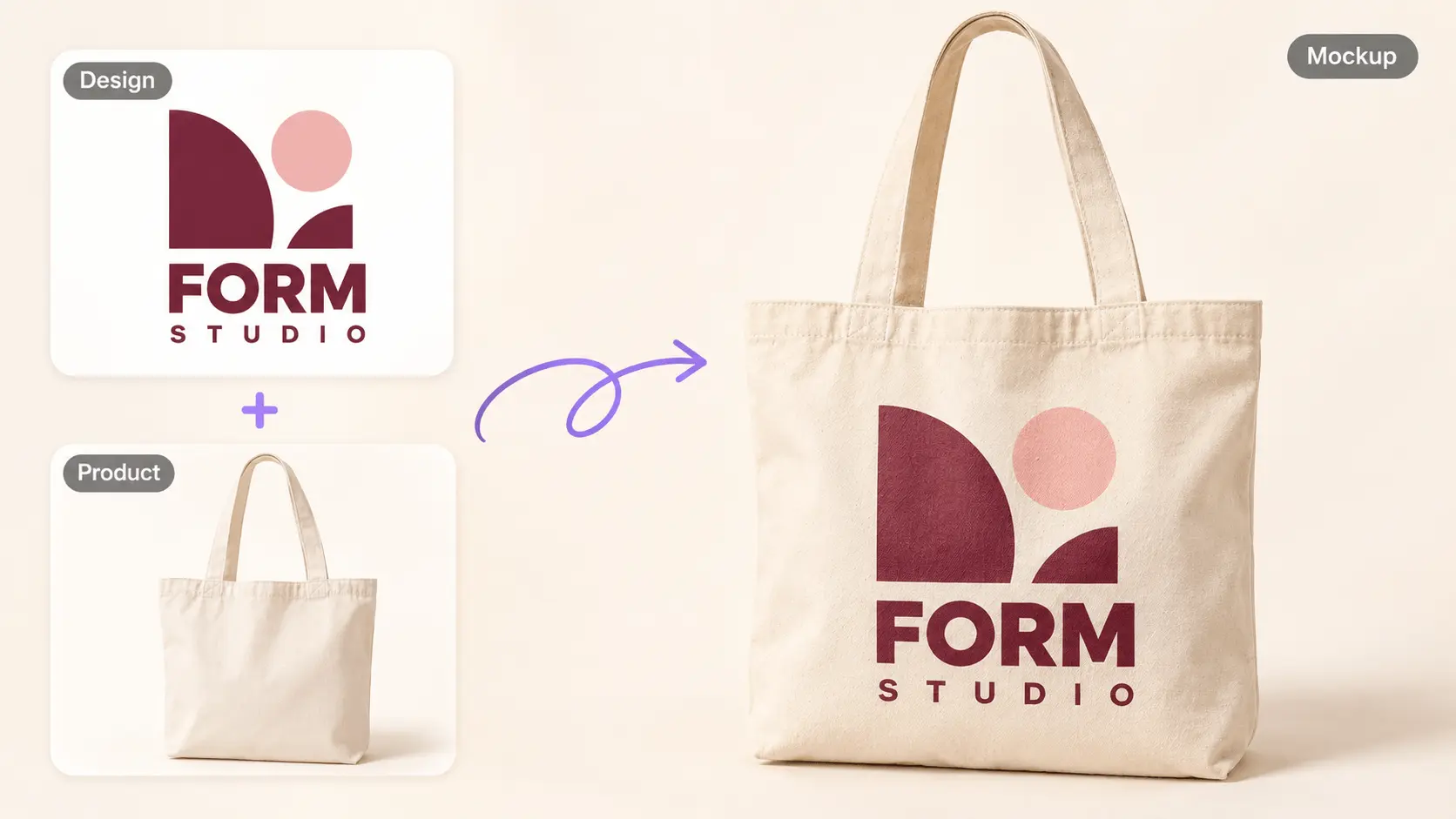
AI Mockup Generator
Upload a design and a product photo to create a product mockup. Adjust placement with an optional prompt and choose an AI model.
What Is an AI Mockup Generator?
An AI Mockup Generator turns a product design idea into a visual presentation, helping you discuss how the concept might look before committing to a finished shoot or production sample. Use the AI Mockup Generator from UGCMaker for product-focused visuals, then check the design, text, and proportions against your original brief.
Why Use an AI Mockup Generator for Product Ideas?
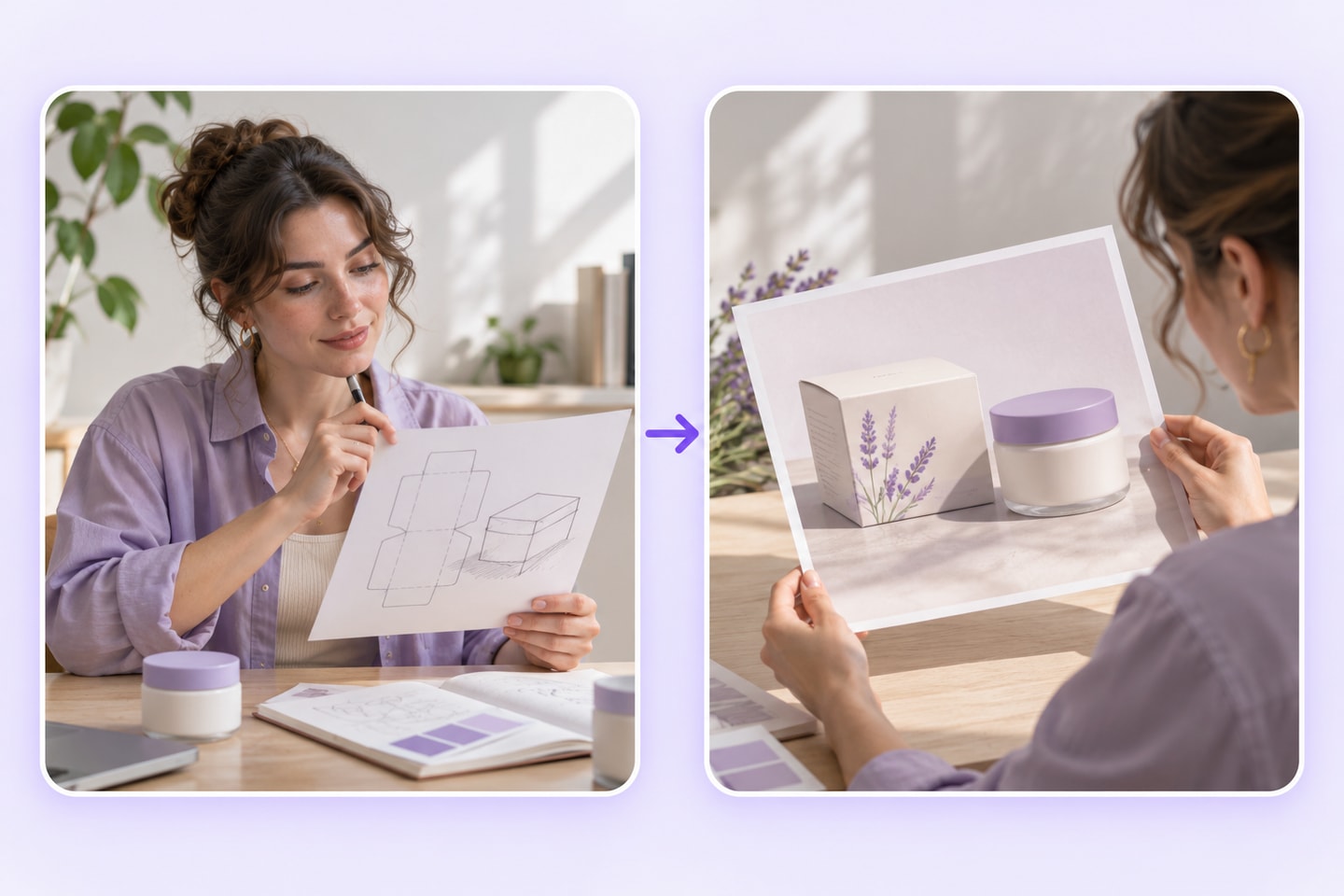
The value of an AI Mockup Generator is a clearer conversation about a concept. A visual draft can help a team decide what to change, what to keep, and what still needs a physical sample.
Make the idea easier to explain
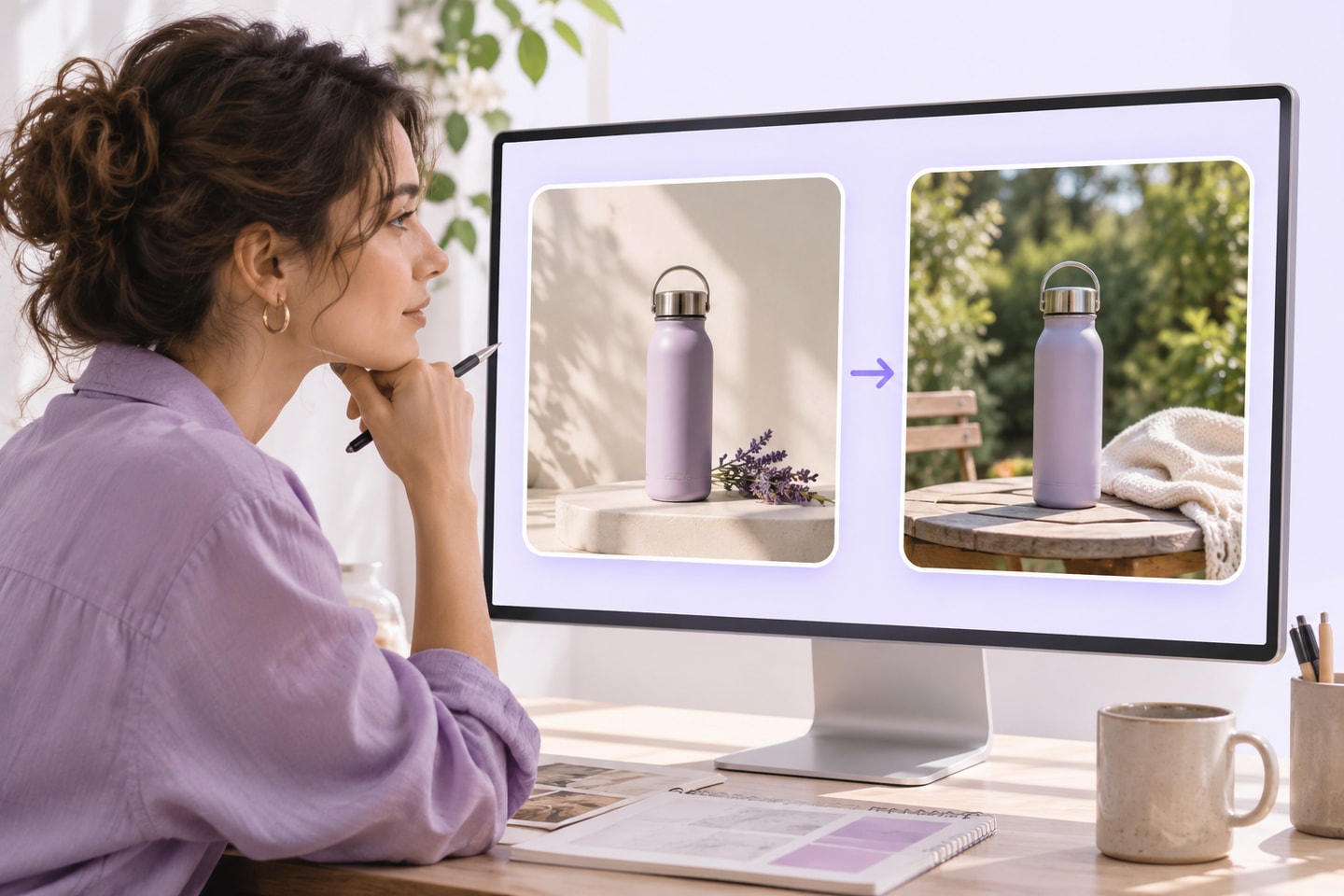
A written description can leave people imagining different products. A product mockup gives the discussion a visible reference for placement, mood, and composition.
Explore presentation directions
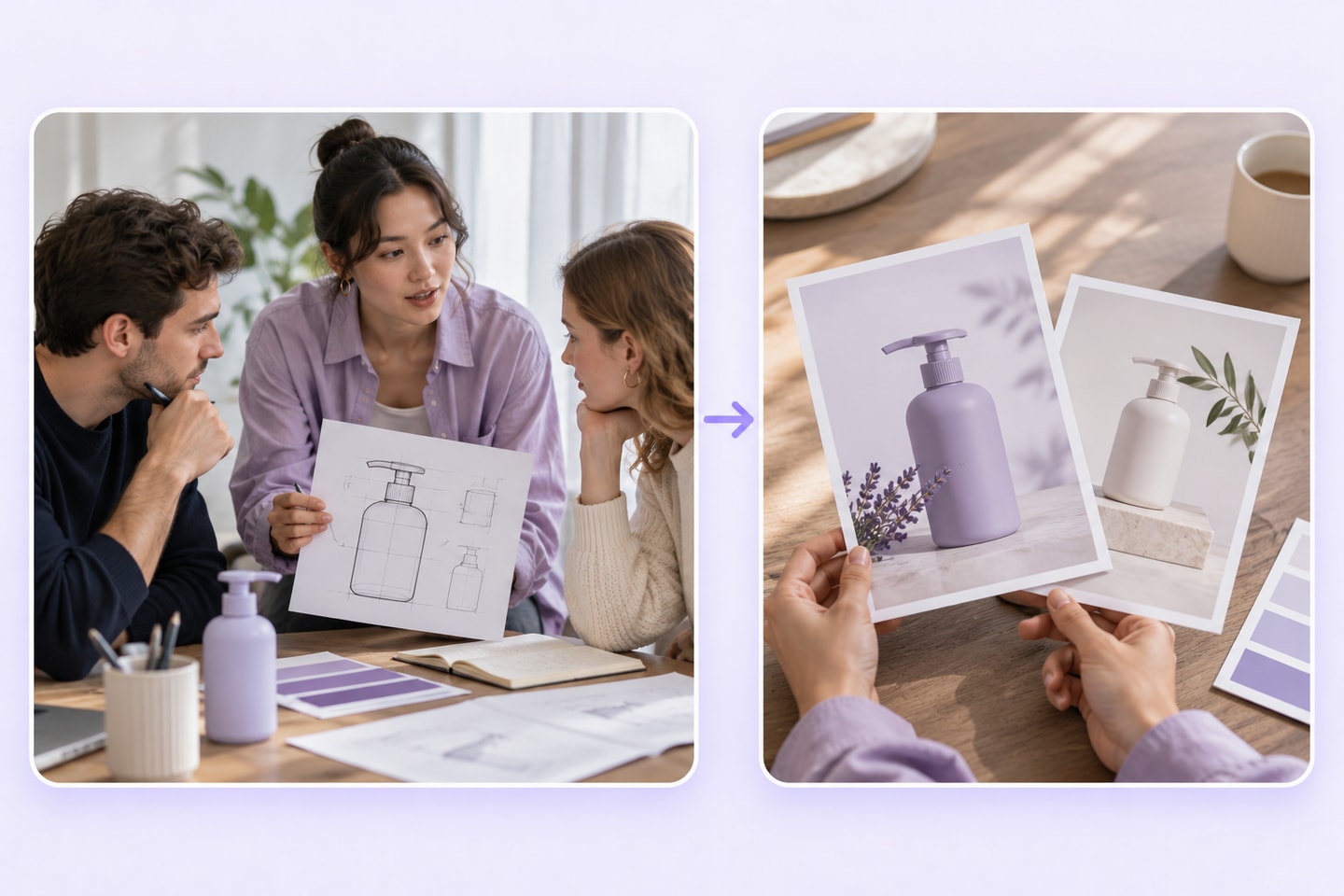
Consider how a design might read in a restrained studio scene or a more contextual setting. Keep the product concept consistent while discussing the presentation.
Align before the next stage
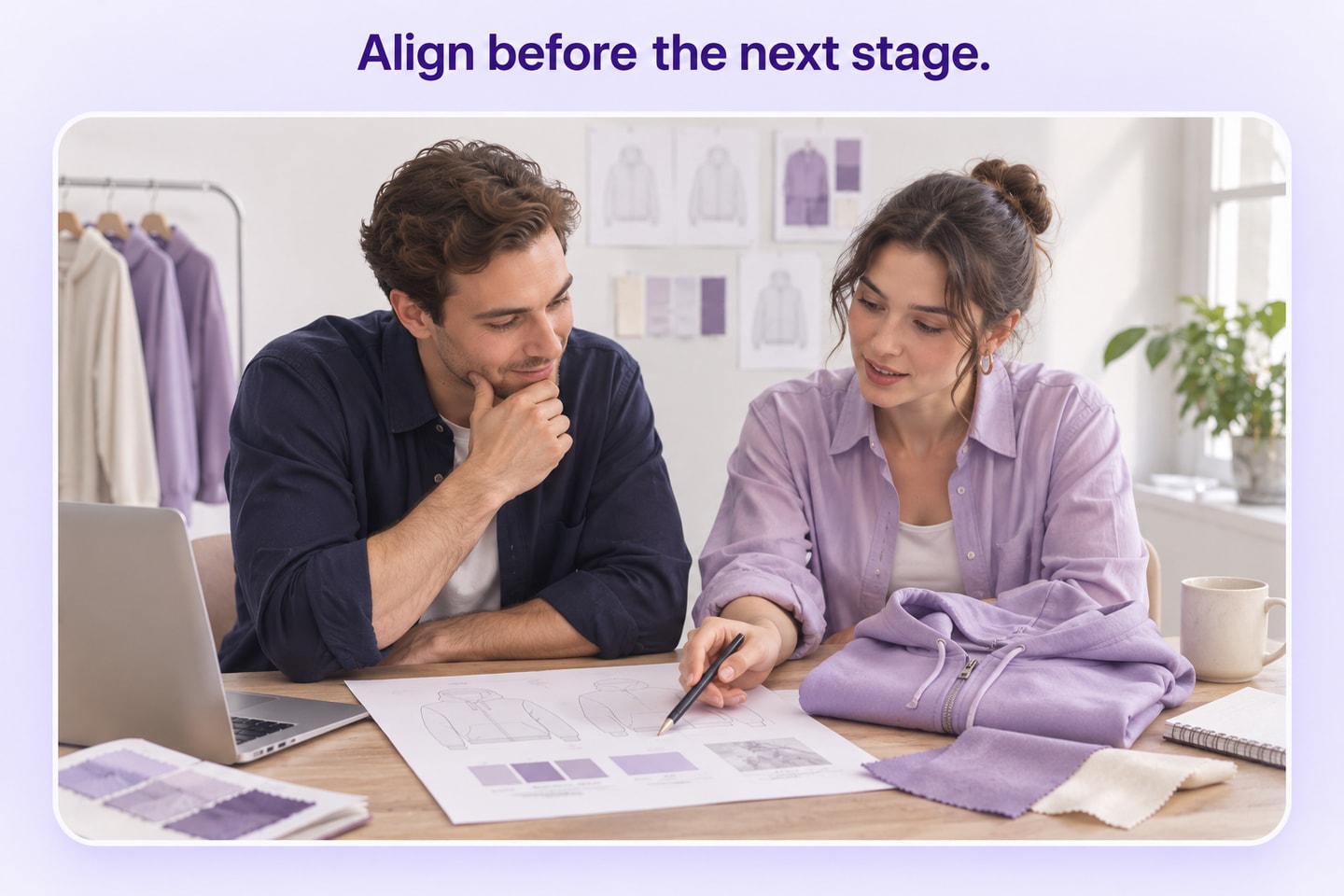
Use the visual to identify questions before planning a shoot or commissioning a sample. A mockup supports those decisions; it does not replace checking the real item.
Give the Product Concept a Visual Brief
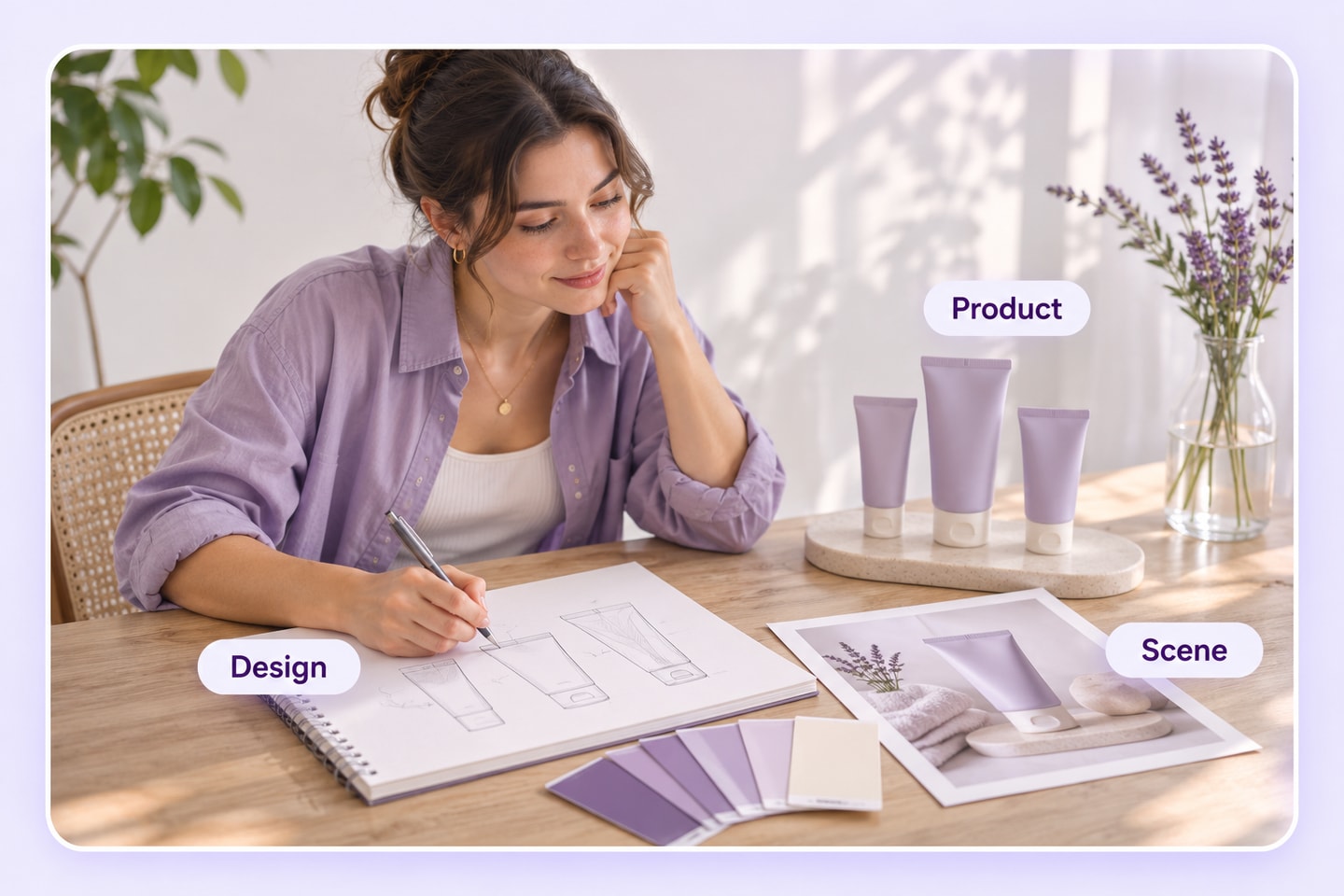
An AI product mockup generator needs a direction, not just an instruction to make something look good. Describe the product, the design details that matter, and the purpose of the finished visual.
Product and design direction
State what the item is and which visual details define it. With an AI Mockup Generator, a precise brief is more useful than asking for an unspecified premium look.
Scene and composition
Explain where the product should appear and what needs visual priority. Consider the viewing angle, surrounding space, and relationship between the item and the backdrop.
Presentation purpose
Tell the story the image needs to support: an internal concept review, a client presentation, or a marketing draft. Review the output according to that purpose.
Where an AI Mockup Generator Fits
Choose a product-focused task for the AI Mockup Generator. These examples describe presentation needs, not a promise of a particular template, material simulation, or manufacturing output.
Product concept presentations
Show the intended appearance of a proposed item so a team can discuss form, color, and presentation together. Keep undecided details visible in the accompanying brief.
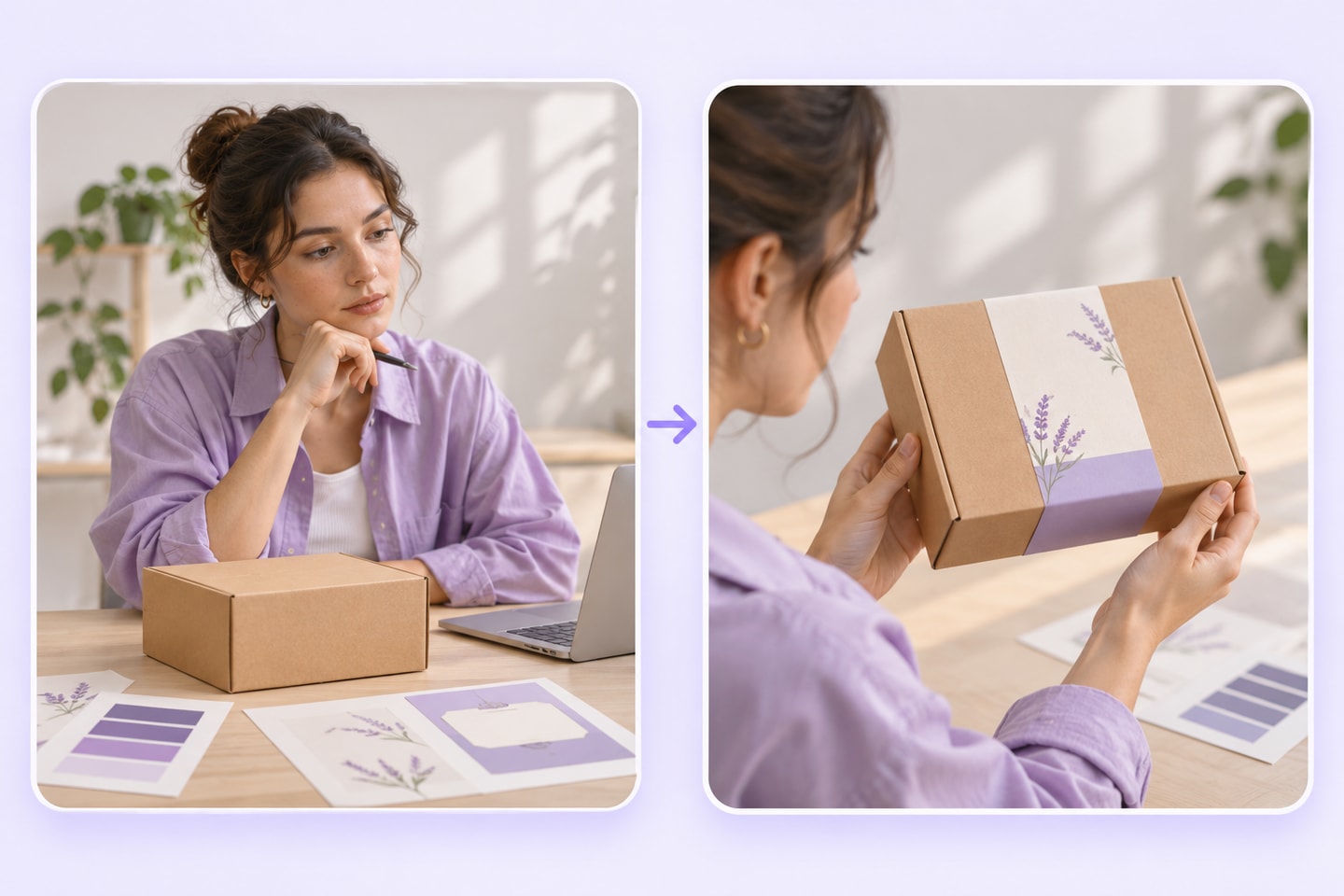
Brand and packaging discussions
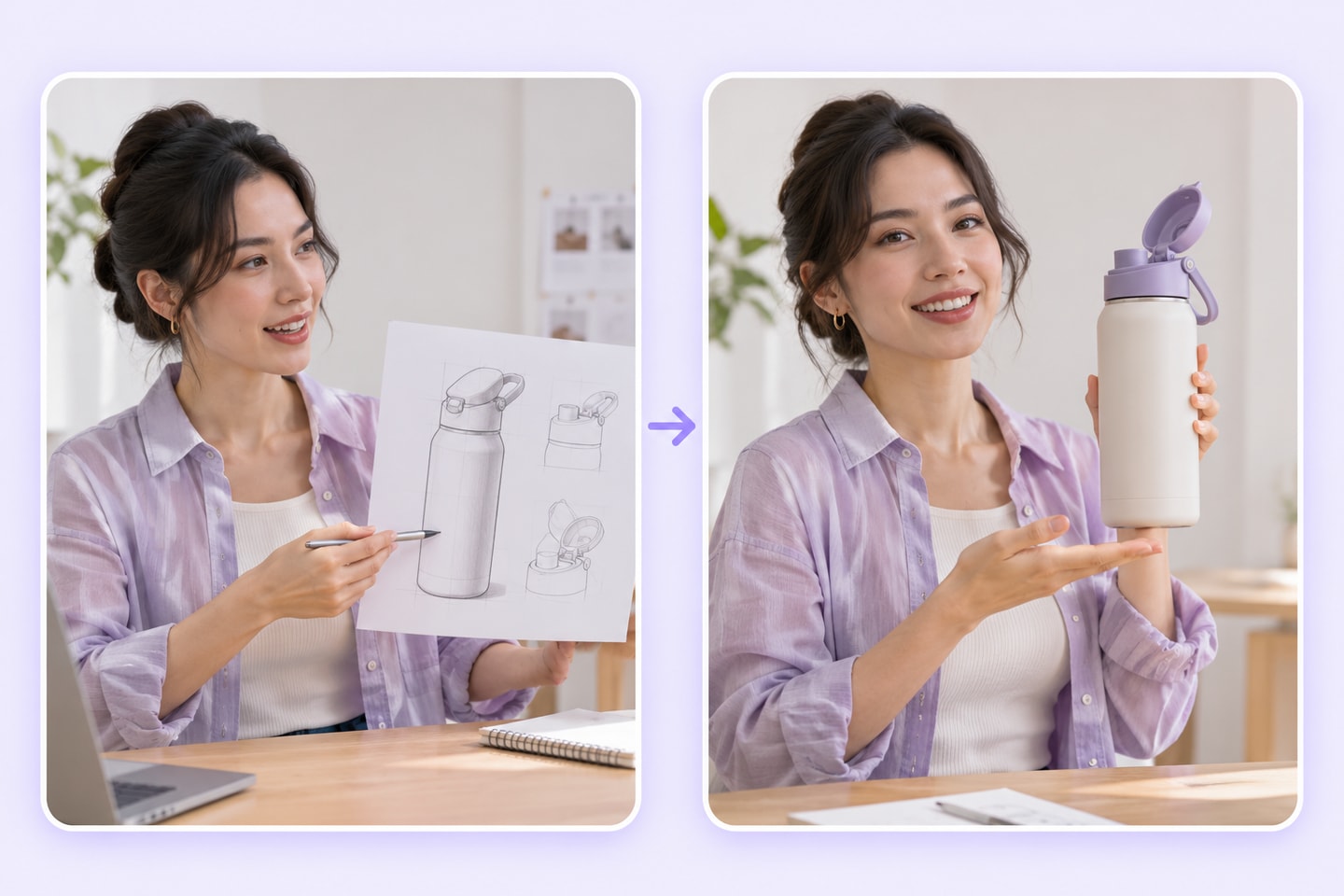
Use a packaging concept to discuss hierarchy and the overall visual direction. Check every word and logo separately before treating a draft as approved brand artwork.
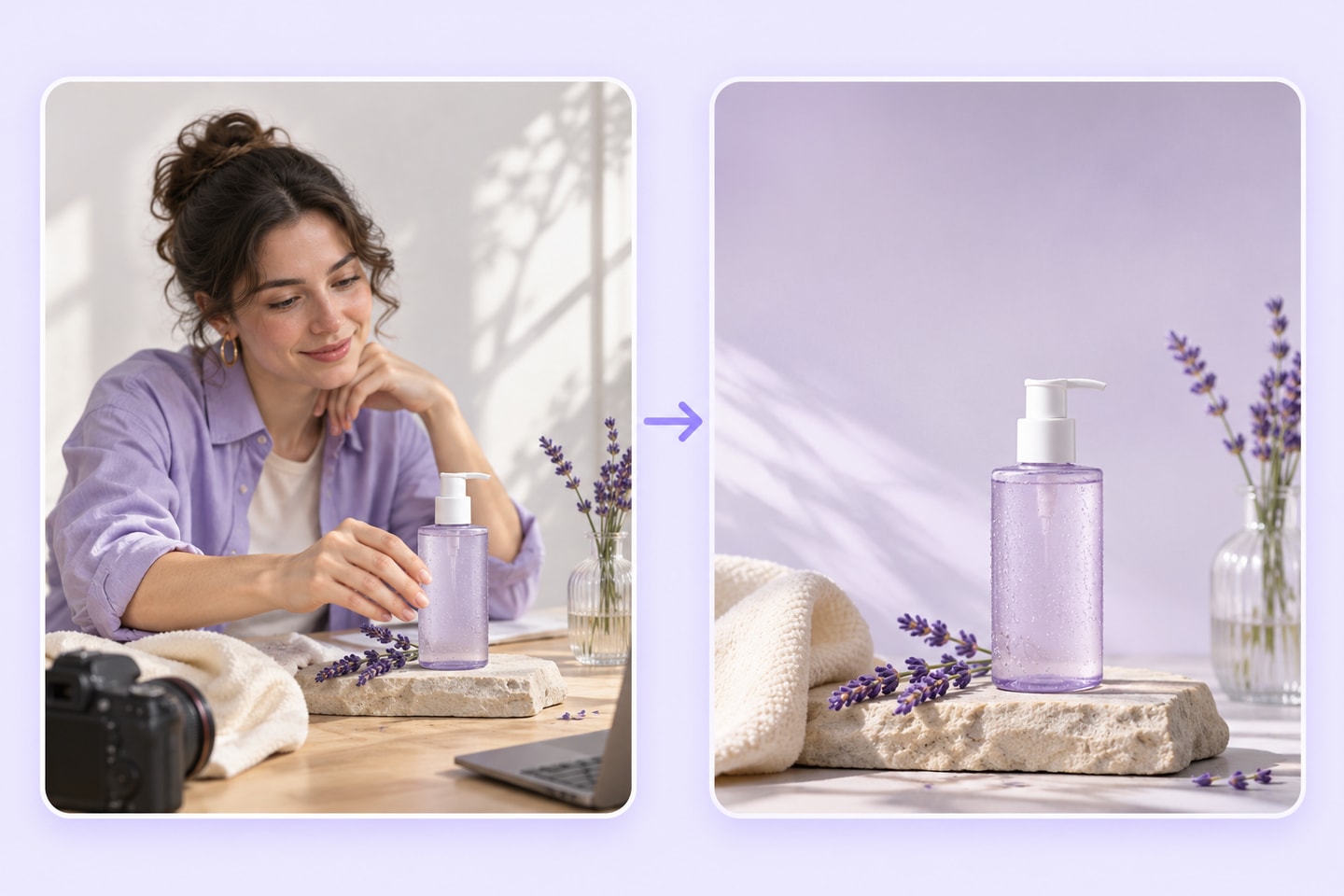
Marketing composition drafts
Explore how a product might sit in a campaign layout. An AI Mockup Generator can support early visual planning, while final claims and product accuracy still need review.
How to Use the AI Mockup Generator
Prepare a product brief, create a visual draft, and review the details that matter for the intended presentation. Keep the original design direction beside the AI Mockup Generator result.
Upload your design and product photo
Upload one design image and one product image in JPG, PNG or WebP format. The design will be applied to the product.

Choose settings and generate
Optionally describe the placement, scale or coverage. Choose a model and output settings, review the credit cost, and generate one mockup.
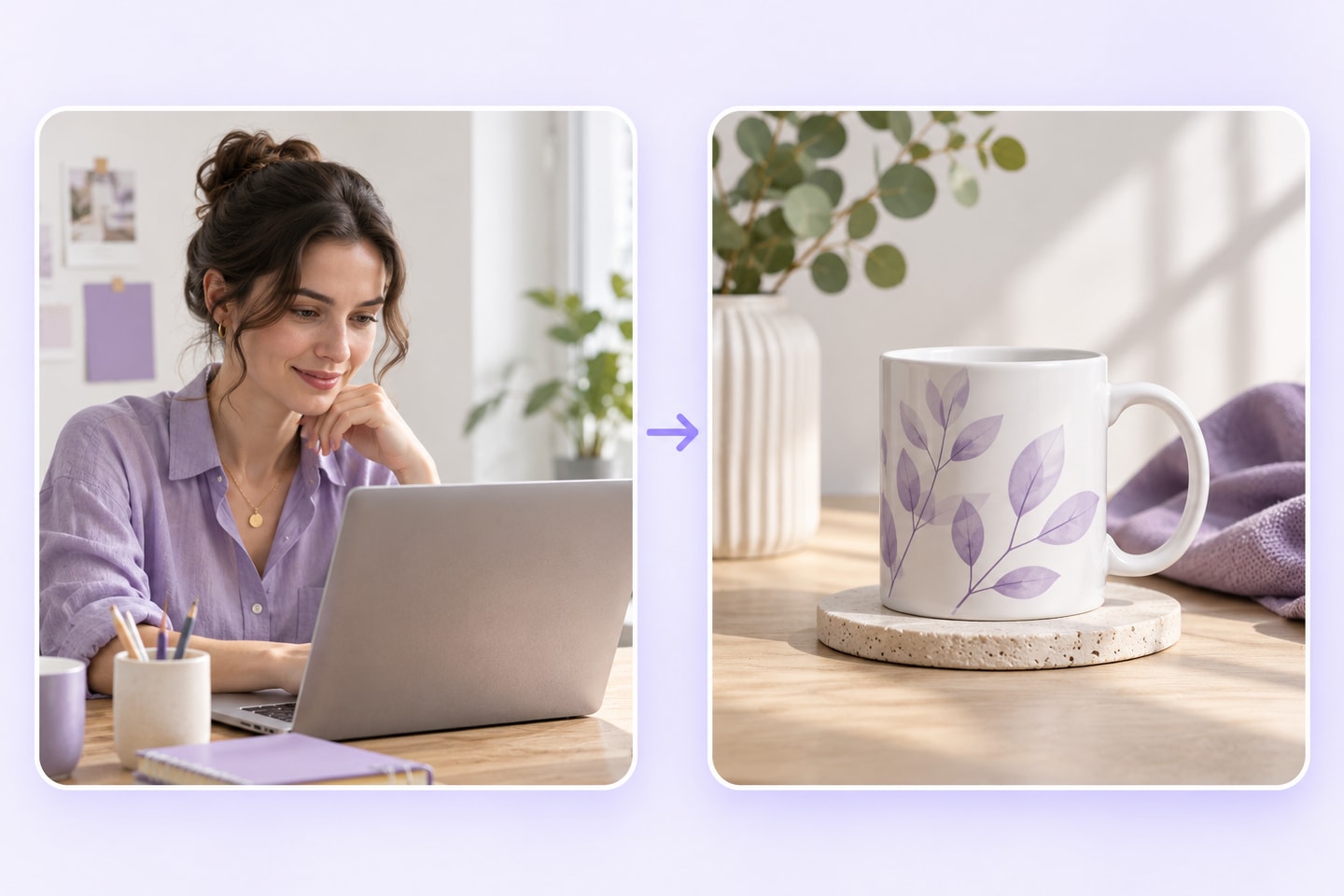
Review and refine the draft
Compare the visual with the brief. Inspect shape, artwork, text, and placement; adjust the relevant input if needed, then save the version you want to discuss.
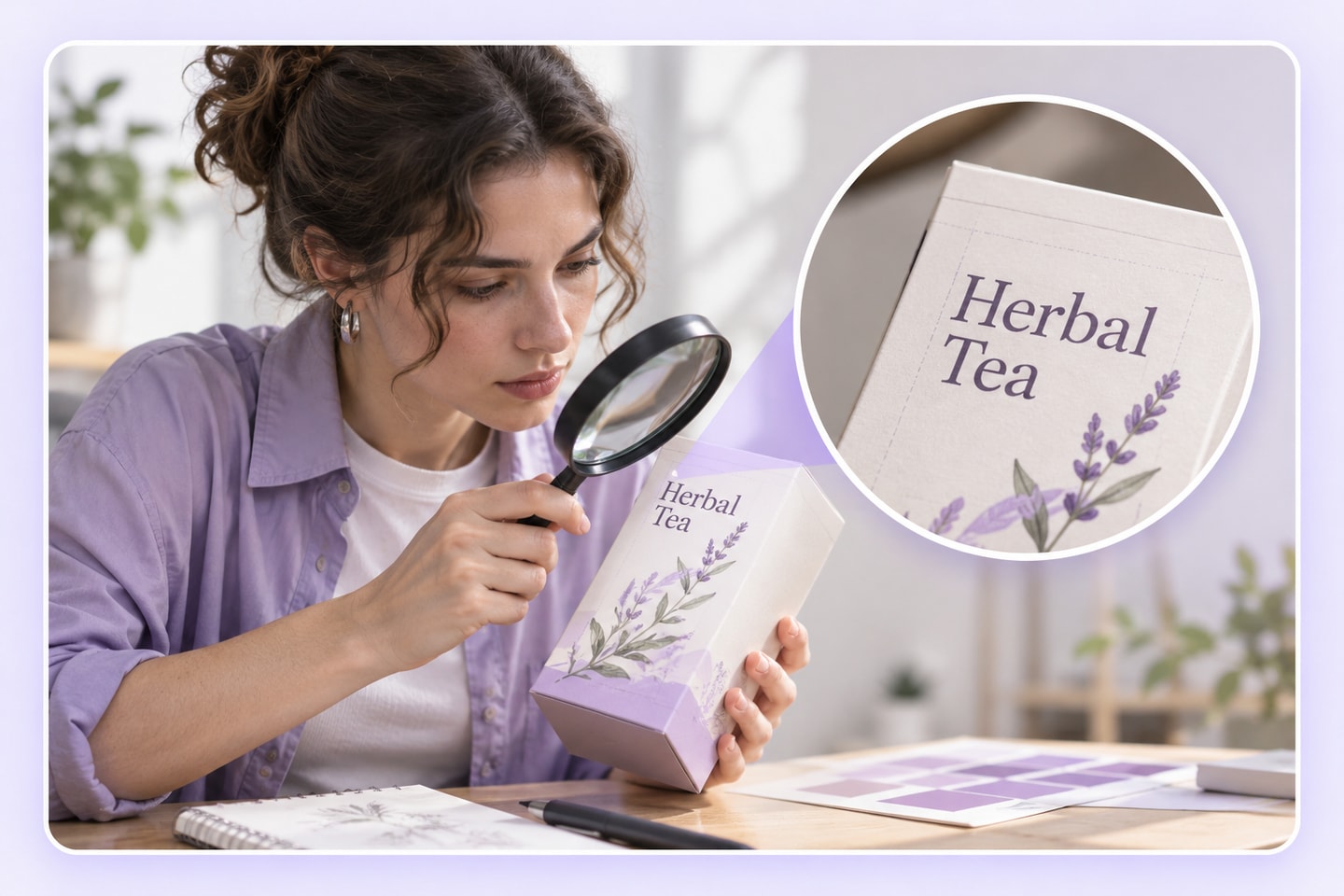
AI Mockup or Product Photography?
Use an AI Mockup Generator when you need a concept to discuss. Use photography when the task is to document an actual item. The right choice depends on what the image must demonstrate.
| Compare | AI-generated product mockup | Photograph of the actual product |
|---|---|---|
| Starting point | A product idea, design brief, and relevant references. | A physical item, lighting, setting, and camera. |
| Useful for | Exploring and explaining a proposed presentation. | Showing the appearance of the item that was photographed. |
| Important review | Check generated details against the intended design. | Check lighting, color, framing, and accurate representation. |
| What it cannot establish alone | Actual dimensions, materials, print accuracy, or product performance. | Details outside the photographed view or how every unit will appear. |
AI Mockup Generator Review Examples
Illustrative review drafts. Names, profiles, and experiences are fictional examples, not verified customer feedback.
Packaging Designer
I would use the AI Mockup Generator to make a packaging direction easier to discuss. I would still inspect the label and keep the production artwork separate, because a convincing presentation is not the same as a print-ready file.

E-commerce Entrepreneur
Before arranging a product shoot, I want a clearer visual direction. The AI Mockup Generator would fit that planning stage, helping me describe the intended scene without presenting a concept as a photograph of a finished item.

Brand Marketing Manager
The AI Mockup Generator would give our team a shared image to discuss. I would use it to compare the presentation with the brief, then record the changes that matter before passing the idea to a designer or photographer.

Freelance Graphic Designer
My main concern would be whether the important artwork stays legible. An AI Mockup Generator draft could help with the overall presentation, while I check logos and lettering against the original files before sharing a polished proposal.
Creative Producer
A useful concept image should answer a production question. I would bring a specific angle and setting to the AI Mockup Generator, then use the reviewed draft to brief the next stage rather than leave the team with a vague mood.

Product Founder
I would use the AI Mockup Generator while a product idea is still taking shape. It would help me explain the intended appearance, with a clear note about which features are proposals and which belong to the real product.
AI Mockup Generator FAQ
Learn what a mockup can communicate, what to prepare, and which details still need checking before a concept becomes a public-facing product image.
What does the AI Mockup Generator create?
This AI mockup tool creates product mockup visuals from a design direction. Use them to communicate a proposed appearance or presentation, rather than treat them as evidence of a manufactured item.
Is this a product mockup tool or a website wireframe tool?
This AI Mockup Generator page focuses on product visuals for presentations and marketing. Website layouts, app prototypes, and interactive UI wireframes are different tasks.
What should I prepare before generating?
Upload one design image and one product image in JPG, PNG or WebP format. The design will be applied to the product.
How should I describe a product mockup?
Name the item first, then specify the design details, angle, setting, and composition. Give the AI Mockup Generator a concrete brief instead of relying on words such as beautiful or professional.
Can I explore a packaging concept?
Yes, packaging is a useful product presentation task. Describe the proposed package and design direction, then review the result without assuming it is a structural packaging specification.
Will text and logos always be reproduced exactly?
No. Inspect text, marks, spacing, and placement against the source artwork. An AI Mockup Generator image should not replace your approved logo file or editable production design.
Can a mockup show exact material and dimensions?
Do not rely on it for that. A visual impression cannot establish measured dimensions, tactile finish, manufacturing tolerances, or how a material performs.
Can I use a mockup in a client presentation?
Yes, when it is clearly presented as a concept and you have permission to use the inputs. Explain which details are proposed and what still needs approval.
Does a mockup replace product photography?
It can support concept planning, but it does not document an actual item. Use photography when customers need to see the real product and its visible details.
Can I use generated mockups in marketing?
Review the image for accuracy and avoid implying that a concept is an actual product photograph. Check applicable usage terms and any permissions attached to your design references.
Is the AI Mockup Generator free and available without sign-up?
Generation uses credits. The cost depends on the selected model and settings and is shown before submission. If you have no available credits, you will be asked to sign in or add credits.
What should I change if the first result misses the brief?
Identify the specific mismatch, such as the viewing angle, artwork placement, or setting. Revise that part of the AI Mockup Generator input and review the new draft against the same brief.
Turn Your Product Brief Into a Visual Direction
Bring your product idea, the design details that matter, and a clear presentation goal. Use the AI Mockup Generator to create a draft you can review and discuss before the next stage.