
Nora Lane
I’d open our packing-cube video on the suitcase that wouldn’t close. That gives the viewer a reason to stay for the packing shot.
Watch two UGC video examples featuring similar products. Which opening makes you want to see the ending? Pick a video from the Library to recreate with your own product.
Browse UGC video examples
These short videos show a product from a creator’s point of view. A commuter packing a bag shows what fits. A review filmed after the commute can tell you how the straps felt. The most useful UGC video examples let you see the basis for a claim. If the creator says a bag is comfortable, look for the length of the trip, what they carried, and where the straps sat. Those details give you a better reference for your own shoot than a general thumbs-up.
Browse UGC video examples by the question your customer needs answered. For a new product, the buyer may need to see how it works before a personal verdict makes sense. For a familiar product, a small distinction can carry the whole video. Two UGC video examples about the same travel mug could answer different questions: does the lid come apart for cleaning, and can you open it with one hand on the train?
The best UGC video examples show something you can demonstrate yourself. Compare two umbrella shots: which one tells you what happens in the rain?
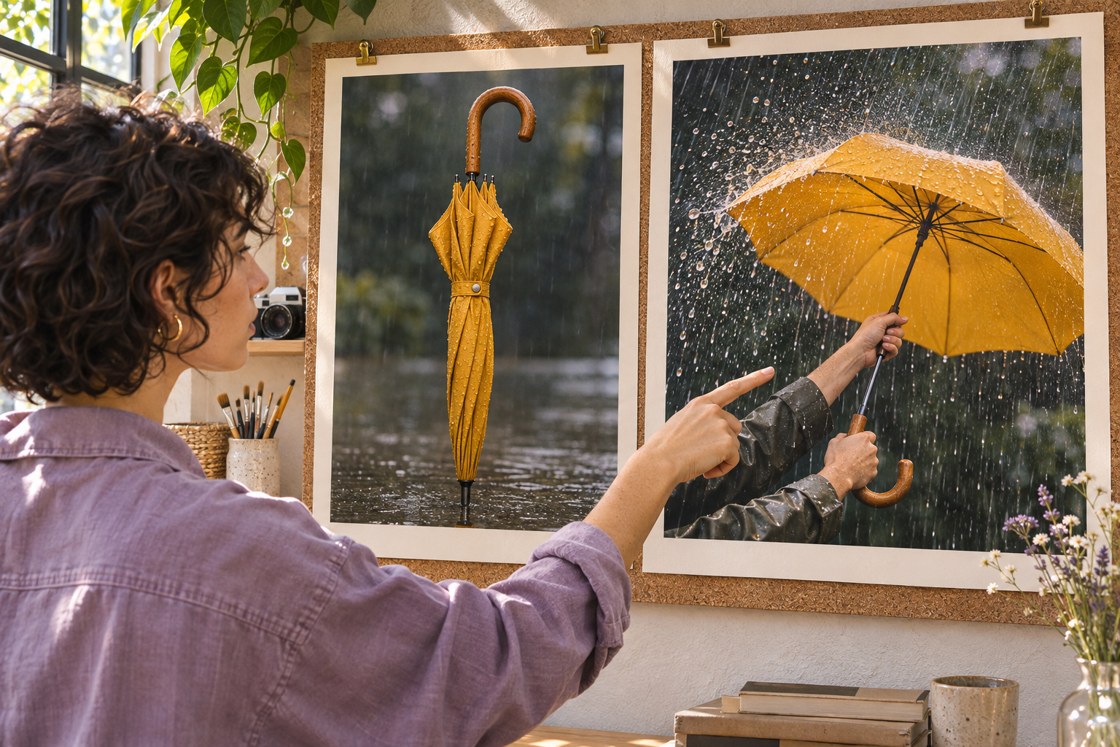
Look for an opening you understand with the sound off. Pause a few UGC video examples before their captions appear. An umbrella already dripping on a hallway floor sets up a problem. A person standing beside a closed umbrella leaves the viewer waiting for context.
Water rolling off the canopy shows what a closed umbrella leaves to the imagination. Check the angle, too. If the camera cuts away as soon as the rain starts, the viewer has to take the claim on trust. Let the shot run until the water actually rolls off.
If two UGC video examples tell the same story, choose the one you can film with the props you have.
Once you’ve shortlisted your UGC video examples, choose one in the Library. For a coffee grinder demo, prepare three things.
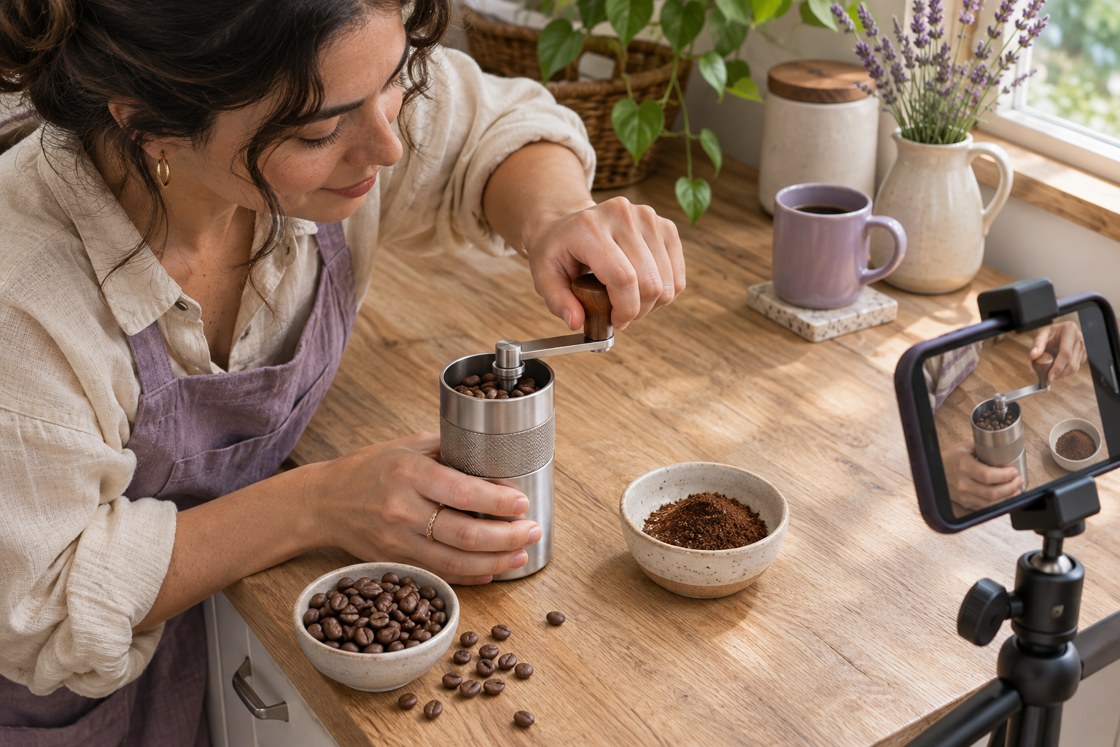
Set the grinder and beans within reach. For tabletop UGC video examples, arrange the objects as you would use them. Leave room for your wrist to turn. Check the phone screen once everything is in place: a bowl hidden behind the grinder may disappear entirely from the viewer’s angle.
Frame the hand turning the crank. Note which hand holds the base and which turns the handle. If you switch from a wide shot to a close-up, start both takes with the handle in the same position so the movement reads as one continuous turn.
Have a shallow bowl ready so viewers can see the grind. Compare a few UGC video examples with a textured product. A pale bowl against dark grounds makes the result easy to see. Tilt the bowl toward the lens and hold it still before ending the clip.
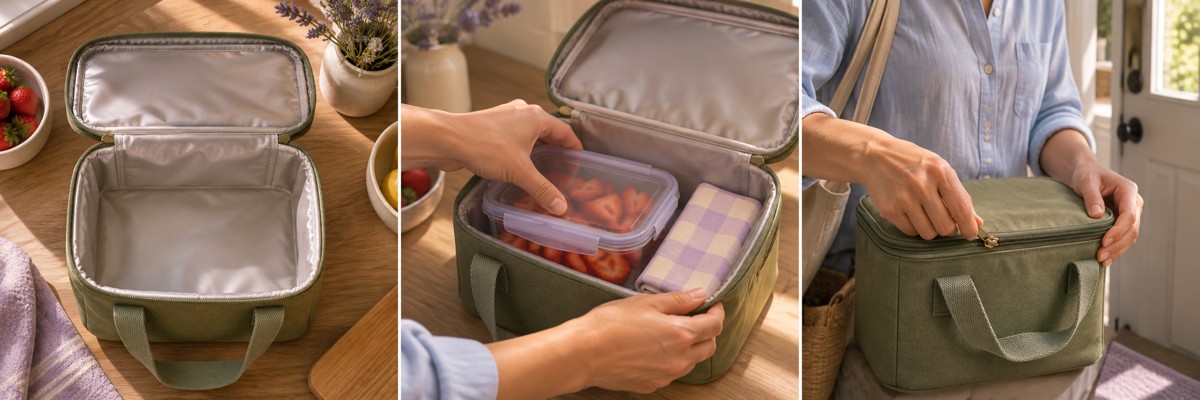
When studying UGC video examples, follow one object across cuts. Here the empty lunch bag poses a question about capacity. The container supplies scale. The closed zipper gives the answer. To check continuity, run the sequence backward. If the zipper closes over a smaller container than the one going in, the cut weakens the demonstration. When adapting UGC video examples, save a still of the middle shot so you can match the fill level and camera angle in the final take.
A view count records plays under the platform’s counting rules. It cannot tell you how many shoppers understood the offer or which shot persuaded them to buy. When comparing UGC video examples, consider when each was posted. A clip that has circulated for months has had longer to collect plays than one posted yesterday. For your own remake, decide what success means before publishing. A tutorial might prompt someone to save it for later. A product demonstration might prompt a question about fit or sizing.
See how creators choose reference videos, adapt the ideas, and make them their own.
I’d open our packing-cube video on the suitcase that wouldn’t close. That gives the viewer a reason to stay for the packing shot.

I’d keep the reveal the same across two edits and change the opening line. Then I’d know which part of the brief I was testing.
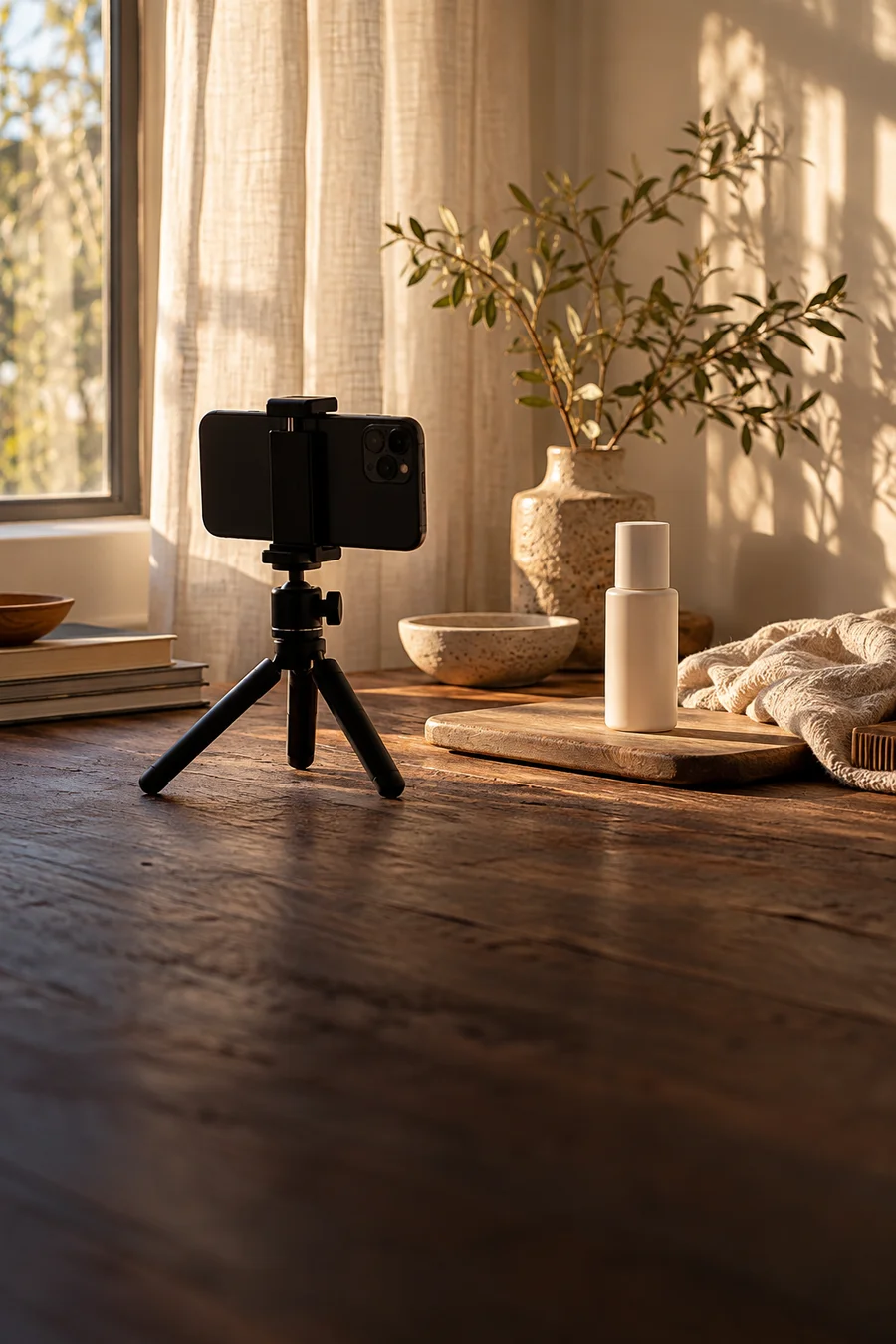
Watching with the sound off made the missing shot obvious. I had filmed the bottle and my reaction, but never the spray itself.

I can point a client to the exact cut we want to borrow. “Keep the overhead reveal” is a brief our editor can actually use.
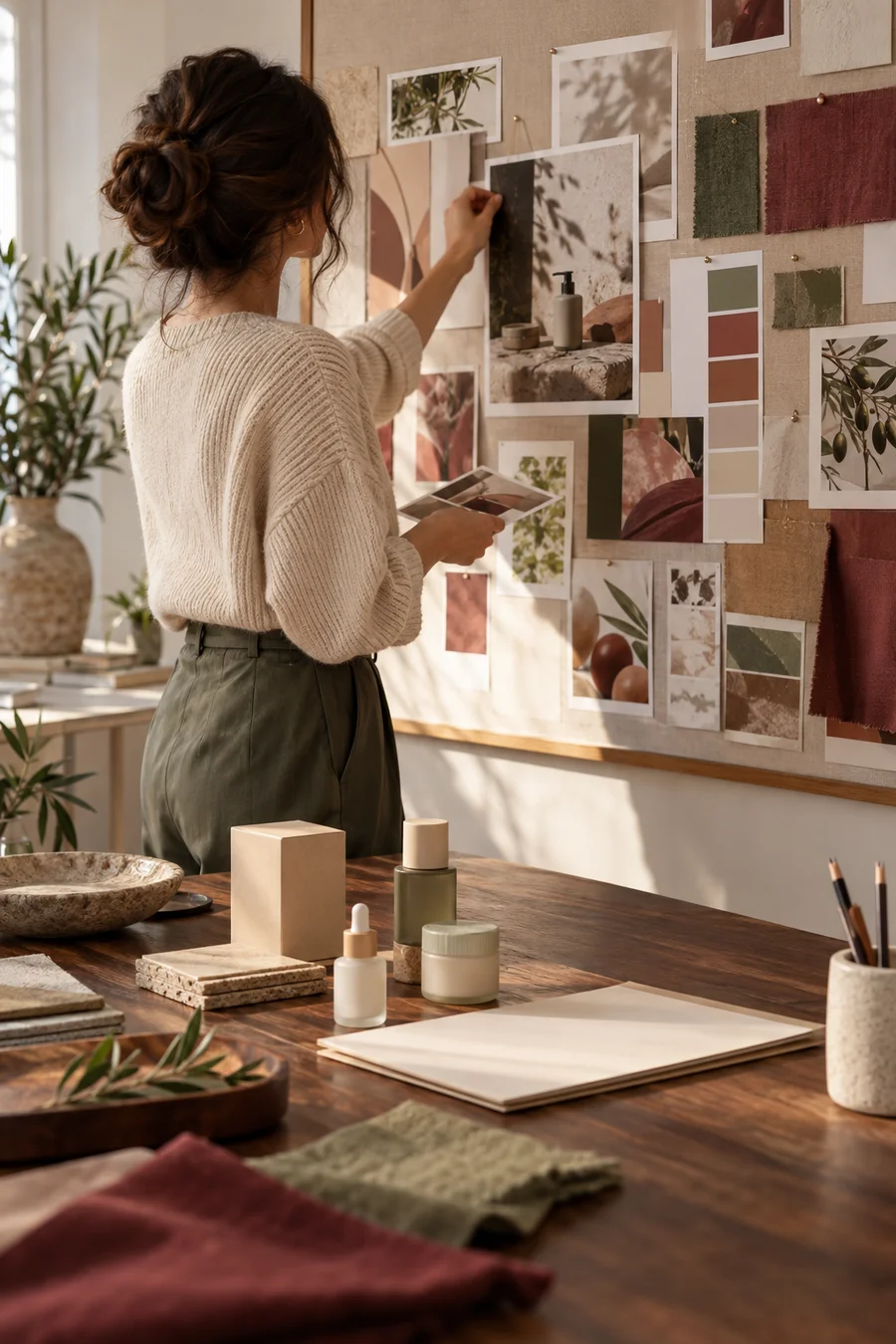
I’d keep the morning-routine format and let our customer describe the texture in her own words.

For our gift boxes, the little handwritten note is the reveal. I’d save that close-up for the last shot.
A first-use reaction, a hands-only unboxing, or a customer walking through a purchase.
Watch the originals in the UGC Maker Library above. If several UGC video examples catch your eye, write down the opening question for each. Keep the reference whose answer you can show with the product in front of you.
Choose a reference in UGC Maker, start your remake, and adapt the action and wording to your subject.
Framing, gestures, and pauses. Watch the cut from the speaker’s face to the product. To find the right pause, watch two UGC video examples with the sound off. Count how long you need to recognize the result. Give your viewer that same chance to read a screen or see a small detail.
Yes. A recipe reveal and a packing demo can both open with a question and close on a visible result.
Look for a screen recording that follows one task from the first tap to a readable result. Start the recording with the item or task already on screen. If the reference includes login or setup, cut to the first decision that matters to the viewer and keep any personal account details out of frame.
Yes. Look for hands-only UGC video examples to study camera height and framing. Listen back through phone speakers. The click of a lid can confirm that it locked even if your hand covers the latch.
Use your own voice, product details, and footage or authorized assets. Keep the storytelling device that drew you in.
No. Even closely matched UGC video examples can reach different audiences.
As you watch, ask what the viewer should understand by the last frame.
Explore UGC video examples